

OHarness
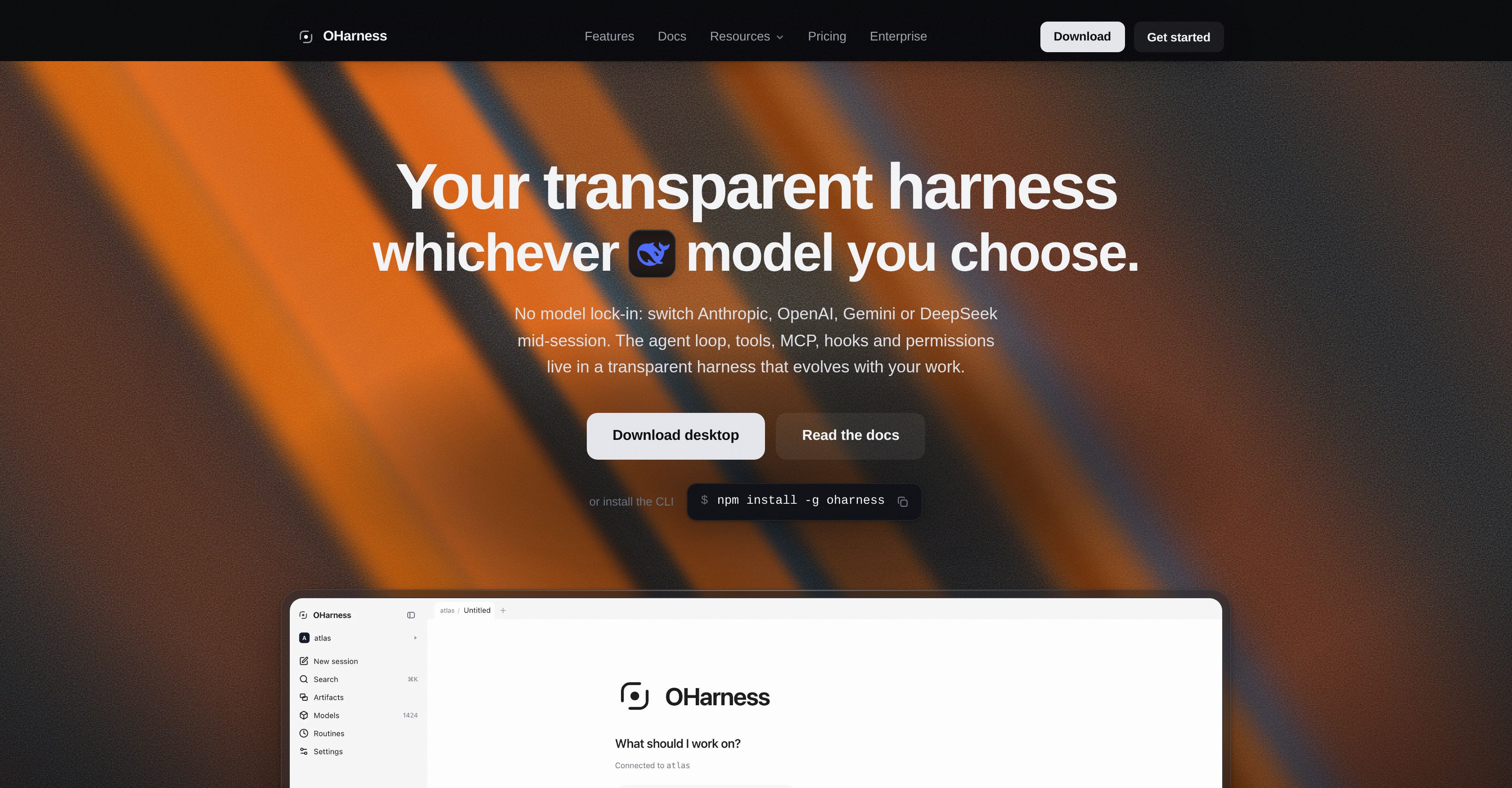
Finish every task on the best model for the job: switch between Claude, GPT, Gemini, DeepSeek, Kimi, GLM, Qwen, and OpenRouter mid-task without losing history, tools, permissions, or memory, with 30+ AI providers supported natively.
Listing not yet reviewed by our editors · How we check
Overview
- Finish every task on the best model for the job: switch between Claude, GPT, Gemini, DeepSeek, Kimi, GLM, Qwen, and OpenRouter mid-task without losing history, tools, permissions, or memory, with 30+ AI providers supported natively.
- Stop re-explaining your project to the agent: persistent memory carries across sessions and across models, so context survives every restart and provider change.
- Own your data outright: sessions, memory, rules, artifacts, audit records, and API keys stay in readable local files, with credentials stored under owner-only permissions.
- Block risky agent actions before they happen: Allow / Ask / Deny permission rules across five modes, where deny always wins and misconfigured rules fail at parse time instead of mid-run.
- Control AI spend while tasks run: inspect every tool call, file change, token usage figure, and cost live in an inspectable agent loop.
- Finish large jobs faster with a cleaner context: delegate work to parallel subagents in isolated contexts that return only their conclusions, not full transcripts.
- Automate work inside the apps you already use: computer use operates desktop applications, and browser use runs in your own signed-in Chrome.
- Run your Mac's agent from anywhere: remote control from your iPhone over an end-to-end encrypted connection.
- Plug in any MCP server in minutes: a built-in JSON-RPC client supports stdio and Streamable HTTP with no MCP SDK, auto-discovers servers, and namespaces their tools, alongside skills and plugins.
- Put recurring work on autopilot: scheduled routines and connectors for Gmail, Notion, and more run without human intervention.
- Move between workflows without rebuilding anything: one engine powers the desktop app, browser, terminal CLI, headless mode, and a TypeScript library.
- Keep sensitive workloads private and cost-free: point the agent at private endpoints, OpenAI-compatible APIs, or local models with no account required, free with your own API key.
- Produce visual assets in the same workspace: image and video generation with GPT Image 2.5, Seedance 2.5, Seedance 2.0, Midjourney, Seedream V5 Pro, and H3.
Pros & Cons
From the listing; not yet checked by our editors.
Pros
- Transparent agent loop
- Switch models mid-task and keep history, tools, permissions and memory
- Works with 30+ providers plus local models, so you're never locked to one vendor
- Inspect sessions, memory, artifacts
- Everything stays in readable local files on your machine
- Every tool call, file change, permission and cost is visible
- Transparent permissions control
- Parallel task delegation
- Controls your desktop, your browser, and can be run from your iPhone
- User-controlled credentials
- Robust local state management
- Same engine across desktop, browser, terminal and headless
- Free with your own key or a local model, no account needed
- Local data storage
- Vendor-independent
- Local model support
- Session persistence
- Prompt injection for permissions
- Subagents for task delegation
- Discoverable model endpoints
- Tool validation with zod
- Readable file outputs
- MCP Coordinated operations
- One engine, multiple frontends
- Transparent operation
- Transcript archiving
- One account for site, CLI, desktop app
- Transparent, local-first agent harness
- Free to use with own provider key
- Developer-friendly
- Same-session provider switch
- No undergoing task rebuilds
- Model request isolation
- Requests direct to chosen provider
- Scheduled run never waits
Cons
- Desktop app is macOS (Apple silicon) only for now
- Remote control requires the iPhone app; no Android yet
- Opaque autonomy not supported
- CLI and headless mode require Node.js 22.6+
- Parallel tool runs unmodifiable
- Cross-platform inefficiencies
- New product with a smaller community than established agents
Alternatives to OHarness
Tools that share the most tags with OHarness.
- ChatGPT Atlas
Get instant answers and summaries without leaving your current webpage through integrated AI assistance
Freemium · from $20/month
$20/month
Not yet checked
- TheLibrarian.io
Start each day with a clear overview of meetings and priorities through automated morning briefs that consolidate your schedule
Free trial · from $49.99/month
$49.99/month
Not yet checked
- Runable
Execute complex digital workflows instantly using natural language commands without manual coding or technical skills
Freemium · from $20/month
$20/month
Not yet checked
- remio: Your Personal ChatGPT
Never lose important ideas with one-click auto-capture that saves web highlights and YouTube transcripts instantly
Freemium · from $14/month
$14/month
Not yet checked
- Private AI Assistant
Keep all your conversations and data completely private with AI that runs locally on your device, never sending information to the cloud
Not listed
Not listed
Not yet checked
- Affint
Create presentation-ready slides and reports from raw data in minutes instead of hours using AI-powered document creation
Free trial · from $20/month
$20/month
Not yet checked
Reviews
Rate this tool
Loading reviews...
Frequently asked questions
What does OHarness mean by 'transparent' agent harness?
OHarness refers to 'transparent' agent harness in terms of offering visibility into AI actions, memory, permissions, and artifacts which live in a transparent harness that evolves with your work. It assures that all components of its functionality are clearly readable, inspectable and available to the user, thus making the agent decision-making process, tools, hooks, and permissions visible.
How does OHarness allow for flexibility across different AI vendors?
OHarness achieves flexibility across different AI vendors by allowing developers to switch their AI models mid-session without model lock-in. It supports various AI vendors such as OpenAI, Anthropic, Google Gemini, and more. It allows a user to switch between these vendors, private endpoints, or local models without having to rebuild the task, ensuring flexibility and independence from any specific model provider.
What is the role of MCP in OHarness?
In OHarness, MCP or Mission Control Program plays a pivotal role in coordinating operations. It includes a built-in JSON-RPC client that supports stdio and Streamable HTTP. It doesn't need an MCP SDK and servers are discovered and their tools namespaced automatically.
What does OHarness mean by 'isolated contexts' or 'subagents'?
'Isolated contexts' or 'subagents' in OHarness refers to the ability to delegate tasks to separate and independently running components. These subagents can run tasks in parallel and only the conclusion of the operations is kept instead of the entire transcript that produced it, enhancing efficiency.
How can OHarness let developers switch AI models mid-session?
OHarness allows developers to switch AI models mid-session by preserving agent loop, tools, and permissions. Thus, a developer can switch between different models from multiple vendors such as Anthropic, OpenAI, Gemini or DeepSeek during a session, without disrupting the flow of operations or the transparency of tools and permissions.
In what way is OHarness compatible across different platforms?
OHarness is compatible across different platforms by enabling users to move between terminal, browser, and desktop interfaces without disrupting workflow continuity. It's designed to maintain its functionality and ease of use across these interfaces, allowing a more flexible and seamless workflow.
What does inspectable agent loop in OHarness entail?
An 'Inspectable Agent Loop' in OHarness means that developers have the ability to examine the series of actions and decisions that the AI agent takes during its operation. This feature maintains transparency and allows developers to analyze tasks, understand their execution, and make necessary modifications.
How does advanced permissions control feature function in OHarness?
OHarness's advanced permissions control feature operates by prioritizing denial over allowing and even bypassing. It offers five modes, rules that fail at parse time instead of at unexpected times. It uses a prompt that is injected, meaning a scheduled run doesn't need human intervention. It also ensures the robustness of state and explicit permissions independent from the model provider.