

OpenDesign
Design with the coding agent you already use, with no extra subscription or account: connect Claude Code, Codex, Cursor, GitHub Copilot, or Gemini locally, or bring your own API key and pay only your model provider.
Listing not yet reviewed by our editors · How we check
Overview
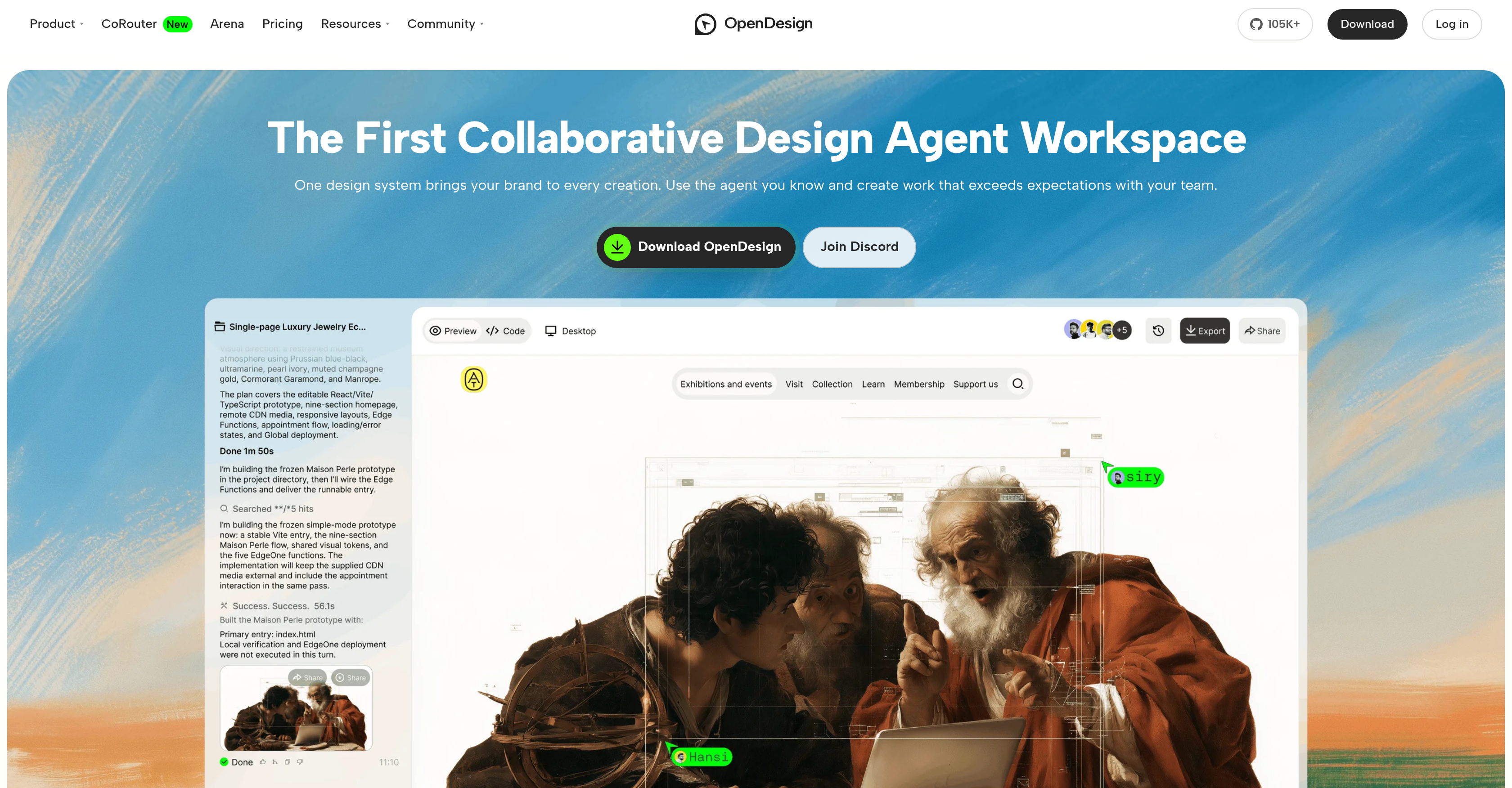
- Design with the coding agent you already use, with no extra subscription or account: connect Claude Code, Codex, Cursor, GitHub Copilot, or Gemini locally, or bring your own API key and pay only your model provider.
- Test real, clickable experiences instead of static mockups: describe your screens in plain language and get functional HTML prototypes for websites, app interfaces, dashboards, landing pages, slides, graphics, and HTML video.
- Keep every screen, page, and presentation on-brand: apply colors, typography, spacing, and components from 150+ community design systems, or build your own from a live website, GitHub repository, or Figma file.
- Polish layouts without writing HTML or CSS: move, resize, recolor, retype, and realign elements in the visual editor while the live preview updates instantly, with no code regeneration.
- Close review cycles in one pass instead of many: publish prototypes via share links so stakeholders click through screens and pin comments to the design, then send all feedback to your agent as a single batch revision task.
- Hand engineering files they can open immediately: projects are saved as standard HTML, CSS, JavaScript, and image assets with no proprietary format, and export as standalone HTML, PDF, PNG, or editable PowerPoint decks.
- Control who edits, publishes, and manages team assets: shared workspaces hold common projects, design systems, and plugins under Owner, Administrator, and Member roles.
- Build client and commercial work royalty-free: the Apache-2.0 license permits commercial use, modification, and redistribution.
- Keep your usage data private: turn off product analytics in Settings → Privacy.
- Add research, content, and delivery capabilities without switching tools: install or customize community Skills and choose from 430+ plugins in the marketplace.
Pros & Cons
From the listing; not yet checked by our editors.
Pros
- Apache2.0 open source license
- Crossplatform macOS and Windows app
- Local CLI agent execution
- BringyourownAPIkey support
- Multiagent compatibility (Claude, Codex, etc.)
- 150+ community design systems
- Import design system from Figma
- Import design system from GitHub
- Create design system from website
- Live visual editing without regeneration
- Design token consistency across pages
- Realtime share link preview
- Indesign comment annotation
- Consolidated revision task to agent
- Rolebased access control (owner/admin/member)
- Team workspaces with shared library
- Plugin marketplace with 431+ plugins
- Custom skill creation and marketplace
- Export to HTML and PDF
- HTML video generation capability
- Dashboard UI autogeneration
- Landing page autogeneration
- Slide deck creation support
- Lowcode prototyping workflow
- Nocode UI builder features
- Offline file storage as HTML/CSS
- No account required for local mode
- Free desktop app with local agents
- Hosted cloud models optional
- BYOK model usage without credits
- Team seatbased pricing
- Shared design system syncing
- Commentdriven revision loop
- Live code preview in browser
- Design system token propagation
- Support for 21 coding agents
- GitHub Stars >104k indicates stability
- 442 active contributors
- Ability to run from source on Linux
- Plugin architecture for extensibility
- Skill community for research/content
- Exportable shareable prototype links
- PDF export preserves layout
- Design systems enforce brand guidelines
- Direct modelprovider connection via API key
- Revision tasks batch into single commit
Cons
- No native Linux desktop app
- Depends on external coding agents
- API key mode lacks editing
- Exports only HTML/CSS
- No Sketch design import
- Unvetted plugins risk security
- Heavy design system loading
- No live cursor collaboration
- Hosted credits increase cost
- Manual updates required
Alternatives to OpenDesign
Tools that share the most tags with OpenDesign.
- FaceShapeDetector
Get a precise, personalized face shape analysis that goes beyond generic labels with our unique Face Shape Blend™, revealing your exact proportions like 80% Oval + 20% Heart.
Freemium · from $6.99
$6.99
Not yet checked
- Transition
Follow a training plan that automatically adjusts to your daily schedule and recovery metrics, ensuring you stay on track even when life gets busy
Paid · from $19/month
$19/month
Not yet checked
- Mixboard
Turn scattered thoughts into mature, actionable concepts by visualizing and manipulating them on an interactive AI concepting board.
Not listed
Not listed
Not yet checked
- NVIDIA Earth-2
Make strategic decisions with confidence using precise, AI-driven weather predictions that mitigate operational risks across aviation, agriculture, and marine sectors.
Not listed
Not listed
Not yet checked
- Engain
Turn Reddit into a repeatable organic traffic channel instead of a gamble by finding and engaging in high-intent discussions that already rank on Google or where users are actively seeking solutions.
Freemium · from $79/month
$79/month
Not yet checked
- OCR | z.AI
Instantly digitize printed documents and scanned PDFs without manual typing, using AI-powered optical character recognition.
Not listed
Not listed
Not yet checked
Reviews
Rate this tool
Loading reviews...
Frequently asked questions
How do I connect Claude Code or another coding agent to OpenDesign?
OpenDesign lets you connect Claude Code or any supported coding agent by selecting the "Start With Your Agent" option, installing the agent locally, signing into it, and then launching OpenDesign which will detect the running agent. Alternatively, you can add the agent via the BYOK (Bring‑Your‑Own‑Key) flow by entering the provider’s API key, endpoint, and model name; OpenDesign will then route requests to that agent.
Can I use OpenDesign completely for free without an account?
Yes. The desktop application and all core features are free and open‑source under Apache‑2.0. You can run OpenDesign with a local coding agent or your own API key without creating an OpenDesign account. Only the hosted OpenDesign Cloud service requires an account and consumes plan credits.
What design systems are available in OpenDesign and can I import my own from Figma?
OpenDesign ships with more than 150 community‑curated open‑source design systems. You can also create a custom design system by importing from a live website, a GitHub repository, or directly from a Figma file.
Is the OpenDesign desktop app available for Linux or only macOS and Windows?
No native Linux installer is offered on the download page. Linux users can run OpenDesign from source, but there is no pre‑built Linux binary.
How does the live preview work while I'm editing a prototype in OpenDesign?
After the AI generates the HTML prototype, OpenDesign opens a live preview inside the app (or in a browser window). Any visual edits you make – moving, resizing, changing text, colors, or spacing – are reflected instantly in the preview without needing to regenerate the code.
What’s the difference between using local agents, BYOK, and OpenDesign Cloud?
Local agents run on your machine via a command‑line interface and do not require an OpenDesign account. BYOK lets you connect any model provider with your own API key, also without an account, and you are billed directly by the provider. OpenDesign Cloud hosts the models for you, requires an account, and charges usage against monthly model‑credit allocations included in paid plans.
Can I export a project as PDF or PNG directly from OpenDesign?
Yes. OpenDesign can export the final prototype as a standalone HTML file, as a PDF, or as a PNG image. Decks can also be exported as editable PowerPoint files.
How do share links work for team collaboration and comment annotation?
When you publish a prototype, OpenDesign generates a shareable link. Anyone with the link can open the prototype in a shared team workspace, click through the screens, and attach comments directly to the design. All comments can then be bundled into a single revision task for the coding agent.