

Outpost CRM
Never miss a showing, closing date, or client follow-up: built-in calendar and task management keep every real estate deadline organized in one CRM.
Listing not yet reviewed by our editors · How we check
Overview
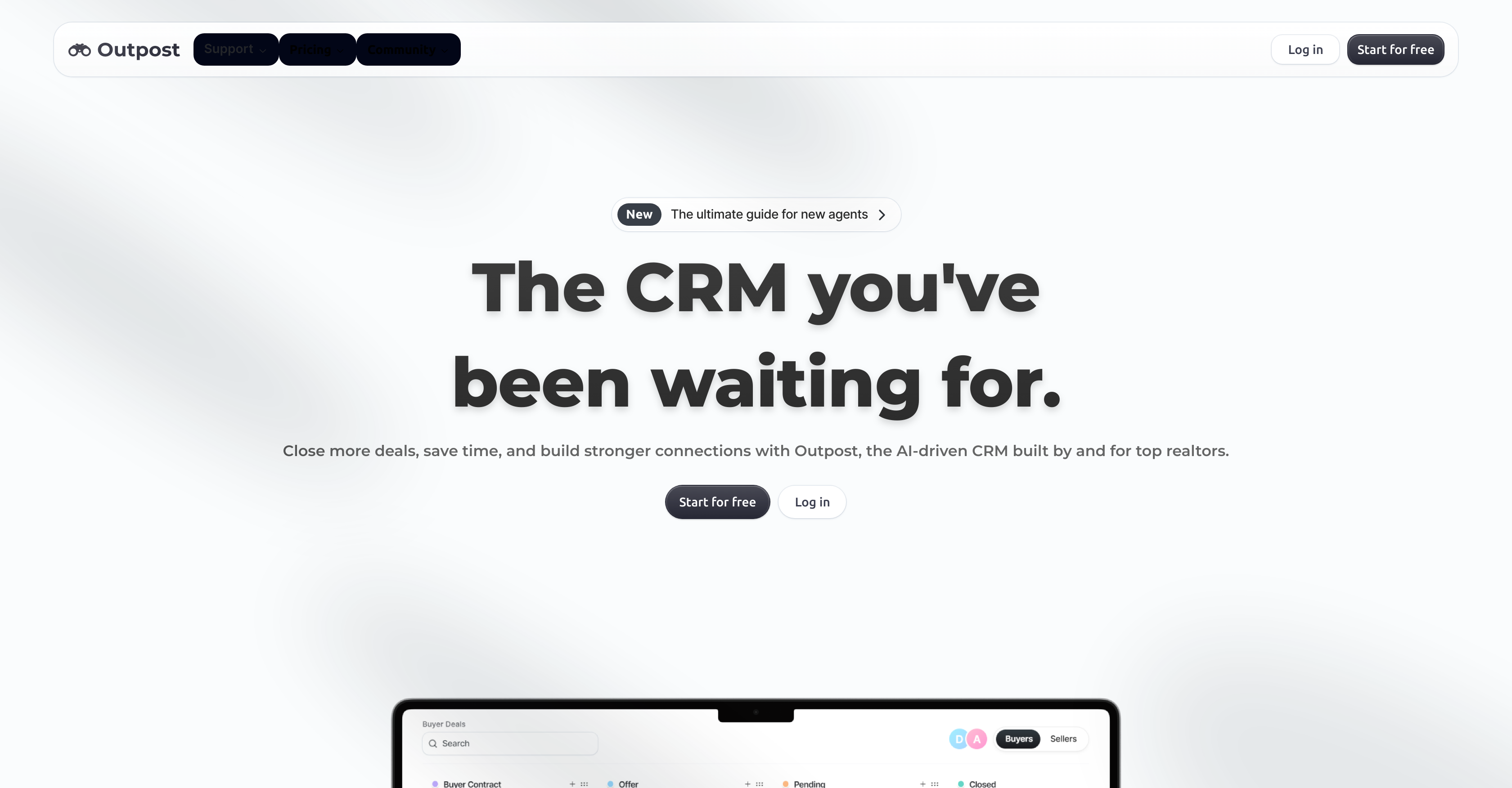
- Never miss a showing, closing date, or client follow-up: built-in calendar and task management keep every real estate deadline organized in one CRM.
- Send personalized client emails at scale without rewriting each one: composable email templates with variables fill in names and details for every contact.
- Stop re-entering contacts and appointments across tools: native Google Workspace integration connects your existing Gmail, Calendar, and Drive workflow to your real estate CRM.
- Keep your brokerage team aligned on every lead and listing: real-time collaboration and shared client data let agents work the same deals without version conflicts.
- Pay only for the CRM features your business uses: a modular app ecosystem lets solo agents and growing teams add the specific apps and integrations they need.
- Spot pipeline trends and priorities at a glance: concise dashboard widgets turn client and deal data into clear visual insights for faster decisions.
- Retrieve contracts, disclosures, and client files in seconds: modern document storage keeps transaction paperwork organized and accessible alongside each relationship.
- Manage clients from open houses and property tours: the Outpost mobile app delivers the same features as desktop, so your real estate CRM goes wherever you work.
- Share sensitive client information with confidence: security standards protect data handling and sharing across teams of any size.
- Validate the fit before you commit: a 7-day free trial gives full access to test the CRM against your real estate workflow.
Pros & Cons
From the listing; not yet checked by our editors.
Pros
- Real estate focused
- Seamless Google Workspace integration
- Calendar and task management
- Real-time teamwork capabilities
- Modular design
- App customization
- Emphasizes data security
- Composable emails with variables
- Clear data visualization
- Document storage system
- Supportive of collaboration
- Designed for modern needs
- Affordability
- Personalizable CRM experience
- Variety of apps, services
- Uniform experience on devices
- Identical features on mobile/desktop
- Workflow streamlining
- Improved service delivery
- Modular design for affordability
- Sharing data among teams
- Visual insights via widgets
Cons
- Only for real estate professionals
- Limited to Google Workspace integration
- Might overcomplicate simple tasks
- Limited document storage system
- Data visualization limited to widgets
- No mentioned support for other languages
- No omnichannel capabilities
- Personalization might be complicated
- No mentioned offline access
- Reliant on third-party apps
Alternatives to Outpost CRM
Tools that share the most tags with Outpost CRM.
- RealtyOmega
Pinpoint hidden global investment opportunities by analyzing city growth patterns and demographic shifts with AI-powered market forecasting
Not listed
Not listed
Not yet checked
- AI Virtual Staging
List properties days faster by generating ready-to-publish staged photos in seconds, not days, with an automated upload-and-download process
Free trial · from $19
$19
Not yet checked
- Homebuyersmath
Uncover hidden defects and contradictions the inspector missed using AI that cross-references your inspection report, listing photos, and seller's disclosure.
Freemium · from $249
$249
Not yet checked
- Weblo AI
Capture every lead with 24/7 availability that handles calls and texts even on weekends and holidays
Paid · from $299/month
$299/month
Not yet checked
- Chatlease
Automatically answer property-specific questions about square footage, pet policies and parking by training the AI on your uploaded listings and documents
Free trial · from $9/month
$9/month
Not yet checked
- Homesage.ai
Discover hidden investment opportunities human analysts miss using AI-selected property lists from off-market and MLS listings
Paid · from $160/month
$160/month
Not yet checked
Reviews
Rate this tool
Loading reviews...
Frequently asked questions
What is Outpost CRM?
Outpost CRM is an artificial intelligence-powered Customer Relationship Management system, specifically tailored for the needs of modern real estate professionals. Its unique design strives to help these professionals close more deals, save time, and build more meaningful client relationships.
How does Outpost CRM use AI to assist real estate agents?
Outpost CRM leverages AI to streamline and simplify workflows for real estate agents. Its AI-driven capabilities are designed to help agents manage their daily tasks effectively, with features such as calendar and task management. It also uses AI-powered assistance, which is designed to save time and improve service quality.
Can Outpost CRM help me to close more deals?
Yes, Outpost CRM is designed to help you close more deals. This is achieved through its various features, including efficient data management, task management, collaboration tools, and AI-driven assistance, all designed to enhance your efficiency and productivity.
Is Outpost CRM an easy-to-use platform?
Yes, Outpost CRM is designed to be a user-friendly platform, offering an easy-to-use solution for real estate agents. Its features are developed with ease-of-use in mind, making the platform accessible for users regardless of their technical expertise.
How does Outpost CRM integrate with Google Workspace?
Outpost CRM integrates seamlessly with Google Workspace. This integration promotes efficiency in data management and workflow, allowing you to utilize the existing Google Workspace tools within the Outpost CRM system for improved productivity.
How can Outpost CRM improve my workflow?
Outpost CRM can improve your workflow through its AI capabilities that streamline tasks and simplify workflows. It blends seamless Google Workspace integration, task management features, real-time collaborative capacities, and personalized experiences within the ecosystem of apps to ensure efficiency in your daily activities.
Does Outpost CRM include task management features?
Yes, Outpost CRM includes task management features designed to help real estate agents stay organized and effective in their daily activities. These features contribute significantly to the management of tasks and deadlines within the platform.
Can I collaborate with my team using Outpost CRM?
Yes, you can collaborate with your team using Outpost CRM. The platform focuses on promoting real-time teamwork and data sharing among teams of all sizes. This ensures a coordinated and collective effort in managing client relationships and tasks.