
pause
Prevent misunderstandings and avoid sending regrettable texts with AI-powered risk scoring that flags potential emotional harm or misinterpretation before you hit send.
Listing not yet reviewed by our editors · How we check
Overview
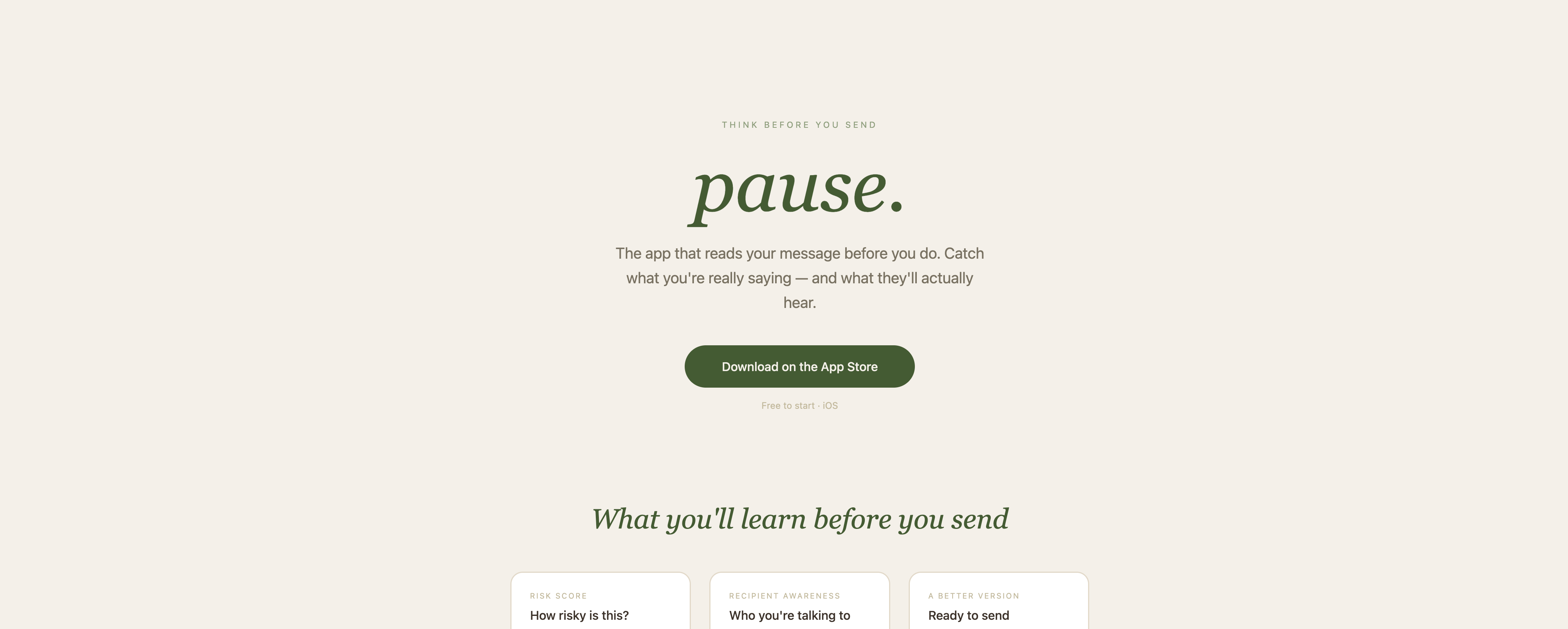
- Prevent misunderstandings and avoid sending regrettable texts with AI-powered risk scoring that flags potential emotional harm or misinterpretation before you hit send.
- Send clearer, more effective messages instantly with one-tap copy of a rewritten, calmer version that preserves your original intent but minimizes risk.
- Improve communication with specific recipients by getting feedback tailored to the unique context of messaging a partner, boss, parent, or ex.
- Build self-awareness in your communication habits over time by tracking patterns in your reactions and hesitations to identify personal trends.
- Develop emotional intelligence and empathy by seeing an anticipated reaction analysis, training you to consistently consider the recipient's perspective.
Pros & Cons
From the listing; not yet checked by our editors.
Pros
- Text message risk assessment
- Context-aware feedback
- Revised message suggestions
- Single-tap copy functionality
- Tracks communication patterns
- Promotes self-awareness
- Categorizes recipient profiles
- Free version available
- Pro version with unlimited analysis
- Historical data tracking
- Subscription-based
- iOS app
- Personal development aid
- Analyzes emotional intelligence
- Convenient text editing
- Personalized feedback
- Behavioral trends identification
- Improves social interaction
- User privacy prioritized
- Past message evaluation
- Recipient-aware advice
- Context-setting feature
- Pattern reports over time
- Priority support in Pro version
- Cost-effective annual subscription
- Risk score functionality
- Supports various recipient types
- Action-implication awareness
- Full message history
- Promotes intentional communication
- Emphasizes interpersonal communication
- Helps manage reactions
- Pre-sending analysis capability
- Supports text draft pasting
- Flexible text input
- Mood consideration for analysis
- Easy to use interface
- Promotes effective communication
- Designed for iOS platform
- Encourages thoughtful responses
- Helps detect excessive reactions
- Minimizes communication misinterpretation
- Helps curb impulsive messaging
- Offers limited daily analyses
Cons
- iOS exclusive
- Limited free version
- Drafts needed for analysis
- Limited recipient categories
- Requires context setting
- Subscription based
- No real-time feedback
- User privacy concerns
- Doesn't support group conversations
- No language selection
Alternatives to pause
Tools that share the most tags with pause.
- FaceShapeDetector
Get a precise, personalized face shape analysis that goes beyond generic labels with our unique Face Shape Blend™, revealing your exact proportions like 80% Oval + 20% Heart.
Freemium · from $6.99
$6.99
Not yet checked
- Transition
Follow a training plan that automatically adjusts to your daily schedule and recovery metrics, ensuring you stay on track even when life gets busy
Paid · from $19/month
$19/month
Not yet checked
- Mixboard
Turn scattered thoughts into mature, actionable concepts by visualizing and manipulating them on an interactive AI concepting board.
Not listed
Not listed
Not yet checked
- NVIDIA Earth-2
Make strategic decisions with confidence using precise, AI-driven weather predictions that mitigate operational risks across aviation, agriculture, and marine sectors.
Not listed
Not listed
Not yet checked
- Engain
Turn Reddit into a repeatable organic traffic channel instead of a gamble by finding and engaging in high-intent discussions that already rank on Google or where users are actively seeking solutions.
Freemium · from $79/month
$79/month
Not yet checked
- OCR | z.AI
Instantly digitize printed documents and scanned PDFs without manual typing, using AI-powered optical character recognition.
Not listed
Not listed
Not yet checked
Related Videos

The One Minute Pause App from Ransomed Heart Ministries 3 Minute Example
Soma SoulWorks · Sep 17, 2020
Reviews
Rate this tool
Loading reviews...
Frequently asked questions
What is the Pause iOS app?
Pause is an iOS application designed to optimize communication through anticipatory text message analysis. It calculates risk scores for draft messages and suggests modifications based on the designated recipient's profile. The revised message, which conveys the same sentiment but reduces any potential adverse impacts, can be easily copied with a single tap.
How does Pause help in effective communication?
Pause enhances communication effectiveness by generating anticipatory analysis of text messages. It evaluates potential risks associated with your draft messages and offers changes based on the profile category of the recipient i.e., partner, boss, parent, or ex. This approach allows users to think before sending a message, reducing miscommunication or potential harm.
What is the risk scoring feature in Pause?
The risk scoring feature in Pause examines the draft messages and estimates the level of potential risks associated to it. The risk might pertain to how the message may be misinterpreted or negatively perceived by the recipient. This score helps users to understand the possible impact of their message before they send it.
How are recipient profiles used in Pause?
Recipient profiles in Pause are user-defined categories that include partner, boss, parent, or ex. These categories guide the app's analysis of draft messages, enabling it to provide context-specific feedback and changes optimal for the intended recipient.
How does Pause consider the context of communication?
Pause takes into consideration the context of communication through the recipient’s profile and the mood set by the user. It adjusts its message analysis based on the information provided, thus delivering customized suggestions for improvements.
What is the process to use Pause?
To use Pause, a user would copy the text they plan to send and paste it into Pause. Then, they select the category that best describes the recipient and their current mood. Pause then provides a risk score for the message, potential reception outcomes, and a revised version of the message.
What is the difference between the free and Pro version of Pause?
The free version of Pause offers limited analysis, 5 analyses per day, a risk score, message rewrite, and basics history for 7 days. However, the Pro version facilitates unlimited analyses, caters to all 7 recipient categories, past data access indefinitely, AI behaviour insights, pattern reports over time, and offers priority customer support.
Can Pause track communication patterns over time?
Yes, Pause is capable of tracking your communication patterns over time. By retaining a history of your messages, it can help you understand your communication habits, your frequent reactions, and instances where you may tend to hold back.