

Portrait Studio Pro
Skip the photographer, studio booking, and travel: upload selfies and receive realistic AI professional headshots that look like a traditional business photoshoot.
Listing not yet reviewed by our editors · How we check
Overview
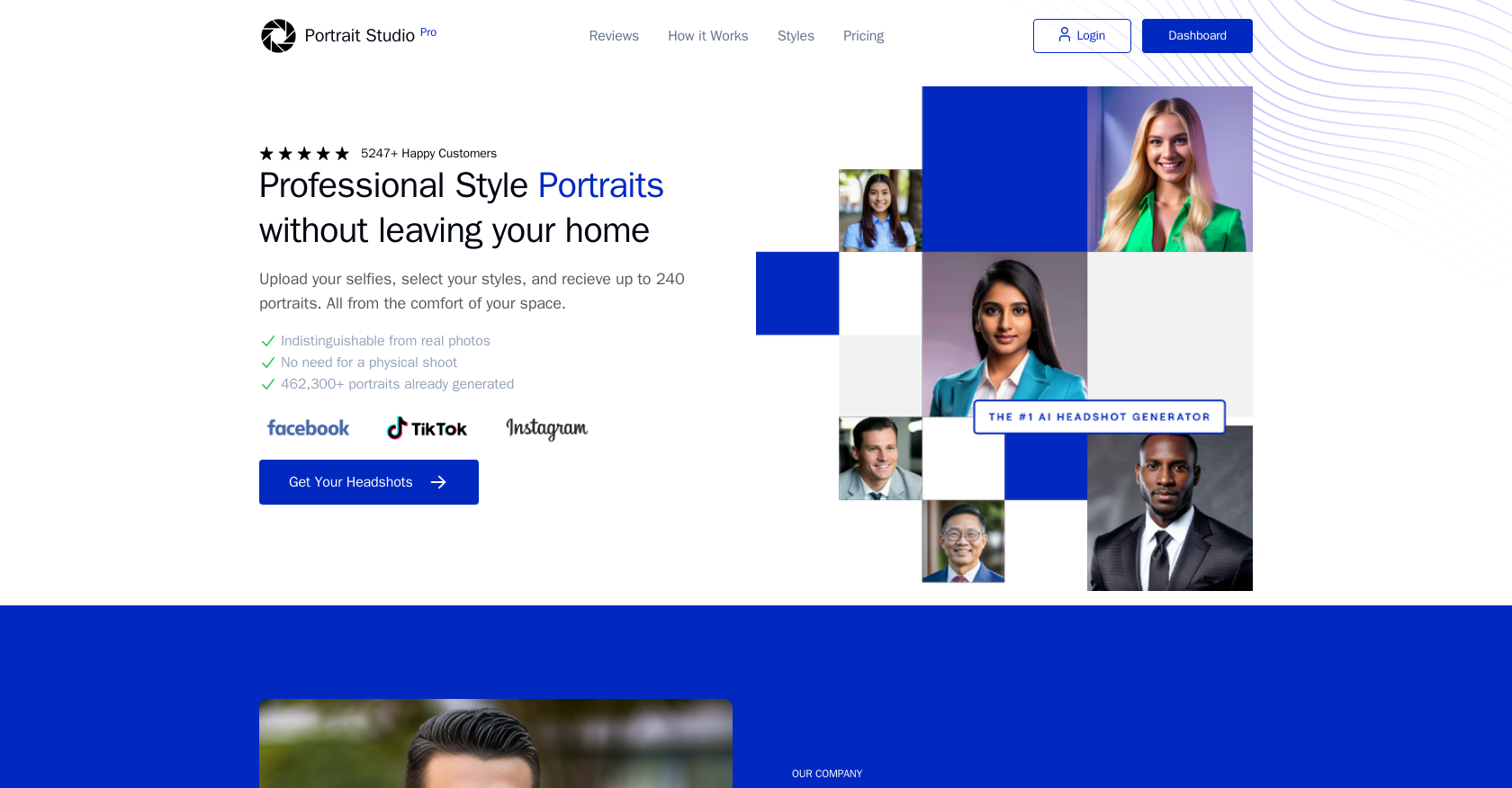
- Skip the photographer, studio booking, and travel: upload selfies and receive realistic AI professional headshots that look like a traditional business photoshoot.
- Get your new corporate headshots the same day: every package, from Standard to Premium, delivers in 2 hours.
- Give remote and distributed teams one consistent company look: create a team, invite colleagues to upload their selfies, and receive matching corporate portraits regardless of location.
- Pick the shot that fits each profile, from LinkedIn to your company website or a realtor listing: generate 120+ headshots per person across backdrops like Office, Library, Downtown, Café, Park, Woods, Window, and Realtor, with varied clothing options.
- Pay for exactly the volume you need: choose Standard at $24 for 40 headshots and 1 style, Advanced at $39 for 120 headshots and 3 styles, or Premium at $59 for 240 headshots and 6 styles.
- Use your business portraits anywhere, including ads, press kits, and marketing materials: you keep full ownership and a commercial license on every image.
- Keep your face data off servers for the long term: input photos are stored in US-based cloud storage, used only to guide rendering, and deleted within 7 days.
- Buy with no financial risk: purchases are refundable within 14 days, and Stripe processes payments without storing your card details.
- Start with the photos already on your phone or computer: the uploader accepts JPG, PNG, BMP, and TIFF selfies with no reformatting needed.
Pros & Cons
From the listing; not yet checked by our editors.
Pros
- Affordable professional portraits
- Personal photo upload option
- 120+ generated headshots
- Variety of styles/backdrops
- Range of clothing options
- Different pricing packages
- Quick 2-hour turnaround
- Strong privacy measures
- Full ownership of photos
- Commercial license grant
- User-friendly experience
- High customer satisfaction
- No need for physical shoots
- Up to 240 portraits
- Up to 6 unique locations
- Crisp, high definition photos
- Matching photos for teams
- Easy team creation process
- Traditional and modern styles
- Intuitive platform interface
- Photos deleted in 7 days
- Refund options available
- Secure payment methods
- Supports JPG, PNG, BMP, TIFF
- US-based cloud storage
- Convenient from home
Cons
- Limited style options
- Depends on quality of selfies
- Potential exaggeration of makeup
- No immediate data deletion
- No offline operation
- Unable to pose postures
- Possible uniformity in output
- Limited to headshots only
- Specific feature enhancements missing
- Less customizability in clothing options
Alternatives to Portrait Studio Pro
Tools that share the most tags with Portrait Studio Pro.
- daisy | LinkedInPro
Create professional headshots from everyday photos without expensive studio sessions using AI-powered photo transformation
Freemium · from $2.50
$2.50
Not yet checked
- PhotoGuruAI
Get professional headshots without studio costs using AI technology that transforms basic selfies
Paid · from $9/month
$9/month
Not yet checked
- Snapheadshots
Replace expensive photoshoots with studio-quality headshots generated from simple selfies, eliminating photography costs and scheduling hassles
Paid · from $29
$29
Not yet checked
- AIEasyShot
Get professional headshots for LinkedIn and business profiles without scheduling photoshoots or leaving home, using simple selfie uploads
Paid · from $29
$29
Not yet checked
- BetterPic | AI Headshots
Get studio-quality headshots without the photoshoot hassle using AI transformation from casual photos
Paid · from $35
$35
Not yet checked
- AI Headshots
Replace expensive photoshoots with studio-quality headshots using AI that enhances lighting and refines image quality from your selfies
Paid · from $19.99
$19.99
Not yet checked
Reviews
Rate this tool
Loading reviews...
Frequently asked questions
What is Portrait Studio Pro?
Portrait Studio Pro is a sophisticated AI tool that generates affordable, professional portraits. It enables users to upload their photos and then uses AI to create high quality business photos that are virtually indistinguishable from images captured in a traditional professional photoshoot.
How does Portrait Studio Pro work?
Portrait Studio Pro works by using an AI photographer that generates headshots based on user-uploaded selfies. Users create a team on the platform, choose their desired styles, and then invite their colleagues to join the team and upload their own selfies. Once the selfies are uploaded, the AI generates over 120+ headshots for each team member, providing a variety of backdrops and clothing options.
How many headshots can Portrait Studio Pro generate?
Portrait Studio Pro is capable of generating over 120+ different headshots for each individual team member.
What are the different pricing options available on Portrait Studio Pro?
Portrait Studio Pro offers three distinct pricing options: the Standard package that costs $24 per shoot and includes 40 headshots with 1 style, Advanced package priced at $39 per shoot with 120 headshots and 3 styles, and the Premium package for $59 per shoot for 240 headshots with 6 styles.
How secure is Portrait Studio Pro?
Portrait Studio Pro is built with strong privacy and security. The AI-guided model uses input photos to render headshots, and all photos are deleted from the servers within 7 days. The data is stored in secure US-based cloud storage and is deleted shortly after images are delivered to users.
What happens to my photos after they are uploaded to Portrait Studio Pro?
Photos uploaded to Portrait Studio Pro are used to guide the AI model in rendering headshots. After the headshots are generated, the original photos are deleted from their servers within a period of 7 days.
What is the turnaround time for Portrait Studio Pro?
The turnaround time for Portrait Studio Pro is a swift 2 hours for all three packages: Standard, Advanced, and Premium.
Who retains ownership and commercial license over the photos on Portrait Studio Pro?
On Portrait Studio Pro, users retain complete ownership and commercial license over their photos.