

PrivateChief
Keep family and company data completely apart: each business gets its own Business Chief and isolated workspace with separate people, tools, records, and workspace-level permissions, so employees see only what you assign them.
Listing not yet reviewed by our editors · How we check
Overview
- Keep family and company data completely apart: each business gets its own Business Chief and isolated workspace with separate people, tools, records, and workspace-level permissions, so employees see only what you assign them.
- Run any number of companies for one price: a single membership covers your household and unlimited businesses, with a one-time setup that provisions your server, Chiefs, and initial workspaces.
- Skip server administration entirely: your dedicated hosted server is patched, monitored, backed up, and maintained by a human-supervised team, with nothing to install.
- Stop repeating yourself: your Personal Chief retains household context on people, routines, projects, documents, and research, and carries it across the mobile app, Mac app, and optional always-on wall display.
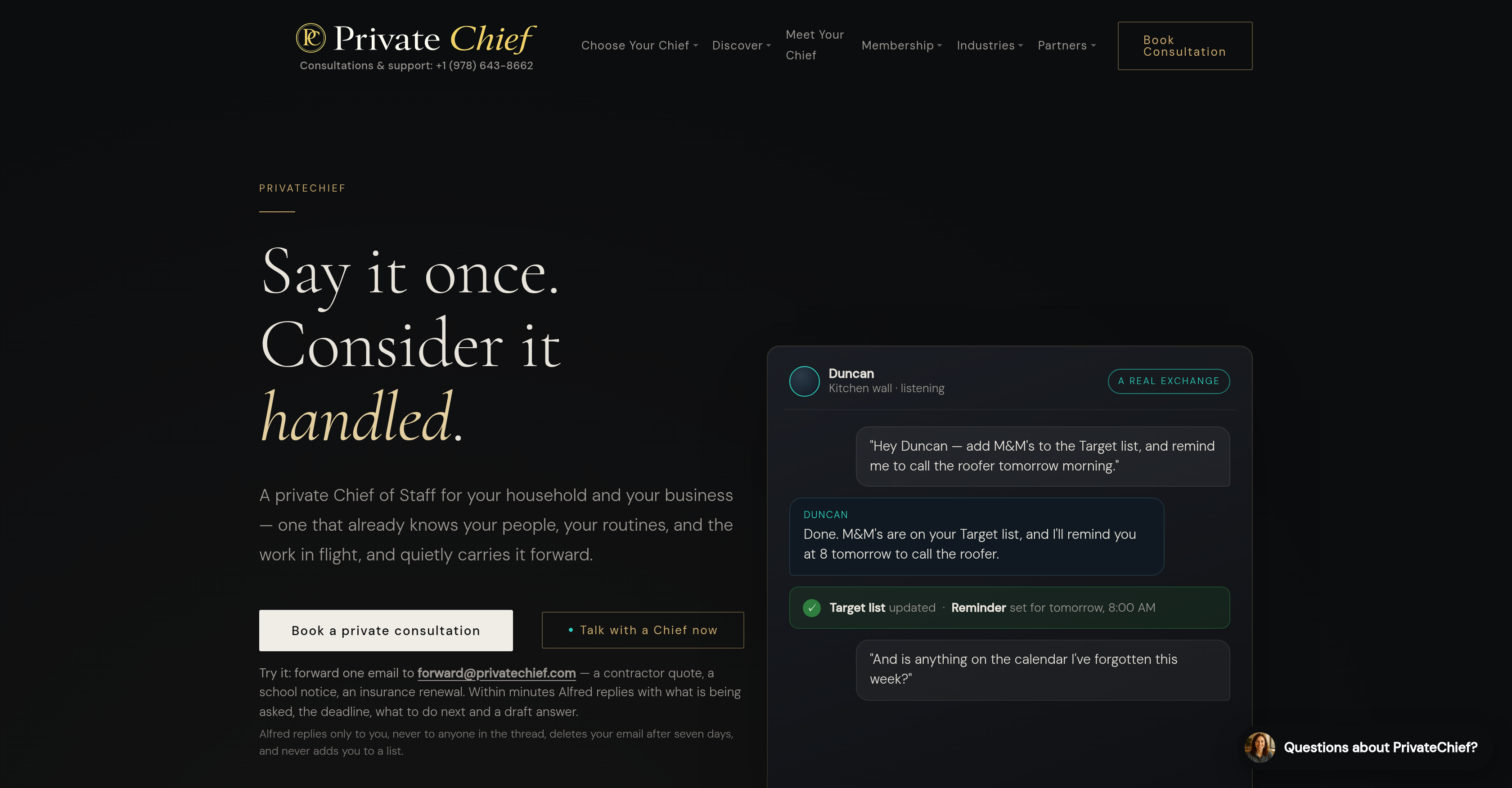
- Manage your day without picking up a device: conversational voice commands set reminders, update shopping lists, and check schedules hands-free.
- Control lights, climate, locks, and scenes by asking your Chief: optional Home Assistant hardware links your private assistant to compatible smart home devices on your network.
- Keep business obligations from slipping: each Business Chief organizes customers, projects, bookkeeping information, compliance records, and follow-through in one dedicated workspace.
- Coordinate the whole family at once: shared calendars, lists, briefings, and multi-person reminders keep everyone's schedule aligned.
- See your home and pending work at a glance: the Mac interface shows calendars, lists, documents, home controls, camera access, standing instructions, and pending tasks.
- Grow without migrating: 25 GB of included storage expands in add-on blocks, and a larger server is available for websites and demanding workloads.
- Try it before you commit: talk with Alfred, the demo Chief, by web or callback, or forward a contractor quote, school notice, or insurance renewal to get a summary, deadline, next steps, and a drafted reply. Forwarded emails are deleted after a short retention period and never added to a mailing list.
Pros & Cons
From the listing; not yet checked by our editors.
Pros
- Dedicated private hosted server
- Managed patches and monitoring
- Isolated business workspaces
- Unlimited business chiefs per membership
- Unified household and business context
- Voice interaction across devices
- Alwayson wall display UI
- Home Assistant hardware integration
- Zero clientside installation
- Expandable storage in 25GB increments
- Optional highcapacity server
- Email forwarding summarizer demo
- Autodelete emails after 7 days
- Threedevice Chief access
- Mac app shows camera feed
- Contextual continuity between sessions
- Granular perworkspace permissions
- Human support for managed service
- Networklevel smarthome control
- Dedicated server reduces latency
- Seamless personalbusiness task handling
- Handsfree reminders and lists
- Integrated calendar and list syncing
- Onetime setup fee only
- Inclusive daily backups
- Automatic security patches
- Crossplatform mobile app
- Quickglance wall unit
- No mailinglist enrollment
- Privacyfocused email handling
- Standing instructions persistence
- Predefined home automation scenes
- Instant workspace switching
- Unified document repository
- Compliance tracking builtin
- Bookkeeping data integration
- Customizable Home Assistant box
- Midsentence voice interruption
- Demo Chief Alfred no signup
- No server software install
- External service authentication handled
- Shared members server, isolated data
- Supports multiple businesses simultaneously
- Alwayson voice activation
- Realtime list updates via voice
- Camera access from Mac interface
- Single signon across workspaces
- Builtin compliance reminders
- Scalable storage pricing per 25GB
- Dedicated server monitors performance
Cons
- Only macOS app available
- Requires separate wall display
- Extra storage incurs additional fees
- Hosted server single point failure
- No offline functionality
- Base storage limited to 25GB
- Cannot export raw data easily
- No public integration API
- Additional hardware for home control
- High monthly subscription cost
Alternatives to PrivateChief
Tools that share the most tags with PrivateChief.
- LifePixels
See your entire wellness journey at a glance with the Year in Pixels grid, transforming daily habits and moods into a visual color-coded calendar for instant pattern recognition
Freemium · from $58.75/year
$58.75/year
Not yet checked
- BlinkLife
Start each day knowing exactly what matters first, because task prioritization reads your calendar, open threads, and every commitment you've made, then ranks your to-dos with full context attached.
Free trial · from $24.99/month
$24.99/month
Not yet checked
- FaceShapeDetector
Get a precise, personalized face shape analysis that goes beyond generic labels with our unique Face Shape Blend™, revealing your exact proportions like 80% Oval + 20% Heart.
Freemium · from $6.99
$6.99
Not yet checked
- Transition
Follow a training plan that automatically adjusts to your daily schedule and recovery metrics, ensuring you stay on track even when life gets busy
Paid · from $19/month
$19/month
Not yet checked
- Mixboard
Turn scattered thoughts into mature, actionable concepts by visualizing and manipulating them on an interactive AI concepting board.
Not listed
Not listed
Not yet checked
- NVIDIA Earth-2
Make strategic decisions with confidence using precise, AI-driven weather predictions that mitigate operational risks across aviation, agriculture, and marine sectors.
Not listed
Not listed
Not yet checked
Reviews
Rate this tool
Loading reviews...
Frequently asked questions
How does PrivateChief keep my household and business data separate on the same server?
PrivateChief isolates household and business data by placing each in its own workspace on a shared server. Every Business Chief receives a distinct workspace with separate people, tools, records, and permissions, while the Personal Chief manages household context in its own workspace. The server enforces these boundaries so data never crosses between workspaces.
Can I add unlimited businesses to my PrivateChief membership?
Yes. The membership covers the household and any number of businesses; there is no stated limit on how many businesses you can add.
What smart‑home devices are compatible with PrivateChief’s optional Home Assistant hardware?
The optional Home Assistant box can control any lighting, climate (thermostat), lock, or scene devices that are reachable on the home network and support common smart‑home protocols (e.g., Wi‑Fi, Zigbee, Z‑Wave). Specific brand lists are not published on the site.
How does voice interaction differ between the mobile app and the always‑on wall display?
Both interfaces accept natural‑language voice commands, but the wall display is an always‑on, hands‑free hub that visually shows calendars, shopping lists, lighting status, and scene controls while you speak. The mobile app provides voice interaction on the go, lets you interrupt or pause the conversation, and does not show a persistent visual dashboard; it relies on the phone’s screen for any visual feedback.
Is my personal and business data backed up automatically by PrivateChief?
Yes. PrivateChief’s managed service automatically backs up all household and business data as part of its hosting, patching, and monitoring routine.
What happens to my data if I cancel the PrivateChief subscription?
IDK
How secure is the communication between PrivateChief and my devices?
IDK
Can I set different permissions for family members and business employees within PrivateChief?
Yes. Permissions are set at the workspace level, so family members can be given access only to household data while business employees receive rights only within their assigned business workspace. Permissions are deliberately scoped and do not bleed across workspaces.