

Overview
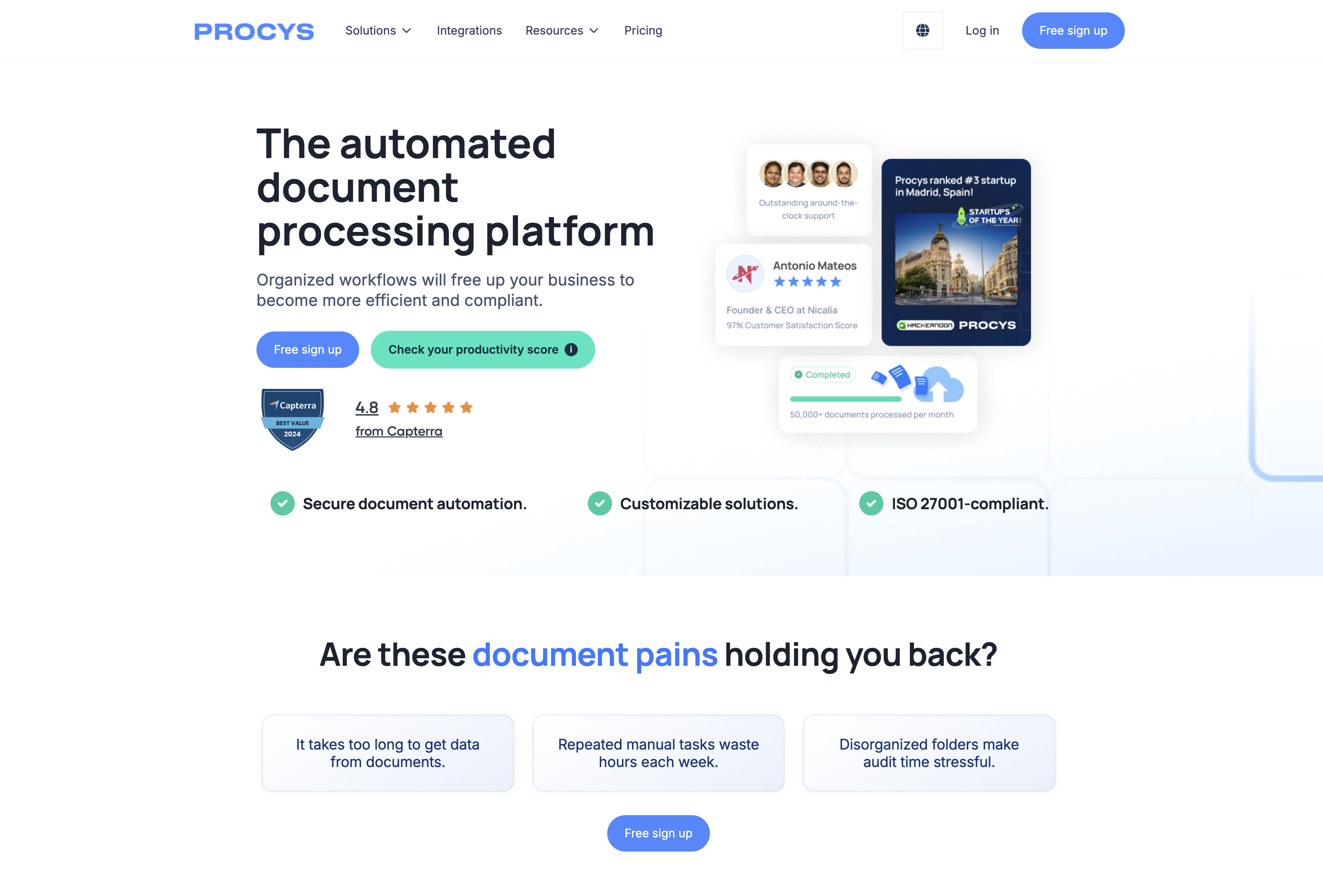
- Eliminate manual data entry from invoices and receipts with AI-powered OCR technology that automatically extracts and organizes critical information
- Process ID cards and passports instantly by uploading PDF or image files, accelerating customer onboarding and verification workflows
- Connect directly to your existing business systems including ERP and CRM platforms through seamless integrations that require no technical setup
- Split multi-page documents automatically using intelligent detection that separates and processes individual documents within larger files
- Extract exactly the data fields you need with customized extraction rules that adapt to your specific document formats and requirements
- Maintain complete data security with enterprise-grade protection, SOC 2 compliance, and detailed audit trails for every processed document
Pros & Cons
Pros
- Automated invoice processing
- Supports PDF, scan, image formats
- Upload from cloud, email, API
- Integrates with multiple ERPs
- Self-learning engine for accuracy
- Comprehensive API provided
- Microsoft Business Central, Twinfield integration
- Quickbooks, Zapier, Holded integration
- Provides free trial
- Trusted by notable companies
- Leverages OCR technology
- Extracts data from ID cards, passports
- Automatic document splitting
- Customized data extraction
- Data security emphasis
- Microsoft Dynamics CRM, Pipedrive integration
- Zoho, Salesforce Commerce Cloud integration
- Extensive Help Center support
- Provides API documentation
- +260 app integration
- Data extraction for various documents
- Different document type support
- Extracts personal identification data
- Accelerates receipt OCR
- Handles PDFs or images
- Automates AP Process
- Efficient and swift data extraction
- Allows data export in preferred format
- Improves workflow via integrations
- Seamless e-commerce operations integration
- Excellent customer testimonials
- Enterprise-grade security
- Supports SOC 2 and GDPR compliance
- Detailed audit trails and logs
- Role and user management
- Flexible data extraction solutions
- Supports various converters
- Invoice Data Extraction
- Passport Data Extraction
- Purchase Order Data Extraction
- Account Payable Automation
- Receipt Data Extraction
Cons
- No offline functionality
- May mislabel data
- Limited ERP systems support
- Inability to process encrypted PDFs
- No training for self-learning engine
- Data synchronization issues
- Lack of mobility support
- Dependent on Internet speed
- Limited document format support
- Requires regular updates
Reviews
Rate this tool
Loading reviews...
❓ Frequently Asked Questions
Procys is an AI-powered tool that aids in invoice processing and helps businesses streamline their billing procedures. It has various functional features which include data extraction from invoices, document labelling, and exporting the processed data in a structured manner.
Procys works by leveraging machine learning to automate business processes. It extracts data from various document types (invoices, receipts, ID cards, passports) using advanced OCR technology. Procys enables users to upload documents, processes them by extracting and organising data, and allows the exportation of this data in a preferred format.
Yes, Procys is AI-powered. It uses a self-learning engine to accurately extract data and it also employs OCR technology for processing.
On Procys, you can upload documents in various formats including PDF, scan, and image. These documents can be uploaded from different sources such as cloud storage, email, web interface or API.
Yes, Procys allows synchronization with ERP systems to enhance workflow efficiency. It also offers integrations with apps such as Microsoft Business Central, Twinfield, Quickbooks, Zapier and Holded.
Yes, you can use Procys's API. They provide comprehensive API documentation that describes how to interact with Procys over API REST.
Data security is a top priority for Procys. They ensure a safe environment for your document processing needs. They also offer enterprise-grade security, support SOC 2 and GDPR compliance, and provide detailed audit trails and logs for each document.
Procys can enhance business workflows by intelligently automating business processes. It reduces manual processing time by extracting, organizing, and exporting data from documents. Moreover, it caters to specific user requirements through automatic document splitting, customized data extraction and its capability to integrate with numerous apps.
Procys can process various types of documents including invoices, receipts, ID cards, and passports. It also supports multiple upload formats such as PDF, image, and scanned documents.
Yes, Procys offers a free trial. This allows potential users to measure the effectiveness of the tool in their specific contexts before making a purchasing decision.
Yes, Procys provides a feature for automatic document splitting. It uses intelligent cuts to split and process documents automatically.
Yes, Procys integrates with Microsoft Business Central, Twinfield, Quickbooks, Zapier and Holded. These integrations allow for improved workflow optimization.
Yes, Procys has a feature for customized data extraction and can read all required values from your documents.
Procys is trusted by multiple companies for their invoice processing. These include Globiq, Openprovider, Tweecore, Cbiz, Kr Solutions, Agile, and Smart.
Yes, Procys supports data extraction from personal identification cards. It accelerates this process, handling the cards in either PDF or image format.
Travel agencies can benefit from Procys by using it to scan all their vouchers. The extracted data can then be processed and stored for ready booking.
Interaction with Procys over API REST can be achieved by following the guidelines and information provided in their comprehensive API documentation.
Yes, Procys integrates seamlessly with CRM tools such as Microsoft Dynamics CRM, Pipedrive, Zoho, and Salesforce Commerce Cloud. These integrations help optimize collaboration, automate workflows, and enhance project efficiency.
Yes, Procys offers robust support for its users. It includes an extensive Help Center which assists with feature utilization and troubleshooting problems.
You can upload a variety of documents on Procys for automatic extraction. These include invoices, receipts, ID cards, passports, and many others in PDF, image, or scanned format.
Pricing
Pricing model
Paid
Paid options from
$999/month
Billing frequency
Monthly
Related Videos
PROCYS | How To Upload a Document from the PROCYS APP?
Procys- Intelligent Document Processing by AI•118 views•Feb 27, 2023



















