
PropHours - Material Participation
Capture every rental hour before you forget it. Dictate what you did while still at the property, or start a timer when a task begins and stop it when you leave.
Listing not yet reviewed by our editors · How we check
Overview
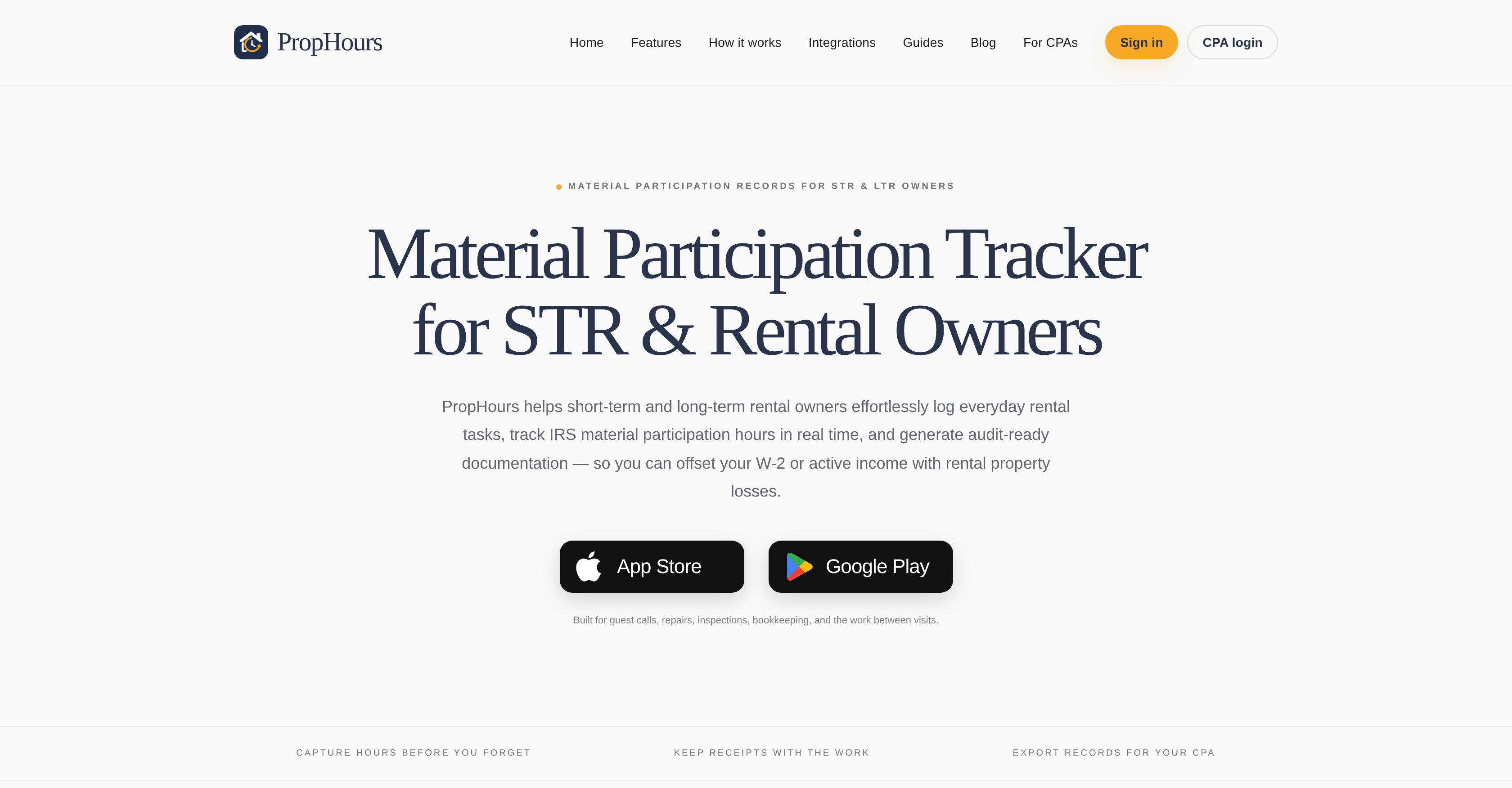
- Capture every rental hour before you forget it. Dictate what you did while still at the property, or start a timer when a task begins and stop it when you leave.
- Cut data entry to one sentence. Describe the work and AI autofill drafts the entry with property, date, minutes, and category, ready for you to confirm and save.
- Tie proof to every hour you claim. Attach receipts, photos, or files to any entry, or scan a receipt so PropHours reads it, drafts the activity, and links the image as evidence to the task and date.
- Know exactly where each property stands against IRS material participation rules. Per-property tracking shows your progress toward the 100, 500, and 750-hour marks.
- Offset W-2 or active income with rental property losses on solid footing. Real-time, auto-categorized material participation logs give you audit-ready documentation.
- Finish tax season with one handoff to your CPA. Export a PDF summary with an AI-written activity narrative, or every record as a CSV.
- Count the hours your team puts in. Co-hosts and cleaners log their own time independently, so each person's hours are tracked accurately.
- Record all of the work behind a short-term or long-term rental in one log. Guest calls, repairs, inspections, bookkeeping, and in-between visit operations are all covered.
Pros & Cons
From the listing; not yet checked by our editors.
Pros
- Quick logging methods
- Real-time IRS tracking
- Audit-ready documentation
- Income offset feature
- Various log methods (typing, speaking, scanning, timing)
- Receipt, photos, and files attachment
- Status tracking (100, 500, 750-hour marks)
- Comprehensive tax-file export
- Collaborative work support
- Property-specific tracking
- Export options
- Minute-based tracking
- Material participation management
- Guest calls, repairs, inspections tracking
- Bookkeeping tracking
- In-between visit operations management
- Voice logging
- Proof attachment to entries
- Tracking against hourly marks
- Various export options
- Collaborative work with co-hosts/cleaners
- Integrated record keeping
- Calendar sync option
- Property-specific tracking goals
- Responsive web workspace
- One-time invite codes
- Reusable templates for routine work
- Consultation option with CPA
- Activity-based log system
- Private link file sharing
- ChatGPT integration
- Claude integration
- One-tap logging from templates
- Property specific tracking
- Maintains proof with work
- Evidence status feature
- Schedule E pre-fill export
- Section 469 Election statement draft
- Evidence files in tax package
- Cloud sync availability
- Secure participant invite codes
- Cross-compatible iPhone and web
Cons
- No Android support
- No multi-language support
- Limited tracking customization
- Lacks advanced reporting features
- No in-app error alerts
- No off-line mode
- Lacks third-party integrations
- No data import features
- No biometric data protection
- Limited export options
Alternatives to PropHours - Material Participation
Tools that share the most tags with PropHours - Material Participation.
- Nowistay
Stop answering every guest message yourself: the AI co-host replies around the clock to Airbnb, Booking.com, Vrbo, Expedia and Agoda guests through supported messaging channels and email, in the guest's language, using your listing, welcome guide, booking dates and house rules.
Free trial · from $3/month
$3/month
Not yet checked
- RealtyOmega
Pinpoint hidden global investment opportunities by analyzing city growth patterns and demographic shifts with AI-powered market forecasting
Not listed
Not listed
Not yet checked
- AI Virtual Staging
List properties days faster by generating ready-to-publish staged photos in seconds, not days, with an automated upload-and-download process
Free trial · from $19
$19
Not yet checked
- Homebuyersmath
Uncover hidden defects and contradictions the inspector missed using AI that cross-references your inspection report, listing photos, and seller's disclosure.
Freemium · from $249
$249
Not yet checked
- Weblo AI
Capture every lead with 24/7 availability that handles calls and texts even on weekends and holidays
Paid · from $299/month
$299/month
Not yet checked
- Chatlease
Automatically answer property-specific questions about square footage, pet policies and parking by training the AI on your uploaded listings and documents
Free trial · from $9/month
$9/month
Not yet checked
Reviews
Rate this tool
Loading reviews...
Frequently asked questions
What is the main purpose of PropHours?
PropHours serves the purpose of being a material participation tracker for helping both long-term and short-term rental property owners to effectively record and manage their rental-associated tasks.
How does PropHours assist in tracking rental tasks?
PropHours provides four different methods to log rental tasks - users can type, speak, scan, or time their tasks. Additionally, the AI autofill feature drafts entries based on the property, date, minutes, and category. Rental tasks and IRS material participation hours are logged in real-time, making tracking straightforward and hassle-free.
What are some distinct features of PropHours?
Distinct features of PropHours include quick logging methods, receipt integration, tracking, and export options. It provides ideal solutions for managing guest calls, inspections, repairs, bookkeeping, and operations between visits.
How does the AI autofill feature work in PropHours?
In PropHours, the AI autofill feature functions to auto-populate entries based on the property, date, minutes, and category. Users simply need to describe the work in one sentence and the AI automatically drafts the entry for the user to confirm before saving.
How can users attach documents or receipts in PropHours?
PropHours allows users to attach receipts, photos, or files to any task entry. This attachment creates a link between the task, date, and proof of completion, keeping all relevant information in one place for each specific task.
What is the functionality of the tracking feature in PropHours?
The tracking feature in PropHours lets users monitor the status of each property against the 100, 500, and 750-hour marks. This helps users to understand how much time they've spent on different tasks related to each property.
What is the process to log hours in PropHours?
In PropHours, users can log hours in seconds by typing the tasks in a dedicated area or using voice commands. The platform also supports scanning for tasks or timing tasks in real-time. The AI autofill then drafts the entries for confirmation before saving.
How does PropHours help during tax season?
PropHours assists during tax season by generating a comprehensive file of all logged entries, including an AI-written activity narrative. Users can give this file to their Certified Public Accountant (CPA) to make tax filing easier.