

ProShots
Skip photographer fees and studio bookings: upload your own photos and get realistic professional headshots without hiring a photographer or buying expensive lighting equipment.
Listing not yet reviewed by our editors · How we check
Overview
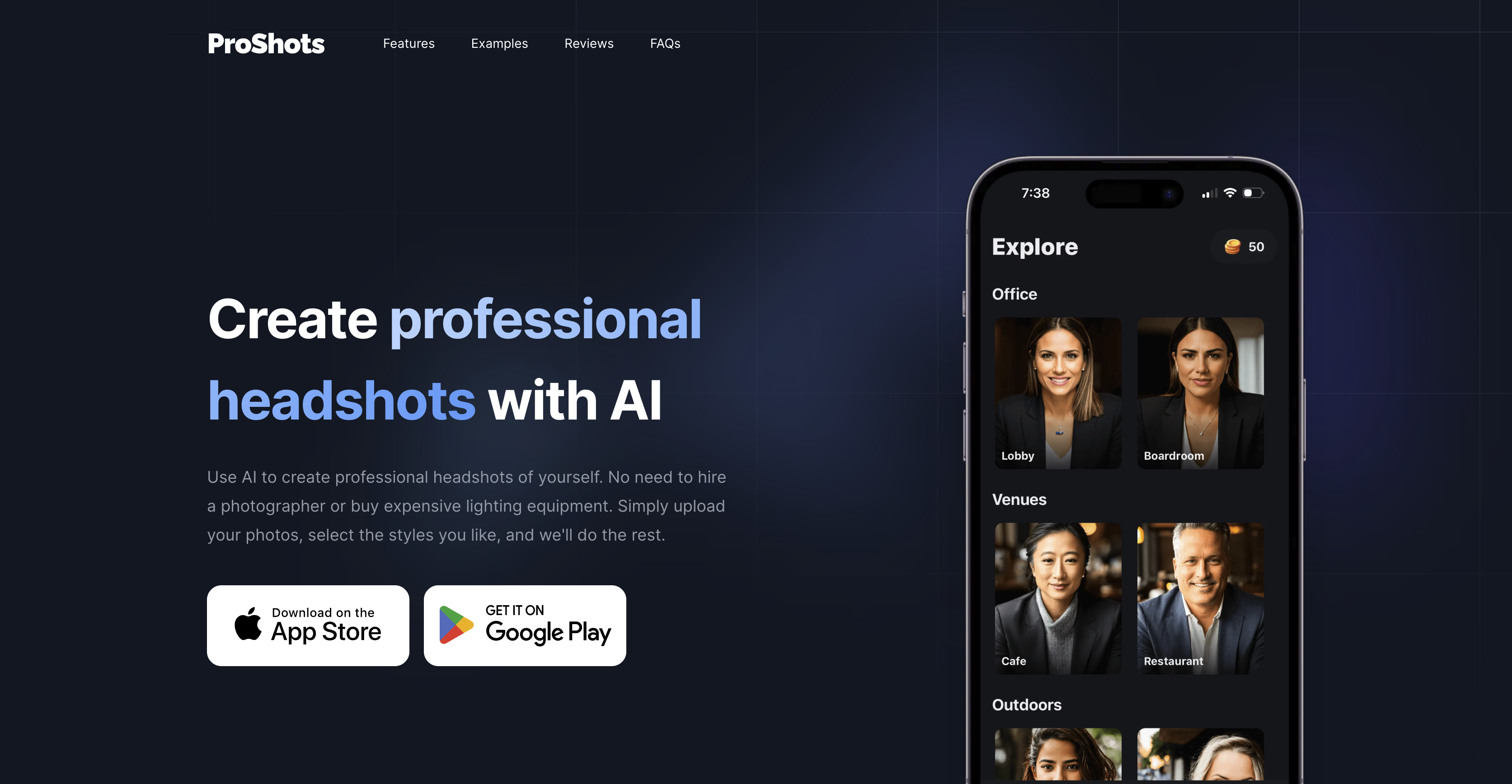
- Skip photographer fees and studio bookings: upload your own photos and get realistic professional headshots without hiring a photographer or buying expensive lighting equipment.
- Create studio-quality headshots from anywhere: the ProShots app runs on iOS and Android, so your next profile photo starts from the phone in your pocket.
- Place yourself in the right setting without traveling: choose from a variety of headshot locations to match the environment and style your profile calls for.
- Look dressed for the role without a wardrobe change: select attire from built-in options and the AI headshot generator applies it to your portrait.
- Get a polished, confident pose with zero photography skills: pick a preset pose and the tool handles composition, so no posing direction or camera knowledge is needed.
- Compare several looks before committing: generate multiple headshots across different location, pose, and attire combinations and keep the ones you like best.
- Use your photos anywhere without quality loss: save every generated headshot in high resolution, ready for sharp display on profiles or in print.
- Present a credible image to employers and recruiters: get headshots suited to CVs, resumes, HR and recruitment profiles, and consistent digital personas.
Pros & Cons
From the listing; not yet checked by our editors.
Pros
- Generates realistic headshots
- Doesn't require photography equipment
- Multiple location options
- Flexible pose and attire selection
- High-resolution image saving
- Addresses common FAQs
- Privacy-focused
- Active social media presence
- Positive user feedback
- Doesn't require photography knowledge
- Option to create multiple images
- Downloadable
- Customizable to individual style
- Quick headshot generation
- Simplified photo uploading process
Cons
- Limited pose options
- Cannot customize attire
- Restricted to professional scenario
- Limited location options
- No direct sharing options
- Can't adjust image resolution
- No batch processing
- FAQs lack technical detail
- Dependent on quality of uploads
- No refund policy
Alternatives to ProShots
Tools that share the most tags with ProShots.
- daisy | LinkedInPro
Create professional headshots from everyday photos without expensive studio sessions using AI-powered photo transformation
Freemium · from $2.50
$2.50
Not yet checked
- PhotoGuruAI
Get professional headshots without studio costs using AI technology that transforms basic selfies
Paid · from $9/month
$9/month
Not yet checked
- Snapheadshots
Replace expensive photoshoots with studio-quality headshots generated from simple selfies, eliminating photography costs and scheduling hassles
Paid · from $29
$29
Not yet checked
- AIEasyShot
Get professional headshots for LinkedIn and business profiles without scheduling photoshoots or leaving home, using simple selfie uploads
Paid · from $29
$29
Not yet checked
- BetterPic | AI Headshots
Get studio-quality headshots without the photoshoot hassle using AI transformation from casual photos
Paid · from $35
$35
Not yet checked
- AI Headshots
Replace expensive photoshoots with studio-quality headshots using AI that enhances lighting and refines image quality from your selfies
Paid · from $19.99
$19.99
Not yet checked
Reviews
Rate this tool
Loading reviews...
Frequently asked questions
What is ProShots?
ProShots is an AI-powered tool that aids users in creating professional headshots without requiring a professional photographer or costly equipment. The user has to pick their desired location, pose, and attire, and ProShots will generate the rest. This tool permits users to produce as many pictures as they want and save them in high resolution.
How does ProShots use AI to create headshots?
ProShots leverages AI to generate realistic headshots based on the user's choice of location, pose, and attire. The user simply selects their preferred location, pose, and attire and the AI handles the rest.
Do I need any specific equipment to use ProShots?
No, ProShots does not require any specific equipment. Users just need to upload their photos and choose their preferred styles.
What are the image requirements for ProShots?
The image requirements for ProShots are not specifically mentioned.
How many images can I create with ProShots?
With ProShots, there is no limit mentioned on their website to the number of images a user can create.
Can I choose the location for my headshot using ProShots?
Yes, ProShots offers a variety of locations from which users can choose to match their preferred style and environment for their headshot.
How do I choose the type of pose and attire on ProShots?
On ProShots, users select their preferred type of pose and attire from the options provided by the tool.
Can I save the generated headshots in high resolution using ProShots?
Yes, ProShots provides the option for users to save the generated headshots in high resolution.