

PublishBuddy
Run every social channel from one place: a single dashboard, composer and content calendar covers Facebook, Instagram, X, LinkedIn, Pinterest, TikTok, YouTube, Telegram, Threads and Bluesky, so you stop switching between network apps.
Listing not yet reviewed by our editors · How we check
Overview
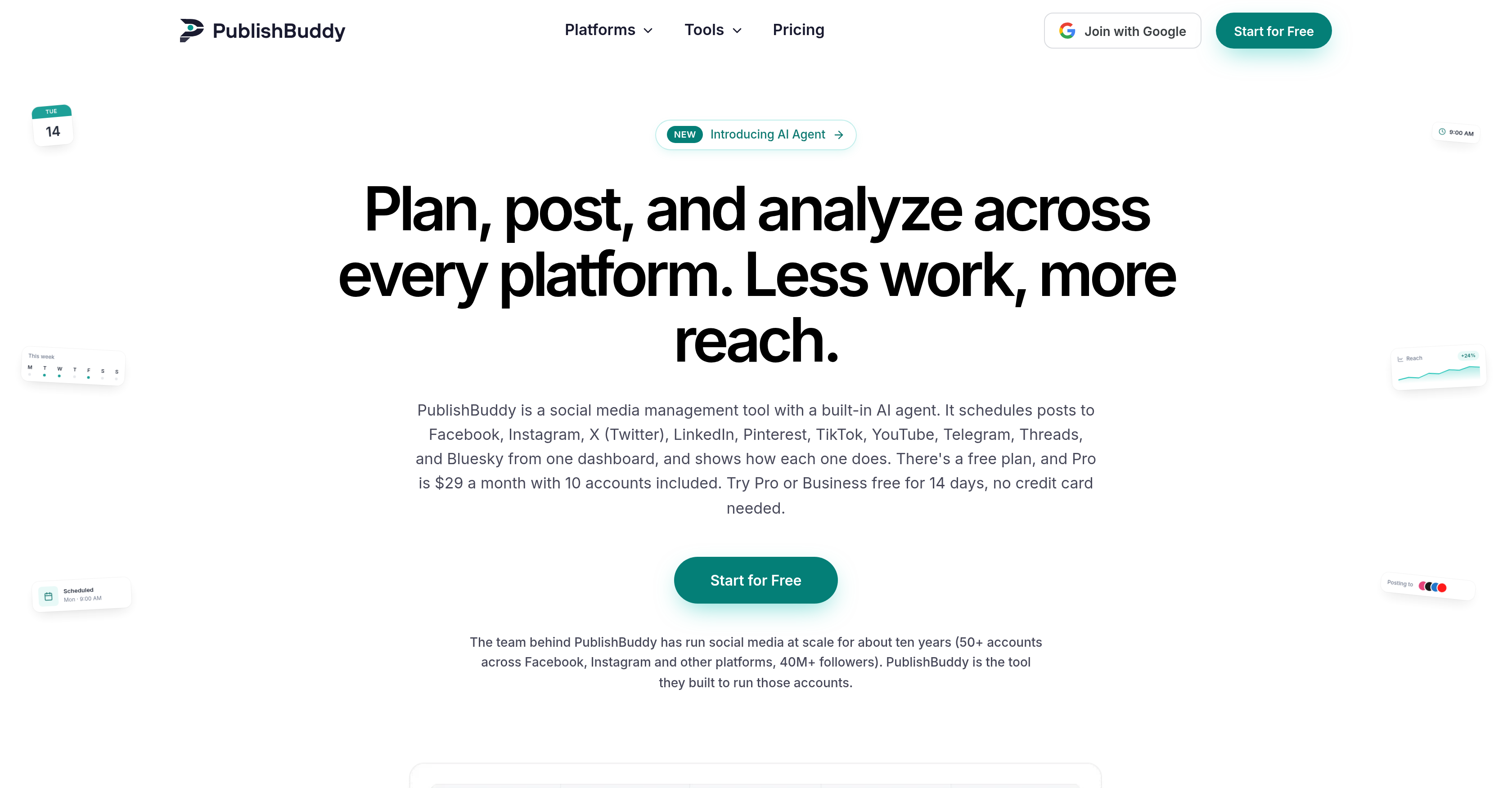
- Run every social channel from one place: a single dashboard, composer and content calendar covers Facebook, Instagram, X, LinkedIn, Pinterest, TikTok, YouTube, Telegram, Threads and Bluesky, so you stop switching between network apps.
- Fill weeks of content in one sitting: bulk scheduling through CSV import or multi-file uploads, plus reusable queue slots that keep recurring posts on a fixed schedule.
- Publish with zero formatting surprises: native previews show each network's exact formatting, image crops and link layout before a post goes live.
- Delegate social media management by conversation: an AI Agent drafts, schedules and manages posts across your whole workspace or selected profiles, remembers your preferences and brand voice, and draws on your past high-performing content.
- Write on-brand captions faster: an in-composer writing assistant generates captions, refines drafts and suggests hashtags matched to your brand voice and prior content patterns.
- Post when your audience is listening: social media analytics compare reach, engagement and follower growth by profile, content type, hashtag and posting time, with automatic best-time-to-post suggestions on Business plans and above.
- See where you stand against competitors: watch public Facebook Pages and benchmark their reactions, comments and shares against your own.
- Prove results to clients in minutes: export analytics reports, including follower growth charts, for any date range and share them with clients or internal teams.
- Scale an agency without losing control: unlimited workspaces per client, role-based permissions, draft approval workflows, publishing credential restrictions and team activity logs.
- Answer your audience without tab-hopping: the Engage inbox gathers comments and messages from every connected platform so you reply in one place.
- Never miss a failed post: rejected posts are flagged on the calendar with the network's reason, and you edit and resubmit them on the spot.
- Automate social publishing from your own stack: a REST API with scoped tokens, JSON endpoints, direct media uploads, an OpenAPI spec and a playground, plus an MCP server that lets Claude and Cursor schedule posts through chat on paid plans.
- Connect accounts with minimal exposure: Bluesky links through an app-specific password, your main password is never stored, and only the permissions needed for scheduling and analytics are requested.
- Start scheduling for free: a free plan covers three social accounts, and a 14-day trial of paid tiers includes 200 AI credits for captions, hashtags and agent actions.
Pros & Cons
From the listing; not yet checked by our editors.
Pros
- Reusable queue slots
- Bulk CSV scheduling import
- Native network preview
- Multi-profile unified calendar
- Hashtag performance analytics
- Optimal posting time charts
- Competitor Facebook page watchlist
- Fine-grained role permissions
- Multiple workspace segregation
- Publishing credential restrictions
- Team activity tracking logs
- Drafts and approval workflow
- Media library organization
- Telegram, Threads, Bluesky support
- Instagram carousel publishing
- LinkedIn article posting
- YouTube video scheduling
- Pinterest pin scheduler
- TikTok post automation
- REST API with scoped tokens
- OpenAPI spec and playground
- No per-call API fees
- Batch media upload to storage
- 10 profiles per request
- MCP server for chat commands
- Claude and Cursor integration
- Context-retaining conversational agent
- Export ready-to-send reports
- Engagement insights by hashtag
- Content type performance metrics
- Public page reaction monitoring
- Free plan with trial
- Agency workflow tools
- Team collaboration controls
- Role-based access levels
- Workspace activity audit
- API token scoping per need
- Bulk file upload scheduling
- Customizable publishing slots
- Cross-network native formatting
- Analytics dashboard selectable periods
- Engagement rate calculation
- Follower growth tracking
- Hashtag suggestion generator
- Content queue auto-fill
- Media upload direct-to-cloud
- API includes analytics endpoints
Cons
- No webhook event notifications
- Max 10 profiles per API
- CSV import no error preview
- No native mobile app
- Instagram Stories scheduling unavailable
- Hashtag suggestions Englishonly
- No builtin image editor
- MCP server only Claude integration
- Free tier restricts queue slots
- No realtime comment monitoring
Alternatives to PublishBuddy
Tools that share the most tags with PublishBuddy.
- Superdirector
Instantly reverse-engineer any viral video's success with a detailed shot-by-shot breakdown of every cut, angle, and transition.
Freemium · from $29/month
$29/month
Not yet checked
- AdaptlyPost
Publish to Instagram, TikTok, and YouTube simultaneously from a single dashboard, eliminating the need to switch between apps
Free trial · from $29/month
$29/month
Not yet checked
- Postnify
Schedule posts across multiple platforms without ever opening a dashboard, using Claude Code or messaging apps like WhatsApp and Slack
Freemium · from $4/month
$4/month
Not yet checked
- Bolta
Eliminate hours of manual posting by letting AI autonomously generate, schedule, and publish content across all major platforms from a single dashboard
Free trial · from $19/month
$19/month
Not yet checked
- Socialync
Distribute content to Instagram, TikTok, YouTube, Facebook, X, LinkedIn, Threads, and Bluesky in a single click—eliminating manual uploads across each platform.
Free trial · from $15/month
$15/month
Not yet checked
- Buzzmark
Publish on-brand social media content from day one, with no posting history required: Buzzmark reads up to 25 pages of your website to capture your products, facts, tone, wording, colors and fonts before writing the first draft.
Free trial · from $29/month
$29/month
Not yet checked
Reviews
Rate this tool
Loading reviews...
Frequently asked questions
How does PublishBuddy's AI Agent differ from ChatGPT?
PublishBuddy's AI Agent is embedded in the platform and retains context about your connected accounts, brand voice, media library and scheduling history. It drafts, refines and schedules posts directly, pulls from past high‑performing content and obeys each network's formatting rules. ChatGPT is a generic conversational model that has no built‑in awareness of your social accounts or publishing workflow.
Can I schedule posts for TikTok and YouTube from the same calendar in PublishBuddy?
Yes. TikTok and YouTube are both supported networks, and you can schedule posts for each from the single PublishBuddy calendar view.
Does PublishBuddy support bulk scheduling via CSV import?
Yes. PublishBuddy offers bulk scheduling through CSV imports as well as multi‑file uploads.
How accurate are the native previews for each network in PublishBuddy?
The native previews replicate each network’s exact formatting, image crops and link layout, so what you see in the preview matches what will appear after publication.
Can the AI Assistant suggest hashtags based on my brand voice?
Yes. The AI Assistant can suggest hashtags and it tailors those suggestions to the context you provide, which includes your brand voice and prior content patterns.
Is there a way to set reusable queue slots for recurring content in PublishBuddy?
Yes. PublishBuddy lets you create reusable queue slots that you can fill with new content whenever it’s ready, keeping recurring posts on a fixed schedule.
How does the analytics dashboard compare performance across hashtags?
The analytics dashboard lets you filter and compare metrics (reach, likes, comments, shares, engagement rate) by individual hashtag, showing which tags drive the most interaction over selected periods.
Can I export a report of follower growth for a client from PublishBuddy?
Yes. You can export analytics reports—including follower growth charts—for any date range and share the file with clients or internal teams.