

Overview
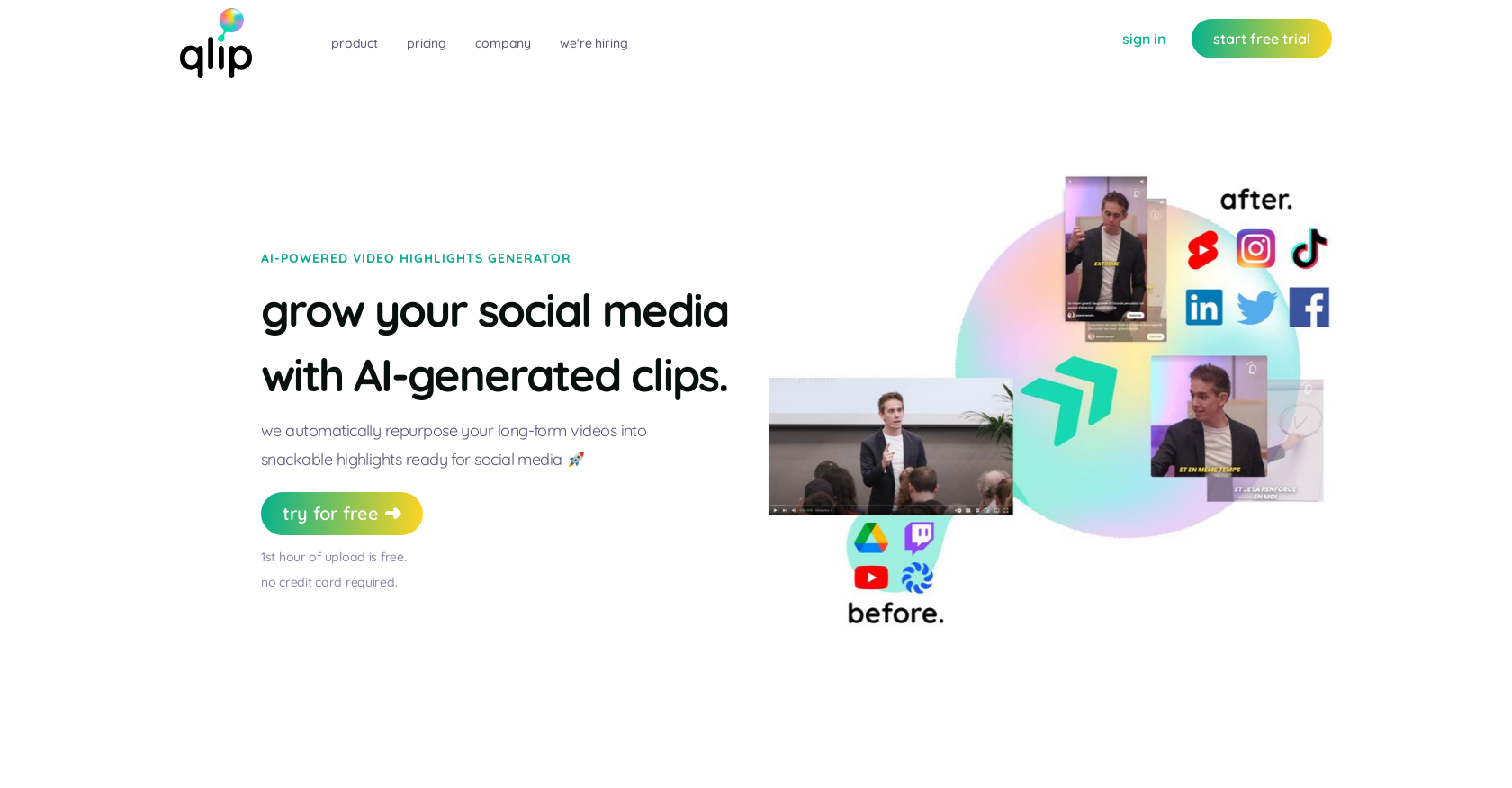
- Repurpose hours of video content in minutes instead of manually editing through AI-powered highlight detection
- Grow your audience across multiple platforms with consistent, engaging content using automated social media formatting
- Maintain brand consistency across all clips with auto-edited videos that include your colors, logo, and title
- Eliminate guesswork in clip selection through machine learning that analyzes semantics, sentiment, and visual engagement
- Scale your content creation without increasing editing time using unlimited watermark-free clips across all paid plans
- Embed professional video highlights directly on your website or share via email/SMS without additional editing tools
Pros & Cons
Pros
- Video shortening tool
- Content repurposing
- Highlights recommendation
- Automated editing
- Social media auto-posting
- Website embedding feature
- Email/SMS sharing feature
- Consistency in social scheduling
- Free trial available
- Multiple pricing plans
- Ideal for multiple users
- 1000+ user base
- Easy sharing on social media
- Machine learning driven
- Auto-generated templated clips
- Automatic logo, title addition
- Massive storage options
- Live-call support in higher plans
- Priority support in Expert plan
- Unlimited clips without watermarks
- Extracts semantically independent moments
- Saves hours for creators
- No credit card required for trial
- Supports both audio and video
- Focus on original content repurposing
- Automated cropping
- Advantageous for content creators
- Helps grow social media audience
- Natural Language Processing techniques
- Sentiment and topic modelling
- Signal processing techniques
- Automatically extracts point of attention
- Popular among YouTube, podcast, livestream creators
- Affordable extra-hour rates
- Facilitates social scheduling
- Facilitates high productivity
- Quick video extract generation
- Used and appreciated by creators
- Multiple user support in plans
- Efficient and time-saving
- Easy to pick highlights
Cons
- Only Supports Video/Audio Uploads
- Limited Machine Learning Customization
- Extraction Based On General Semantics
- Limited Storage With Plans
- Extra Costs For Added Hours
- Limited Users Per Plan
- Colors, Logo, Title Auto-Generated
- No Option For Manual Edits
- No Mobile Application Mentioned
- Only Repurposes For Social Media
Reviews
Rate this tool
Loading reviews...
❓ Frequently Asked Questions
Qlip is an AI-powered productivity platform designed for video clipping. It is designed to assist creators in repurposing their long videos for platforms like TikTok, Instagram Reels, and YouTube Shorts by recommending the best highlights from your uploaded content. Qlip also allows creators to share these auto-edited clips on social media, embed them on their websites, or link them via email/SMS.
Qlip utilizes machine learning models to extract semantically independent moments from your videos or audio content. This technology considers aspects like semantics, sentiment, topic modeling, and intent through natural language processing. Additionally, aspects like tone of voice, pauses, and pitch through signal processing, as well as point of attention and automated cropping through computer vision are taken into account.
The process to create videos with Qlip is fairly simple. First, you upload a recording, either audio or video. The platform's machine learning model then recommends top highlights from your uploaded content. After the suggestions are made, you select your favorite clips. These selected clips are automatically edited, incorporating elements like colors, logo, and title. Finally, you can share your clips on various platforms, either by posting on social media, embedding on your website, or linking in an email or SMS.
Yes, Qlip is designed with content creation for social media platforms in mind. The AI technology behind Qlip repurposes your long-form videos into snackable highlights, perfectly suited for platforms like TikTok, Instagram Reels, and YouTube Shorts.
You can upload both audio and video content to Qlip. There are no restrictions detailed regarding the type or genre of content that can be uploaded.
Qlip's AI technology selects video highlights based on a machine learning model that identifies semantically independent moments from your uploaded content. The model looks at elements such as natural language processing for semantics, sentiment, and topic modeling, along with signal processing and computer vision techniques.
Yes, you can easily embed Qlip videos on your website. Once your clips are auto-generated by Qlip, they can be posted on social media, linked on email/SMS, or embedded on your website or platform.
Qlip offers four pricing plans. The Starter plan costs €30 per month, offering 50GB of storage and email support for one user. The Pro plan costs €50 per month, with 100GB of storage and live-call support for two users. The Expert plan costs €100 per month, giving you 250GB of storage and priority support for three users. Qlip also offers a free trial which allows you to upload one hour of video.
The free trial of Qlip allows you to upload one hour of video content. It does not require you to submit any credit card details to take advantage of this offer.
Qlip's Pro plan includes 100GB of storage, the ability to create unlimited clips without watermarks, and live-call support for two users. The cost for this plan is €50 per month.
In the Starter Plan of Qlip, you can upload 2 hours of video content initially. Any additional hour of upload will cost you €10 extra per hour. The plan also includes 50GB of storage.
Qlip is typically used by content creators across various platforms. More than 1000 creators including those on YouTube, podcasts, and livestreams are known to leverage Qlip for their video repurposing needs.
No, a credit card is not required to start the free trial with Qlip. You can begin using the platform's services for one hour of video upload without needing to provide any credit card details.
If you exceed the upload limit on your Qlip plan, you would need to pay €10 for each extra hour of content you wish to upload.
Yes, Qlip auto-generates clips which include colors, logos, and titles based on the content you have provided during the upload process.
The main advantages of using Qlip over other video editing software are time efficiency and the use of AI-powered insights. Qlip can automatically extract the most engaging parts of a video or audio file, saving users from watching or listening to the entire file. This allows creators to focus on producing new content and promoting it across various platforms.
'Semantically independent moments' in the context of Qlip refers to the individual parts of a video that, from a semantic point of view, make sense on their own. Qlip's AI extracts these distinct moments from a user's video or audio content to suggest potential clips for repurposing.
Yes, Qlip does offer customer support. Depending on the plan chosen, users can receive email support, live call support, or priority support. The type of support provided increases with the level of the plan purchased.
Yes, Qlip does help maintain consistency in social scheduling. It does so by automatically repurposing your long form videos into multiple snackable highlights. This provides content creators with a steady supply of engaging videos to post across social media platforms.
Qlip's AI considers several aspects of a video when selecting highlights. This includes natural language processing for semantics, sentiment, and topic modeling, along with signal processing elements like tone of voice, pauses, and pitch. Computer vision techniques are also used for automated cropping and determining points of attention.
Pricing
Pricing model
Free Trial
Paid options from
$12/month
Billing frequency
Monthly
Related Videos
Qlip.ai review result - aiwizard.ai 2023
aiwizard•79 views•Jun 11, 2023


