
Overview
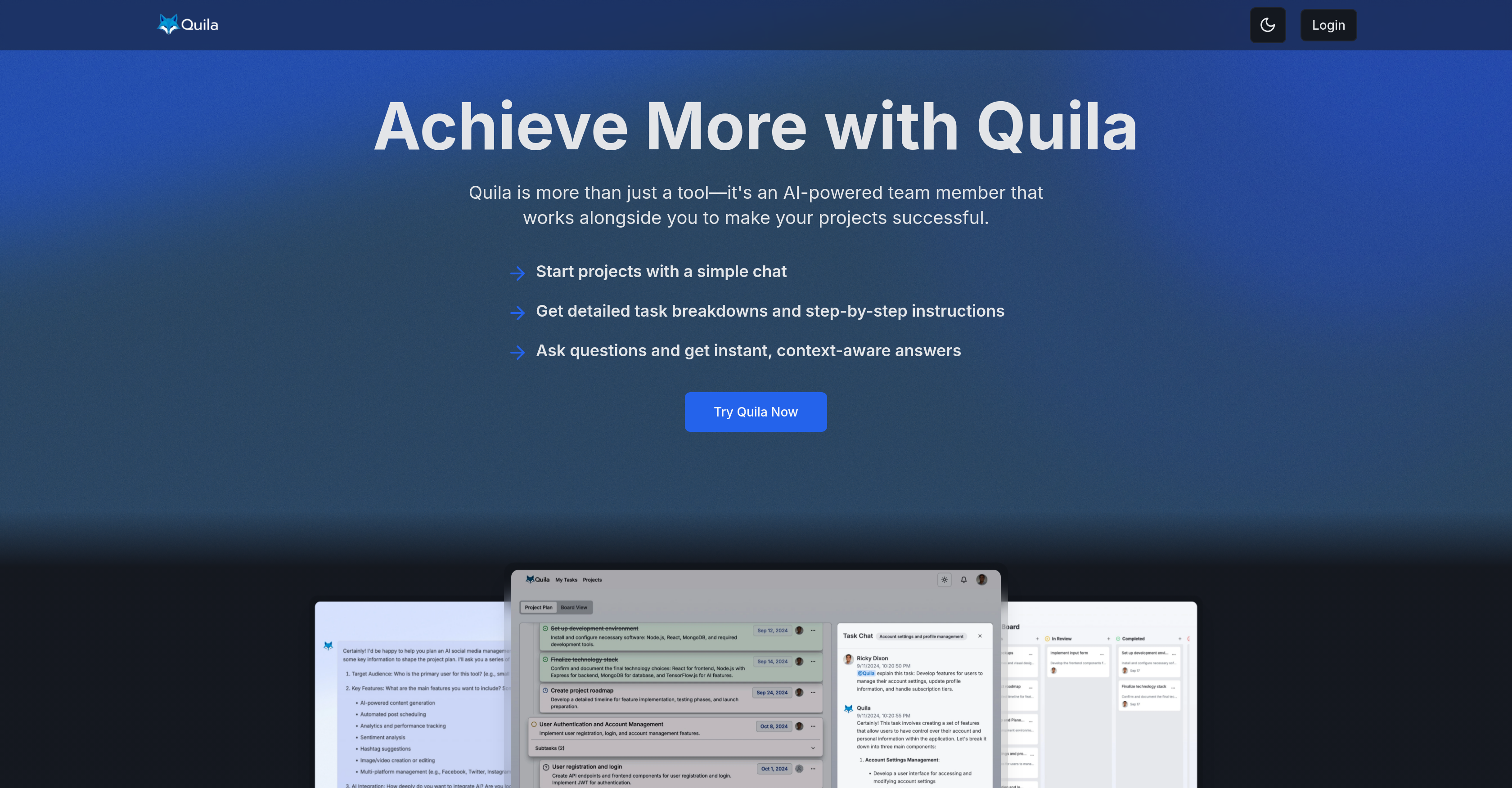
- Transform complex projects into precise, actionable task breakdowns with AI-powered chat assistance that understands your project context
- Visualize entire project status at a glance and control individual workloads through customizable task displays and drag-and-drop management
- Accelerate team alignment with instant task delegation and built-in communication tools that keep everyone synchronized without switching platforms
- Create clear, actionable project plans with detailed task control including subtasks and assignments through an intuitive kanban board system
- Maintain workflow consistency across all projects using customizable templates and recurring task management for smooth execution cycles
- Get context-aware answers and expert advice directly within team chats with real-time AI assistance integrated into your existing workflows
Pros & Cons
Pros
- Precise task breakdowns
- Instant, context-aware answers
- Customizable task displays
- Built-in collaboration features
- Delegating tasks functionality
- Clear, actionable project plans
- Control over subtasks and assignments
- Includes Kanban board
- Workflow integration
- Project templates
- Manage recurring tasks
- Visualize task progress
- Drag-and-drop interface
- Expert advice
- Generated subtasks for complex tasks
- Visual task status indicators
- Collapsible subtasks
- Template creation from existing projects
- Community template sharing
- Persistent chatbot presence in team chats
- Personalized learning paths feature
- Automated skill gap analysis
- Performance analytics
- Interactive training simulations
- Integrated with professional development modules
- Task status tracking
- Detailed task explanations
- Adaptable to unique workflows
- Integrated with study planning modules
- Several pricing plans
- Unlimited projects and team members on Pro plan
Cons
- Complex for simple projects
- Over-reliance on chat interface
- No mentioned compatibility with external apps
- No explicit data export feature
- No explicit advanced analytics feature
- No offline functionality mentioned
- Pricing not ideal for large teams
- No multi-language support mentioned
- No asynchronous communication option
- Lacks voice interface
Reviews
Rate this tool
Loading reviews...
Pricing
Pricing model
Free Trial
Paid options from
$7/month
Billing frequency
Monthly