
Replay
Overview
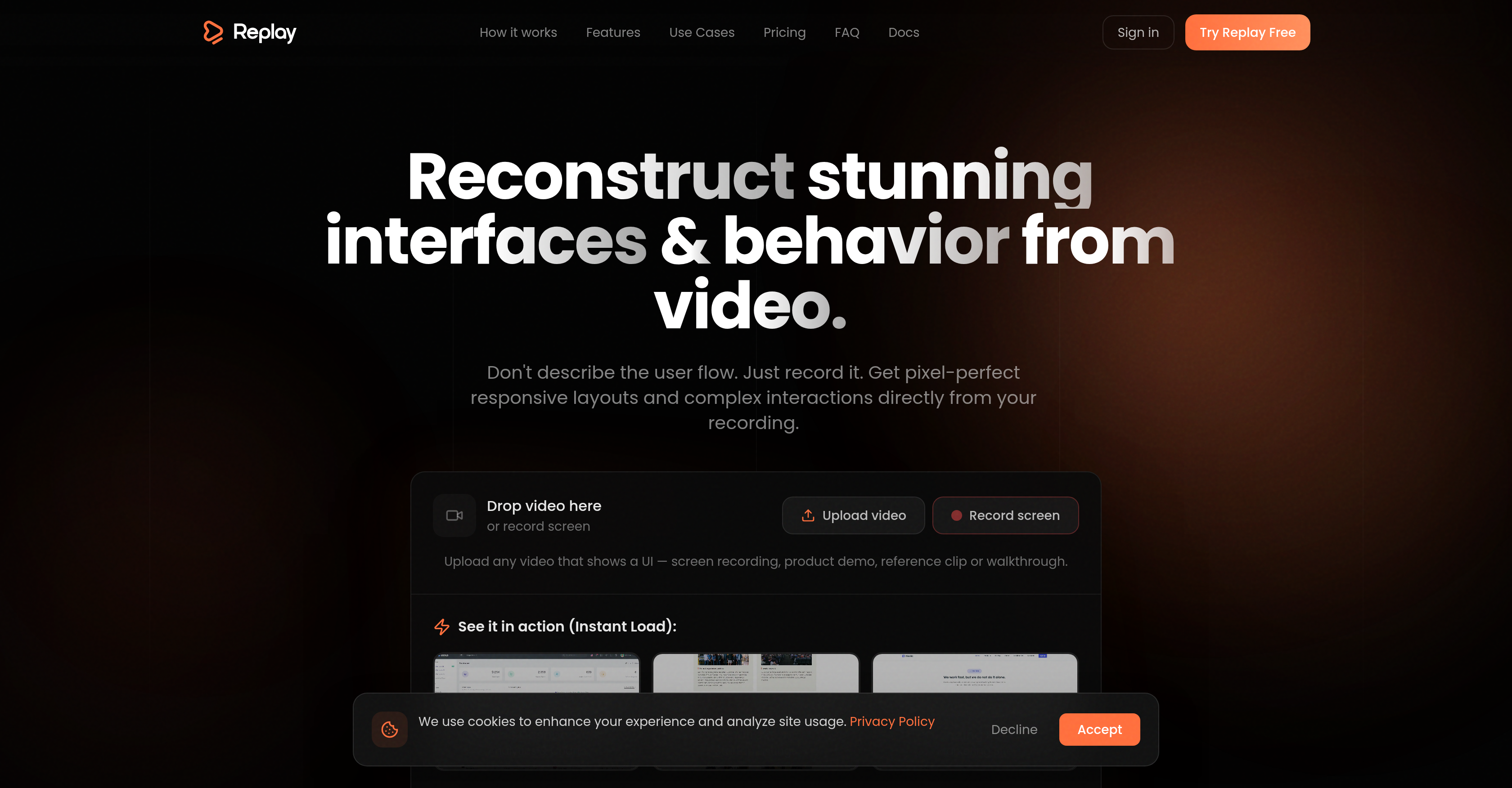
- Generate production-ready React, Tailwind, and TypeScript code from any screen recording or product demo, bypassing weeks of UI boilerplate and setup.
- Reconstruct complex hover states, animations, and user flows with pixel-perfect accuracy by analyzing video over time, not just single frames.
- Apply high-end visual styles instantly with pre-configured design systems, then change the aesthetics without breaking the underlying layout or interactions.
- Start development with clean, componentized, and refactorable code structured like a senior developer wrote it, ready for immediate extension.
- Modernize legacy software or rebuild competitor UIs without a full rewrite by converting any working video into a scalable, editable codebase.
Pros & Cons
Pros
- Converts video into UI code
- Creates structured and interactive UIs
- Develops desktop and mobile previews
- Produces highly readable code
- Code is easy to refactor
- Allows structure reuse
- Supports visual design changeability
- Suitable for competitor UI reconstruction
- Reduces boilerplate code need
- Aide for legacy software modernization
- Creates editable UI from inspirations
- Fast delivery for agencies
- Multiple UI versions from one flow
- Translates pixel-level layouts
- Generates clean code
- Built on React library
- Integrates with Tailwind CSS
- Utilizes Recharts for data charts
- Incorporates Framer Motion for animations
- Uses Radix UI for web interfaces
- Employs Lucide for high-quality icons
- Enables easy UI refactoring
- Interactions and transitions preservation
- Generates complete UI Scaffold
- Recreates absent design files
- Analyzes video over time
- Understands structure, states, transitions
- Non-static data charts output
- Mobile-first navigation
- Output stays editable
- No need for specs, mockups
- Turns demos into production UI
- Refreshes old software interfaces
- UI creation with no design skills
- Multiple style options for UI
- UI reconstruction not screenshots
- No speculative layouts
- No invented structure
- Supports style remix
- Preserves actual UI functionality
- Export-ready UI output
- Free tier available
- Pricing scales with usage
- Interactive preview in free tier
- Full code access in Pro tier
- Rollover credits for unused credits
Cons
- No mobile app support
- No real-time collaboration
- No API access
- Limited third-party integrations
- Doesn't support all video formats
- Potential for inaccuracies
- Doesn't handle complex logic
- Doesn't work with mobile app recordings
- Strict reliance on video input
- Not open source
Reviews
Rate this tool
Loading reviews...
❓ Frequently Asked Questions
Replay is a transformative AI tool designed to convert video footage into production-ready User Interface (UI). It can transform screen recordings, product demos, reference clips, or walkthroughs into fully functional user interfaces inclusive of code, structure, interactions, and style.
Replay functions based on the philosophy that the video source is the definitive truth. It uses its AI to analyze a video over time to discern the structure, states, and transitions of the UI it features, versus guessing layouts from single frames. It ultimately creates an interface from the video that includes clean, componentized code and a corresponding design system.
Replay can handle all types of videos that show a User Interface (UI) in action. This includes screen recordings, product demos, reference clips, or walkthroughs.
Yes, Replay does analyze videos over time. It utilizes its AI to understand the structure, states, and transitions featured in the UI within the video, rather than making inferences from single frames.
Replay generates clean, componentized code. This code forms the foundation of the reconstructed UI, including its structure, interactions, and styling.
The quality of code generated by Replay mirrors that which a senior frontend developer might achieve. It is clean and readable, suitable for professional development and industrial applications.
Replay is extremely developer-friendly. It generates code that is clean, readable, and reflective of what a senior frontend developer may produce. Plus, it is ready for further development, refactoring, or extension.
Yes, you can refactor and extend the code produced by Replay. The code generated by Replay is clean, readable, and easy to refactor and extend, offering great flexibility and adaptability for developers.
Yes, with Replay, users have the flexibility to change the visual design without breaking the layout or interactions. This versatility is part of Replay's appeal, allowing for creative control at the design level while preserving UI integrity.
Replay aids in modernizing legacy software by allowing enterprises to rebuild their UI without having to rewrite everything. It analyses the existing UI in a running video and reconstructs it with clean, modern, and scalable code.
Replay targets a wide range of users including founders, developers, designers, non-technical entrepreneurs, agencies, freelancers and enterprises. Each of these user types can benefit from Replay's unique functionality, from rebuilding competitor UIs to bypassing boilerplate code to converting demos into ready interfaces.
Yes, Replay offers the ability to generate multiple User Interface (UI) versions from one flow. This functionality can be highly beneficial for agencies and freelancers looking for a swift, effortless way to produce diverse versions of a UI.
Replay allows for both desktop and mobile previews. This gives teams the ability to see and test the look, feel and functionality of the UI generated by Replay on both platforms before it is deployed.
Yes, Replay can effectively bypass boilerplate code. Developers can initiate their projects from a very specific point that matches the functionality portrayed in the video, reducing the need for basic boilerplate code.
Replay assists with frontend development by generating clean, readable, and refactorable code from videos showing a UI. This code can serve as a starting point for further development, enabling frontend developers to bypass initial setup and boilerplate code stages.
Yes, the output from Replay is highly scalable for large projects. Its systematic and diligent approach to analyzing UI from videos and generating corresponding code allows the tool to transform complex, substantial UIs into scalable and maintainable code bases.
Yes, Replay works excellently with screen recordings of software. It can analyze the screen recording to understand the UI's structure, states, and transitions, and then transform this footage into a fully operational UI, complete with code, interactions, and style.
Replay uses AI to analyze the video footage, treating it as the ultimate source of truth. Instead of guessing layouts from single frames, it studies the video over time to understand the structure, states and transitions. This way, it is able to reconstruct the UI with pixel-perfect precision.
In Replay's AI operation, context refines the results derived from visual understanding. Users may add context to describe logic, edge cases, or style intent, complementing the AI's analysis and elevating the quality of the reconstructed UI.
Replay distinguishes itself by its ability to extract 'truth' from video content over time, instead of guessing layouts from individual frames. It generates clean, readable code akin to that of a senior frontend developer, and allows easy refactoring and extension. It enforces a pragmatic non-speculative approach to UI creation, avoiding invented structures and speculative layouts. Moreover, its ability to enable visual redesign without affecting layout integrity sets it apart from other UI building tools.
Replay converts video footage into production-ready UI by treating the video as the source of truth and examining the video over time, rather than just single frames. It analyzes pixel-level layouts and complex interactions within the video footage, and uses this information to construct the user interface. This includes generating clean, componentized code, a visible design system, and both desktop and mobile previews.
You can use any video that showcases a user interface with Replay. This includes screen recordings, product demos, reference clips or walkthroughs. The video serves as the primary input for Replay.
No, Replay doesn't just analyze single frames from a video. It evaluates the video over time to gain a deeper understanding of the structure, states, and transitions that are present within the UI depicted in the video.
Yes, Replay can analyze a video over time to discern its structure. It does not make assumptions from single frames, but instead studies the provided video sequence to understand the structure, states, and transitions.
Replay produces clean, readable, and componentized code that mirrors the quality a senior frontend developer would produce. The code generated covers the UI's structure, interactions, and style, and is rooted in production-grade libraries including React, Tailwind CSS, Recharts, Framer Motion, Radix UI, and Lucide.
Yes, the code produced by Replay is designed for easy refactoring and extension. The clean, readable and componentized code that Replay produces is structured similarly to what a senior frontend developer would write, making it easy to modify and build upon.
Replay is designed for a broad spectrum of users including founders, developers, designers, non-technical entrepreneurs, and enterprise users dealing with legacy software. It's also useful for agencies and freelancers aimed at delivering faster, scaling effortlessly, and creating multiple UI versions from a single flow.
Yes, Replay can be utilised to rebuild competitor UIs or modernize legacy software. Founders can turn existing products into their starting point, while enterprises can use Replay to modernize without rewriting their entire system. Essentially, any UI shown on a screen can be reconstructed by Replay.
Replay is built on production-grade libraries including React, Tailwind CSS, Recharts, Framer Motion, Radix UI, and Lucide.
Yes, Replay generates a visible design system along with clean UI code. The system includes component structure, user flow translation, styles, and both desktop and mobile previews.
Replay handles complex transitions and interactions in a video by studying the video over time to discern the structure, states, and transitions of the UI. It can recreate these interactions accurately in the generated UI, making the output much more than a static UI mockup.
Yes, Replay can start from scratch even if documentation or design files are missing. It treats the video as the definitive source of truth, and can effectively recreate visible design systems, layouts, and interactions that stay editable from just the video input.
Yes, Replay can help you scale design efforts for your business. With Replay, agencies and freelancers can quickly deliver, scale effortlessly, and generate multiple UI versions from a single user flow.
Yes, Replay does support both desktop and mobile previews. Replay generates visible design systems for both desktop and mobile versions, and previews are provided for both platforms.
Replay brings unique capabilities in terms of video analysis as it does not just guess layouts from single frames. Rather, it analyzes the video over time to truly understand the structure, states and transitions, providing complete UI scaffold from a short video input.
Yes, Replay preserves the structure, states, and transitions from the video input. By analyzing the video over time, it can accurately transcribe the details of the visual interface, including its interactions and transitions, into a new, editable UI.
Replay differs from other similar tools by its depth of analysis of video inputs and the quality of output it delivers. Instead of guessing layouts from single frames, Replay analyzes the video over time for structure, states and transitions. It generates clean, readable, componentized code mirroring that of a senior front end developer. Replay also allows changes to the visual design without breaking layout or interactions.
Yes, the UI code that Replay generates is easy to refactor and extend. Replay focuses on producing clean and readable code that a senior frontend developer would write, which makes it straightforward to refactor and extend.
The output of Replay is oriented towards easy refactoring and extensibility by producing clean, readable, and componentized code. This structure allows for efficient modifications and additions, allowing users to tailor the UI to their specifics needs whilst maintaining a high standard of code quality.
Yes, Replay can be used by non-technical entrepreneurs. They can turn inspiration, demos, or existing apps into something they can edit and use via Replay. If a user interface exists on a screen, they can create an editable, production-ready version of it using Replay.
Pricing
Pricing model
Freemium
Paid options from
$20/unit
Billing frequency
Pay-as-you-go
Refund policy
No Refunds