
RepurposingBot
Transform any content format into platform-optimized posts by converting URLs, PDFs, images, and documents into LinkedIn, Facebook, and Twitter content
Overview
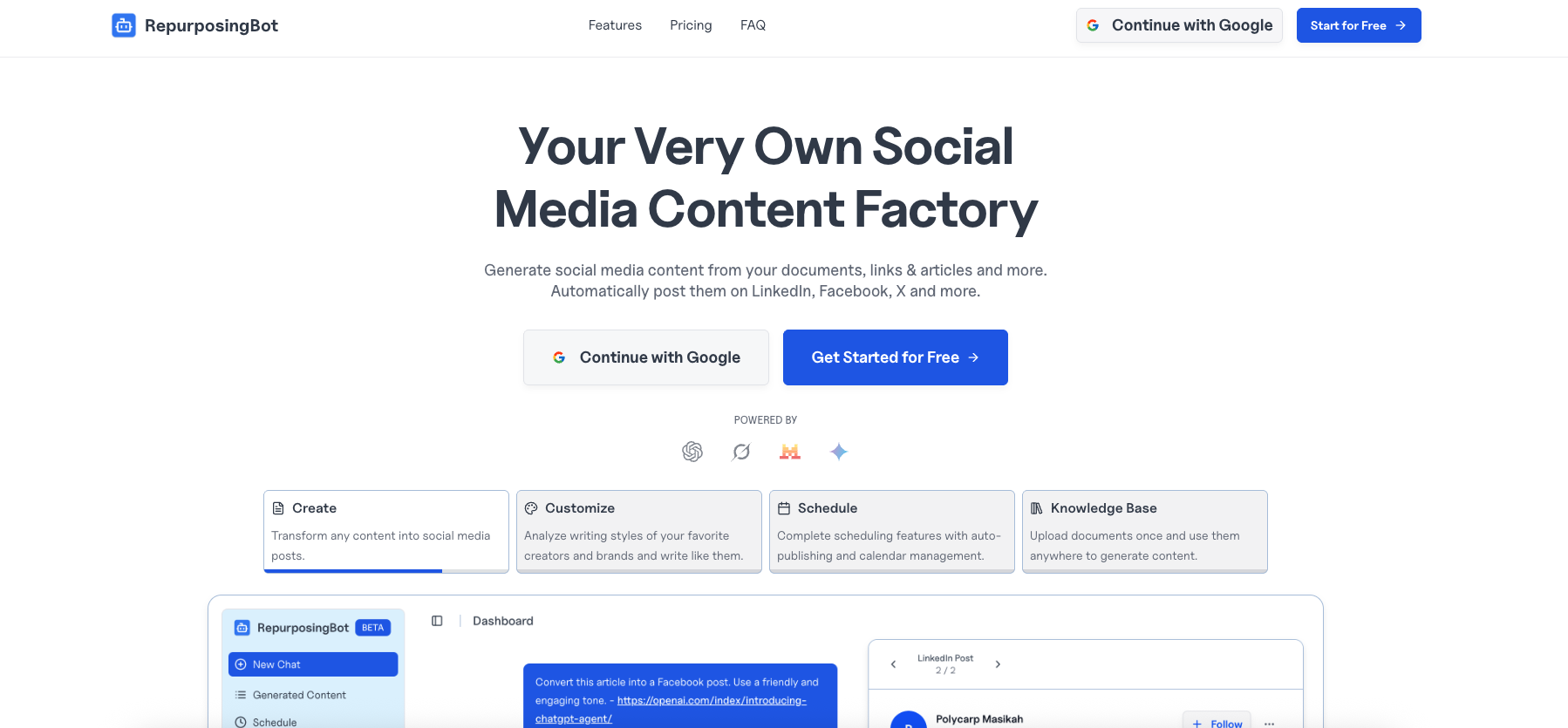
- Transform any content format into platform-optimized posts by converting URLs, PDFs, images, and documents into LinkedIn, Facebook, and Twitter content
- Maintain consistent brand voice across all platforms using AI that analyzes and replicates your unique writing style and tone
- Schedule your entire content calendar with automatic publication or manual posting reminders for optimal timing
- Maximize content value by uploading documents once and generating multiple unique social posts from the same source material
- Eliminate content creation bottlenecks by instantly repurposing existing materials instead of creating from scratch
Pros & Cons
Pros
- Transforms diverse content types
- Optimizes for multiple platforms
- Learns user's unique writing style
- Maintains consistent brand voice
- Complete content scheduling features
- Auto-publishing of posts
- Manual posting reminders
- Simplifies content reuse
- Single upload, multiple uses
- Ensures brand voice consistency
- Optimal for social media strategy
- Prompt brand promotion
- Creates multiple posts from one article
- URL to social post transformation
- PDF to social post transformation
- Image to social post transformation
- Document to social post transformation
- LinkedIn optimization
- Facebook optimization
- Twitter optimization
- Analyzes favorite creators' writing styles
- Calendar management feature
- Converts any content into posts
- Customizable writing style matching
- Content reorganization for social media
- Matches any writing style
- Tone profiles of Twitter users
- Maintains voice consistency across platforms
- Reuses favorite writing styles
- Auto-publish or notification options
- Version control for content
- See scheduled content
- Customizable content and tone
- Supports multiple social media platforms
- Transparent pricing
- Upgrade or downgrade anytime
- Email support
- 7-day free trial
- No credit card required for trial
Cons
- Limited social platform support
- No Instagram optimization
- Credits-based usage
- No video content repurposing
- Generates posts, not articles
- No predictive analytics
- No multi-language support
- Version control limited to posts
- Doesn't support all document types
- No inbuilt editorial tools
Reviews
Rate this tool
Loading reviews...
Frequently asked questions
RepurposingBot is a specialized tool designed to repurpose and scale content for social media. It uses AI to transform various types of content into optimized social media posts. It can analyze and learn a user or brand's unique writing style, creates posts to match that style, enables automatic scheduling and publication of content, and allows content reuse through multiple repurposings.
RepurposingBot leverages artificial intelligence to transform diverse content into social media posts. This could be any material - URLs, PDFs, images, or documents. This process involves analyzing the content, applying the user's unique writing style, and optimizing it for specific platforms like LinkedIn, Facebook, or Twitter.
Yes, RepurposingBot can transform a PDF into a Facebook post. This is part of its content transformation feature, which includes the ability to modify various forms such as URLs, PDFs, photos, and other documents into optimized posts.
RepurposingBot employs AI to probe and familiarize itself with your unique writing style. By analyzing your past content or the content of a selected brand, it learns and recreates the writing style, tone, and personality in the social media posts it generates.
Indeed, RepurposingBot can maintain the voice consistency of a brand. It accomplishes this by analyzing and learning the unique writing style of a chosen brand. It then uses this knowledge to generate posts that preserve the brand's tone and personality across all social media platforms.
The social media platforms that RepurposingBot supports include LinkedIn, Facebook, Twitter, and potentially other platforms as well. This support enables it to generate, schedule, and publish content on these platforms with ease.
Yes, RepurposingBot provides a complete set of scheduling features, including automatic publication of posts. These capabilities enable brands to plan their content release strategy seamlessly.
Yes, part of RepurposingBot's scheduling features includes reminders for manual posting. This feature gives users flexibility while ensuring timely content posting.
Pricing
Pricing model
Free Trial
Paid options from
$19/month
Billing frequency
Monthly