

Risotto
Resolve IT requests where employees already work with an AI help desk that handles support in Slack direct messages and public channels, without switching tools
Listing not yet reviewed by our editors · How we check
Overview
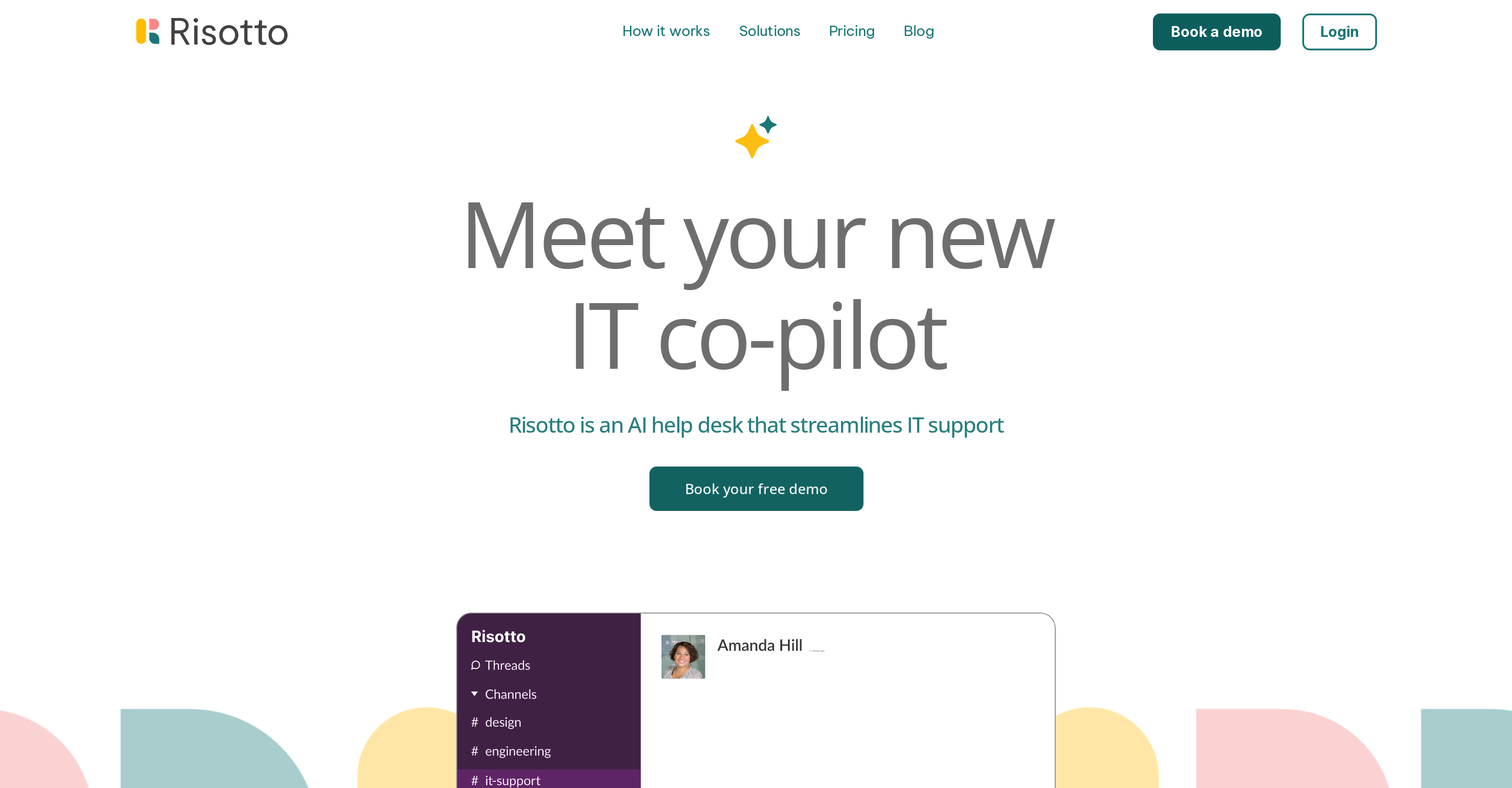
- Resolve IT requests where employees already work with an AI help desk that handles support in Slack direct messages and public channels, without switching tools
- Cut manual ticket triage by having automated ticket creation, routing, and workflows handle IT ticket management, synced to your existing ticketing system
- Clear repetitive IT questions without staff involvement as Risotto learns from your Notion and Confluence knowledge base and past tickets to answer recurring queries
- Grant software access in minutes instead of days through automated access approval workflows that replace manual software provisioning
- Shrink your attack surface with least-privilege, time-based access that revokes app permissions automatically once the set timeframe ends
- Keep access decisions tied to your identity stack through Okta and Google Workspace integrations that manage software access requests
- Let employees ask for tools in plain language, the way they would ask an IT admin, with natural language access request handling
- Give staff round-the-clock IT support with fast responses, while continuous learning from new requests sharpens answer accuracy over time
- Free IT teams for complex, critical work by offloading ticketing, access requests, and FAQ handling to an IT co-pilot that lowers support costs
Pros & Cons
From the listing; not yet checked by our editors.
Pros
- Streamlines IT support
- Help Desk integration
- Slack compatible
- Automated ticket management
- Automated query response
- Handles software requests
- Enhances IT productivity
- Enhances IT security
- Automated routing
- Workflow automation
- Direct messaging support
- Public channel support
- Ticketing system synchronization
- Recurring questions handler
- Knowledge-based learning
- Automated software approval workflows
- Time-based access
- Integration with Okta
- Integration with Google Workspace
- Supports Notion and Confluence
- Continuous learning feature
- Natural language access requests
- Reduces human intervention
- Time and money saver
- Improves employee experience
- Non-SAML app support
- Automated access review orchestration
- Security enhancements via software access
- Minimizes SaaS overspend
- 24/7 support provision
- Single support funnel availability
- Intuitive issue tracking
- Auditability
- Automatically resolves common questions
- Decreases employee confusion
- 24/7 monitoring
- Automated least-privileged & time-based access
- Automated ticket creation
- Route, workflows and escalations
- Learns from past tickets
- Saves unused licenses
Cons
- Only integrates with Slack
- Limited ticketing system sync
- No non-Slack communication
- Restricted identity provider support
- Depends on external knowledge-bases
- No collaboration outside Slack
- Learning heavily relies on history
- Limited software request handling
- Restricted security enhancement options
- Limited integration options
Alternatives to Risotto
Tools that share the most tags with Risotto.
- Screendone
Fix computer issues instantly without waiting for an appointment by getting real-time, step-by-step verbal guidance from an AI that watches your screen
Paid · from $12.99
$12.99
Not yet checked
- Ravenna
Resolve employee support requests instantly without leaving Slack through AI-powered automation that suggests solutions from your knowledge base
Not listed
Not listed
Not yet checked
- OpenSpace
Automatically document entire construction sites with comprehensive visual records by simply walking the site with a camera attached
Contact for pricing
Not listed
Not yet checked
- ShadowDo
Eliminate manual note-taking with automatic transcripts and timestamped summaries generated from your conversations
Freemium · from $8/month
$8/month
Not yet checked
- GodmodeHQ
Generate qualified leads automatically by researching tech stacks, hiring data, and funding information to identify high-potential accounts
Freemium · from $250/month
$250/month
Not yet checked
- BotDojo
Launch enterprise AI solutions weeks faster using 200+ pre-built templates for customer support and data analysis
Contact for pricing
Not listed
Not yet checked
Reviews
Rate this tool
Loading reviews...
Frequently asked questions
What is Risotto?
Risotto is an AI-powered tool that's designed to automate and streamline IT support within the team collaboration platform, Slack. It acts as an AI help desk, helping to automate ticket management, answer frequent queries, and handle software requests with the ultimate goal of boosting IT productivity and ensuring secure operations.
How does Risotto automate ticket management?
Risotto automates ticket management through its unique features that include automatic ticket creation, routing, workflows, synchronizing with a given ticketing system, and providing support in both direct message and public channels on Slack.
What does it mean that Risotto is designed to streamline IT support within Slack?
Streamlining IT support within Slack means that Risotto functions within Slack to automate IT tasks such as ticket management, answering frequent queries, handling software requests, and more. This allows IT support to function more efficiently and effectively, reducing the need for constant human intervention.
What are the key features of Risotto?
The key features of Risotto include its ability to automate ticket creation, routing and workflows, its offering of support in both direct messaging and public channels, its synchronization mechanism with selected ticketing systems, its ability to learn from existing knowledge-base and previous tickets to handle recurring questions effectively, and its benefits in automating software access approval workflows and offering time-based access.
How does Risotto handle software requests?
Risotto handles software requests by automating approval workflows for software access. With this feature, manual software provisioning becomes a thing of the past as Risotto ensures that employees quickly obtain necessary access without having to over-provision resources.
How does Risotto enhance IT productivity and secure operations?
Risotto enhances IT productivity by automating numerous IT support tasks, thereby allowing IT teams to focus more on crucial tasks. It ensures secure operations by automating software access approvals and providing time-based access, minimizing the attack surface and ensuring that access is granted securely.
What ticketing systems can Risotto synchronize with?
Risotto can synchronize with the IT team's choice of ticketing system, though the specific systems it can sync with are not mentioned on their website.
How does Risotto learn from existing knowledge-base and past tickets?
Risotto has a learning feature that allows it to understand and learn from the existing knowledge-base and past tickets. This enables Risotto to effectively handle recurring questions, constantly improving its support capabilities.