

RuneTranslate
Play untranslated Japanese games in your own language: RuneTranslate extracts, translates, and rebuilds game text into a playable localized copy, accepting Japanese, Chinese, Korean, English, and dozens of other source languages with output in 35+ target languages.
Listing not yet reviewed by our editors · How we check
Overview
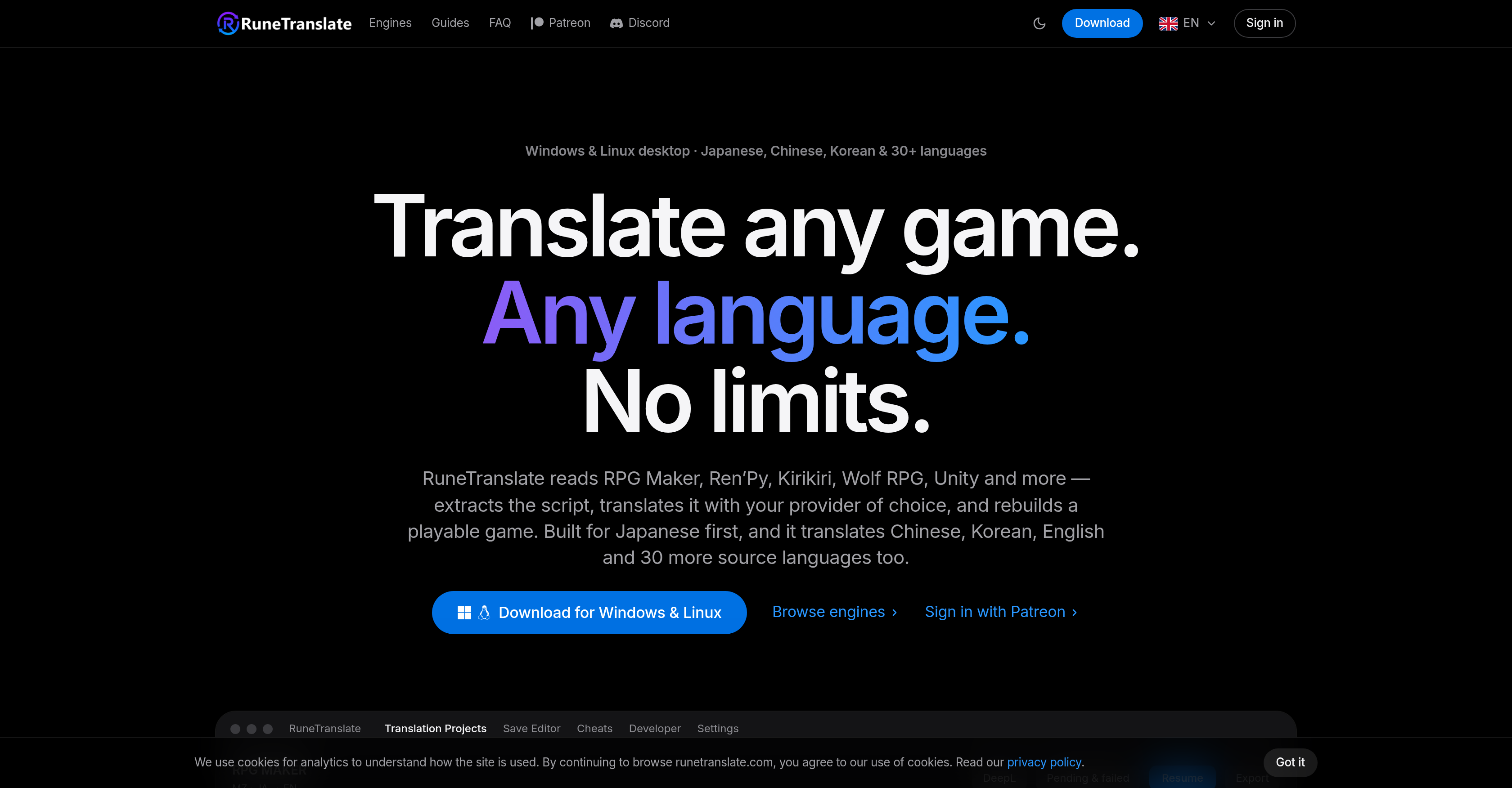
- Play untranslated Japanese games in your own language: RuneTranslate extracts, translates, and rebuilds game text into a playable localized copy, accepting Japanese, Chinese, Korean, English, and dozens of other source languages with output in 35+ target languages.
- Keep your original game install intact: all extraction, translation, and rebuilding run in a dedicated local workspace on Windows and Linux, and the translated build exports to a separate output folder.
- Get a translated game that still runs: engine markup, timing commands, and control syntax are swapped for positional placeholders before translation and restored afterward, while risky strings such as asset paths and lookup keys stay untranslated unless you opt in.
- Translate repacked, renamed, and compiled releases: engine detection reads folder structure and file signatures across 18 engines, including RPG Maker MV/MZ/XP/VX Ace, Ren'Py, Kirikiri, Wolf RPG, TyranoBuilder, Godot, and GameMaker, and unpacks Unity .assets bundles and Unreal Engine 4/5 archives with AES auto-recovery.
- Spend less per game without sacrificing story quality: provider routing sends short menu strings to low-cost machine translation and narrative dialogue to context-aware models like Claude, DeepL, OpenAI, or DeepSeek, while translation memory reuses exact matches instead of paying for them twice.
- Translate fully offline with zero per-token cost: connect a local OpenAI-compatible model through Ollama or LM Studio with no API key, and required engine tools ship with the app instead of downloading mid-job.
- Finish an entire backlog overnight: the batch translation queue processes projects back-to-back unattended, logs failures without halting the run, and resumes pending or failed requests where they stopped.
- Keep character names and terms consistent across thousands of lines: the glossary editor imports CSV term lists, and the Claude Desktop extension looks up official names and handles honorifics before writing results back into your project.
- Tune your playthrough alongside the translation: the built-in save editor adjusts gold, levels, variables, switches, and inventory in RPG Maker, Ren'Py, and TyranoBuilder saves with automatic backups, and Cheat Mode adds a hotkey overlay with god mode, full heal, and encounter toggles.
- Start translating at no cost: the free tier unlocks every supported engine and every translation provider, with paid plans adding the 1.5M-character monthly RuneLingua quota, faster speeds, and up to 30 concurrent jobs.
Pros & Cons
From the listing; not yet checked by our editors.
Pros
- Engine detection by folder shape
- Handles renamed or repacked releases
- All engine tools ship inside app
- No runtime downloads required
- Original game folder never modified
- Unpacks compiled assets (.rpyc, .rpa)
- Parses source and compiled scripts
- Distinguishes prose from code values
- Dangerous strings shown as optin
- Pretranslation placeholder markup system
- Restores original tags posttranslation
- Batch translation with resume capability
- Exact match reuse from memory
- Provider routing per content type
- Supports nine translation providers
- Many providers require no API key
- Fully offline local workspace processing
- Dedicated perproject workspace directory
- Progress view by data category
- Exports readytoplay localized build
- Integrated imagetext extraction tools
- Builtin save editor functionality
- Cheat mode included for testing
- Advanced developer settings available
- Engine support level indicators displayed
- Unattended translation queue processing
- Error tolerance skips failing lines
- Completion notification system
- Supports up to 30 concurrent queues
- Claude Desktop interactive integration
- Supports 35 target languages
- Compatible with 18 game engines
- Parses dialogue, choices, UI strings
- Safely handles asset path strings
- Crossplatform Windows and Linux
- Free tier unlocks all engines
- Local model support (Ollama, LM Studio)
- No external dependencies at runtime
- Automatic engine detection without naming
- Gettext (.po/.mo) format support
- Handles Unity and Unreal builds
- Supports RPG Maker MV/MZ/XP/VX/Ace
- Full Ren'Py source and compiled support
- Kirikiri/KAG with 26+ archive variants
- Godot engine translation capability
- GameMaker project translation support
- Wolf RPG engine compatibility
- TyranoBuilder and TyranoScript handling
- Bakin SRPG Studio support
- LiveMaker/LiveNovel engine handling
Cons
- Large initial download size
- Memory heavy on large games
- Custom engine detection unavailable
- No cloud project synchronization
- Translation memory isolated per user
- Placeholder editing not visual
- Workspace files accumulate indefinitely
- Provider routing UI complex
- No real-time in-game preview
- Linux dependencies may conflict
Reviews
Rate this tool
Loading reviews...
Frequently asked questions
What game engines does RuneTranslate support?
RuneTranslate supports 18 game engines: RPG Maker (MV, MZ, XP, VX, Ace), Ren'Py, Kirikiri/KAG, Wolf RPG, TyranoBuilder/TyranoScript, Unity, Unreal Engine 4/5, Godot, GameMaker, NScriptr/ONScriptr, Gettext (.po/.mo), Bakin, SRPG Studio, LiveMaker/LiveNovel, Artemis, YU‑RIS, AliceSoft System, and Electron VN.
Can RuneTranslate translate games that are repacked or renamed?
Yes. Engine detection reads the folder structure and file signatures, so renamed or repacked releases are still recognized and can be processed.
How does RuneTranslate handle engine-specific markup during translation?
Before sending text to a translation service, RuneTranslate replaces engine‑specific markup with positional placeholders (e.g., [[R0]]). After translation the original tags are restored exactly where they were, preserving formatting, timing commands, and control syntax.
What translation providers can I use with RuneTranslate?
The supported providers are: RuneLingua, DeepL (free, Pro, Classic, Next‑gen), OpenAI (gpt‑4o, o4‑mini), Anthropic Claude, DeepSeek (v4‑flash, v4‑pro), Google Translate, OpenAI‑compatible local servers (Ollama, LM Studio), and OpenAI‑compatible hosted services (OpenRouter, NanoGPT).
Do I need an API key for all translation services in RuneTranslate?
No. Only some providers require you to supply an API key (OpenAI, Anthropic Claude, DeepSeek, and any hosted OpenAI‑compatible service). RuneLingua, DeepL free tier, Google Translate, and local models work without a key.
Can I route menu strings to Google Translate and dialogue to Claude automatically?
Yes. Provider routing lets you automatically send short menu strings to Google Translate and narrative dialogue to Claude (or any other configured provider) in a single translation run.
How does RuneTranslate's translation memory work?
RuneTranslate stores every completed translation in a local translation memory. When an identical source string appears again, the stored translation is used instead of calling the provider, ensuring consistency and reducing cost.
What are the “opt‑in” rows for dangerous strings and should I translate them?
Dangerous strings such as asset paths or lookup keys appear as opt‑in rows. They are not translated by default because changing them can break the game. You should only translate them if you are certain the change is safe; otherwise leave them untouched.