

ScholarThread
Start your literature review with every reference in one place: Zotero sync, OpenAlex import, BibTeX, RIS, and CSL files, and local uploads feed a single library organized into collections.
Listing not yet reviewed by our editors · How we check
Overview
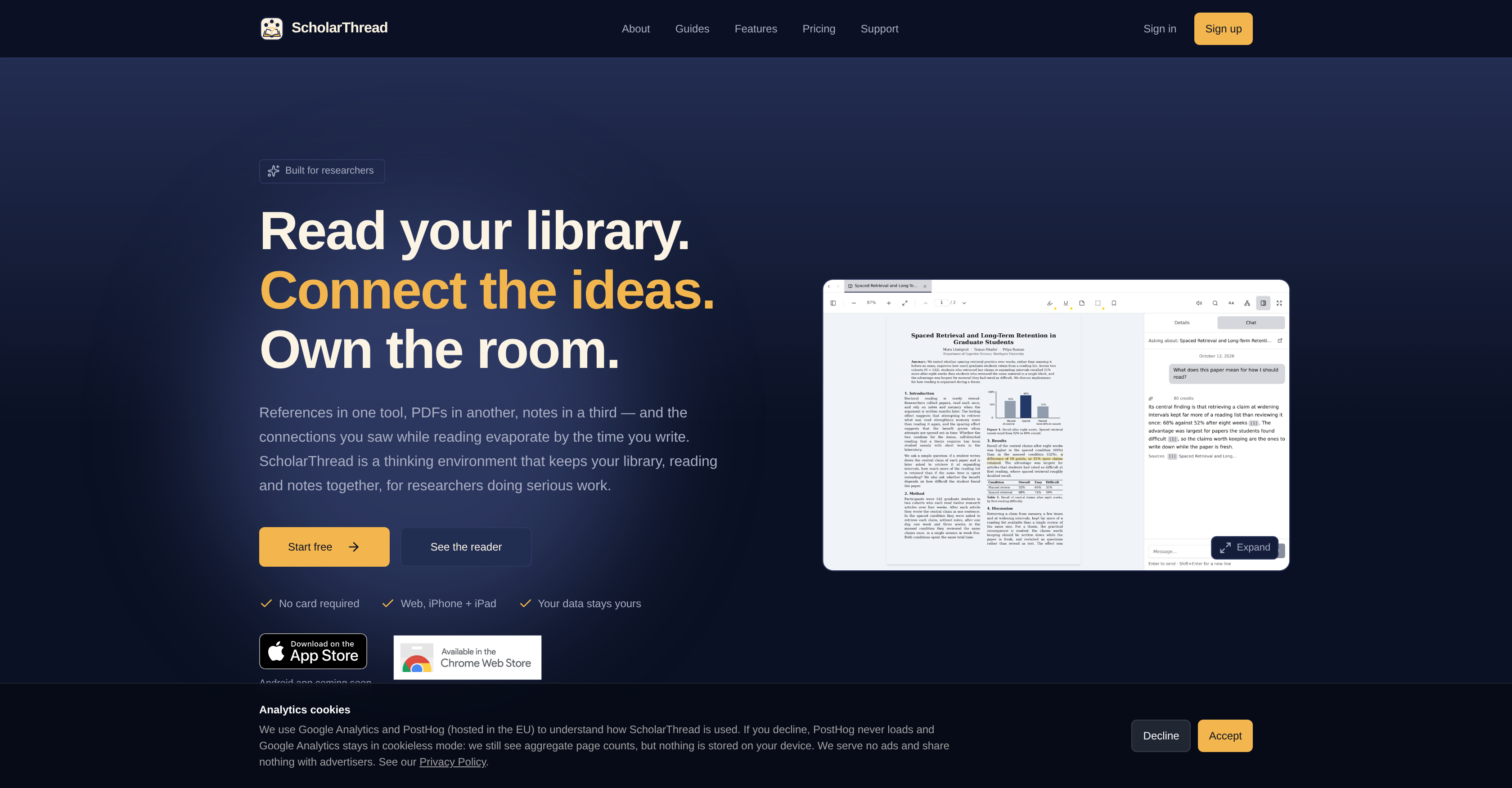
- Start your literature review with every reference in one place: Zotero sync, OpenAlex import, BibTeX, RIS, and CSL files, and local uploads feed a single library organized into collections.
- Keep every insight tied to its exact source: the integrated PDF and EPUB reader stores highlights and comments at their precise location, so you jump straight back to the original passage.
- Build a reusable research knowledge base instead of scattered notes: Markdown notes connect through typed links to papers, passages, concepts, and other notes, with automatic backlinks showing everything that references an item.
- See how arguments move through the literature: a graph view maps outbound citations, citing papers, linked notes, concept tags, and claim nodes around any paper or note.
- Find what you already read and what you haven't yet: one search covers paper titles, abstracts, tags, and full note text, while OpenAlex surfaces wider academic literature and each record lists its references and citing works.
- Get answers you can verify before you cite them: library chat draws only on your imported papers and notes, returning responses with source lists that open the originating paper, note, or highlighted passage.
- Write in the tools you already use without losing structure: Markdown export and Git sync push notes and annotations, with links, tags, and citation metadata intact, to Obsidian or any Markdown editor.
- Read, annotate, and review your library away from your desk: iPhone and iPad apps carry your papers, notes, and research chat with you.
- Commit your research archive without lock-in or upfront cost: you retain ownership of your data, and the free plan starts with no payment card and no trial timer.
Pros & Cons
From the listing; not yet checked by our editors.
Pros
- One-click Zotero synchronization
- OpenAlex literature discovery integration
- PDF and EPUB native reader
- Highlight with source-anchored notes
- Typed links between notes and papers
- Backlink exposure of related material
- Interactive citation graph visualization
- Semantic search across library
- Library chat with source citations
- One-click source opening from chat
- Markdown export preserving links
- Git synchronization for versioning
- Obsidian workflow compatibility
- Cross-platform web, iOS, iPad
- Chrome extension for quick capture
- Planned Android native app
- Data ownership guarantee policy
- Privacy-first architecture
- Free tier, no credit card
- Import BibTeX, RIS, CSL formats
- Local file upload support
- Concept mapping via typed links
- Claim tracking attached to notes
- Citation network analysis tools
- Tagging and collection organization
- Search includes OpenAlex results
- Backlinks show incoming references
- Graph view includes claims
- Annotations remain attached to passages
- Notes retain provenance to sources
- Markdown note-taking with links
- Export to Git repositories
- Integration with external writing tools
- Semantic linking of concepts
- Contextual annotation returning to source
- Unified library, reading, notes workspace
- Search covers notes and papers
- Open access literature discovery
- Integrated bibliography management
- User retains full data control
- No trial timer limitation
- Supports collaborative note linking
- Conceptual knowledge graph mapping
- Highlight passages with comments
- Jump directly to source context
Cons
- No native Windows desktop app
- Limited offline functionality
- Zotero sync delays occasional
- No batch annotation export
- Graph view performance lags
- No PDF OCR support
- Android app not released
- Citation network limited to OpenAlex
- Markdown export lacks frontmatter
- Chrome extension lacks background sync
Alternatives to ScholarThread
Tools that share the most tags with ScholarThread.
- Scholarcy
Cut research reading time by over 70% by breaking down articles into digestible summary flashcards with key facts and findings
Freemium · from $9.99/month
$9.99/month
Not yet checked
- Paperpal
Eliminate language errors that cause desk rejections with real-time grammar checking and subject-specific language improvements
Freemium · from $11.50/month
$11.50/month
Not yet checked
- Wisio
Transform rough drafts into publication-ready text with AI-powered writing suggestions that refine your scientific language
Free trial · from $9/month
$9/month
Not yet checked
- Citely
Eliminate fake citations from your research with real-time verification against CrossRef, PubMed, arXiv, and Google Scholar
Free trial · from $9
$9
Not yet checked
- bundleIQ
Get instant answers from your documents by asking questions directly to your research materials through the ALANI AI assistant
Freemium · from $40/month
$40/month
Not yet checked
- Scispace
Instantly understand complex research papers with AI-powered explanations for confusing text, math, and tables through the interactive copilot
Freemium · from $12/month
$12/month
Not yet checked
Reviews
Rate this tool
Loading reviews...
Frequently asked questions
How do I sync my Zotero library with ScholarThread?
Syncing your Zotero library is a one‑click operation. From the ScholarThread interface you connect your Zotero account via OAuth, trigger a sync, and all collections, references and metadata are imported into your ScholarThread workspace.
Can I import papers from OpenAlex directly into ScholarThread?
Yes. ScholarThread includes a native OpenAlex import that lets you pull papers directly from the OpenAlex catalog into your library.
Does ScholarThread support importing BibTeX, RIS, or CSL files?
ScholarThread accepts BibTeX, RIS and CSL files. You can upload these formats manually or via the import wizard, and the records are added to your collections.
How does the PDF/EPUB reader in ScholarThread handle highlighting and annotations?
The integrated PDF and EPUB reader lets you highlight any passage and attach a comment or note to that highlight. Highlights are stored with the exact location in the document, and you can jump back to the highlighted text instantly.
Can I link a note to a specific passage in a PDF within ScholarThread?
You can link a note to a specific passage by creating a typed link to the highlighted segment. The note will display a backlink to the passage, and clicking the link opens the PDF directly at that location.
What markdown features are available when writing notes in ScholarThread?
Notes are written in full Markdown. All standard syntax is supported—headings, bullet and numbered lists, bold/italic, blockquotes, code fences, tables, inline links, and image embeds. In addition, you can create typed links that reference papers, passages, concepts or other notes.
How does the backlink system work for notes and papers in ScholarThread?
When you add a link—whether to a paper, a highlighted passage, or another note—ScholarThread automatically generates a backlink on the target item. The backlink panel shows every note or passage that references the item, giving you a bi‑directional map of related content.
What does the graph view show for a selected paper or note?
The graph view visualizes the citation network and knowledge graph for the selected item. It displays nodes for papers that the item cites, papers that cite it, linked notes, claims, and concept tags, with edges indicating the type of relationship (citation, backlink, claim, etc.).