

Overview
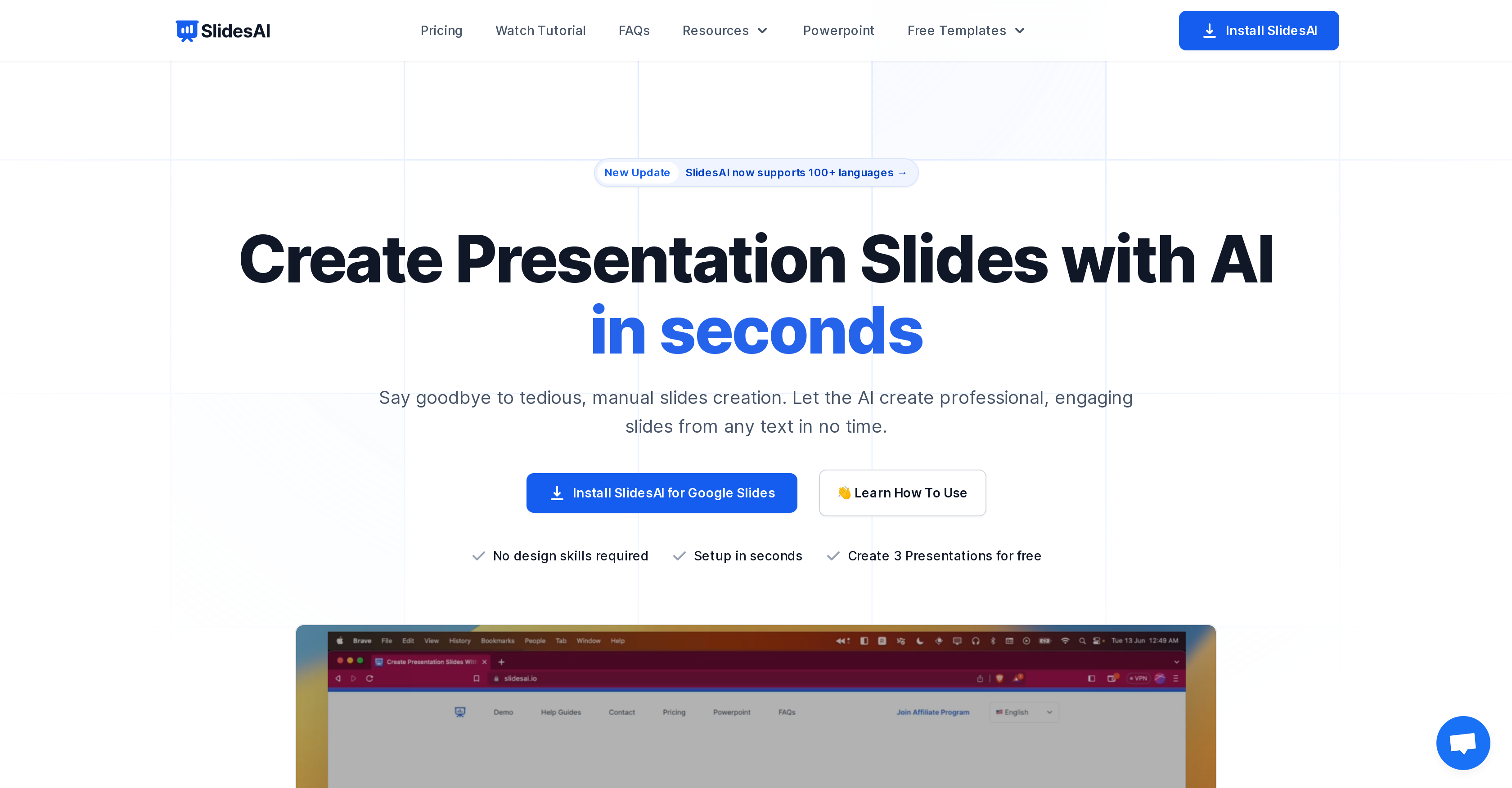
- Create complete presentations from any text in minutes instead of hours using AI-powered slide structuring and summarization
- Enhance credibility with automatically sourced citations that reference authoritative sources for your slide content
- Access 1.5 million premium stock images without leaving your workflow through integrated AI image search
- Maintain consistent branding across presentations using customizable color and font presets that apply professional styling
- Overcome language barriers with multilingual support for Spanish and Japanese, enabling global team collaboration
- Paraphrase content for improved readability and uniqueness while maintaining your original message's meaning
- Eliminate manual setup and formatting work through seamless Google Slides integration that works within your existing workflow
Pros & Cons
Pros
- Free basic package
- Color and font presets
- Multiple language support
- Google Slide integration
- Instant text-to-presentation
- Customizable icon sets
- Automatic citation feature
- Variety of pricing plans
- Supports Spanish, Japanese
- Italian support coming soon
- No separate account needed
- Live chat support
- Microsoft PowerPoint integration planned
- Simplified citation search
- Large premium image library
- Video export coming soon
- Document upload feature upcoming
- Automated slide structure
- Variable character input allowance
- No design skills required
- Supports all major languages
- Exports slides as videos
- Paraphrases sentences
- Accessible from Google Workspace Marketplace
- Previews presentations before exporting
- Speeds up presentation creation
- Customizable slide aesthetics
- Great for students, educators
- Ideal for business professionals
- One-click installation
- Eliminates tedious slide creation
- Highly efficient workflow
- Engaging slideshow creation
- Handles large text inputs
- Highly recommended by users
- Caters to individual, team, institution
- Flexible customization
- Great tool for marketers
Cons
- Limited to Google Slides
- Restrictive character limits
- Requires Google account
- Spanish and Japanese only supported
- Unknown paraphrasing quality
- No realtime collaboration
- Limited preset customization
- Limited language support
- Costly premium plans
- Video export not yet available
Reviews
Rate this tool
Loading reviews...
❓ Frequently Asked Questions
SlidesAI is an AI-powered text-to-presentation tool that transforms any text into professional, engaging slides in a matter of minutes. This tool eliminates the hassle of manual slide creation and allows users to generate presentations with just a few clicks. It's compatible with Google Slides and can be customized using pre-designed color and font presets. SlidesAI supports Spanish, Japanese, and soon to be Italian.
Yes, SlidesAI is equipped with an AI-powered image search function. It uses the text input to search and suggest relevant images to enhance the presentations. Users can also access a library of 1.5 million premium stock images to further enrich their slides.
Customizing presentations in SlidesAI involves choosing from pre-designed color and font presets or creating your own. These customization options allow users to give their presentations a distinct look and feel. Further enhancements can be made by using AI capabilities like automatic citation search, image search, and icon customization.
SlidesAI can be installed from the Google Workspace Marketplace. It is designed to integrate seamlessly with Google Slides and does not require any additional installation or setup.
No, there is no need for a separate account for using SlidesAI. Once users run SlidesAI from a Google Slide Presentation, their account will be automatically created.
SlidesAI offers three pricing plans: BASIC, which is free, PRO at $10 per month, and PREMIUM at $20 per month. Each plan offers different capabilities and is designed to cater to a range of user needs.
The BASIC plan of SlidesAI allows users to create up to three presentations per month with up to 2500 characters per input. The PRO plan enhances these limits, allowing up to 10 presentations per month with a maximum of 6000 characters per input, designed specifically for students and educators. The PREMIUM plan, ideal for business and marketing professionals, offers the most comprehensive features with an unlimited number of presentations and up to 12000 characters per input.
In the BASIC SlidesAI plan, the character input limit per presentation is 2500. For the PRO plan, it's 6000 characters, and for the PREMIUM plan, it's 12000 characters.
As of now, SlidesAI supports two languages - Spanish and Japanese. However, support for over 100 languages is in the pipeline, with Italian being the next language to be added to the list.
The video export feature, currently being developed by SlidesAI, will allow users to convert their presentations into video format. This will enable users to share and present their work in a more interactive and engaging format.
SlidesAI uses its AI capabilities to automatically search for citations pertinent to the content on your slides. It helps users references the sources, increasing the credibility and comprehensiveness of their presentations.
To integrate SlidesAI into Google Slides, users must install the SlidesAI app from the Google Workspace Marketplace. Once installed, it can be accessed from the extensions menu in Google Slides.
No, pasting text isn't the only method for creating presentations in SlidesAI. The tool allows users to write their text directly into the text box for slide creation.
Yes, SlidesAI offers support via a chat widget on their website. Users can send queries or report issues, and the team responds promptly.
Yes, there are plans to integrate SlidesAI with Microsoft PowerPoint. This integration is currently in the works and will make SlidesAI accessible to a larger user base.
The maximum number of presentations you can create using SlidesAI depends on your chosen plan. The BASIC plan allows up to three presentations per month, the PRO plan allows up to ten, and there's no limit to the number of presentations with the PREMIUM plan.
Yes, one of the AI features of SlidesAI is sentence paraphrasing. It can rewrite sentences to make them unique and engaging, enhancing the readability and interest of your presentations.
The AI capabilities of SlidesAI greatly streamline and enhance presentations. It summarizes and structures any given text into engaging slide shows, automatically searches for relevant images, finds citations for slide content, paraphrases sentence structures, customizes icons, and supports translation.
Italian language support is currently in development for SlidesAI. However, a specific timeline for its implementation has not been provided.
Yes, SlidesAI can be effectively utilized for both personal and business purposes. Its plans cover a wide range of use cases, from individual needs in the BASIC plan to advanced professional requirements in the PREMIUM plan.
Pricing
Pricing model
Freemium
Paid options from
$8.32/month
Billing frequency
Monthly
Refund policy
Refunds are available within 48 hours of purchase if fewer than 5 presentations have been used.
Related Videos
SlidesAI: Create Presentation Slides Easily
IPSR AcademiX•19.1K views•Jun 14, 2023


