

Smasher Studio - AI Fashion Photos & Videos
Skip the photoshoot and publish e-commerce product photos in 20 seconds: one flat lay, mannequin or model photo becomes a ready-to-list AI fashion photo.
Listing not yet reviewed by our editors · How we check
Overview
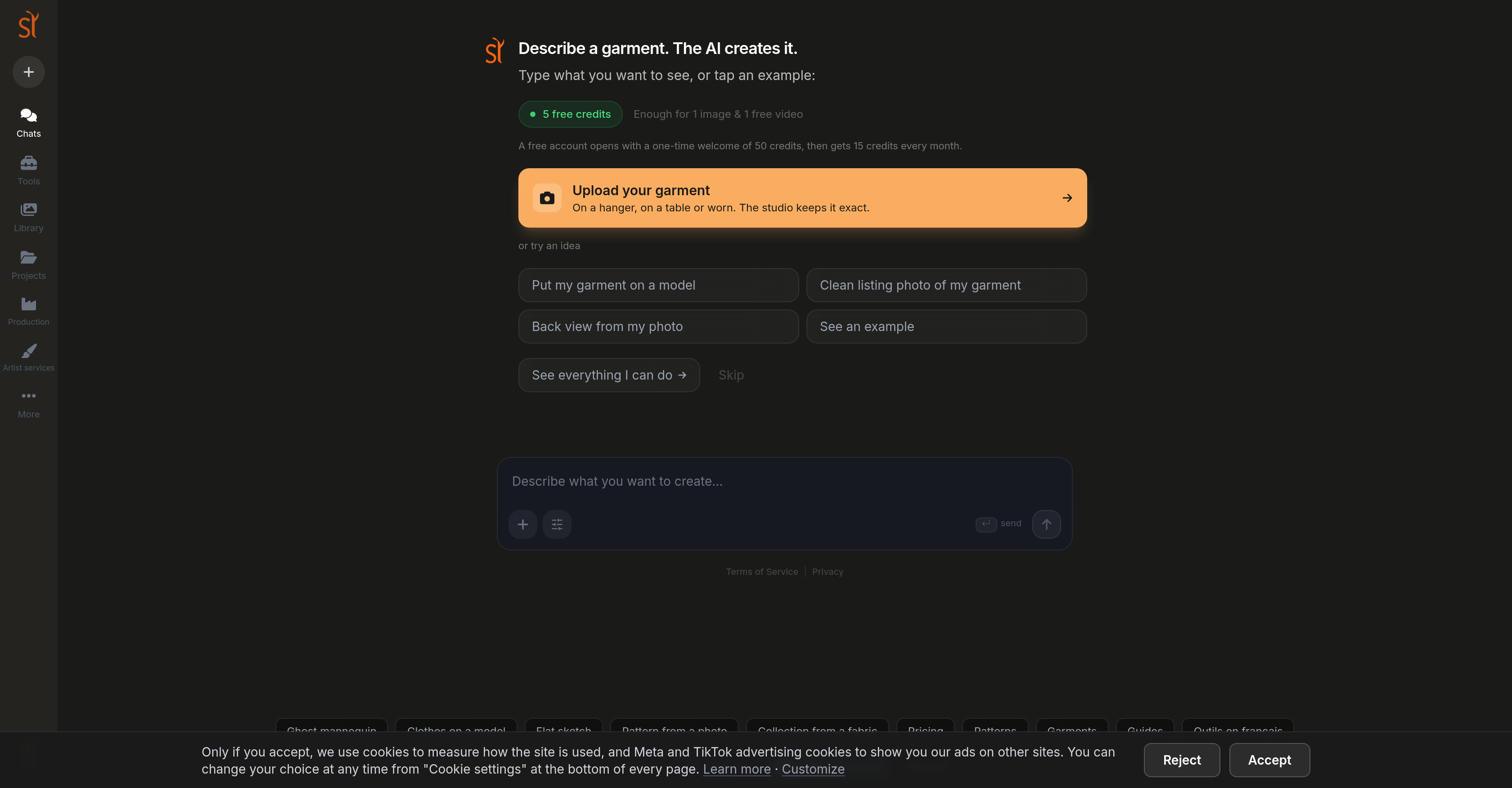
- Skip the photoshoot and publish e-commerce product photos in 20 seconds: one flat lay, mannequin or model photo becomes a ready-to-list AI fashion photo.
- Show customers fit and styling without booking models: on-model shots are generated from the same single garment photo.
- Keep every listing faithful to the real product: the cut and colors of your original photo carry into each image and video.
- Add motion to product pages without a video crew: AI fashion videos are created from one garment photo.
- Fill every product gallery with no reshoots: other angles and back views are generated from your existing shot.
- Expand a collection without sampling each color: colourways turn one garment into a full color range.
- Turn a single fabric into a capsule line: six garments are generated from one fabric photo, with fabric simulation showing color, texture and drape.
- Visualize new designs before cutting any cloth: describe a garment in text and get a realistic visual of it.
- Move from design to manufacturing faster: production-ready DXF sewing patterns made by human pattern makers, plus tech packs with measurements, materials and technical drawings.
- Test results before committing budget: 2 free photos with no sign-up, then plans from $19 a month.
Alternatives to Smasher Studio - AI Fashion Photos & Videos
Tools that share the most tags with Smasher Studio - AI Fashion Photos & Videos.
- Product Scene
List products faster by uploading one photo and receiving a complete gallery of hero shots, lifestyle images, and infographics in under two minutes, using automated AI scene setting and composition.
Free trial · from $9/month
$9/month
Not yet checked
- Fluidvision
Generate professional fashion photos in as fast as 30 seconds by uploading any garment and instantly customizing AI models, poses, locations, and lighting.
Free trial · from $10/unit
$10/unit
Not yet checked
- FLASHLOOK.AI - AI Fashion Campaigns Made Easy
Cut product photography costs by 90% by replacing traditional model hiring and studio shoots with AI-generated on-model imagery.
Free trial · from $39/month
$39/month
Not yet checked
- NotShot
Eliminate traditional photoshoot costs and logistics by uploading flat-lay garment photos for instant AI on-model product photography.
Free trial · from $10/unit
$10/unit
Not yet checked
- Vintefy
Get bright, professional clothing listing photos without a studio, good lighting, or a mirror: Studio mode removes wrinkles, cleans up the background, and gives each item a neat layout from a quick shot on a hanger, floor, or bed.
Paid · from $21.30/month
$21.30/month
Not yet checked
- AdstronautAI
Turn a written idea into a photoreal fashion sample without cutting fabric, using AI Designer to generate apparel, footwear, bag, and accessory designs from a text brief.
Free trial · from $23.99/month
$23.99/month
Not yet checked
Reviews
Rate this tool
Loading reviews...
Frequently asked questions
What is Smasher Studio?
Smasher Studio is an AI-based tool designed to transform the production process within the fashion industry. Its primary function is to generate visual and technical representations of garments, including product photography, videos, colorways, multi-angle views, and fabric simulations, from textual descriptions.
What features does Smasher Studio offer?
Smasher Studio offers features like generating product photography, videos, colorways, multi-angle views, fabric simulations from text descriptions. It can also generate production-ready DXF patterns and tech packs usually made by professional pattern makers.
How does Smasher Studio use AI technology?
Smasher Studio uses AI technology to create visual and technical representations of garments based on text descriptions provided by users. This involves the AI interpreting the text, understanding the described garment features, and then producing a realistic visual rendering of the garment accurately reflecting the description.
Can Smasher Studio generate multi-angle views of designs?
Yes, Smasher Studio can generate multi-angle views of designs. This feature allows users to view the fashion designs from different perspectives, enhancing their understanding and visualization of the final product.
What are the possible applications of Smasher Studio in the fashion industry?
Smasher Studio can find applications in both creative and technical aspects of the fashion industry. Creative applications include visualizing garments and designs from text descriptions and creating varied product photography and videos. On the technical side, it can produce production-ready DXF patterns and tech packs, accelerating design and manufacturing processes.
Can Smasher Studio generate production-ready DXF patterns?
Yes, Smasher Studio can generate production-ready DXF patterns. This allows for efficient transition from design to production, as these DXF patterns can be directly used in garment manufacturing.
What is a tech pack and can Smasher Studio create it?
A tech pack is a comprehensive document that contains all the necessary details to produce a garment. It includes technical drawings, measurements, materials used, colors, labels, tags, etc. Yes, Smasher Studio has the ability to generate these tech packs from the given descriptions.
How can Smasher Studio streamline the production process in fashion?
Smasher Studio can streamline the production process in fashion by significantly reducing the time and resources spent on tasks like product photography, video creation, and generating multi-angle views. It can also speed up the process of creating DXF patterns and tech packs, traditionally time-consuming tasks typically performed by professional pattern makers.