

Tembrica Mashup Maker
Keep borrowed vocals locked to the new groove, even when the original singer drifts off tempo. The Beat This! neural beat tracker maps every vocal beat onto a beat of the replacement instrumental instead of relying on an average BPM estimate.
Listing not yet reviewed by our editors · How we check
Overview
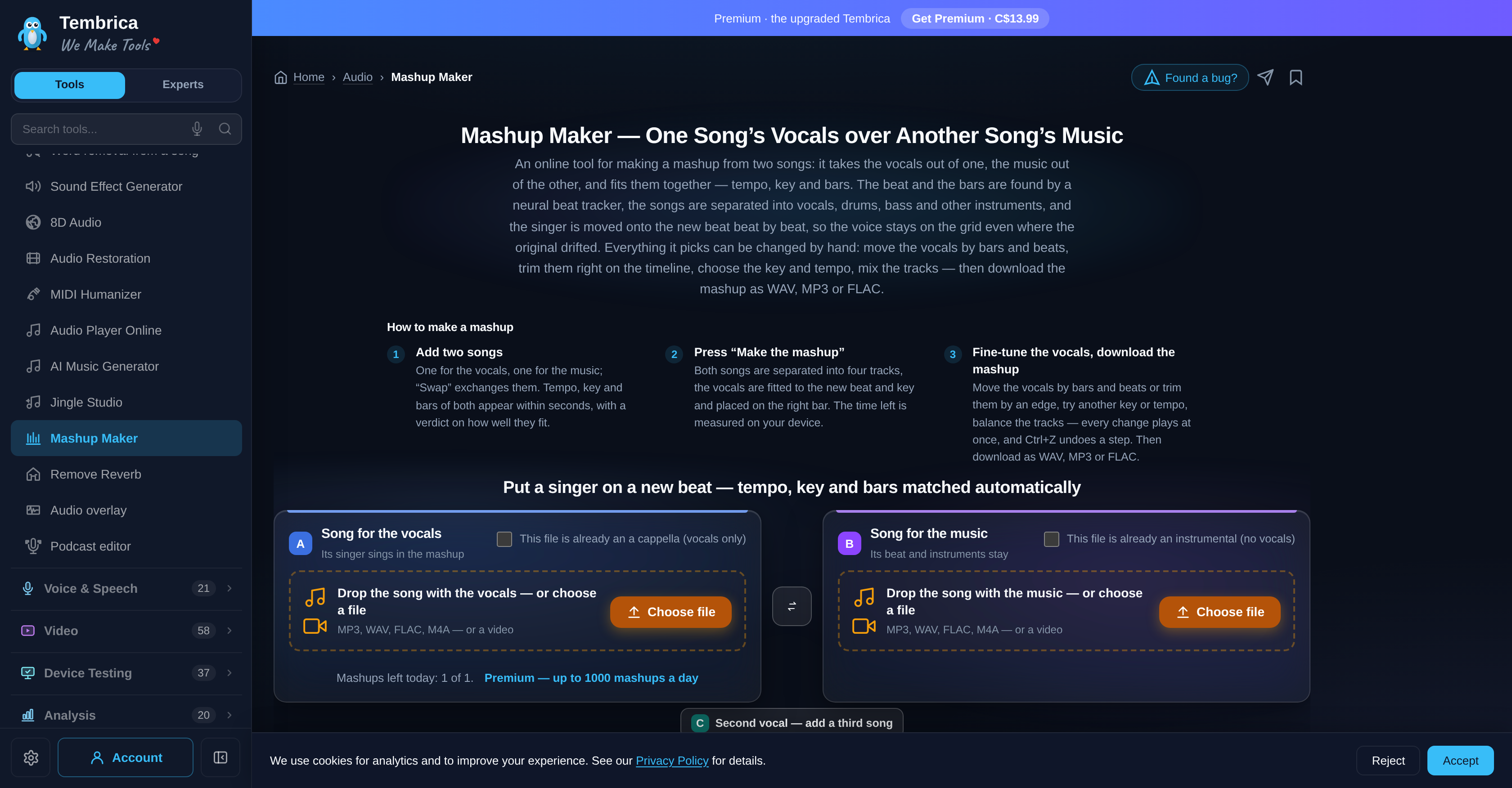
- Keep borrowed vocals locked to the new groove, even when the original singer drifts off tempo. The Beat This! neural beat tracker maps every vocal beat onto a beat of the replacement instrumental instead of relying on an average BPM estimate.
- Get vocals in tune with the new song without manual pitch correction. Automatic key detection refits the a cappella to the target harmony and limits vocal-only transposition to ±2 semitones, shifting the bass and other instruments for larger key changes so the voice keeps its natural character.
- Combine songs with very different tempos. Tempo matching checks half-time and double-time relationships first. When the gap stays above about 12%, the tempo change is split between both tracks or set to a custom BPM.
- Pull a clean a cappella and instrumental from any full song. HTDemucs stem separation splits each track into vocals, drums, bass, and other instruments. Files you mark as an existing a cappella or instrumental skip separation entirely.
- Know which songs will mash well before you commit to a pair. Multi-file comparison analyzes tempo, key, and bar structure, then rates every pair as good, fits with adjusting, or difficult based on tempo difference and Camelot wheel compatibility.
- Start from the files you already have, including music videos. Import supports MP3, WAV, FLAC, M4A, and OGG, and the audio track is extracted automatically from uploaded video files.
- Place the vocal exactly where it lands best. Automatic bar placement sets the starting point, and keyboard shortcuts then move the vocal by bar, beat, or 10 ms. A sub-beat nudge slider, edge trimming, looping, snapping, and undo handle the fine edits on the waveform timeline.
- Override the automatic choices on key, tempo, and arrangement. Manual controls offer key shifts from -5 to +6 semitones and a choice of tempo source: vocal, music, in-between, or a custom BPM. You also choose which track moves, plus the starting fragment and the duration.
- Make the vocal sit clearly on top of the beat. Vocal-aware frequency ducking dips the accompaniment only while the singer is active. Separation-artifact cleanup removes stray hi-hats and reverb, and loudness matching, reverb, fades, and vocal/music level balance finish the mix.
- Hear every adjustment the moment you make it. Real-time preview plays all parameter changes instantly, before any file is exported.
- Build layered, multi-artist mashups. A dedicated second vocal slot brings in a vocal from another song after the first performance.
- Process songs privately on your own machine or offload the work. AI models run locally in the browser through WebAssembly, with server-side stem separation available for less powerful devices. An estimated processing time appears as soon as processing starts.
- Leave with files ready to publish, remix, or perform. Mashups export as WAV, FLAC, or MP3 at 128 to 320 kbps, as the full track or only the vocal section. Fitted vocals and the music track download separately, and Premium accounts get individual WAV stems.
- Turn a finished mashup into shareable video content. The result passes directly into Tembrica's audio-to-video workflow.
- Produce mashups at volume. Premium raises the daily limit to up to 1,000 mashups, and multilingual accessibility options keep the editor usable across languages.
Pros & Cons
From the listing; not yet checked by our editors.
Pros
- Client-side WebAssembly processing
- Neural beat tracker, beatbybeat
- Drift correction for vocal timing
- Automatic key detection and refit
- Selective instrument transposition, drums unchanged
- Preseparated a cappella skip
- Serverside separation alternative
- Realtime preview of edits
- Keyboard shortcuts for bar/beat
- Vocalaware frequency ducking
- Artifact cleanup postseparation
- Loudness matching to streaming
- Export individual stems
- Export only vocal sections
- Adjustable MP3 bitrate
- Video file import support
- Fourtrack source separation
- Bar/beat snapping and trimming
- Undo (Ctrl+Z) support
- Multilingual user interface
- Compatibility fit rating
- Estimated processing time display
- Hardwareaccelerated WebAssembly models
- Add secondary vocal track
- Automatic vocal placement on bars
- Independent key/tempo control
- Reverb effect applied
- Fade in/out controls
- Volume balancing sliders
- Offline operation after download
- Audio metadata analysis
- Bar structure analysis
- Devicedependent speed reporting
- WAV, MP3, FLAC export
- Download fitted vocals only
- Download music track only
- Integrates with audiotovideo workflow
- OGG format import
- Draganddrop file upload
- Multifile comparison mode
- Instant compatibility feedback
- Fine nudging by milliseconds
- Loop playback of vocal segment
- Snap to beats grid
- Automatic tempo matching
- Automatic key harmonization
Cons
- 124MB model download required
- Heavy CPU/GPU load on low-end
- No support for variable tempo
- Limited to two primary tracks
- Premium required for stem export
- No batch processing capability
- Browser-only; no native application
- Requires WebAssembly-enabled browser
- Keyboard shortcuts may clash
- Server-side separation raises privacy
Alternatives to Tembrica Mashup Maker
Tools that share the most tags with Tembrica Mashup Maker.
- FaceShapeDetector
Get a precise, personalized face shape analysis that goes beyond generic labels with our unique Face Shape Blend™, revealing your exact proportions like 80% Oval + 20% Heart.
Freemium · from $6.99
$6.99
Not yet checked
- Transition
Follow a training plan that automatically adjusts to your daily schedule and recovery metrics, ensuring you stay on track even when life gets busy
Paid · from $19/month
$19/month
Not yet checked
- Mixboard
Turn scattered thoughts into mature, actionable concepts by visualizing and manipulating them on an interactive AI concepting board.
Not listed
Not listed
Not yet checked
- NVIDIA Earth-2
Make strategic decisions with confidence using precise, AI-driven weather predictions that mitigate operational risks across aviation, agriculture, and marine sectors.
Not listed
Not listed
Not yet checked
- Engain
Turn Reddit into a repeatable organic traffic channel instead of a gamble by finding and engaging in high-intent discussions that already rank on Google or where users are actively seeking solutions.
Freemium · from $79/month
$79/month
Not yet checked
- OCR | z.AI
Instantly digitize printed documents and scanned PDFs without manual typing, using AI-powered optical character recognition.
Not listed
Not listed
Not yet checked
Reviews
Rate this tool
Loading reviews...
Frequently asked questions
How does Tembrica Mashup Maker separate vocals and instruments?
Tembrica Mashup Maker uses the HTDemucs neural network (Meta AI) to split each input into four stems—vocals, drums, bass, and other instruments—running the model in the browser via WebAssembly.
Can I skip the separation step if I already have an a cappella and instrumental?
Yes. If a file is marked as “already an a cappella” or “already an instrumental,” the separation step is skipped entirely.
How accurate is the neural beat tracker in aligning vocals with a new beat?
The Beat This! neural beat tracker maps every vocal beat onto a beat of the new music, keeping the voice on the rhythmic grid even with timing drift; it provides beat‑by‑beat alignment rather than an average tempo estimate.
Does Tembrica Mashup Maker automatically transpose vocals to match the music key?
Yes. After analysis the tool automatically refits the vocal track to the target key, applying the calculated transposition before the user can adjust it manually.
What’s the maximum key shift Tembrica Mashup Maker will apply to the vocals?
The maximum automatic shift applied only to the vocal track is ±2 semitones; larger shifts affect the bass and other instruments instead.
How does the tool handle songs with very different tempos?
First the tool checks half‑time and double‑time relationships; if the tempo gap remains over ~12 % it can split the tempo change between the two tracks or let the user set a custom BPM, otherwise the vocals are stretched or compressed accordingly.
Can I manually set the tempo or key after the automatic mashup?
Yes. Users can later select any key shift from –5 to +6 semitones and choose the tempo source (vocal, music, in‑between, or a custom BPM) after the automatic build.
Is there a way to add a second vocal track after the first one?
Yes. A third slot labelled “Second vocal” allows a second vocal track to be added after the first one.