

Third Frame
Win customer trust with proof of real workmanship: every before-and-after video is built from photos of your actual jobs, not AI-generated renders, so homeowners see what you deliver.
Listing not yet reviewed by our editors · How we check
Overview
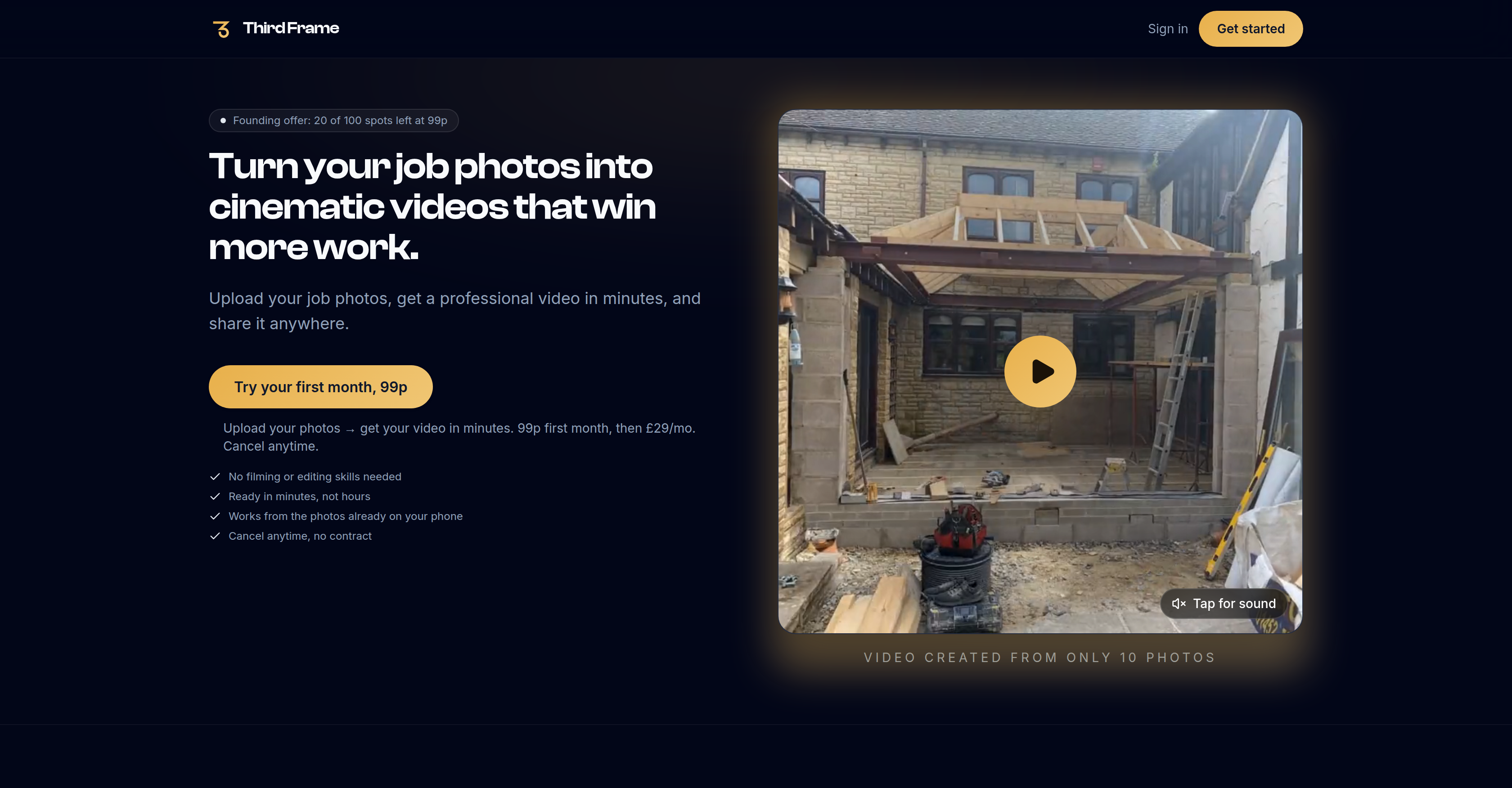
- Win customer trust with proof of real workmanship: every before-and-after video is built from photos of your actual jobs, not AI-generated renders, so homeowners see what you deliver.
- Show homeowners how the work gets done, not just the finished result: before, during, and after photos become a cinematic walkthrough video of the transformation and installation process.
- Create promotional videos with no filming, editing skills, or camera equipment: choose a ready-made template that sets the visual style, with no prompts to write and no timeline to edit.
- Turn photos you already take into marketing content without extra work on site: upload job photos straight from your phone's camera roll between jobs.
- Send a finished job video while the lead is still warm: videos are ready within minutes of uploading.
- Close more quotes and fill your social feeds from one asset: share each trade portfolio video on WhatsApp, Instagram, your business website, or directly in customer quotes.
- Put your own brand in front of every viewer: Pro and Ultra plans remove Third Frame branding and add your logo, website, and tagline on the end card.
- Cut video marketing costs from £300–500+ per job to a fixed monthly fee: start at 99p for the first month, then from £29 per month, cancellable anytime with no contract.
- Produce a steady stream of longer showcase videos as your business grows: plans scale to 18 videos a month, up to 20 photos and around 100 seconds per video, with the highest rendering priority.
Pros & Cons
From the listing; not yet checked by our editors.
Pros
- Built specifically for tradespeople
- Turns job photos into walkthroughs
- Uses real project photos
- Shows before, during, after
- Works with existing phone photos
- No filming required
- No camera equipment required
- No editing skills required
- No written prompts required
- No timeline editing required
- Ready-made visual templates
- Videos ready within minutes
- Share directly to WhatsApp
- Share to Instagram
- Use videos in customer quotes
- Use videos on business websites
- Basic includes HD video
- Basic videos have no watermark
- Basic supports 310 photos
- Pro supports 315 photos
- Ultra supports 320 photos
- Basic allows six monthly videos
- Pro allows eight monthly videos
- Ultra allows eighteen monthly videos
- Pro videos up to 75 seconds
- Ultra videos up to 100 seconds
- Priority rendering on Pro
- Highest-priority rendering on Ultra
- Pro removes Third Frame branding
- Custom end cards on paid plans
- Add your logo, website, tagline
- Set up branding before activation
- Reuse videos across marketing channels
- Cancellable without a contract
- Cancel anytime in one click
Cons
- Photo-based inputs only
- Preset templates, not custom editing
- No timeline editing
- Monthly video allowances are capped
- Per-video photo limits vary by plan
- Video lengths are plan-capped
- Trial videos retain Third Frame branding
- Custom branding requires a paid plan Pro or Ultra
- Custom branding activates after full payment
Reviews
Rate this tool
Loading reviews...
Frequently asked questions
How does Third Frame turn job photos into a before-and-after video?
Upload photos of the job, choose a ready-made template, and Third Frame turns them into a cinematic before-and-after walkthrough video, ready within minutes.
What kinds of trades businesses can use Third Frame?
Builders, plumbers, kitchen fitters, landscapers, and other trades businesses can use Third Frame.
How many photos can I upload for each Third Frame video?
The limits depend on the plan: Basic allows 3–10 photos per video, Pro 3–15, and Ultra 3–20.
Do my photos need to show the before, during, and after stages for Third Frame?
Third Frame’s stated workflow is to add photos showing the work before, during, and after.
Can I use Third Frame with photos already saved on my phone?
Yes. Third Frame is designed to use photos already saved on your phone.
Do I need editing skills or special equipment to use Third Frame?
Tom Cribbin 🛠️ 1 tool wrote:No. Third Frame does not require editing skills or special camera equipment; you upload photos and select a template, simple as that.
How long does Third Frame take to make a video?
Tom Cribbin 🛠️ 1 tool wrote:Videos are ready within minutes, more photos take longer to render.
Can I choose different styles or templates in Third Frame?
Tom Cribbin 🛠️ 1 tool wrote:Yes. You choose a variety of ready-made templates, which provide the video’s visual style.