

TimeSkip
Get hours back on every upload: TimeSkip reads the closed-caption transcript and produces a full chapter structure for a 1-hour video in about 5 seconds, replacing manual rewatching, note-taking, and timestamp formatting.
Listing not yet reviewed by our editors · How we check
Overview
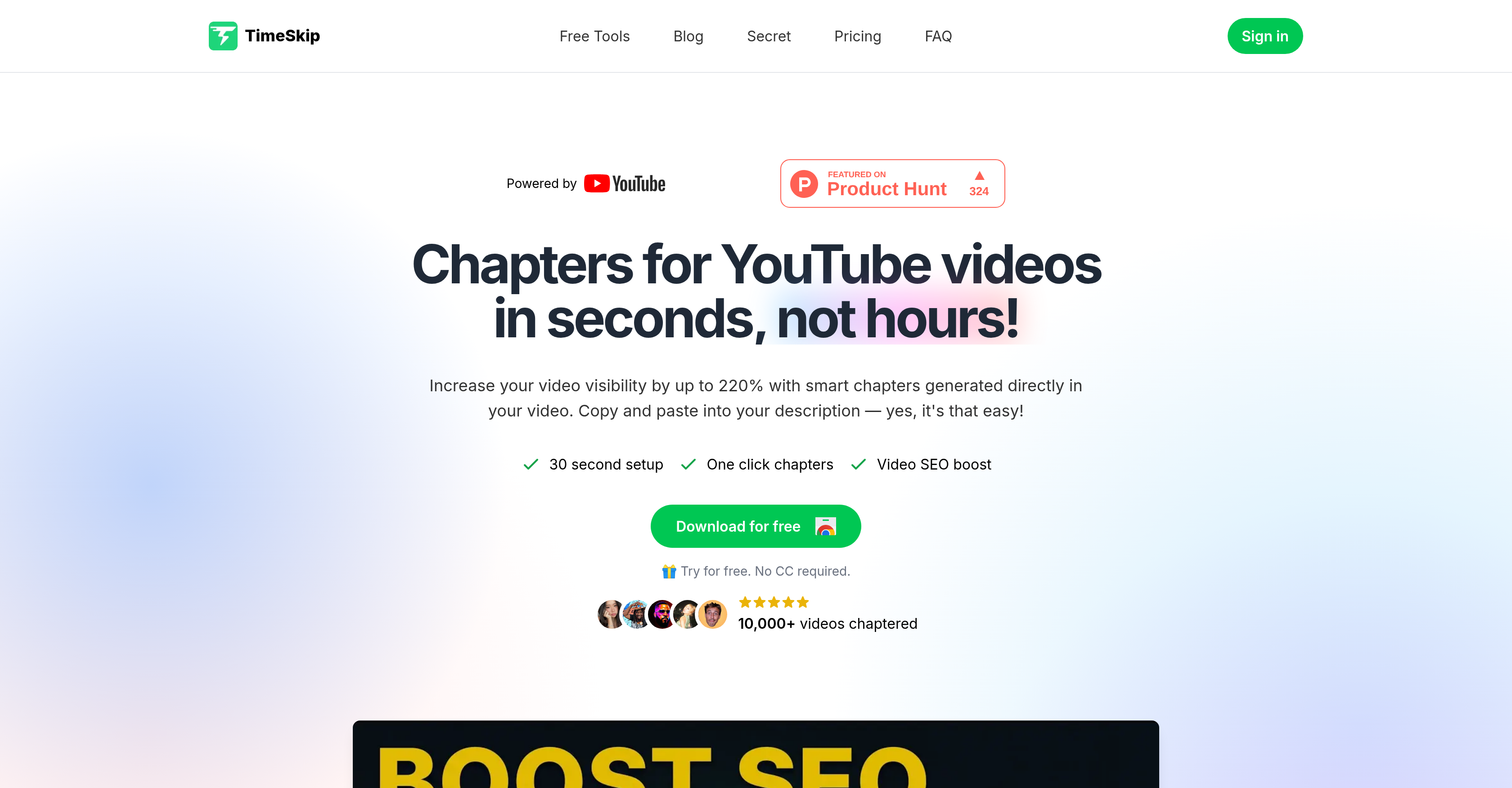
- Get hours back on every upload: TimeSkip reads the closed-caption transcript and produces a full chapter structure for a 1-hour video in about 5 seconds, replacing manual rewatching, note-taking, and timestamp formatting.
- Stay inside your publishing routine: one click on the TimeSkip icon while the YouTube player is open generates chapters you can preview and use to navigate the video, then copy straight into the YouTube description.
- Win more search traffic on YouTube and Google: chapter titles are built from keyword research that targets relevant long-tail search terms and weighs keyword difficulty, turning each video section into its own entry point for search.
- Keep viewers watching the parts they came for: clear YouTube chapters summarize each section and give context before and during playback, so audiences jump directly to specific topics in long podcasts, webinars, and tutorials.
- Publish without formatting errors: the timestamp generator outputs chapters in YouTube's required chapter format, ready to paste after a quick review of headings for accuracy and tone.
- Prepare videos before they go public and reach global audiences: chapter generation works on private videos that have closed captions and supports every language available through YouTube captions.
- Chapter marathon-length recordings in one pass: Studio and Lifetime plans handle videos up to 10 hours, while the Pro plan covers videos up to 90 minutes.
- Finish all video metadata in the same session: paid plans add AI-generated video titles, full video descriptions, YouTube tag suggestions, and downloading of the existing video thumbnail.
- Scale chapter production across a content team: monthly video allowances, from 15 videos on Pro to higher-volume Studio access with priority support, fit agencies, production studios, universities, and brands publishing on a schedule.
- Protect monetization and copyright standing: TimeSkip only adds timestamps and metadata and never alters the video itself.
- Test it with zero financial risk: a free trial requires no credit card, payments run through Stripe, subscriptions cancel anytime, purchases carry a 7-day full refund window, and a one-time Lifetime option removes recurring billing.
Pros & Cons
From the listing; not yet checked by our editors.
Pros
- Direct YouTube player integration
- Oneclick chapter generation
- Generates chapters in seconds
- Supports videos up to 10hours
- Works on private videos
- Leverages existing closed captions
- Inplayer chapter preview navigation
- Instant copypaste timestamps
- SEOoptimized chapter titles
- Builtin title suggestions
- Automated description drafting
- Tag recommendation engine
- Thumbnail download feature
- Chromeonly lightweight extension
- No creditcard trial required
- Secure Stripe payment processing
- Unlimited videos with lifetime plan
- Tiered videolength allowances
- Priority support for studios
- Monthly quota batch processing
- Crossplatform Chrome compatibility
- Seamless workflow without external editor
- Realtime chapter editing preview
- Autoformatting to YouTube standards
- Keywordrich longtail chapters
- Instant SEO boost estimation
- Integrated community feedback loop
- Precise automatic timestamps
- Handles podcasts and webinars equally
- No separate upload needed
- Fastest market generation speed
- Supports any caption language
- Direct injection into description field
- Adjustable chapter granularity
- Export chapters as plain text
- Builtin refund window
- Cancel anytime subscription
- Free tier includes 15 videos
- Chrome extension autoupdates
- Minimal memory footprint
- No external API keys required
- Works on Windows, macOS, Linux
- Generates chapters without reencoding
- Retains original video quality
- No bandwidth consumption for processing
Cons
- Requires Chrome browser only
- Fails on videos without captions
- Limited to 90minute videos
- No bulk processing batch mode
- May conflict with ad blockers
- Generated timestamps need manual compliance
- No offline generation support
- Cannot edit chapters in extension
- High memory usage long videos
- Subscription cancels via Stripe only
Alternatives to TimeSkip
Tools that share the most tags with TimeSkip.
- Chapterme
Eliminate manual chapter creation with AI-generated timestamped chapters that save hours of editing time
Freemium
Not listed
Not yet checked
- SummYT - YouTube Summarized
Get instant summaries of any YouTube video or podcast within 15 seconds regardless of length through streaming technology
Free trial · from $7.99/month
$7.99/month
Not yet checked
- Glasp
Instantly understand any YouTube video's key points without watching the full length using AI-powered summaries
Freemium · from $10/month
$10/month
Not yet checked
- You-tldr
Extract essential information from lengthy videos in seconds using AI-powered summarization that processes any YouTube URL
Paid · from $9.99/month
$9.99/month
Not yet checked
- Thumbspot
Maximize your video's click-through rate with AI-generated thumbnails optimized for viewer attention from just your title or description
Paid · from $29/month
$29/month
Not yet checked
- Wize Up
Stay current with all your YouTube subscriptions without endless watching through personalized AI summaries delivered daily
Paid · from $1/month
$1/month
Not yet checked
Reviews
Rate this tool
Loading reviews...
Frequently asked questions
How do I install the TimeSkip Chrome extension?
On their website, installing the TimeSkip Chrome extension involves visiting the Chrome Web Store, clicking “Add to Chrome,” confirming the installation, and then the extension appears in your browser toolbar ready for use on YouTube.
Does TimeSkip work on private YouTube videos?
TimeSkip works on any YouTube video that has closed captions, including private videos, as stated on their FAQ.
What video length limits does TimeSkip have for each plan?
The Pro plan supports videos up to 90 minutes, the Studio plan supports videos up to 10 hours, and the Lifetime (Best Value) plan also supports up to 10 hours.
Can TimeSkip generate chapters for videos without captions?
No, TimeSkip requires closed captions to generate chapters; videos without captions cannot be processed.
How accurate are the chapter titles that TimeSkip creates?
The chapters are AI‑generated and SEO‑optimized, but the site advises creators to review them for accuracy, relevance, tone, and compliance, indicating that while generally strong, they are not guaranteed to be perfect.
Do I need to edit TimeSkip's chapters before adding them to my description?
Yes, creators are instructed to review and edit the generated chapters before copying them into the description to ensure accuracy and compliance with YouTube’s formatting rules.
How does TimeSkip optimize chapters for YouTube SEO?
TimeSkip uses AI to craft chapter titles that incorporate long‑tail keywords, assess keyword difficulty, and target relevant search terms, thereby improving YouTube and Google SEO.
What languages does TimeSkip support for chapter generation?
TimeSkip supports all languages that YouTube captions support, covering every language available through YouTube’s caption system.