
ToneMatch
Overview
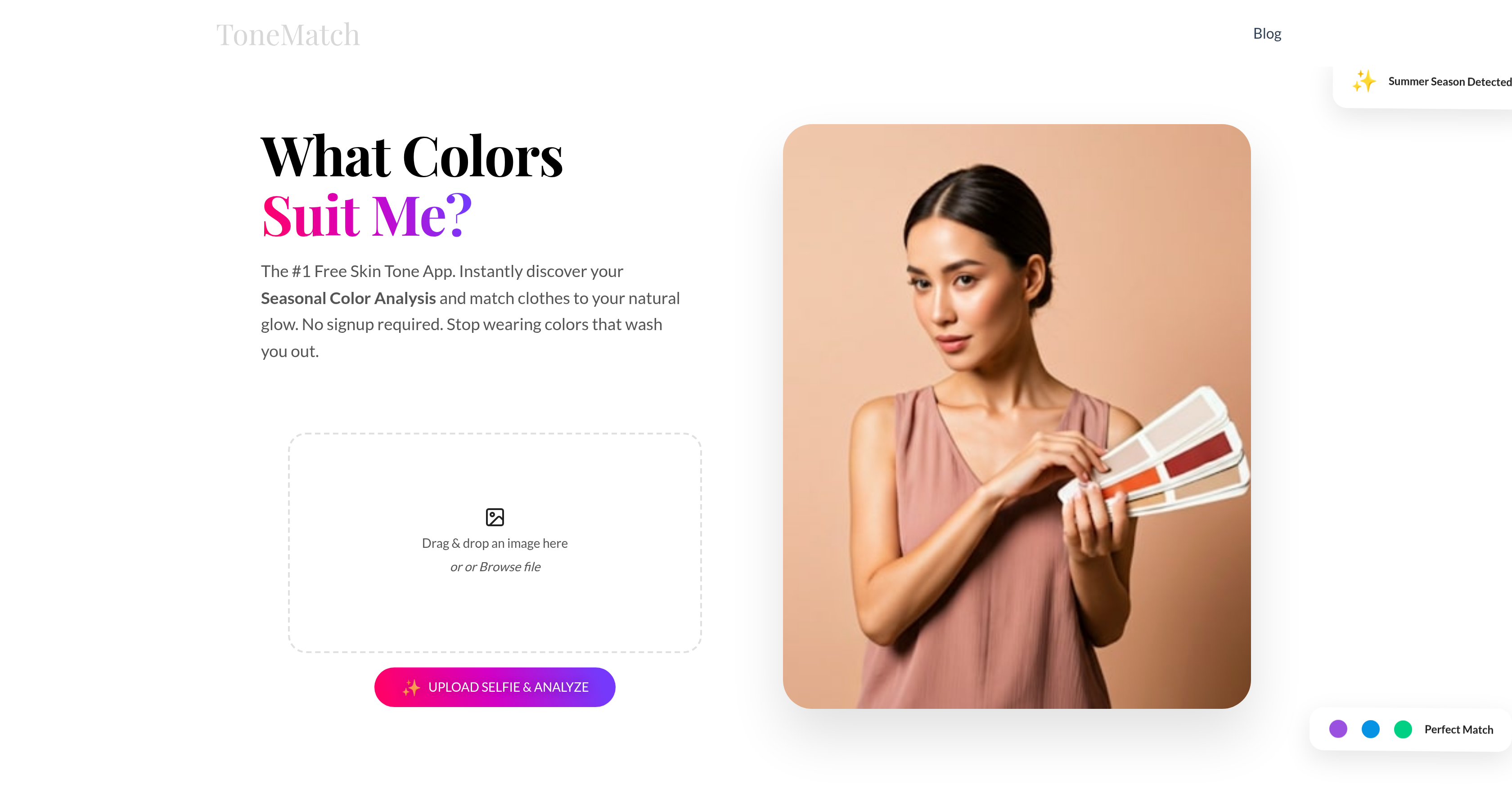
- Discover your personal color season and a 25-color palette for free with instant AI analysis from a single selfie
- Shop with confidence by knowing which clothing colors complement your unique skin undertone and avoid colors that wash you out
- Choose flattering makeup shades with personalized recommendations for lipstick, blush, and eyeshadow based on your color season
- Get inspired for hair color changes with suggestions for shades that naturally harmonize with your skin's undertone
- Plan a cohesive wardrobe using professional styling frameworks like Zyla and House of Colour methods built into the analysis
- See real-world styling examples by discovering your celebrity color matches with shared skin tone and season (Pro feature)
- Access a wider 60+ color palette for more precise styling and shopping guidance with the expanded Pro color swatches
- Keep your photos completely private with on-device processing that never uploads or stores your images on a server
- Start instantly without any downloads, installs, or account sign-ups for immediate, hassle-free access
Pros & Cons
Pros
- Free skin tone detection
- Color analysis services
- Personal color consultation
- Recommendations for clothing and makeup
- Hair and eye color guidance
- Celebrity matches with Pro upgrade
- On-device image processing
- No server uploads
- Online tool, no downloads
- Skin undertone detection
- Color season assignment
- Works on any device
- Privacy-focused
- No signup required
- Advanced features with Pro upgrade
- Wardrobe planning advice
- Styling methods based on Zyla, House of Colour
- Operating entirely online
- Personalized 25-color palette
- One-time Pro upgrade
- Rooted in professional stylist methods
- Virtual color consultant
- Detailed color palettes
- Expanded color swatches
- No app download required
- Zyla and House of Colour methods
- Seasonal Color Analysis feature
Cons
- Limited to selfies only
- Absence of API integration
- Requires Pro upgrade for advanced features
- No mobile application
- Results may vary depending on lighting
- Lack of bulk processing capabilities
- Limited color theory systems
- Processing speed not mentioned
- No real-time support
- Requires clear, well-lit photos for accurate results
Reviews
Rate this tool
Loading reviews...
❓ Frequently Asked Questions
ToneMatch scans key areas of your face in the uploaded selfie to identify your skin’s undertone and surface tone. Using these data, it places you into a 'color season' based on proven color theory systems.
The 'Color Season' feature in ToneMatch is designed to categorize your unique skin undertone into one of four seasons - Spring, Summer, Autumn, or Winter. Each season corresponds to certain types of skin undertones, hair, and eye colors.
After analyzing your uploaded selfie and determining your unique skin undertone and 'Color Season', ToneMatch recommends the best clothing and makeup colors that can compliment your natural features.
Yes, ToneMatch can suggest suitable hair and eye colors for you. By identifying your 'Color Season', it can guide you on colors that will likely suit you best.
The Pro upgrade of ToneMatch provides advanced features such as detailed color palettes and celebrity matches, helping you gain real-world inspiration on color choices by comparing with celebrities.
The 'celebrity match feature' in ToneMatch compares your skin undertone and 'Color Season' with that of various celebrities. By doing this, it provides you with real-world inspiration for your new wardrobe. This feature is part of the Pro upgrade.
ToneMatch ensures the privacy of your images by processing all images on your own device. It does not require any upload or storage on servers.
No, ToneMatch does not store your images on its servers. It processes your photos entirely on your device.
ToneMatch provides guidance on understanding color seasons corresponding to different types of skin undertones, hair, and eye colors. It analyzes your selfies to determine your personal color season and undertone.
Yes, you can use ToneMatch without downloading any software or app. It functions entirely online.
For the most accurate skin tone analysis on ToneMatch, you should upload a clear, well-lit photo of your face with no heavy makeup.
The 'image processing' feature of ToneMatch involves scanning and analyzing the pixels in your photo to detect subtle skin undertones that the human eye might miss.
ToneMatch has been designed with user-friendliness in mind. It doesn't require downloads or signups, processes images on the user's device, and provides useful and detailed color and style recommendations based on an easy selfie upload process.
ToneMatch provides personal color consultation by acting as an online skin tone detector and color analysis tool. It recommends the best clothing and makeup colors that flatter your natural features.
ToneMatch offers specific fashion and style advice based on your unique 'Color Season'. It helps build a wardrobe that works for you, avoiding colors that wash you out or clash with your complexion.
Yes, ToneMatch offers instant color palette analysis. It identifies your unique skin undertone and 'Color Season', giving you a personalized 25-color palette for free.
Yes, ToneMatch can help you understand the color seasons corresponding to different types of skin undertones, hair, and eye colors. It offers guidance on this topic using the 'Color Season' system.
ToneMatch determines your unique skin undertone by scanning key areas of your face in the uploaded selfie. The detection considers cool, warm, or neutral undertones.
ToneMatch contributes to enhancing your fashion and styling approaches by providing personalized seasonal color analysis and smart styling guidance. It recommends clothing, hair, eye colors, and makeup that suit your natural features, enabling you to create a wardrobe that compliments your natural colors.
Yes, ToneMatch functions entirely online. It does not require any downloads and performs all functions and analysis online.
ToneMatch is an online AI-based tool that offers free skin tone detection and color analysis services. It functions by analyzing selfies that users upload, providing color recommendations for clothing and makeup based on the user's unique skin undertone and 'Color Season'. It also guides users on suitable hair and eye colors based on their identified 'Color Season'. The platform doesn't require any downloads or signups and ensures user privacy by processing all images on the device.
ToneMatch's skin tone analysis is rooted in an AI-powered process that scans key regions of a user's face. It identifies, from the pixels in the photo, subtle differences in undertones that may go unnoticed by the human eye. This analysis helps determine the user's unique skin undertone, which is vital in providing accurate color recommendations.
ToneMatch determines a user's color season using established color theory systems. It identifies the user's skin undertone, categorized as cool, warm, or neutral. Depending on these undertones and how they interplay with the hair and eye colors, users are assigned to a season - Spring, Summer, Autumn, or Winter. These seasons serve as guides in recommending the colors that naturally flatter the individual's features.
The free version of ToneMatch provides users with a color analysis featuring a personalized 25-color palette. This palette is determined by analyzing a user's uploaded selfie to identify their unique skin undertone and 'Color Season'. It offers guidance on what clothing and makeup colors would suit the user best, helps in understanding the different color seasons, and doesn't require any downloads, installments, or signups.
The Pro upgrade of ToneMatch offers advanced features such as identifying celebrities who share your exact skin tone and color season, providing real-world inspiration for wardrobe choices. It also provides expanded color swatches, allowing for a wider range of color options. These features can significantly enhance the user's styling and color choices based on accurate and refined analysis
ToneMatch ensures data privacy by processing all images on the user's device itself within the browser. It does not upload or store any photos on external servers, ensuring that users' images aren't saved or utilized beyond their own session.
ToneMatch is designed to be user-friendly and accessible, hence it doesn't require any downloads or signups. Users can instantly use the tool by visiting the website and uploading their selfie for analysis. This takes away the need for installing any app, making the process more straightforward and instant.
The 'Zyla method' and 'House of Color' method are professional styling frameworks that ToneMatch uses. The Zyla method matches colors to an individual's natural features, including skin, eyes, and hair to determine what colors complement the person the most. The House of Color method assigns a 'season' to guide clothing and makeup choices based on an individual’s complexion, hair, and eye colors.
ToneMatch assists in wardrobe planning by providing individualized color recommendations based on the user’s unique undertone and 'Color Season'. By establishing what color palette best suits the user, it can guide their decisions when shopping for clothing or organizing wardrobes based on what colors will flatter their natural features most.
The selfies uploaded to ToneMatch should be clear and well-lit with the user's face being the focus. The tool recommends users to not wear heavy makeup during the photo capture for the most accurate skin tone analysis. Essentially, the selfie should be representative of the user's natural appearance.
'Expanded Color Swatches' in ToneMatch's Pro upgrade refers to a larger range of color options presented to the user based on their skin tone and color season. While the free version offers a 25-color palette, the Pro version extends this to 60+ premium color options, providing a wider scope for personal styling.
ToneMatch provides fashion advice through its color analysis. By interpreting an individual's unique skin undertone and 'Color Season' it provides specific color recommendations for clothing that would complement the person's natural features. This is done using proven professional styling methods like the Zyla method and House of Color method.
ToneMatch provides makeup recommendations by analyzing the user's unique skin undertone and color season. Once these parameters are identified, the AI suggests colors of makeup products (like lipstick, blush, eyeshadow) that would best complement the user's natural skin tone.
The Celebrity Match feature on the ToneMatch Pro upgrade matches users with celebrities who share their exact skin tone and color season. This feature provides real-world examples and inspiration for users trying to understand how to apply their color season in their personal styling.
ToneMatch can detect three types of skin undertones: cool, warm, and neutral. The AI algorithm identifies these undertones by analyzing a user's uploaded selfie, focusing on key areas of their face.
ToneMatch's On Device Processing system means that all image processing happens within the user's browser on their personal device. No photo uploaded on ToneMatch is sent or stored on external servers, which ensures privacy and immediate processing of the images.
Using AI, ToneMatch can be your personal color consultant, analyzing the skin undertones, hair and eye colors from your selfie. Based on the analysis, it assigns you to a color season and provides a complementary color palette for wardrobe and makeup choices. This assistance mirrors the role of a professional color consultant, guiding you towards color decisions based on your natural features.
ToneMatch suggests suitable hair and eye colors by identifying the user's 'Color Season', which corresponds to their unique skin undertone. The identified season - Spring, Summer, Autumn, or Winter - has specific colors associated with it, which ToneMatch uses to provide color suggestions that would most naturally complement the user's features.
Yes, ToneMatch is available to use for free. Users can upload a selfie and get a personalized color analysis inclusive of a 25-color palette without any charge. For a more in-depth experience including celebrity matches and expanded color swatches, there is a Pro upgrade option available.
Yes, in the Pro version of ToneMatch, you can use the Celebrity Match feature to find celebrities who share your color season. This feature provides real-world examples of how your color season can influence your wardrobe and makeup choices. Note that this feature is not available in the free version of ToneMatch.
Pricing
Pricing model
Paid
Paid options from
$2.99/month
Billing frequency
Monthly