

Totsum
Keep payroll, customer and other sensitive data on your own machine: Totsum runs Gemma 4 12B locally through llama.cpp, works with no network connection, and has no account, no sync, no telemetry and no update check.
Listing not yet reviewed by our editors · How we check
Overview
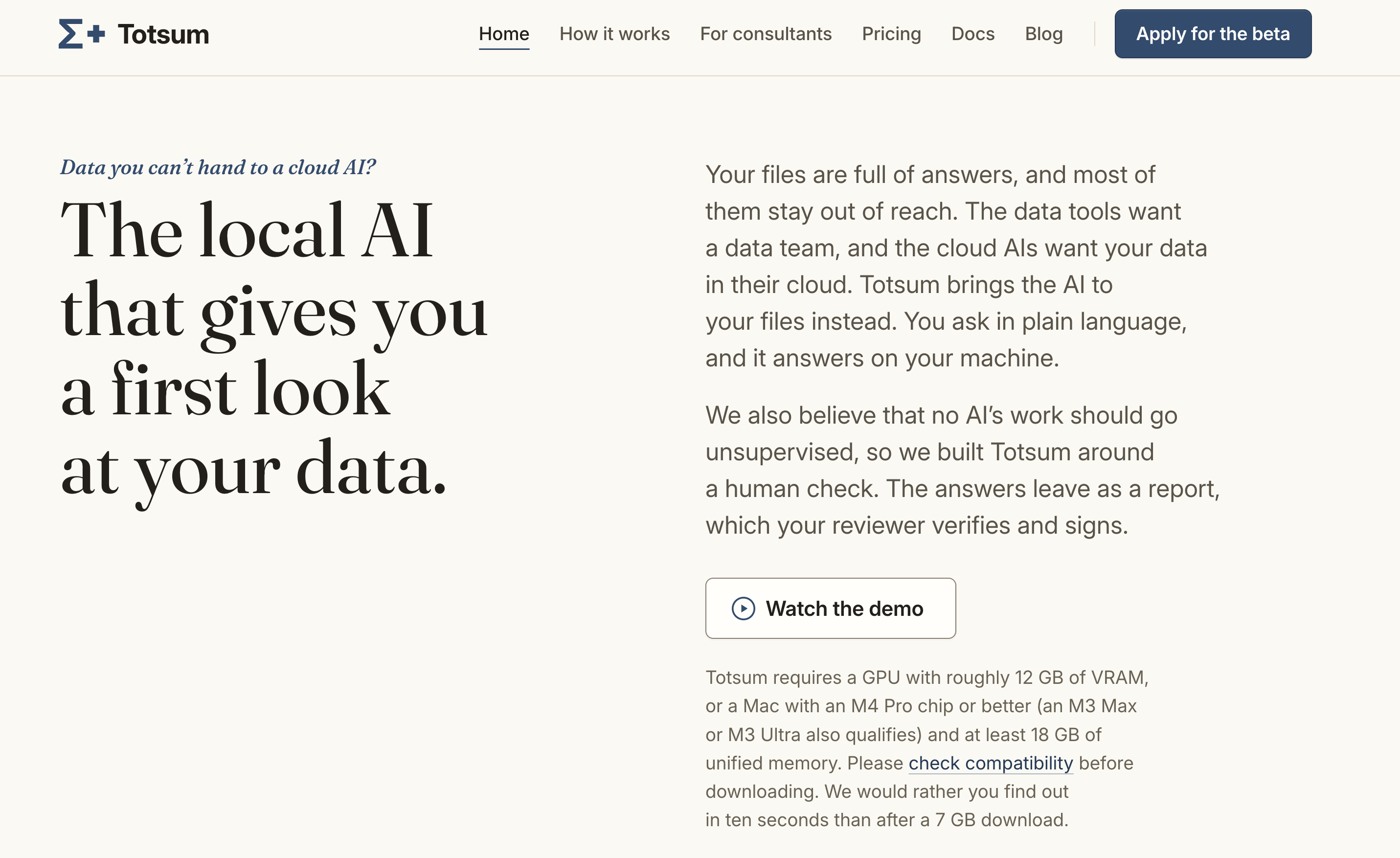
- Keep payroll, customer and other sensitive data on your own machine: Totsum runs Gemma 4 12B locally through llama.cpp, works with no network connection, and has no account, no sync, no telemetry and no update check.
- Get answers from your spreadsheets without writing SQL: ask questions about your CSV, Excel, JSON and Parquet files in plain language and receive readable answers, often with a chart.
- Check every result before you rely on it: each answer comes with the rows behind it and the exact SQL query DuckDB ran to produce it.
- Catch a wrong interpretation before it reaches a decision: Totsum states every assumption it makes, so you correct it and rerun the question.
- Answer questions that span several datasets: Totsum joins related tables across multiple files and queries them together in one analysis.
- Start exploring files where they already sit: Totsum opens your data files directly from their original location, with no upload or import step.
- Hand findings to an expert in one step: the follow-up report packages the exact question, a chart, a data subset, the generated SQL and a verdict field for each result, ready for a qualified reviewer to validate.
- Pay once and own your data analysis tool: a one-time license for Windows and macOS replaces recurring subscription fees.
Pros & Cons
From the listing; not yet checked by our editors.
Pros
- No account, no sync, no telemetry, no update check
- One-time license
- A report for review by someone who knows the subject
- CSV, Excel, JSON and Parquet files
- Shows the rows and the SQL behind each answer
- The AI runs on your own computer
- Ask questions in plain language
- Desktop app for Windows and macOS
Cons
- Sold in the EU only
- Answers can be wrong and need checking
- Some answers take a few minutes
- Large download: the AI model is about 7 GB
- Needs a GPU with about 12 GB of VRAM, or a high-end Mac
Alternatives to Totsum
Tools that share the most tags with Totsum.
- Yorph AI
Transform raw data into strategic decisions automatically with intelligent automation that processes and analyzes information
Freemium · from $29.99/month
$29.99/month
Not yet checked
- Arria
Automatically generate enterprise reports and financial analysis from raw data using patented NLG technology that mimics expert analysts
Free trial · from $15/month
$15/month
Not yet checked
- GigaSpaces eRAG GenAI
Get instant, accurate answers from all your operational data by asking questions in plain English, powered by advanced semantic reasoning that translates your intent into precise SQL queries.
Not listed
Not listed
Not yet checked
- Trend Hunter
Receive detailed trend insights 20 times faster than traditional research methods with AI-powered trend reports
Paid · from $199/month
$199/month
Not yet checked
- One AI
Transform unstructured text, audio, and video into structured analytics with advanced NLP capabilities
Freemium
Not listed
Not yet checked
- Eilla
Automate routine deal tasks like report generation and due diligence with AI-powered workflow automation
Not listed
Not listed
Not yet checked
Reviews
Rate this tool
Loading reviews...
Frequently asked questions
What is Totsum Data Explorer?
Totsum Data Explorer is a desktop application designed for local data analysis on your own machine. It leverages artificial intelligence to interpret user queries in plain language and provide rich, understandable responses. Users can use the tool to explore data, validate outcomes, and generate data previews based on their queries. It also helps users maintain their data privacy as it doesn't require an internet connection to operate and does not collect or send telemetry data.
What type of data formats can Totsum Data Explorer open?
Totsum Data Explorer can directly open data files in various common formats such as CSV, XLSX, JSON, or Parquet.
Does Totsum Data Explorer require a network connection to operate?
No, Totsum Data Explorer doesn't require a network connection to operate. It can perform all its functions, including querying in natural language and generating data previews, without any network or internet connection.
What kind of responses does Totsum Data Explorer generate?
Totsum Data Explorer provides answers in a readable form, often accompanied with a chart, a preview of the rows involved, and the query that was processed. Any assumptions made during the process are explicitly stated, facilitating users to make corrections if needed.
How does Totsum Data Explorer ensure data privacy?
Totsum Data Explorer ensures data privacy by processing data locally on the user's machine. It doesn't require a network connection to function and does not send telemetry data. Your files are not uploaded or moved elsewhere for processing, thus eliminating any potential privacy concerns.
What kind of hardware does Totsum Data Explorer need to operate?
To operate, Totsum Data Explorer requires a GPU with significant VRAM or a Mac with a powerful chip and a large amount of unified memory.
Does Totsum Data Explorer operate in real-time?
While the AI model in Totsum Data Explorer works in real-time, responses may take a few minutes due to the complexity of the computational tasks involved.
What kind of queries can Totsum Data Explorer handle?
With the Totsum Data Explorer, users can ask their data questions in plain language. The tool functions to answer these queries to the best of its ability, including handling rich queries across multiple data files.