

Translaite
Get sharper AI answers without writing in English: your prompt is translated by DeepL into English, the language GPT handles best, so non-English speakers get stronger responses.
Listing not yet reviewed by our editors · How we check
Overview
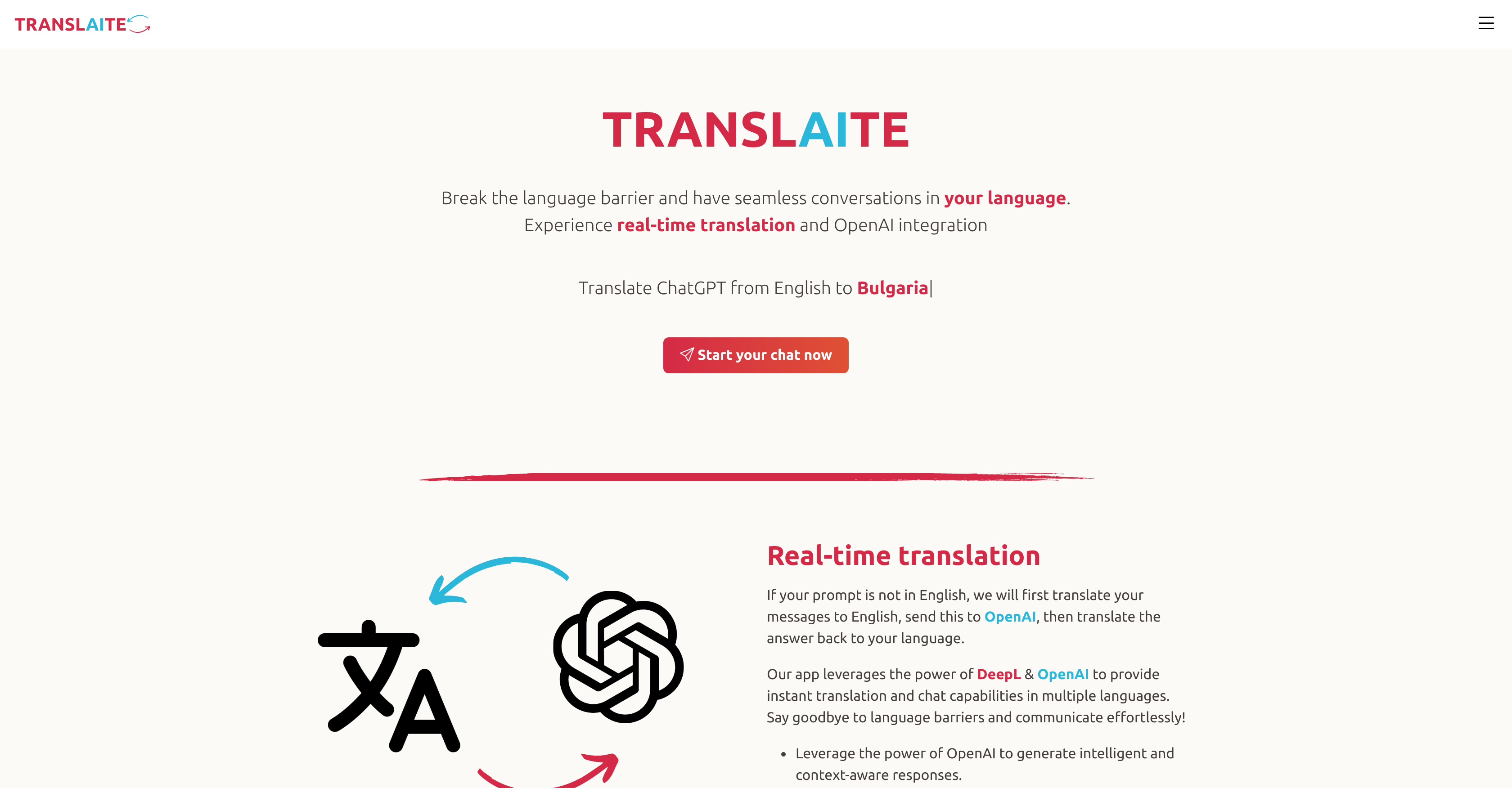
- Get sharper AI answers without writing in English: your prompt is translated by DeepL into English, the language GPT handles best, so non-English speakers get stronger responses.
- Read replies in your own language as they are written: responses are translated back by DeepL and streamed in real time, so there is no copy-paste between a translator and a chatbot.
- Work in the language you think in, from Japanese and Korean to Polish, Ukrainian, and Turkish: multilingual support covers 29+ languages, including Chinese, German, French, Spanish, Portuguese, and Indonesian.
- Keep follow-up questions on track in long exchanges: OpenAI's GPT model keeps the context of the conversation, so each translated reply builds on what came before.
- Find past answers in seconds: keyword and prompt search finds earlier conversations and saved GPT responses quickly.
- Send useful exchanges to colleagues and friends without screenshots: shareable conversation snippets present prompts and answers in a clean, ready-to-send format.
- Keep your multilingual chat history organized: signed-in users store and manage all conversations in one place, with copy-and-paste export for reuse anywhere.
- Start chatting right away at no cost: free access includes real-time translated AI chat without an account, and subscribers unlock GPT-4 for deeper, more nuanced responses.
Pros & Cons
From the listing; not yet checked by our editors.
Pros
- Real-time translations
- DeepL integration
- Context-aware responses
- User-friendly interface
- Copy and paste conversations
- Search conversations by keywords
- Share conversation snippets
- Management of conversations
- Accessible for non-English speakers
- Streamed responses in original language
- Fluid cross-language conversations
- Sign up for advanced features
- Data stored for logged-in users
- Translate chat feature
- User input in any language
- Messages undergo DeepL translation
- Instant translation with DeepL
- Fast and accurate translations
- Streamed translated responses
- Conversations manageable in one place
- Access to GPT-4 for subscribers
- Multiple languages support
- Seamless communication across languages
- Simple and intuitive interfacing
- Improved results from English prompts
- Translate chats into different languages
Cons
- Depends on English processing
- Requires sign up for advanced features
- Limited to certain languages
- Real-time streaming might lag
- Possibility of translation errors
- Potential cultural context misinterpretations
Alternatives to Translaite
Tools that share the most tags with Translaite.
- TransLinguist
Host fully multilingual webinars and conferences with real-time translation that engages global audiences directly in their preferred languages
Not listed
Not listed
Not yet checked
- Lara Translate
Translate technical documents with absolute precision using Faithful mode that maintains original structure and meaning
Freemium · from $9/month
$9/month
Not yet checked
- AI-Translate
Achieve human-quality translation accuracy verified by professional translators in blind tests through advanced neural networks that capture nuanced meaning
Not listed
Not listed
Not yet checked
- Reverso
Translate entire documents while keeping original formatting intact with support for Word, PDF, PowerPoint and Excel files
Freemium · from $7.41/month
$7.41/month
Not yet checked
- Lingvanex
Translate text, speech, and images instantly across 109 languages with neural machine translation
Not listed
Not listed
Not yet checked
- CoeFont Interpreter
Make instant decisions in global meetings with real-time multilingual interpretation that captures every word accurately
Freemium · from $20/month
$20/month
Not yet checked
Reviews
Rate this tool
Loading reviews...
Frequently asked questions
What is Translaite?
Translaite is an AI-driven tool designed to foster seamless communication by bridging language barriers. It uses the power of DeepL and OpenAI for real-time translations, enabling fluid conversations across multiple languages. It provides features like copying and pasting conversations, searching conversations by keywords or prompts, and sharing snippets of conversations with others.
How does Translaite work?
Translaite accepts user input in any language and translates it into English using DeepL, as the AI model is mainly trained on English inputs. These English prompts are then processed by OpenAI's GPT model for context-aware responses. The generated output is then translated back into the user's original language and streamed to them in real-time.
What languages does Translaite support?
Translaite supports languages including, but not limited to, English, Bulgarian, Chinese, Czech, Danish, Dutch, Estonian, Finnish, French, German, Greek, Hungarian, Indonesian, Italian, Japanese, Korean, Latvian, Lithuanian, Norwegian, Polish, Portuguese, Romanian, Russian, Slovak, Slovenian, Spanish, Swedish, Turkish, and Ukrainian.
How can Translaite help in breaking language barriers?
Translaite helps in breaking language barriers by leveraging cutting-edge technology for real-time translation of conversations. Users input their prompts in their native language, and Translaite translates these prompts into English, processes them using AI, and then streams the translated output back into the user's original language, allowing for fluid cross-language communication.
How is DeepL integrated into Translaite?
DeepL is closely integrated into Translaite to handle the translation tasks. When a user enters a prompt in a non-English language, DeepL translates this prompt into English. The resulting content is then processed by OpenAI's model. The translation back into the user's original language is again handled by DeepL.
How does Translaite use OpenAI for real-time translations?
Translaite utilizes OpenAI's GPT model to process the English prompts translated by DeepL. The GPT model generates context-aware responses to these prompts, which are then translated back into the user's original language using DeepL.
Is Translaite free to use or are there premium features?
Translaite offers both free and premium features. While certain features like starting a chat, receiving real-time translations, or using the user-friendly interface are accessible without restrictions, more advanced features may require a user to sign up or might only be available to subscribers, such as access to the latest powerful engine, ChatGPT-4.
What are the steps involved in using Translaite from start to finish?
The overall process involves: typing a message in any language, translating this message using DeepL, sending the translated message to OpenAI for processing, then streaming the response back to the user, which is also translated into the original language. This enables users to engage in fluid conversations across various languages with minimal effort.