

TranslateBuff
Read foreign websites with the original text beside the translation, so you check meaning line by line without losing your place. Bilingual full-page translation keeps each page's original layout intact.
Listing not yet reviewed by our editors · How we check
Overview
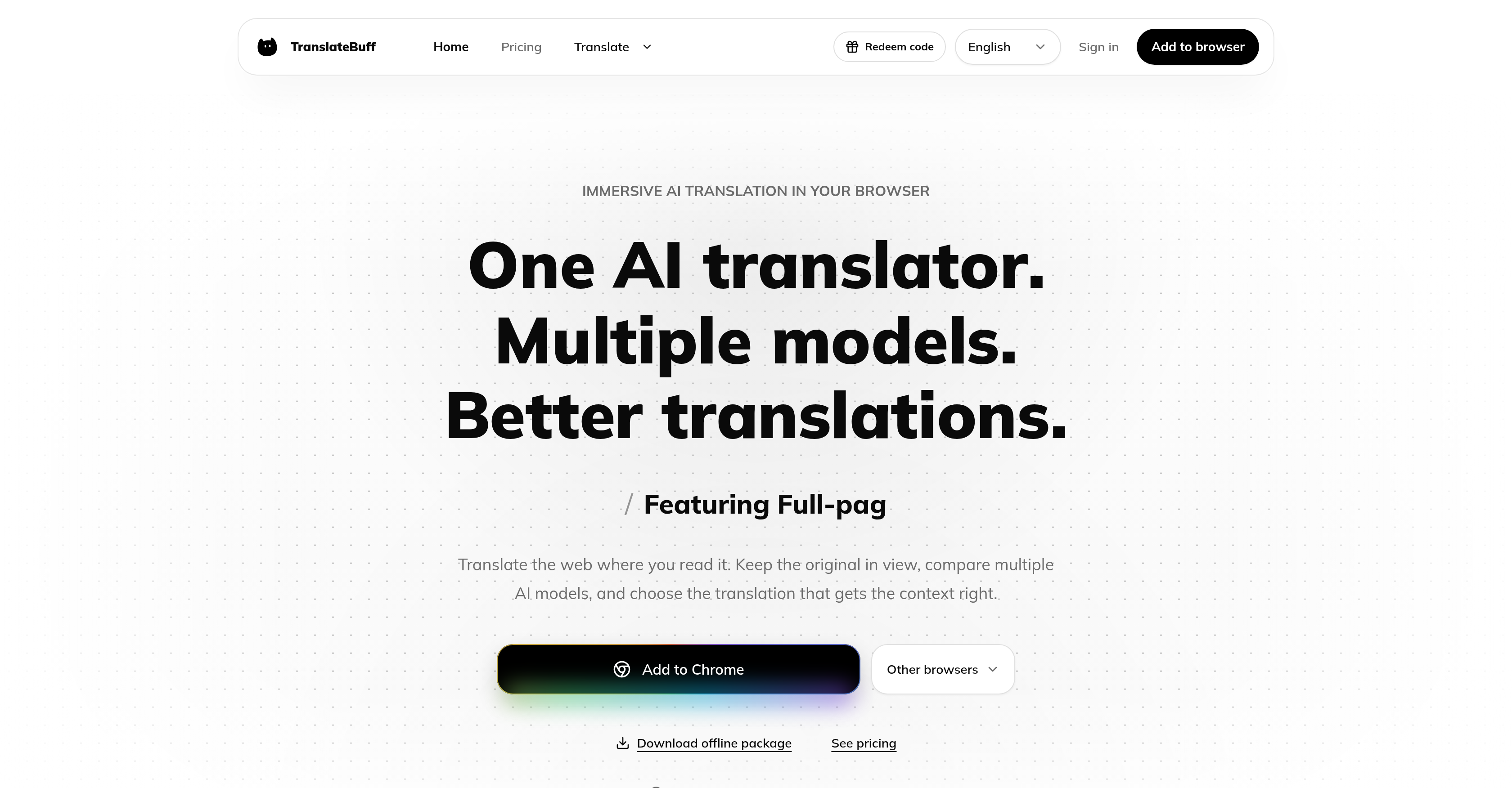
- Read foreign websites with the original text beside the translation, so you check meaning line by line without losing your place. Bilingual full-page translation keeps each page's original layout intact.
- Understand any unfamiliar paragraph without breaking your reading flow. Highlight a passage and an instant translation pop-up appears in place, with no tab switching or copy-paste.
- Reply to emails, forms, and chats in another language while you type. Press the space bar three times in any web input box and your text is translated on the spot.
- Keep technical terms, names, and industry jargon consistent from the first paragraph to the last. The whole page is sent to the AI model as context, so long articles and research papers read coherently.
- Pick the most natural wording instead of settling for one engine's guess. Compare GPT, DeepL, and 20+ advanced AI translation models side by side, and switch models before or after any translation.
- Check pasted text from documents, messages, or notes against several translations at once. The translation hub sends your text to each selected model and shows their live outputs next to each other.
- Follow foreign-language YouTube videos and learn vocabulary as you watch. Bilingual subtitles (beta) show the original and translated captions together, split into readable sentences by AI segmentation.
- Translate as many pages as you want at no cost. The free plan includes unlimited webpage translation powered by Google and Microsoft, plus bilingual reading and selected-text translation.
- Scale up only when your translation volume grows. Pro uses flexible token-based pricing for access to advanced AI models.
- Use the same translator in the browser you already work in. TranslateBuff runs on Chrome, Microsoft Edge, and Firefox, covers dozens of language pairs including English with Spanish, French, Japanese, German, Korean, Arabic, Hindi, and Vietnamese, and is open source.
- Install it even where browser stores are blocked or unavailable. An offline installation package sets up the extension directly; AI translations still require an internet connection.
Pros & Cons
From the listing; not yet checked by our editors.
Pros
- Inline translation preserves layout
- Bilingual side-by-side view
- Whole-page context consistency
- 20+ models integrated
- Switch models instantly
- Side-by-side model comparison
- Highlight-to-translate pop-up
- Triple-space in-field translation
- Translation hub live preview
- Bilingual YouTube subtitles
- Free unlimited Google/Microsoft
- Token-based advanced model usage
- Offline installation package
- Chrome Edge Firefox support
- Industry term awareness
- Consistent naming across page
- Fast full-page translation
- No copy-paste needed
- Keyboard gesture activation
- Live model output preview
- Preserve original layout mode
- Real-time input box translation
- Free tier unlimited basic
- Pro tier advanced models
- Token usage measured precisely
- Works in restricted environments
- Optimized for technical content
- Tone and terminology preservation
- Select best rendering per context
- Seamless in-browser workflow
- Bilingual reading for long pages
- Instant pop-up translation
- Multi-model tone comparison
- Volume-based pricing plans
- Supports video subtitle translation
- Context-aware ambiguous term resolution
- Multiple accounts not required
- Real-time translation without tab switch
- Model comparison without external tools
- In-browser translation maintains flow
- Token consumption based on length
Cons
- Token-based pricing unpredictable
- Model comparison behind paywall
- Beta YouTube subtitles unstable
- Offline package lacks auto-updates
- High memory on long pages
- Requires external API keys
- Model switch slows rendering
- No Safari support
- Poor RTL layout handling
- In-field translation disrupts forms
Alternatives to TranslateBuff
Tools that share the most tags with TranslateBuff.
- TransLinguist
Host fully multilingual webinars and conferences with real-time translation that engages global audiences directly in their preferred languages
Not listed
Not listed
Not yet checked
- Lara Translate
Translate technical documents with absolute precision using Faithful mode that maintains original structure and meaning
Freemium · from $9/month
$9/month
Not yet checked
- AI-Translate
Achieve human-quality translation accuracy verified by professional translators in blind tests through advanced neural networks that capture nuanced meaning
Not listed
Not listed
Not yet checked
- Reverso
Translate entire documents while keeping original formatting intact with support for Word, PDF, PowerPoint and Excel files
Freemium · from $7.41/month
$7.41/month
Not yet checked
- Lingvanex
Translate text, speech, and images instantly across 109 languages with neural machine translation
Not listed
Not listed
Not yet checked
- CoeFont Interpreter
Make instant decisions in global meetings with real-time multilingual interpretation that captures every word accurately
Freemium · from $20/month
$20/month
Not yet checked
Reviews
Rate this tool
Loading reviews...
Frequently asked questions
How do I switch between AI models in TranslateBuff?
Open the extension’s model selector (usually a dropdown in the toolbar or settings panel) and choose the desired AI model; you can switch models at any time before or after a translation.
Can I compare translations from GPT and DeepL side‑by‑side?
Yes—once you enable the Pro subscription you can load GPT and DeepL simultaneously and view their outputs side‑by‑side either on the page or in the translation hub.
What does the bilingual mode look like on a webpage?
Bilingual mode splits the view so the original text remains on the left (or top) and the AI‑generated translation appears adjacent on the right (or bottom), preserving the page’s original layout.
How does TranslateBuff handle technical terminology across a long article?
TranslateBuff feeds the entire page into the model, allowing it to keep industry‑specific terms, names, and ambiguous expressions consistent throughout long articles.
Is there a keyboard shortcut to translate while I type in a text box?
Press the space bar three times while the cursor is in any web‑page input box; the extension instantly translates the typed content in place.
Does TranslateBuff work on Edge as well as Chrome and Firefox?
Yes—TranslateBuff is compatible with Chrome, Microsoft Edge, and Firefox.
What are the token limits for the Pro plan and how are they counted?
IDK
Can I use TranslateBuff offline with the installation package?
Yes—an offline installation package is available, allowing you to install the extension without the browser store; however, AI model calls still require an internet connection.