

TrendClipGen
Turn a single photo into a share-ready AI video without filming, prompt writing, or editing skills: pick a preset template, upload the requested photo, and generate a clip with built-in movements, scenes, and effects.
Listing not yet reviewed by our editors · How we check
Overview
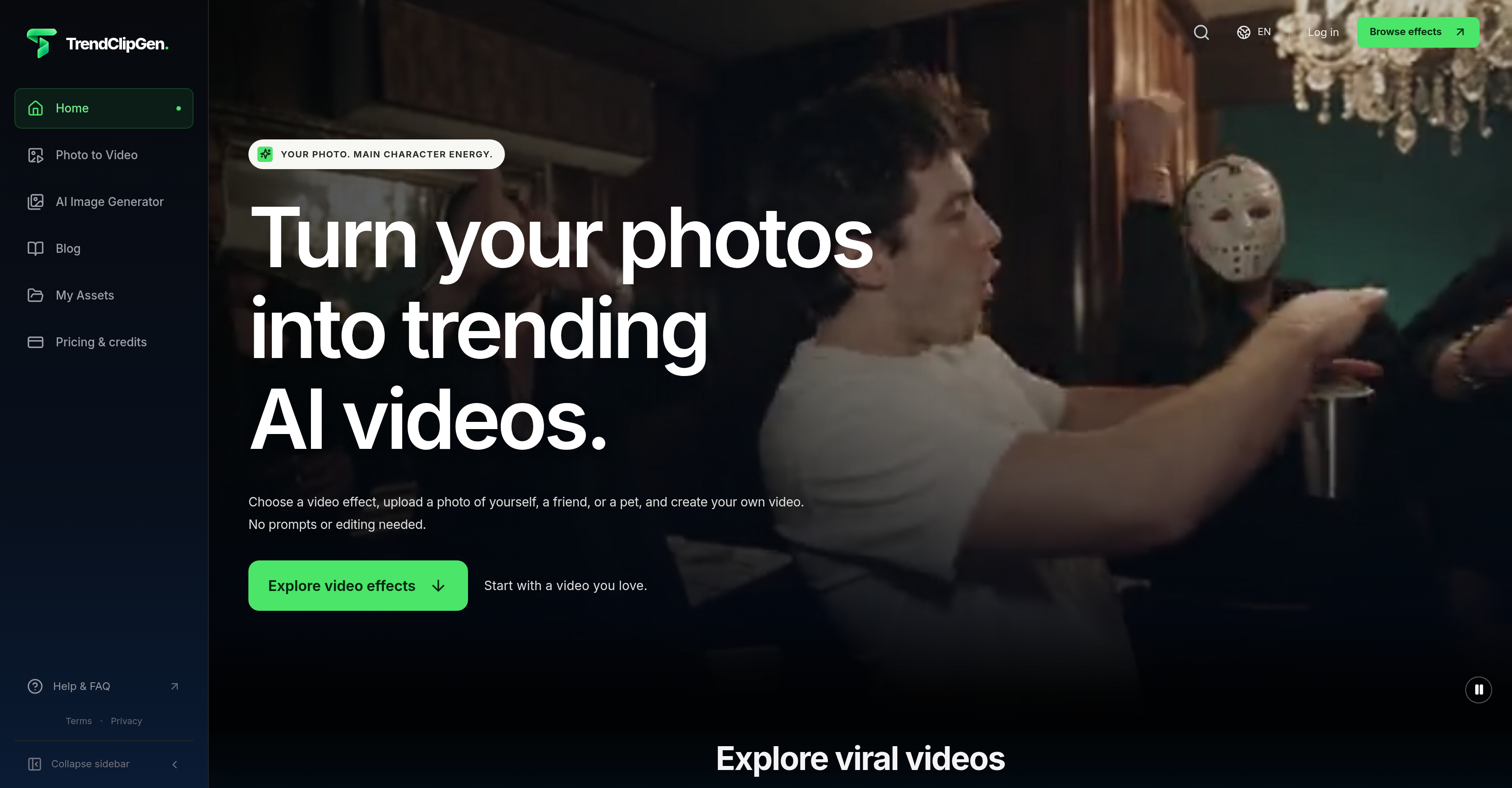
- Turn a single photo into a share-ready AI video without filming, prompt writing, or editing skills: pick a preset template, upload the requested photo, and generate a clip with built-in movements, scenes, and effects.
- Jump on viral dance and rap trends while they're hot: browse photo-to-video templates marked new or trending, including solo dance routines, synchronized group performances, and festival-style stage walkouts.
- Star your pet or your whole friend group in the same clip: pet, duo, and group templates label the role of each upload, so you know exactly which photo of a person, animal, or friend goes where.
- Create stylized portraits and holiday photos for selfies, couples, and pets: the photo-effects library includes Christmas portraits, paired Polaroid images, action figure treatments, yearbook-style portraits, and an adult embracing a younger self.
- Know the price of every video before you generate it: credit costs are displayed upfront per template, length, and resolution, sold as one-time purchases with no subscription, and never expire.
- Test templates before spending anything: browsing and previewing every AI video effect is free, with any free generation allowance shown in your account.
- Keep your credits safe when something breaks: credits deducted for a task that fails due to a system or generation error are returned automatically.
- Follow your render and save the result in one place: My Videos shows each task's status and lets you download finished clips, with 720p options available.
- Keep personal photos and creations private: uploaded images and generated videos are not publicly displayed to other users by default.
Pros & Cons
From the listing; not yet checked by our editors.
Pros
- Preset selection replaces prompt writing
- No manual clip editing required
- Templates show required photo counts
- Templates specify accepted subject types
- Scene previews describe generated actions
- Solo, duet, and group formats
- Mixed person-and-pet duet templates
- Three-person synchronized dance templates
- Group dances can rotate lead roles
- Some two-person scenes assign distinct roles
- Separate video and photo-effect libraries
- Category filters for both libraries
- Dedicated dance, rap, and pet categories
- Fantasy video category available
- Holiday portrait effects available
- New and trending template markers
- Effect cards link to creation
- Full effect collections are browsable
- Distinct references for paired subjects
- Adult and childhood inputs distinguished
- Pet-to-human portrait effect
- Subject-only ASCII portrait effect
- Photo booth strip effect
- Action-figure packaging style
- Yearbook-style portrait effect
- Templates stage photos in specific scenes
- One-photo inputs for many scenes
- People, animals, and groups accepted
- Photo effects include couples and friends
- Preset-led creation from uploaded photos
Cons
- Template-only video creation
- No prompt customization
- No manual clip editing
- Scenes limited to existing effects
- Photo requirements vary by template
- Video outputs are short
- Generation times undisclosed
- Output formats undisclosed
- Editing controls undocumented
- Model capabilities unspecified
Alternatives to TrendClipGen
Tools that share the most tags with TrendClipGen.
- Fotor AI Kiss
Create viral social media content instantly by transforming any portrait into engaging kissing videos for platforms like TikTok and Instagram
Freemium · from $3.33/month
$3.33/month
Not yet checked
- ASMR-AI.art
Launch your ASMR channel without expensive mics or a studio by generating professional videos from simple text prompts.
Paid · from $19.90
$19.90
Not yet checked
- AI Kissing Video Generator
Transform static portrait photos into fluid, romantic kissing animations using deep learning models trained specifically on romantic interactions
Free trial · from $9.90/month
$9.90/month
Not yet checked
- AI-ASMR.co
Launch viral ASMR content in minutes using pre-built templates for cutting fruits, whispering, and other proven formats without writing prompts
Free trial · from $7.92/month
$7.92/month
Not yet checked
- ASMR.so
Transform unique ideas into distinct ASMR videos by specifying sound descriptors and ambient requirements for truly personalized results
Paid · from $9.90
$9.90
Not yet checked
- AI Facefy | AI Kissing Video Generator
Transform static photos into a realistic romantic keepsake with advanced video animation technology
Freemium · from $7.99/month
$7.99/month
Not yet checked
Reviews
Rate this tool
Loading reviews...
Frequently asked questions
How do I turn a photo into a video with TrendClipGen?
Choose a video template, upload the photo or photos it requires, then select “Create your own” to generate the video. You can check its status in My Videos and download the result there.
Does TrendClipGen require prompts or video-editing skills?
No. TrendClipGen uses preset movements, scenes, and visual effects; you don’t need to write prompts or know video editing.
What kinds of video templates does TrendClipGen offer?
TrendClipGen offers dance, rap, pet, duo and group, and fantasy templates. Examples include solo and group dances, pet duets, comedy scenes, stage walkouts, and playful actions.
Can TrendClipGen make videos with my pet or a group of friends?
Yes. Some templates use an animal or pet photo, and others support groups or interactions between people and pets. Check the template’s photo requirements.
How many photos does each TrendClipGen effect require?
It depends on the effect. Most require one photo; some require two or three. The template indicates the number and role of the photos it needs.
What kind of photo works best with TrendClipGen?
Use a clear, well-lit photo showing the complete subject. For people, choose an unobstructed face with visible features; for pets, make sure the face and body outline are easy to see.
Can I use different photos for a two-person TrendClipGen template?
Yes. Templates that require two photos label the role for each upload; examples include separate inputs for two people.
Can TrendClipGen create stylized images as well as videos?
Yes. TrendClipGen also offers stylized photo effects, including portraits, couple and friend styles, pet effects, and holiday themes.