

Unshift AI
Own every line of your app and host it anywhere by exporting complete, production-ready code with no vendor lock-in
Listing not yet reviewed by our editors · How we check
Overview
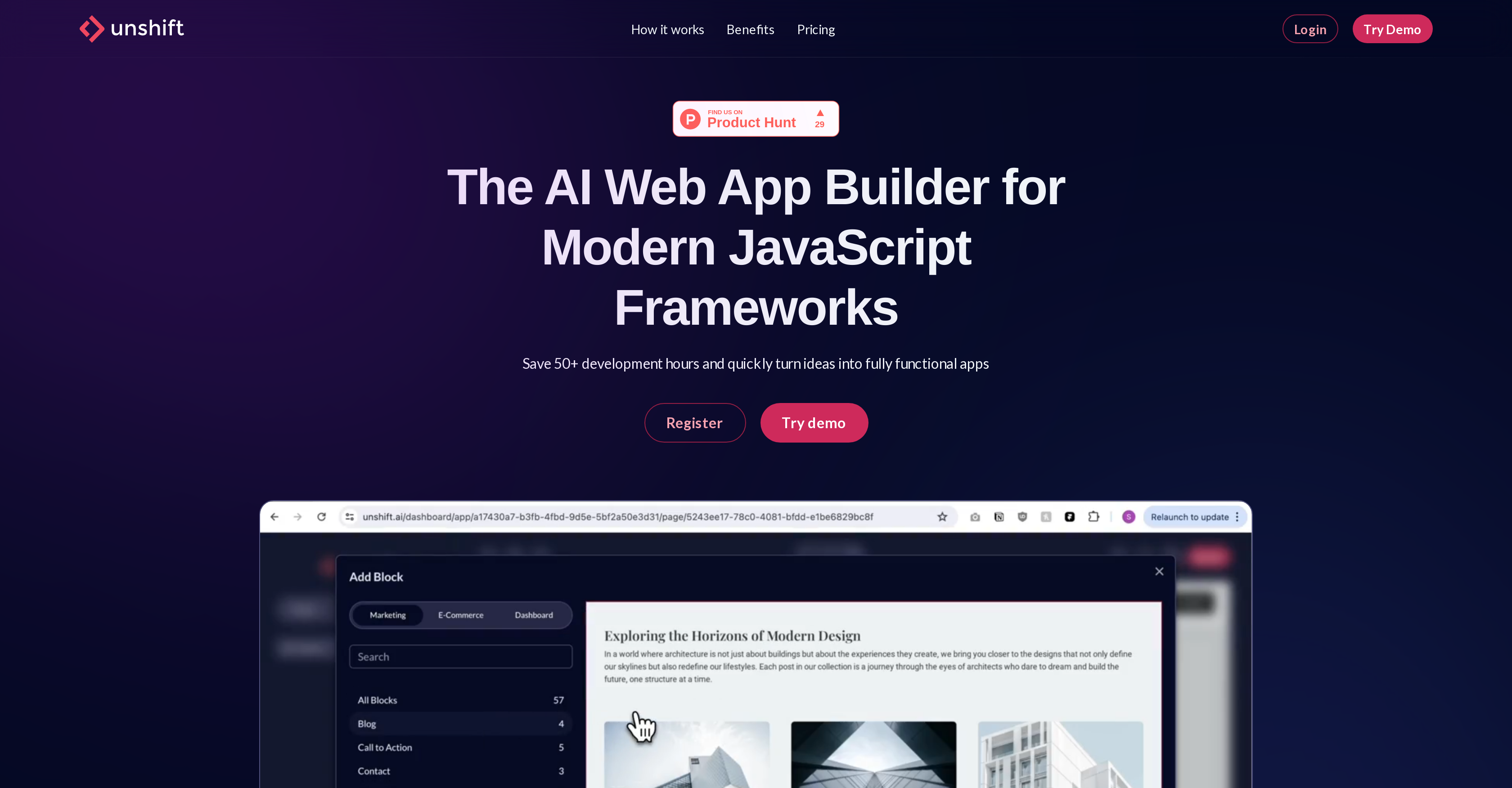
- Own every line of your app and host it anywhere by exporting complete, production-ready code with no vendor lock-in
- Ship to the JavaScript framework your team already uses by exporting the same build to NextJS, Svelte, or HTML powered by Vite
- Catch hard-to-diagnose bugs before deployment through exported code that is statically typed with TypeScript
- Hand off a codebase developers trust on day one, with ESLint, Prettier, and Husky enforcing consistent coding standards from the start
- Turn an idea into working pages in minutes using drag-and-drop editing on top of pre-designed templates
- Stay on-brand across every screen by setting typography, colors, and component styles once in a customizable design system
- Skip building common UI from scratch by dropping in more than 80 ready-made components, plus marketing, application, and e-commerce blocks on Premium
- Fill pages with usable copy instantly through AI content generation instead of placeholder text
- Fine-tune layouts in a styling workflow developers already know through native Tailwind CSS integration
- Validate the workflow at zero cost on the Free plan, then unlock unlimited apps and all blocks for $15/month
Pros & Cons
From the listing; not yet checked by our editors.
Pros
- Web app builder
- Supports modern JavaScript frameworks
- Drag-and-drop functionality
- Pre-designed templates
- Manages design elements
- Exports production-ready code
- No vendor lock-in
- Optimized with TypeScript and ESLint
- Customizable design system
- Library of over 80 components
- Seamless integration with Tailwind CSS
- Accentuates workflow efficiency
- Boosts rapid development cycle
- Facilitates customization of typography, colors
- Supports best coding practices
- Robust and scalable applications
- Direct access to clean code
- Enables custom logic integration
- Promotes quick transition to deployment
- Takes care of design elements
- Offers ESLint and Prettier support
- Gets up to 80% in seconds
- Expansion of app development possibilities
- Mostly used frameworks supported
- Database to development in seconds
- Multi export options
- Easy page customization
- Promotes brand identity match
- Built-in Husky support
- E-commerce blocks available
- Custom blocks creation
- Extensive icon libraries integration
- Free plan available
- No credit card required
- Offers upscaled premium plan
- Professional codebase setup
- Full project downloadable code
- Production-ready code exportable
- Consistency in code quality
- Suitable for any project size
Cons
- Limited to JavaScript frameworks
- No support for mobile app development
- Restricted to web based applications
- No built-in testing tools
- No out-of-box backend features
- Reliance on third-party styling (Tailwind CSS)
- Lacks version control integration
- No integration with specific databases
- No GUI for server-side logic
- Limited language support (TypeScript)
Alternatives to Unshift AI
Tools that share the most tags with Unshift AI.
- Reflect Webchat
Get instant answers from any webpage or article without switching tabs using AI-powered chat interface
Not listed
Not listed
Not yet checked
- Intellimize
Convert more website traffic by automatically tailoring the experience to each visitor's behavior with 1:1 AI personalization
Freemium · from $14/month
$14/month
Not yet checked
- Mediaweb
Launch a professional portfolio in minutes without technical skills using AI that builds from your vision description
Paid · from $10/month
$10/month
Not yet checked
- Aidaptive
Increase conversion rates automatically with AI-powered product recommendations that predict what each customer wants to buy
Not listed
Not listed
Not yet checked
- Handywriter
Publish error-free content confidently with automatic grammar and spelling correction that fixes mistakes as you write
Paid · from $9.99/month
$9.99/month
Not yet checked
- Macaly
Launch complete websites and apps in minutes by simply describing your idea with its natural language processing
Freemium · from $25/month
$25/month
Not yet checked
Reviews
Rate this tool
Loading reviews...
Frequently asked questions
What JavaScript frameworks does Unshift AI support for web app building?
Unshift AI supports popular modern JavaScript frameworks such as NextJS, Svelte, and HTML powered by Vite for building web apps.
What is the drag-and-drop functionality in Unshift AI?
The drag-and-drop functionality of Unshift AI allows users to build web pages quickly by easily moving and placing elements from a series of pre-designed templates. This feature enhances the user experience by making web app creation accessible and straightforward.
What are some key features of Unshift AI?
Key features of Unshift AI include a user-friendly interface, drag-and-drop functionality, AI-generated content, management of design elements like color and typography, support for multiple JavaScript frameworks, and exportability of production-ready code with no vendor lock-in. It also offers a customizable design system to match brand identity, a library of over 80 components, and integration with Tailwind CSS.
Can I export production-ready code from Unshift AI apps?
Yes, one of the unique advantages of using Unshift AI is the ability to export production-ready code. This means users can download a complete, professionally written code that is free from any vendor lock-in, enabling customization and extension of the application as needed.
What is the customization capacity of Unshift AI?
Unshift AI provides a high degree of customization capacity. It allows for the adjustment of typography, colors, and component styles to match the brand identity of the user. Furthermore, it integrates with Tailwind CSS for easy customization and adaptability to specific project requirements.
How does Unshift AI optimize the code it creates?
Unshift AI optimizes the code it creates using best-in-class tools such as TypeScript and ESLint. TypeScript is used for static typing to catch common bugs that are usually hard to diagnose. ESLint, on the other hand, is used to establish a pattern of good coding standards across the codebase. This results in clean, efficient, and scalable resulting apps with high performance.
How does Unshift AI integrate with Tailwind CSS?
Unshift AI integrates seamlessly with Tailwind CSS, which offers a developer-friendly environment that allows for customization and easy adjustment to fit project requirements. This allows for additional flexibility in the design and layout of the web apps created.
What design elements can I manage using Unshift AI?
Using Unshift AI, you can manage various design elements like colors and typography. This empowers you to control the visual appeal of your application, aligning it closely with your brand identity and envision.