

UX Pilot
Lift landing page conversion rates by fixing usability issues before launch: the UX design review analyzes your submitted design and returns specific optimization tips.
Listing not yet reviewed by our editors · How we check
Overview
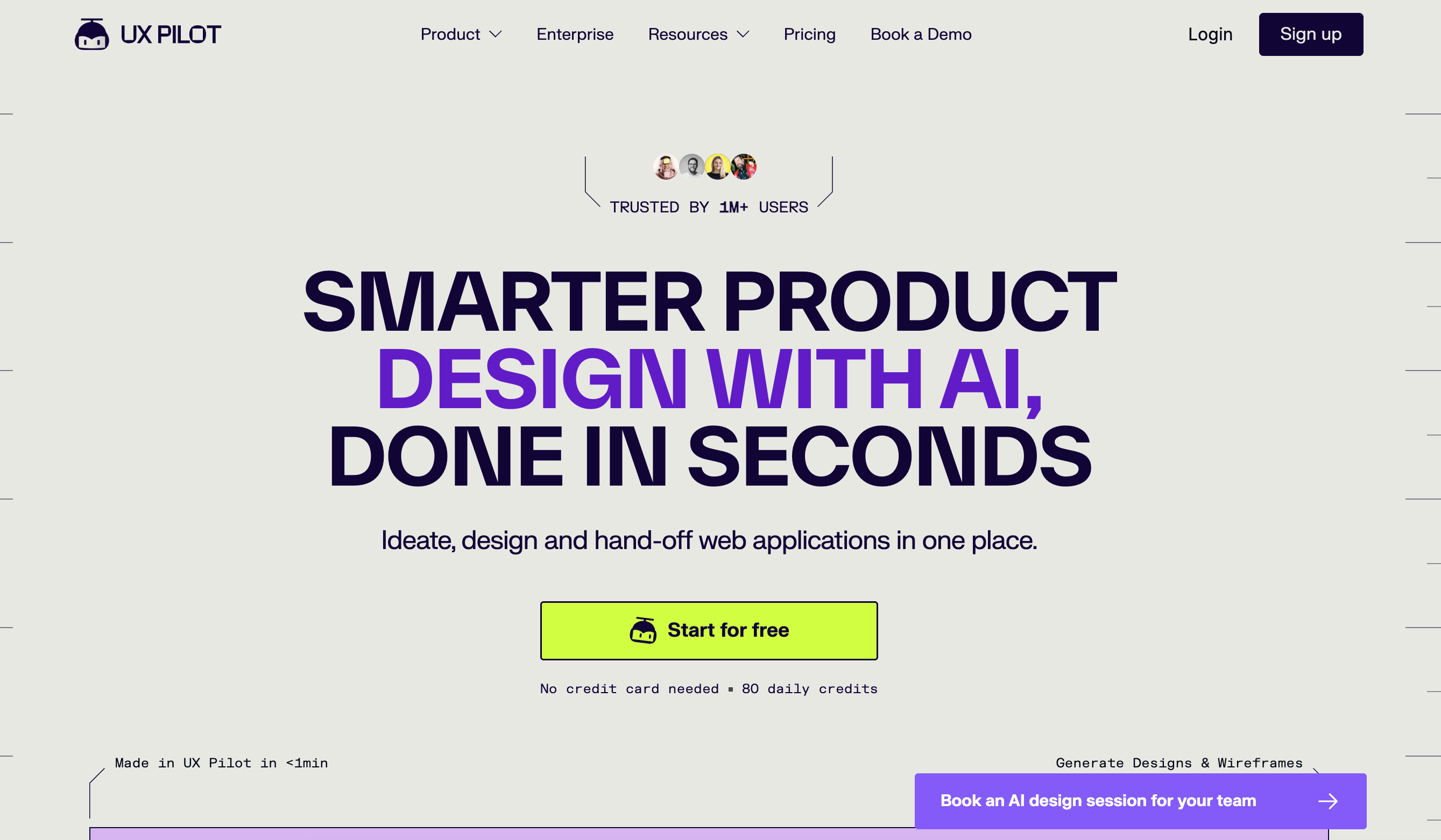
- Lift landing page conversion rates by fixing usability issues before launch: the UX design review analyzes your submitted design and returns specific optimization tips.
- Run a workshop built for your team's exact problem: describe your challenge and the custom workshop generator produces a tailored session in two minutes, alongside 30+ ready-made UX workshop templates with actionable steps to align teams and win over stakeholders.
- Turn raw interview notes into usable user research findings in seconds: the User Insight tool generates interview questions and automatically extracts insights from text.
- Kick off every project with clearly defined requirements: requirements gathering sets the project context and generates tailored stakeholder interview questions from day one.
- Set your product's visual direction without starting from a blank canvas: the Conceive style guide generator delivers fonts and colors from your context, and the Color & Gradient AI Figma plugin creates gradients that match your design.
- Keep your entire design workflow in one place: direct Figma and FigJam integration puts UX research, ideation, and review inside your file with no tab or window switching, plus ChatGPT access without an OpenAI subscription.
- Start UX research and design reviews at zero cost: the free-forever Basic plan includes AI-generated workshops, 5 UX templates, stakeholder and user interviews, and a design review preview, while the $9/month Lite plan unlocks unlimited templates, all AI tools, and custom design reviews.
Pros & Cons
From the listing; not yet checked by our editors.
Pros
- Comprehensive UX tool suite
- UX design review feature
- Improves landing page conversion
- Custom workshop template generation
- Text-to-insight functionality
- Facilitates requirements gathering
- Data analysis tools
- Style guide creation
- Figma and FigJam integration
- supported by designer testimonials
- Enhances ideation process
- Streamlines facilitation process
- Conducive for content creators
- Can be used in discovery
- Can be used in visual design
- No need to switch tabs
- Generates automatic insights from user data
- Embedded ChatGPT for Figma
- Requirements gathering feature
- User interview functionality
- Multiple workshop templates
- Turns text to insight
- Can generate style guide
- Ideal for UX professionals
- Aligned team goal setting
- Allows user to define project context
- Unlimited UX templates (paid)
- Wireframes generator (paid)
Cons
- No integration with Adobe tools
- Limited to web applications
- Not stated offline capability
- No multilingual support indicated
- Requires Figma subscription
- No native mobile app
- Limited free version features
- Limited mention of data security
Alternatives to UX Pilot
Tools that share the most tags with UX Pilot.
- Base44
Transform your ideas into working apps in minutes using simple conversation instead of complex coding
Freemium · from $16/month
$16/month
Not yet checked
- Rocket
Launch complete applications in minutes instead of weeks by generating full-stack code from a single description
Freemium · from $25/month
$25/month
Not yet checked
- OnSpace.AI - AI Mobile App Builder
Launch mobile apps in hours instead of months using conversational AI that transforms your descriptions into working applications
Freemium · from $25/month
$25/month
Not yet checked
- Durable AI Website Builder
Launch a complete business website in 30 seconds with AI-generated content and curated imagery tailored to your industry
Paid · from $12/month
$12/month
Not yet checked
- Uizard
Transform product ideas into polished UI designs in minutes using simple text prompts with Autodesigner 2.0
Freemium · from $12/month
$12/month
Not yet checked
- Replit
Write code faster with intelligent code completion that suggests entire lines and blocks in real-time
Freemium · from $10/month
$10/month
Not yet checked
Reviews
Rate this tool
Loading reviews...
Frequently asked questions
What is UX Pilot?
UX Pilot is an artificial intelligence-powered web application and a Figma plugin that helps streamline the user experience design process. Covering various stages from discovery to visual design, it offers tools for design review, generation of workshop templates, and insights from UX data. It also integrates with Figma and FigJam for a seamless workflow.
How can UX Pilot integrate with Figma and FigJam?
UX Pilot integrates directly with Figma and FigJam. This integration means users can access UX Pilot's functions without having to switch tabs or windows. Additionally, users have full access to ChatGPT with no Open AI subscription required.
What is the UX design review feature in UX Pilot?
The UX design review feature in UX Pilot allows users to submit their design for review and get valuable tips on how to optimize their work. It aims to enhance designs, spark creativity with fresh ideas, and sharpen UX skills.
How does UX Pilot help improve conversion rates on landing pages?
UX Pilot aids in improving conversion rates on landing pages through its UX Design Review functionality. Users receive valuable tips to optimize their designs after the review, which, when applied, have resulted in significantly higher conversion rates
Can UX Pilot generate custom workshop templates?
Yes, UX Pilot can generate custom workshop templates. If the available templates don't reflect a user's unique challenges, they can describe their challenges and generate a custom workshop in just two minutes.
How does UX Pilot use AI to generate insights from text?
To generate insights from text, UX Pilot uses artificial intelligence. This feature enables users to extract user intelligence rapidly, generate questions, conduct interviews, and automatically extract insights within seconds.
What services does UX Pilot offer?
UX Pilot offers a comprehensive suite of UX tools. It facilitates the entire design process from requirements gathering to visual design. The services include design review, AI-generated insights, creation of custom workshop templates, and the capability to design and ideate within the platform.
Who are the primary users of UX Pilot?
The primary users of UX Pilot are designers, content creators, and UX professionals. These users benefit from the comprehensive suite of tools that UX Pilot offers to simplify and streamline their design processes.