
UXMagic AI
Overview
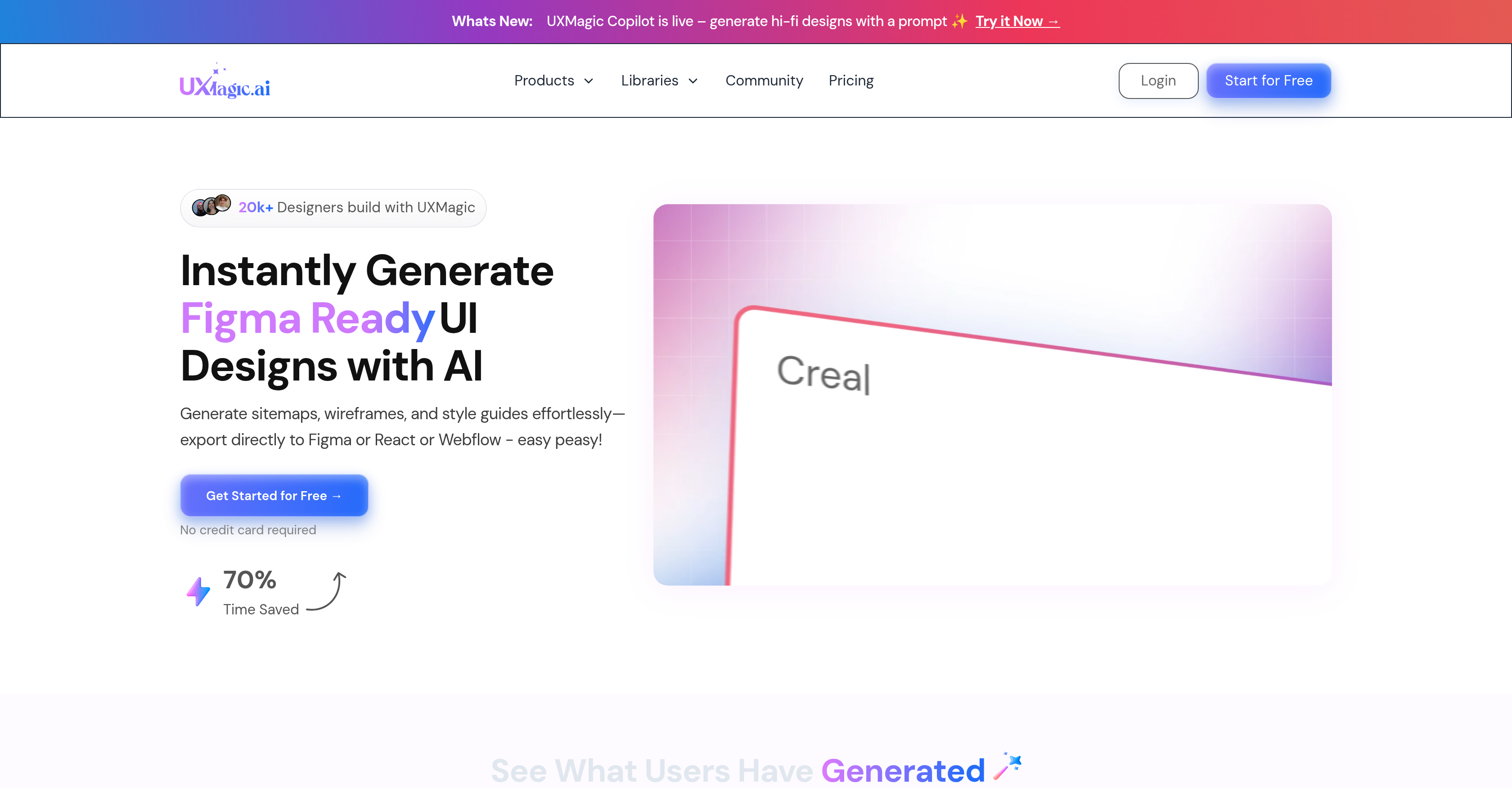
- Generate complete UI designs from simple text prompts using the AI Copilot feature
- Transform sketches and screenshots into polished interfaces with sketch-to-interface conversion
- Maintain brand consistency across all designs by instantly applying your existing design systems
- Export pixel-perfect, code-ready components directly to Figma, React, and Webflow
- Create professional sitemaps and wireframes without design experience using AI generators
- Recreate any website design instantly by simply providing the URL for reference
- Make precise design changes without starting over using sectional editing capabilities
- Access pre-built UI libraries with customizable Figma, React, and HTML components
- Generate production-ready code from design screenshots with image-to-UI conversion
- Apply consistent brand guidelines automatically across all your UI projects
Pros & Cons
Pros
- Generates mockups
- Creates Figma-ready wireframes
- Sectional editing (update any component of a screen without affecting the rest of the screen)
- Convert images into editable Figma designs and code
- Import Figma files and edit them with prompts
- Prompt-based high-fidelity designs
- Generates sitemaps
- Generates style guides
- Export to Figma, HTML, React, Cursor, Windsurf and 15 other platforms
- Applies style guidelines
- Intelligent content suggestions
- AI Wireframe Generator
- Enterprise-grade scalability
- Syncs with existing design systems
- Produces code-ready components
- AI UI Generator
- 70% time saved
- Generate screen flows from a single prompt
- Convert sketches into editable Figma designs and code
- Convert screenshots into editable Figma designs and code
- Website clone feature
- Figma integration
- Generating high fidelity designs
- Responsive design creation
- Creating design mockups
- Transforms design systems into code-ready UIs
- Speeding up MVP & Prototype Design
- Generates UIs from text, screenshots, or URL
- Create fully responsive Figma components from simple description
- Generates multi-page wireframes
- Accelerates repetitive design tasks
- Pixel-perfect auto layout
- UX Brainstorming & Concept Exploration
- Instant generation of sitemaps, wireframes and style guides
- Single tool for design to code process
- Customizable output
Cons
- Works best with clear prompts, great for keeping projects focused.
- Generates strong first drafts, but encourages final polish in Figma.
- Takes a moment on large projects because it’s building full flows.
- Designs may vary in style, giving you more creative options to choose from.
- Design system setup takes a bit upfront, but ensures perfect consistency later.
Reviews
Rate this tool
Loading reviews...
❓ Frequently Asked Questions
UXMagic.ai is an AI-powered design platform that transforms text prompts, sketches, screenshots, or website URLs into high-fidelity UI designs, wireframes, sitemaps, and code-ready components swiftly. It can be used by UI/UX designers, startups, and digital agencies to facilitate faster design-to-code transition, automate repetitive tasks, and deliver client-ready assets promptly.
The UXMagic Copilot feature generates high-fidelity designs from user-input prompts. It uses AI-driven technology to translate user specifications into detailed, use-case appropriate designs, aiding in the production of sitemaps, wireframes, and style guides.
Users can easily generate sitemaps, wireframes, and style guides with UXMagic.ai and export them directly to Figma, React, or Webflow platforms. The platform's export feature is designed to produce developer-friendly formats that can be swiftly integrated into existing workflows.
UXMagic.ai aids users with no design skills by providing an intuitive and user-friendly platform where they can generate high-fidelity designs in response to prompts. It offers tools such as the Agentic AI, intelligent content suggestion features, and pre-built UI libraries, which render the design process less complex and more accessible.
Agentic AI in the context of UXMagic.ai relates to an AI-driven design assistant that offers users intelligent content suggestions and sectional editing abilities, thus enhancing the design process. It acts as a helper through the entire design workflow.
UXMagic.ai is equipped with an intelligent content suggestion feature. It proposes relevant modifications for text, images, and copy, integrating these seamlessly into your design. The tool uses AI to anticipate and provide apt content recommendations.
UXMagic.ai maintains enterprise-grade security measures to protect user data. Though the specific details aren't stated on the website, it's safe to presume that UXMagic.ai employs high-standard, industry-accepted security practices, given its commitment to providing enterprise-grade security.
UXMagic.ai offers scalability for large projects. It has enterprise-grade scalability features, indicating that its capabilities can be enlarged or reduced to suit the varying needs of different projects, including high-demand, large-scale tasks.
Yes, UXMagic.ai allows the syncing of existing design systems. It integrates with your existing design systems and reliably reproduces pixel-perfect, code-ready components. This feature enhances the utility of UXMagic.ai by offering seamless compatibility and reducing the need for extensive reworks.
UXMagic.ai includes a multitude of pre-built UI libraries. These libraries provide an array of pre-existing design elements that users can utilize to accelerate their design processes. The specific contents of these libraries are not specified on the information from their website.
'Code-ready components' in UXMagic.ai refers to the platform's capability to generate design elements that can be swiftly coded into a functioning website or application. Such components are essentially developer-friendly, prepared for immediate integration into a codebase, and serve to reduce the time from design to implementation.
UXMagic.ai simplifies UX design workflows by automating repetitive tasks and quickly transforming ideas into high-fidelity designs. It creates sitemaps, wireframes, and style guides, offers smart content suggestions, sectional edits, and generates Figma-ready mockups. By providing such vast features, UXMagic.ai drastically reduces the time and effort required in the UX design process.
With UXMagic.ai, a user can generate high-fidelity, Figma-ready UI designs and mockups. The AI-powered tool generates detailed designs from user prompts, making it effectively versatile for multiple design scenarios. The specifics of the types of mockups it can produce are not stated on the website.
Yes, UXMagic.ai allows users to make sectional edits on their designs. This is an essential feature that lets users modify individual sections of their design without affecting the rest of the design elements. It provides a focused approach to design edits, allowing alterations to be made locally and not globally.
The sitemap generator in UXMagic.ai serves to construct visual representations of a website's content structure. It assists in the effortless generation of sitemaps, which help in planning out a website's structural hierarchy and understanding the relationships between different pages.
With UXMagic.ai, users can generate and apply style guides to any UI. These style guides maintain a consistent look and feel across the design by establishing preset styles, including color, typography, layout, and others.
Yes, UXMagic.ai provides options for seamless integration with Figma, React, and Webflow. This means you can directly export the designs, sitemaps, wireframes, and style guides created on UXMagic.ai to these platforms, thereby boosting workflow efficiency.
'High-fidelity designs' in the context of UXMagic.ai refer to detailed and fully functional mockups that closely represent the final product. These designs aren't just visually comprehensive but accurately illustrate the functionality and interaction between various design elements.
UXMagic.ai can boost creativity in UX design by offering intelligent content suggestions, providing a range of pre-built UI libraries, and permitting sectional edits. It helps users think out of the box by automating the mundane parts of the design process and giving users more time to focus on creative aspects.
Yes, with UXMagic.ai, users can turn text descriptions into functional UI designs. The platform swiftly converts the user's text input into a visually-detailed and interactive design interface. This key feature allows non-designers to create high-fidelity UI designs with minimal effort and skill.
The core features of UXMagic.ai include the UXMagic Copilot which generates high-fidelity designs from prompts, AI-assistant Agentic AI, design editing capabilities including sectional edits, a Wireframe Generator, and a tool for URL-based design replication. It enables creation of sitemaps, wireframes, and style guides and their easy export to Figma, React, or Webflow. Other features include text-to-UI, image-to-UI and sketch-to-interface functions, and supports to design responsive layouts and export developer-friendly HTML and React components.
The UXMagic Copilot is a feature designed to generate high-fidelity designs based on prompts. It uses AI technology, enabling designers to promptly turn their ideas into functional designs. With the help of a prompt, users can quickly translate their thoughts into a digital interface.
UXMagic.ai supports exporting designs effortlessly to a multitude of platforms including Figma, HTML, React, and Webflow. The exported designs are ready for coding. Future support is also expected to include Framer, Wordpress, Power Bi, and Canva.
Agentic AI is an AI assistant in UXMagic.ai designed to help users throughout the design process. It offers intelligent suggestions that aid in modifying text, images, and copy, helping users create high-quality designs without significant manual input.
The pre-built UI libraries within UXMagic.ai are designed to facilitate and speed up the design process. This includes UI libraries tailored to provide pixel-perfect customizable Figma components as well as React and HTML components. Users can quickly access these libraries and incorporate their elements into their design.
Yes, UXMagic.ai provides sectional editing facilities. It means users have the flexibility to make modifications to individual sections of their designs without disturbing the rest of their layout. It grants users more control over the design process, allowing for easy modifications and adjustments.
UXMagic.ai supports the UX and UI design process by automating the design workflow and fostering creativity. It contains a set of AI-powered tools that generate sitemaps, wireframes, style guides, and UI designs from text prompts. It allows users to convert sketches and screenshots into polished interfaces and enables users to integrate seamlessly with their current Figma projects. UXMagic.ai also offers a community space to get inspired by interfaces created by others.
Yes, UXMagic.ai helps users generate sitemaps, wireframes, and style guides effortlessly. These documents can be exported directly to Figma, React, or Webflow platforms thus simplifying the design and development processes.
The text-to-UI feature in UXMagic.ai allows users to transform text descriptions into functional UI designs instantly. Using AI, it interprets the provided text prompts and creates a tangible, utilizable design from it, thereby speeding up the design process.
Yes, UXMagic.ai can indeed help users create Figma-ready UI designs instantaneously. It is equipped with AI capabilities to swiftly transform user ideas or text prompts into interactive, Figma-ready designs.
Yes, UXMagic.ai offers enterprise-grade scalability and security. It syncs with existing design systems to create perfect components ready for coding. It provides custom training and onboarding sessions with enterprise benefits.
UXMagic.ai integrates smoothly with existing design systems by syncing to them and generating pixel-perfect, code-ready components. This allows users to leverage their established design systems while enjoying the additional benefits of UXMagic.ai's automation and creativity tools.
Yes, with UXMagic.ai you can recreate any website design just by providing its URL. This feature is a part of the platform's powerful AI features that streamline the process of turning any web page into a UI design.
UXMagic.ai generates high fidelity designs through a process driven by AI. Users can turn simple text descriptions, images or sketches directly into high-quality, detailed designs. This includes the UXMagic Copilot feature which can generate complex, high-fidelity designs based on provided prompts.
Absolutely, UXMagic.ai is made for use by people with varying levels of design skills. It simplifies the process of creating UX designs by providing automated design workflows that boost creativity. With its intuitive toolset like prompt to UI feature, users can generate UI designs without needing advanced design skills.
Yes, UXMagic.ai provides a unique feature, Image-to-UI, which lets users upload a design screenshot to receive production-ready code. The AI interprets the image and converts it into a utilizable UI design.
Yes, UXMagic.ai offers tools that apply brand guidelines instantly to any UI. Users can easily maintain design consistency and uphold their brand's identity across all their designs.
Indeed, UXMagic.ai empowers users with capabilities to make intelligent content suggestions. This feature, backed by AI, aids in modifying text, images, and copy in the design.
The Sketch-to-Interface feature of UXMagic.ai allows users to convert their paper sketches into polished, fully digital interfaces. It is particularly beneficial in the early stages of the design process, enabling rapid transformation of sketch concepts to interactive drafts.
Pricing
Pricing model
Freemium
Paid options from
$17.50/month
Billing frequency
Monthly
Refund policy
3 days money back
Related Videos
How to Generate Consistent UI Styles with AI | UXMagic.ai Tutorial
UXMagic•7 views•Nov 19, 2025