

Vdoo AI | Pose Editor
Get the exact character pose you picture without rigging or reference sheets: describe stance, gesture, viewing angle, setting, and lighting in plain language, and the AI pose generator builds the image from your text prompt.
Listing not yet reviewed by our editors · How we check
Overview
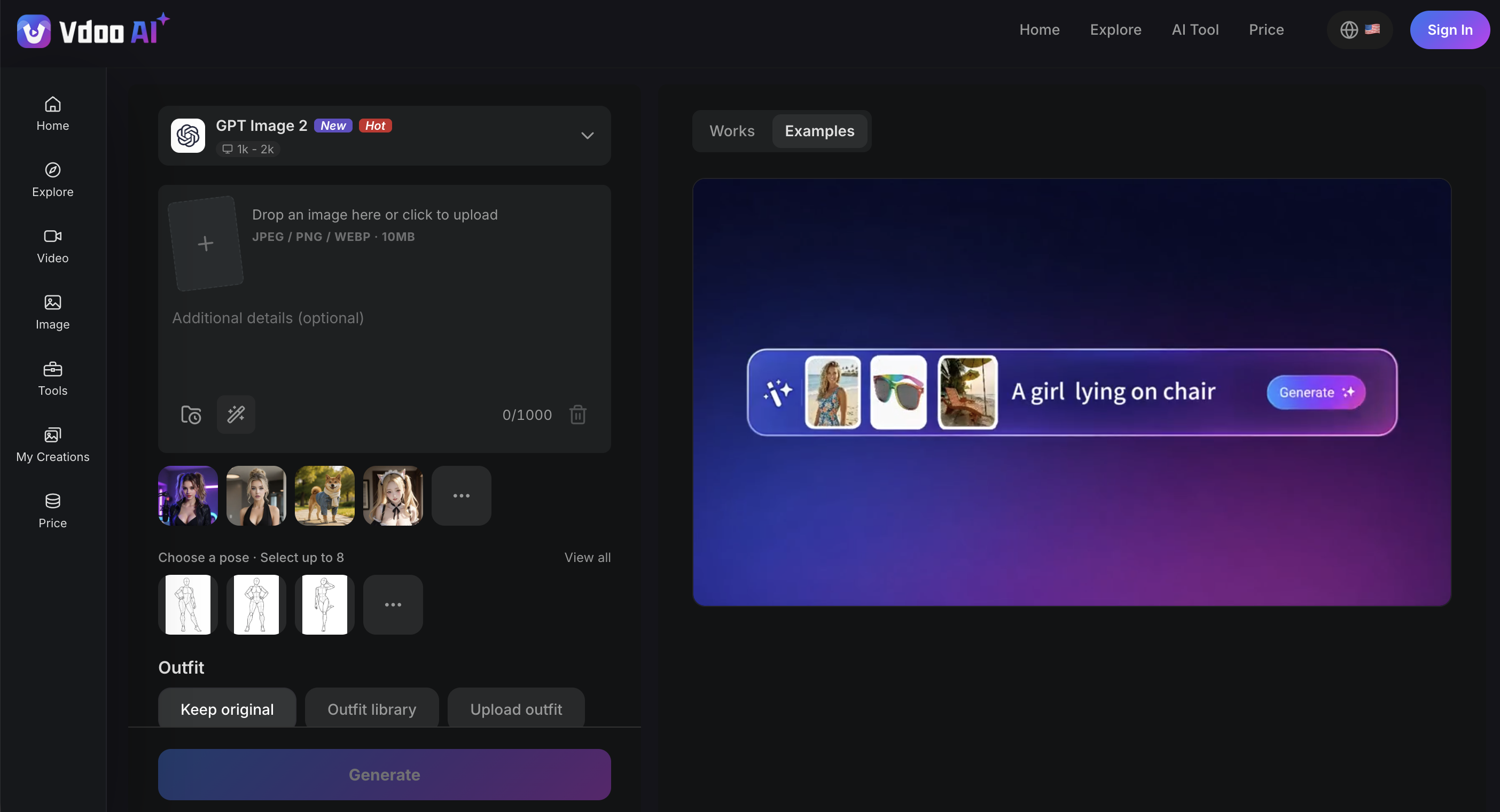
- Get the exact character pose you picture without rigging or reference sheets: describe stance, gesture, viewing angle, setting, and lighting in plain language, and the AI pose generator builds the image from your text prompt.
- Match every pose image to your project's look by switching between photorealistic, cinematic, anime, and illustration modes.
- Produce pose pictures sized for social posts, portfolios, or product mockups by setting aspect ratio and quality before you generate.
- Refine character art in quick rounds, with pose images generating in under 30 seconds and prompt revisions that produce a new version on demand.
- Try AI image generation at no cost and with no sign-up: daily free credits cover watermark-free downloads.
- Deliver high-resolution images for client and commercial work, with pose images up to 4K and paid plans adding larger output resolutions, higher usage, and commercial rights.
- Fix a generated or uploaded image instead of starting over by using inpainting, image-to-image editing that keeps the original composition and style, and dedicated Body, Hairstyle, and Clothing Editors.
- Turn a finished pose into motion with image-to-video, text-to-video, video extension, and motion control across the Happy Horse 1.0, Pika AI 2.5, and Seedance 2.0 video models.
- Clean up and sharpen AI video output with Video Denoise, Video Enhance, and a Face Improvement tool you apply to the clips that need it.
- Compare image models side by side without juggling separate subscriptions: Flux, Stable Diffusion, Gemini Omni, GPT Image 2, and GPT Image2 Transform are all in one workspace.
- Create on desktop or phone with nothing to install, and keep every image and video organized in the My Creations library.
Pros & Cons
From the listing; not yet checked by our editors.
Pros
- Browser-only unified media workspace
- Text-to-video generation
- Video extension from footage
- Interactive motion control UI
- Built-in video denoising
- Multi-model video selection
- Happy Horse 1.0 engine
- Seedance 2.0 engine
- Flux model integration
- Stable Diffusion support
- Gemini Omni integration
- GPT Image 2 support
- GPT Image2 Transform support
- Body editing tool
- Hairstyle transformation utility
- Clothing swap feature
- Funny Animals themed templates
- Centralized asset management
- Model exploration interface
- One-click model switching
- Real-time preview rendering
- WebGL GPU acceleration
- Zero-installation workflow
- Multiple export format options
- Save and organize creations
- Batch processing capability
- No-code video editing
- No-code image editing
- Template-driven transformations
- Multi-modal generation suite
- User account project isolation
- Integrated pricing overview
- Browser sandboxed processing
- Supports text and image inputs
- Video quality improvement tools
- Audio synchronization in music videos
- Professional-quality output claim
Cons
- No API access
- Export formats undocumented
- Resolution limits unspecified
- Audio generation limited
- No desktop app
- Model parameters locked
- Processing latency unpredictable
- Commercial licensing unclear
- Only English UI
- No asset versioning
Reviews
Rate this tool
Loading reviews...
Frequently asked questions
What video models does Vdoo AI offer and how do they differ?
Vdoo AI offers three named video generation models: Happy Horse 1.0, Pika AI 2.5, and Seedance 2.0. Each model represents a different generation workflow and model family, providing distinct visual styles and capabilities rather than a single unified engine.
Can I generate a video from just a text prompt on Vdoo AI?
Yes, Vdoo AI includes a Text‑to‑Video generation tool that creates video clips directly from a text prompt.
How does the video extension feature work on Vdoo AI?
The video extension feature lets users upload an existing video clip and generate additional footage that continues the original sequence, effectively lengthening the video.
Is motion control available for all video generation models in Vdoo AI?
IDK
What tools does Vdoo AI provide for video denoising and enhancement?
Vdoo AI provides separate tools called Video Denoise for noise reduction and Video Enhance for overall quality improvement, as well as a Face Improvement tool that specifically upgrades facial appearance in video.
Does Vdoo AI improve faces in video automatically, or do I need to set it up?
Face improvement is a selectable tool; users must apply it to a video rather than it running automatically on all uploads.
How can I create an AI music video with Vdoo AI and what audio options are included?
Users create AI music videos by selecting the AI Music Video tool, which combines generated visuals with music. Specific audio options such as track selection or custom sound upload are not detailed on the website.
What are Happy Horse 1.0, Pika AI 2.5, and Seedance 2.0 in Vdoo AI’s video suite?
Happy Horse 1.0, Pika AI 2.5, and Seedance 2.0 are individual video generation models within Vdoo AI’s suite, each delivering a unique set of generation algorithms and stylistic outputs.