

Vid2txt
Keep confidential interviews, meetings, and research recordings private: every transcript is generated and stored locally on your device, and nothing is collected or shared.
Listing not yet reviewed by our editors · How we check
Overview
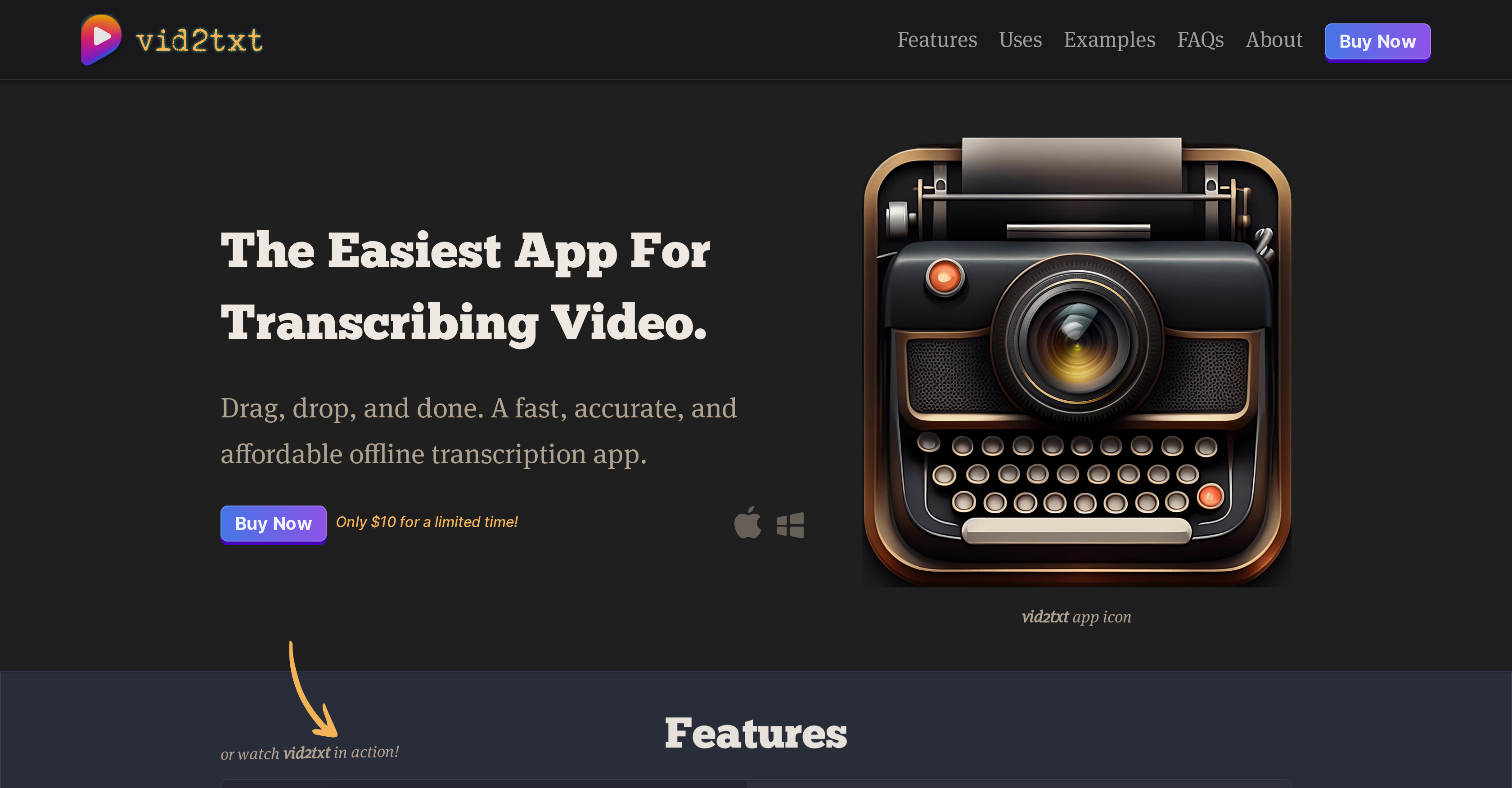
- Keep confidential interviews, meetings, and research recordings private: every transcript is generated and stored locally on your device, and nothing is collected or shared.
- Stop paying monthly for transcription: a one-time purchase gives you lifetime access to unlimited audio and video transcription with no quotas or hidden fees.
- Publish closed captions and subtitles without a separate captioning tool: exports in .SRT and .VTT are ready for video players, and .TXT transcripts work as SEO-friendly copy for videos and podcasts.
- Transcribe files straight from your camera, recorder, or downloads without converting them first: support for mp4, mov, wmv, mkv, avi, flv, wav, mp3, m4a, and more.
- Transcribe on a flight, in the field, or on a locked-down network: the transcription engine runs fully offline on macOS 13+ and Windows 10+, so no internet connection is needed.
- Start a transcript in seconds with no setup: drag and drop a video or audio file and get the result in minutes.
- Turn recorded lectures and interviews into study notes or quotable source material: plain-text transcripts are fully editable, so you can correct, annotate, and reuse them.
- Make English-language shows, movies, and podcasts accessible to deaf and hard-of-hearing viewers: readable transcripts and caption files present spoken content as on-screen text.
Pros & Cons
From the listing; not yet checked by our editors.
Pros
- Offline transcription
- Supports multiple formats
- Drag-and-drop interface
- Generates .TXT, .SRT, .VTT files
- No subscription requirements
- Pay once, use forever
- Optimized for diverse industries
- Turns recorded lectures into transcripts
- Helps hearing-impaired
- Future OS and language additions
- Transcribe video and audio
- Secure transcription experience
- Unlimited transcriptions
- Fast transcriptions
- No data sharing
- Affordable transcription tool
- No quotas or hidden fees
- Boosts SEO and closed captioning
- Creates searchable, editable text
- Can transcribe mp4, mov, wmv, etc.
- Useful for content creators, journalists
- Useful for students, professionals, researchers
- Future inclusion of additional languages
- Works with MacOS 13+ and Windows 10+
- No data collection
Cons
- Only supports English
- No free trial
- Might require upgrades
- No live-chat support
- No mobile versions
- Limited operating systems
- Single functionality
- No built-in editor
- No collaborative features
- Not web-based
Alternatives to Vid2txt
Tools that share the most tags with Vid2txt.
- Saveto AI | Instagram Transcript Generator
Capture every word from any Instagram Reel, Story, or IGTV with 99.9% accuracy by simply pasting the video URL
Free
Not listed
Not yet checked
- Saveto AI | TikTok Transcript Generator
Boost your content's search visibility by converting TikTok videos into searchable text that drives SEO traffic
Free
Not listed
Not yet checked
- OmniTranscript
Get an accurate, timestamped transcript from any public TikTok video in seconds without signing up or logging in — just paste the TikTok link and the speech engine converts spoken words to text.
Free
Not listed
Not yet checked
- HiTranscript
Turn any Instagram Reel into a searchable, organized transcript you can review, copy, and edit on the spot, using single or batch processing of public reel links or local file uploads
Free trial · from $9.99/unit
$9.99/unit
Not yet checked
- VideoTranscription.AI
Publish blog posts from video content in minutes by uploading a file or pasting a link for instant AI transcription
Free
Not listed
Not yet checked
- ScriptGecko
Turn any public Instagram Reel or video into clean, timestamped text by pasting a URL—no video uploads or Instagram account required, so you skip the friction and get straight to a searchable transcript.
Freemium · from $9.99/month
$9.99/month
Not yet checked
Reviews
Rate this tool
Loading reviews...
Frequently asked questions
What file formats does Vid2txt support for transcription?
Vid2txt supports numerous file formats for transcription including mp4, mov, wmv, mkv, avi, flv, wav, mp3, and m4a.
Do I need a subscription to use Vid2txt?
No, Vid2txt is not a subscription service and does not require you to subscribe to use it.
Is Vid2txt a one-time purchase or do I need to pay for each transcription?
Vid2txt is a one-time purchase. After purchasing, you can use it for unlimited transcriptions with no extra charges.
What output files does Vid2txt generate when transcribing?
Vid2txt generates .TXT, .SRT and .VTT files when transcribing audio and video content.
Can I use Vid2txt for professional content creation?
Yes, Vid2txt can be used for professional content creation. It can help content creators such as podcasters and videographers to create transcripts of their videos or podcasts for SEO and closed captioning.
How fast does Vid2txt transcribe videos and audio files?
Vid2txt transcribes videos and audio files in a matter of minutes. While the exact speed can differ depending on the length and complexity of the content, it generally provides fast transcription services.
Can Vid2txt be used to transcribe recorded lectures?
Yes, Vid2txt can be used to transcribe recorded lectures. Students can turn their recorded lectures into accurate, editable transcripts in minutes.
Can Vid2txt transcripts be edited?
Yes, the transcripts generated by Vid2txt are editable. After transcription, the result is given in .TXT, .SRT, and .VTT files, which can be edited to suit your needs.