

VideoToPage
Start repurposing content from the source you already have by pasting a YouTube link, uploading a file, or recording directly to convert video to text and audio to text.
Listing not yet reviewed by our editors · How we check
Overview
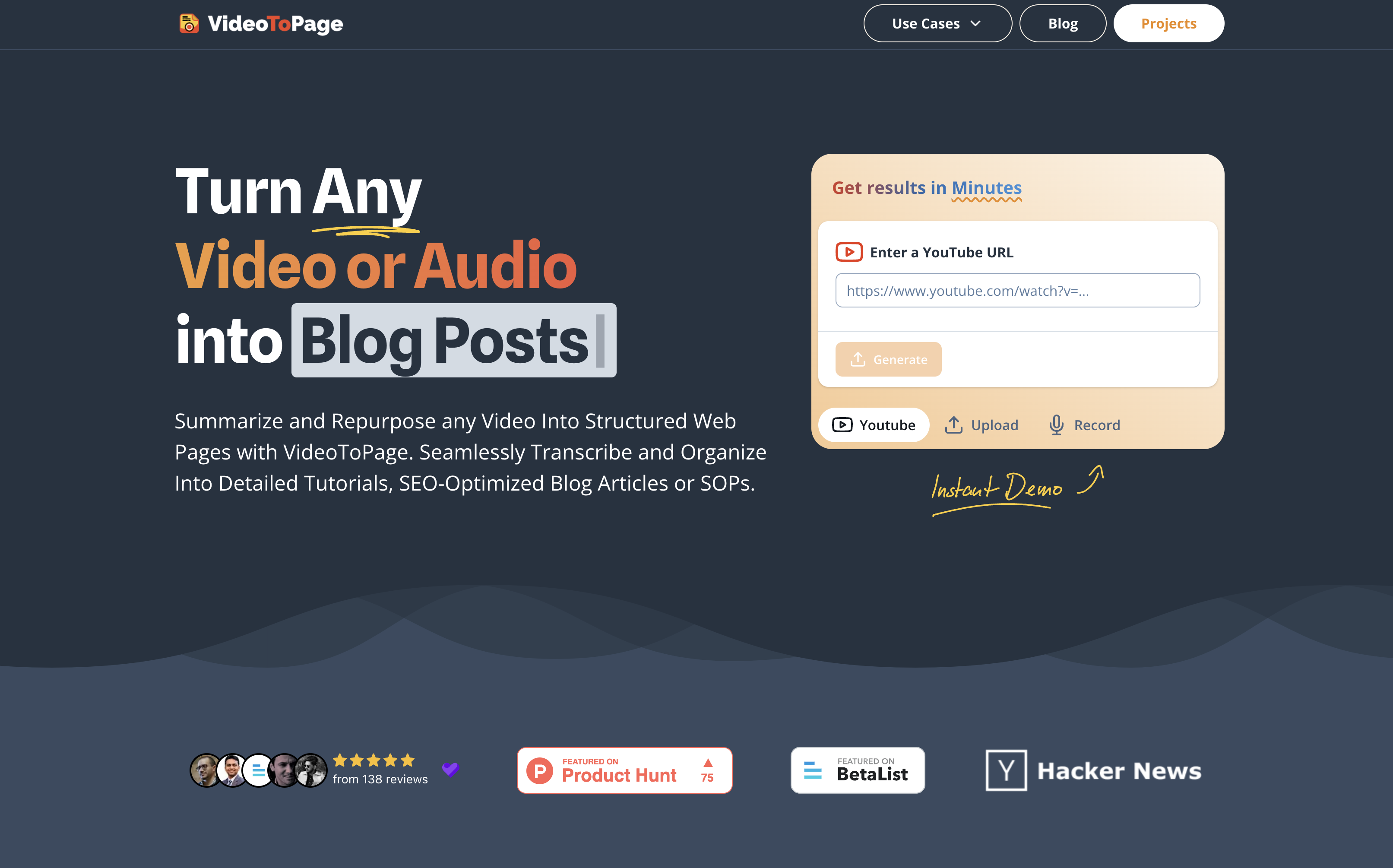
- Start repurposing content from the source you already have by pasting a YouTube link, uploading a file, or recording directly to convert video to text and audio to text.
- Rank in search with content you've already produced through long-form blog posts and SEO-optimized articles generated from your video and audio recordings.
- Capture team knowledge and training without rewriting by hand by turning recordings into Standard Operating Procedures (SOPs), tutorials, courses, and comprehensive written documentation.
- Give webinars a second life as structured e-learning resources that learners read and revisit long after the live session ends.
- Fill your social calendar from a single recording with short, engaging social media posts and marketing content summarized from your video.
- Prepare podcast episodes faster with ready-to-use scripts and outlines created from existing video and audio content.
- Reach audiences beyond your native language through multilingual understanding that transcribes and processes recordings in any language.
- Give readers a navigable knowledge hub instead of a wall of transcript with hierarchically structured, semantically interlinked web pages and full control over content organization.
- Deliver publish-ready copy with rich text editing that refines edited transcriptions, video digests, and detailed analyses before release.
- Get answers about any page without leaving it through a context-aware chatbot assigned to each page.
- Distribute content across platforms and media through easy publishing and flexible export to web pages, markdown, and SRT subtitle files.
Pros & Cons
From the listing; not yet checked by our editors.
Pros
- Converts video/audio to text
- Creates various content types
- Video digests generation
- Long-form blog posts creation
- Detailed analyses production
- Edited transcriptions
- SOP creation
- Tutorials and courses
- Webinars to e-learning resources
- Podcast script generation
- SEO-optimized articles
- Social media post creation
- Content organized semantically
- Rich text editing
- Chatbot assistance
- Content organization control
- Multilingual support
- Easy publishing and distribution
- Supports Youtube links
- Supports recorded/uploaded files
- Creates structured web pages
- Supports up to 5 hours video
- Supports 96 languages
- 98.5% transcription accuracy
- No subscription required
- Content hierarchy building
- Semantic interlinking of pages
- Editable content
- Unlimited content generation
- Money-back guarantee
- Free for 5-minute videos
- Handles complex topics
- Interactive outlines editing
- Exports in different formats
- User maintains content control
- Supports audio files
- Handles commercial content
- Unlimited pages creation
- Applicable for academic purposes
Cons
- Pricey
- Potentially inaccurate transcriptions
- Limited video summary options
- No free unlimited option
- Content hierarchy might not match personal preferences
- Export format limitations
- Complexity for non-tech users
- Dependency on internet connection
- Semantically interlinked pages may not appeal to all users
Alternatives to VideoToPage
Tools that share the most tags with VideoToPage.
- Saveto AI | Instagram Transcript Generator
Capture every word from any Instagram Reel, Story, or IGTV with 99.9% accuracy by simply pasting the video URL
Free
Not listed
Not yet checked
- Saveto AI | TikTok Transcript Generator
Boost your content's search visibility by converting TikTok videos into searchable text that drives SEO traffic
Free
Not listed
Not yet checked
- OmniTranscript
Get an accurate, timestamped transcript from any public TikTok video in seconds without signing up or logging in — just paste the TikTok link and the speech engine converts spoken words to text.
Free
Not listed
Not yet checked
- HiTranscript
Turn any Instagram Reel into a searchable, organized transcript you can review, copy, and edit on the spot, using single or batch processing of public reel links or local file uploads
Free trial · from $9.99/unit
$9.99/unit
Not yet checked
- VideoTranscription.AI
Publish blog posts from video content in minutes by uploading a file or pasting a link for instant AI transcription
Free
Not listed
Not yet checked
- ScriptGecko
Turn any public Instagram Reel or video into clean, timestamped text by pasting a URL—no video uploads or Instagram account required, so you skip the friction and get straight to a searchable transcript.
Freemium · from $9.99/month
$9.99/month
Not yet checked
Reviews
Rate this tool
Loading reviews...
Frequently asked questions
What are the content types that VideoToPage can generate from videos?
VideoToPage can generate a variety of content types from videos including long-form blog posts, in-depth video digests, detailed analyses, comprehensive written documentation, edited transcriptions, Standard Operating Procedures (SOPs), tutorials or courses, marketing content, SEO-optimized articles and engaging social media posts. It can also transform webinars into e-learning resources and create scripts for podcasts.
Can VideoToPage transcribe content in any language?
Yes, VideoToPage possesses multilingual understanding, which allows it to transcribe and process content in any language efficiently.
Is it possible to transform webinars into e-learning resources with VideoToPage?
Yes, VideoToPage is well-equipped to transform webinars into text-based e-learning resources, creating a new way to repurpose and utilize these materials.
How can VideoToPage assist in content distribution and publishing?
VideoToPage facilitates easy publishing and content distribution. It creates structured content which can be exported in various formats like web pages or markdown hence making it ready for publishing. In addition, the semantic interlinking feature enhances navigability, further aiding content distribution.
Can VideoToPage be used to create social media posts?
Yes, VideoToPage can generate engaging content for social media platforms. It repurposes and summarizes the video content into shorter, appealing posts suitable for diverse social media platforms.
Is SEO optimization available in the articles generated by VideoToPage?
Yes, one of the capabilities of VideoToPage is the generation of SEO-optimized articles. These articles are created by deriving and summarizing content from videos or audios for an enhanced search engine visibility.
What kind of videos can I use as input for VideoToPage?
VideoToPage can work with a variety of video types as input. Users can begin the content transformation process with any video – be it a recording, an upload, or a YouTube link.
Will I have control over content organization with VideoToPage?
Yes, VideoToPage offers users complete control over content organization. The structured and semantic approach to content organization helps shape the narrative and maintain a logical flow in the generated content.