

VideoToTextAI
Eliminate hours of manual typing: automated AI transcription converts your audio and video into accurate text without you replaying a single clip.
Listing not yet reviewed by our editors · How we check
Overview
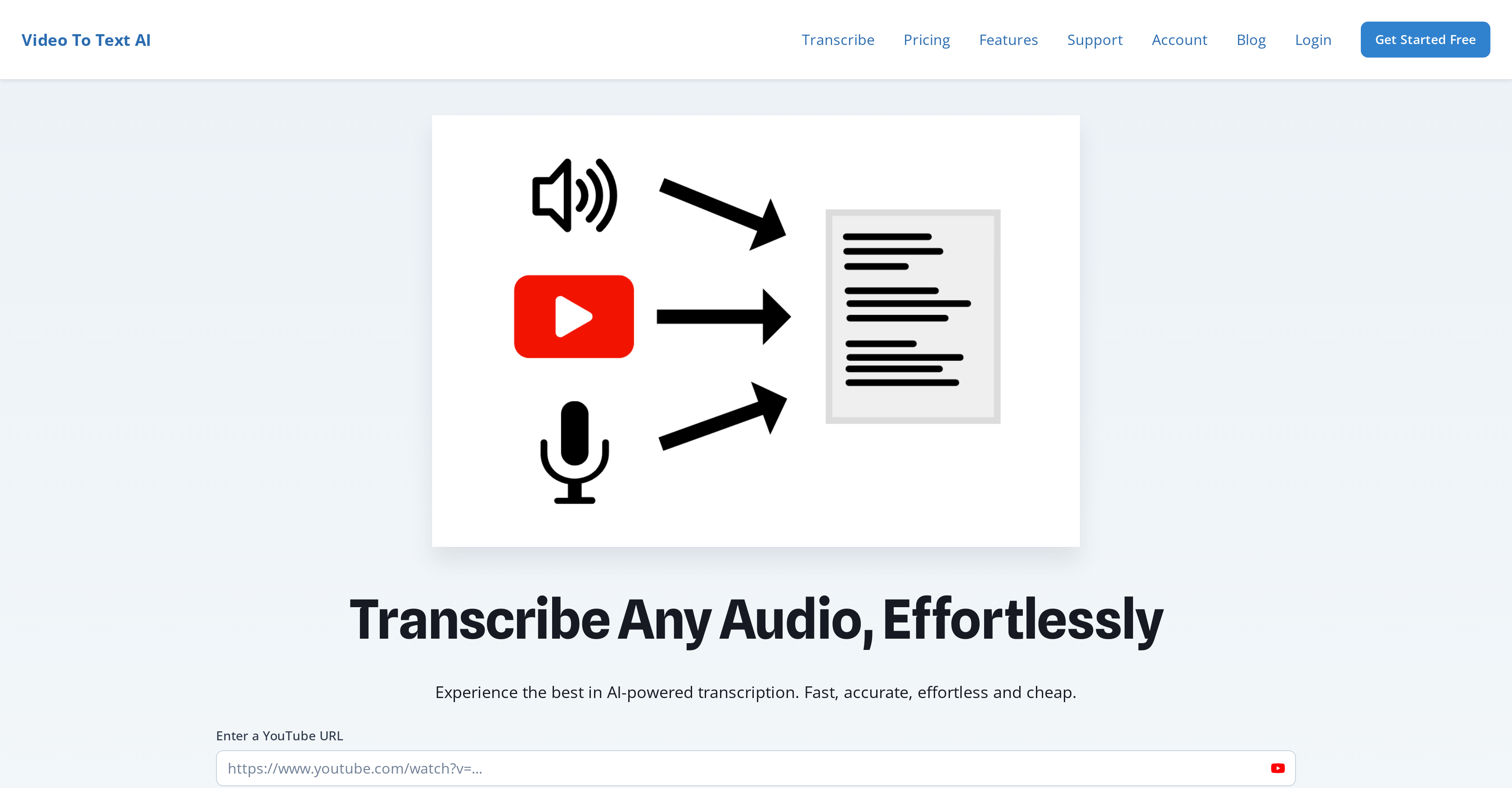
- Eliminate hours of manual typing: automated AI transcription converts your audio and video into accurate text without you replaying a single clip.
- Transcribe YouTube videos without downloading anything: paste a YouTube URL and receive a complete video-to-text transcript.
- Turn interviews, voice notes, and standalone recordings into text: direct audio file upload covers transcription needs beyond video.
- Expand your content's reach and search visibility: ready-to-use transcripts become blog posts, captions, and SEO-friendly text that makes spoken content accessible and indexable.
- Cut transcription costs: automated speech-to-text replaces paid manual transcription, and a 'Get Started Free' option lets you begin without upfront spend.
- Get your first transcript with zero learning curve: a simple two-step workflow of adding a link or file and receiving text keeps the process fast for creators and professionals alike.
- Keep your transcription work under one roof: a personal account unlocks user-specific features and dedicated support.
Pros & Cons
From the listing; not yet checked by our editors.
Pros
- Rapid transcription
- Accurate transcription
- User-friendly
- YouTube URL transcription
- Direct audio file upload
- Efficient process
- Avoid manual transcription
- Cost-effective
- Customer support
- Account features
- Transcribes any audio
- Maintains transcription quality
- Ideal for content creators
- Ideal for professionals
- Works for high-quality transcriptions
- Transcribes complex tasks
Cons
- Platform compatibility not mentioned
- No multi-language support
- No offline functionality
- Subscription model not provided
- No real-time transcription
- No API mentioned
- Limited file formats supported
- Not indicated transcription quality
- Unknown security measures
- Limited user-specific features
Alternatives to VideoToTextAI
Tools that share the most tags with VideoToTextAI.
- Saveto AI | Instagram Transcript Generator
Capture every word from any Instagram Reel, Story, or IGTV with 99.9% accuracy by simply pasting the video URL
Free
Not listed
Not yet checked
- Saveto AI | TikTok Transcript Generator
Boost your content's search visibility by converting TikTok videos into searchable text that drives SEO traffic
Free
Not listed
Not yet checked
- OmniTranscript
Get an accurate, timestamped transcript from any public TikTok video in seconds without signing up or logging in — just paste the TikTok link and the speech engine converts spoken words to text.
Free
Not listed
Not yet checked
- HiTranscript
Turn any Instagram Reel into a searchable, organized transcript you can review, copy, and edit on the spot, using single or batch processing of public reel links or local file uploads
Free trial · from $9.99/unit
$9.99/unit
Not yet checked
- VideoTranscription.AI
Publish blog posts from video content in minutes by uploading a file or pasting a link for instant AI transcription
Free
Not listed
Not yet checked
- ScriptGecko
Turn any public Instagram Reel or video into clean, timestamped text by pasting a URL—no video uploads or Instagram account required, so you skip the friction and get straight to a searchable transcript.
Freemium · from $9.99/month
$9.99/month
Not yet checked
Reviews
Rate this tool
Loading reviews...
Frequently asked questions
How quickly can VideoToTextAI transcribe my audio or video file?
The exact transcription speed of VideoToTextAI is not mentioned on their website, but it is stated that the service provides rapid transcription of audio and video files.
Can VideoToTextAI transcribe YouTube videos?
Yes, VideoToTextAI can transcribe YouTube videos. Users can provide a YouTube URL for the video they wish to transcribe.
Is the VideoToTextAI process completely automated?
From the information on their website, it's evident that the transcription process of VideoToTextAI is largely automated, powered by state-of-the-art Artificial Intelligence.
How is the accuracy rate of transcriptions by VideoToTextAI?
The exact accuracy rate for VideoToTextAI is not specifically listed on their website, but the service is designed to deliver accurate results.
What types of audio files can I upload for transcription on VideoToTextAI?
The types of audio files that can be uploaded to VideoToTextAI for transcription are not explicitly detailed on their website.
What are the user-specific features in the VideoToTextAI Account?
The specific user-specific features available in the VideoToTextAI account are not listed on their website.
Why is VideoToTextAI a cost-effective solution?
VideoToTextAI is a cost-effective solution because it automates the tedious task of manual transcription, thus saving time and resources.
What additional support does VideoToTextAI offer for users?
Additional support provided by VideoToTextAI is not specifically detailed on their website.