

Wellcode CLI
Uncover hidden development bottlenecks and performance trends with AI-powered analysis of your GitHub, Linear, and Split.io data
Listing not yet reviewed by our editors · How we check
Overview
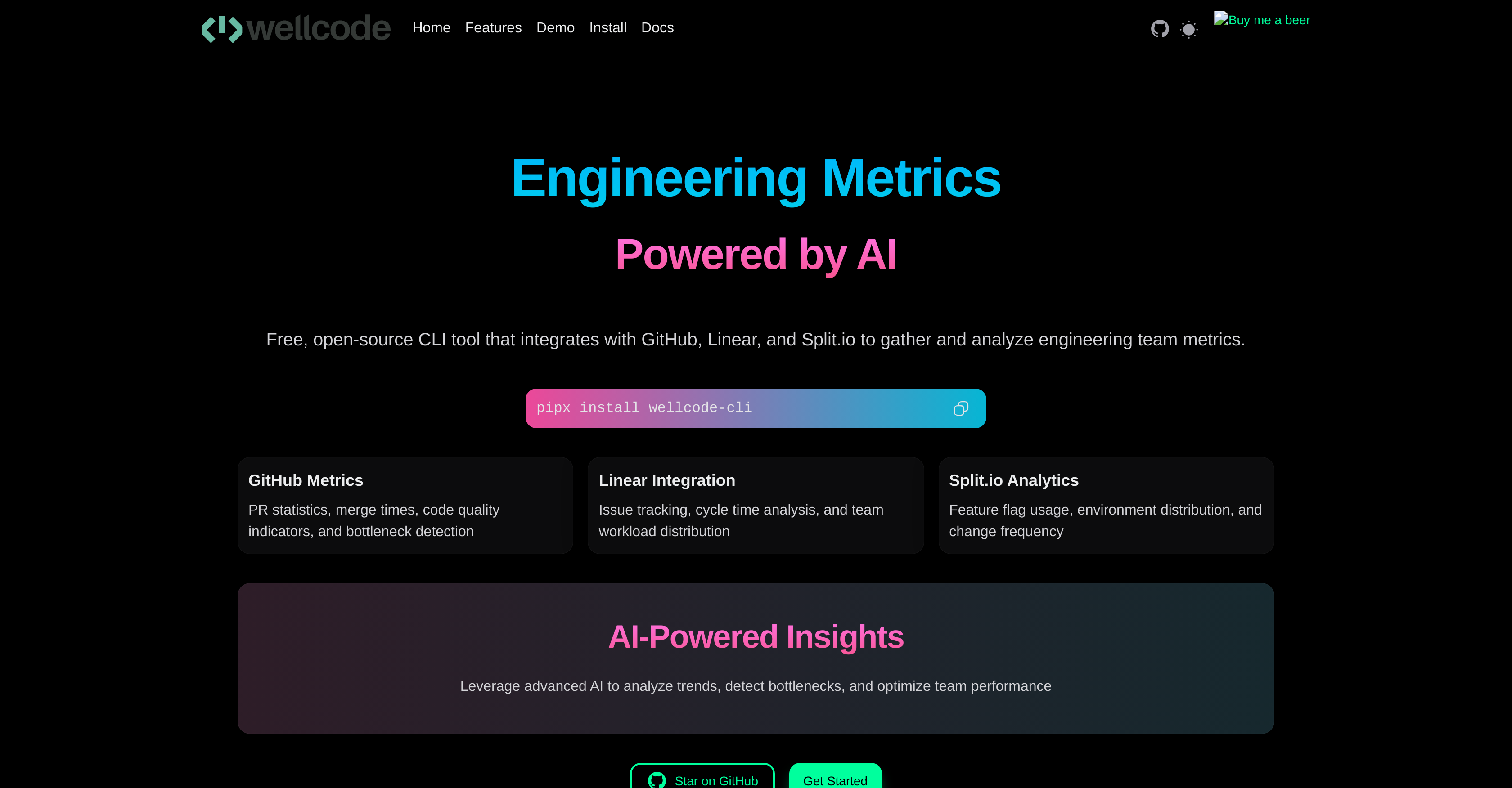
- Uncover hidden development bottlenecks and performance trends with AI-powered analysis of your GitHub, Linear, and Split.io data
- Optimize team workload distribution and balance task assignments using cycle time analysis and issue tracking from Linear integration
- Improve code quality and reduce merge times by tracking PR statistics and code quality indicators directly from GitHub
- Measure feature flag impact and deployment safety with insights into feature usage, environment distribution, and change frequency from Split.io
- Install reliably without dependency conflicts using pipx for a secure, isolated setup in your development environment
Pros & Cons
From the listing; not yet checked by our editors.
Pros
- Free, open-source tool
- Provides engineering metrics
- Integrates with GitHub, Linear, Split.io
- Analyzes PR statistics
- Tracks merge times
- Indicates code quality
- Detects bottlenecks
- Tracks issues via Linear
- Analyzes cycle times
- Distributes team workload
- Insights into feature flag usage
- Provides environment distribution statistics
- Tracks change frequency
- Optimizes team performance
- Analyzes trends
- Installation through pipx
Cons
- Limited platform integration
- Only Command-Line Interface
- Requires pipx for installation
- No GUI interface
- Solely team-focused
- Dependency on GitHub, Linear, Split.io
- Insights not customizable
- No support for personal metrics
- No direct code editing
- No real-time tracking
Alternatives to Wellcode CLI
Tools that share the most tags with Wellcode CLI.
- Aidealy
Identify the engineers who ship lasting, high-quality work with the Aidealy Productivity Rank, one score per engineer built over rolling 7-, 30- and 90-day windows from merged production code, review work, breadth across languages and repositories, and AI use in the editor. Hours and token counts never inflate the score.
Paid · from $19/month
$19/month
Not yet checked
Reviews
Rate this tool
Loading reviews...
Frequently asked questions
What is Wellcode CLI?
Wellcode CLI is a free, open-source command-line interface tool that delivers engineering metrics. It integrates with platforms like GitHub, Linear, and Split.io to gather and analyze metrics specific to engineering teams.
Is Wellcode CLI open-source?
Yes, Wellcode CLI is an open-source tool.
What are the key features of Wellcode CLI?
Key features of Wellcode CLI include GitHub metrics, Linear integration for issue tracking and cycle time analysis, Split.io analytics, AI-powered insights, code quality indicators, bottleneck detection, and workload distribution among teams.
How does Wellcode CLI integrate with GitHub?
Wellcode CLI integrates with GitHub to collect and analyze different engineering metrics. It taps into GitHub to gather these metrics.
What kind of metrics can Wellcode CLI deduce from GitHub?
From GitHub, Wellcode CLI can deduce metrics such as PR statistics, merge times, code quality indicators, and detect bottlenecks.
How does Linear integration work in Wellcode CLI?
In Wellcode CLI, Linear integration enables the tool to track issues, analyze cycle times, and distribute team workload.
What analytics can Wellcode CLI provide with Split.io integration?
With Split.io integration, Wellcode CLI provides insights into feature flag usage, environment distribution, and change frequency.
What unique insights does Wellcode CLI's AI provide?
Wellcode CLI's AI provides insights by analyzing trends, identifying bottlenecks, and providing suggestions for optimizing team performance. These AI-generated insights can offer valuable trends and patterns that might not be noticeable from a surface-level analysis.