

📝 Overview
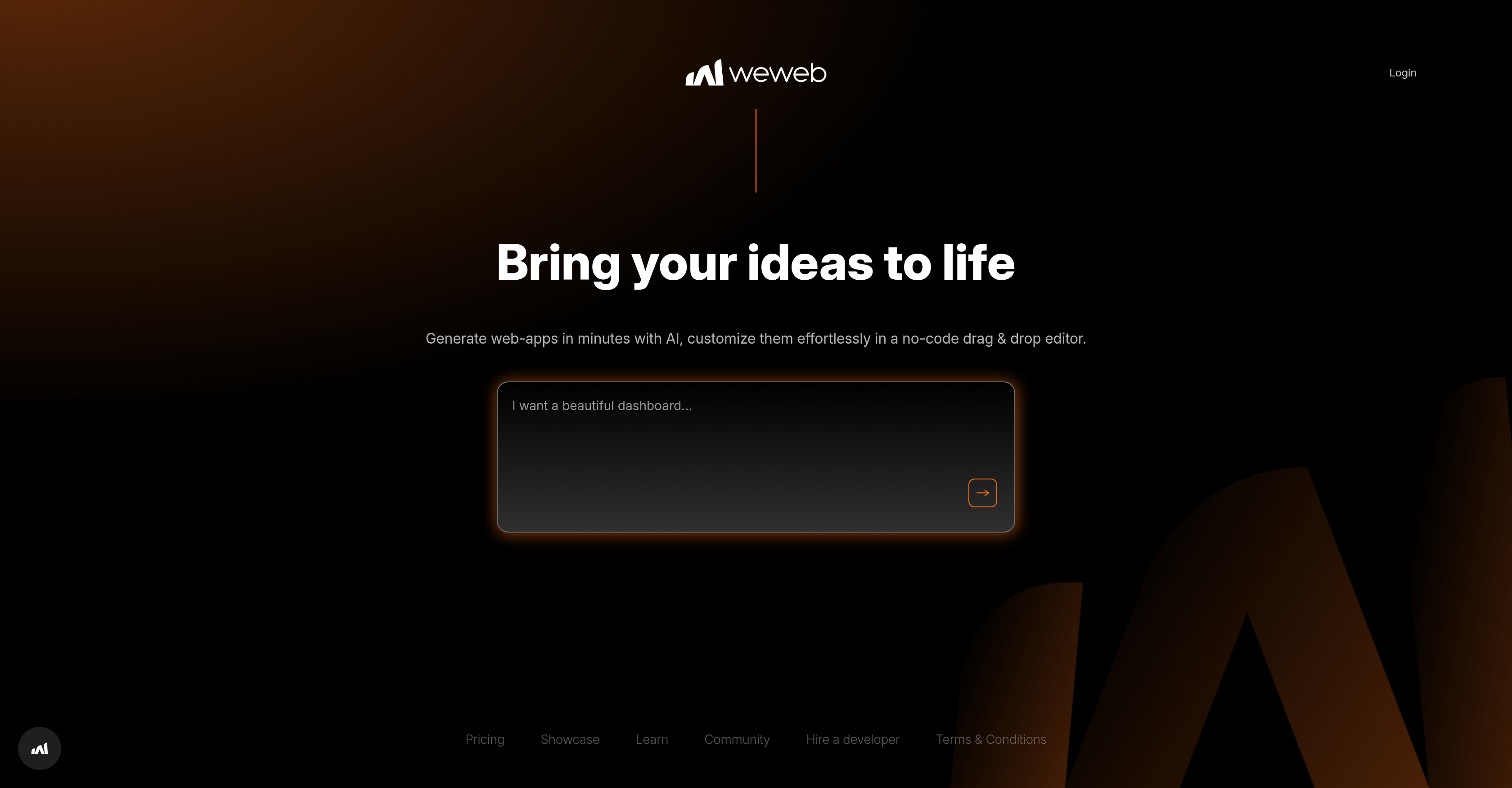
- Launch functional web applications in minutes instead of months using AI-powered code generation
- Customize every element without coding through an intuitive drag-and-drop interface
- Maintain complete control over your projects and avoid vendor lock-in with flexible workspace selection
- Showcase your work and get feedback within an active community of creators
- Hire expert developers directly from the platform when you need specialized assistance
- Build professional web apps without technical experience using the no-code visual editor
⚖️ Pros & Cons
Pros
- Fast web-app creation
- No-code platform
- Customizable applications
- User-friendly interface
- Enhances productivity
- User autonomy in projects
- Workspace selection
- Community building
- Project showcasing platform
- Educational platform
- Option to hire developers
- Smooth user experience
- Avoids vendor lock-in
- Drag-and-drop interface
- Flexibility in design
- Quick creation process
- No pre-set design templates
- Freedom in project creation
- Encourages individual creativity
Cons
- Limited to web applications
- No offline functionality
- Dependent on platform stability
- Restricted workspace choices
- Limited to certain project types
- No developer support mentioned
- Could lack advanced features
- Possibly high cost
- Community size not specified
❓ Frequently Asked Questions
WeWeb utilizes artificial intelligence to automate and simplify various aspects of the web-app creation process. This involves intelligently generating code and structuring the site based on user inputs, drastically reducing the time and effort needed to create a functional web application.
A no-code platform like WeWeb refers to a software interface that allows users to create web applications without needing to write any code. It simplifies app development by enabling users to design and customize app features through a user-friendly, drag-and-drop interface.
With WeWeb's AI technology, it is possible to generate web-apps in minutes. However, the exact time can vary depending on the complexity and individual requirements of the project.
WeWeb offers a user-friendly, no-code, drag-and-drop interface that allows users to easily customize their applications. Users can intuitively select, place, and modify elements in their web apps according to their specific needs and personal preferences.
Yes, on WeWeb you have the flexibility to select your own workspace for project creation. This provides users with a personalized work environment tailored to their specific needs.
WeWeb fosters a community where users can learn, showcase their projects, and potentially hire a developer. This online community serves as a platform for users to interact, share ideas, and contribute towards a collective learning environment.
WeWeb boosts productivity by streamlining the web app development process. Its AI-driven, no-code platform eliminates the need for coding, fast-tracks the application design process and provides several tools and resources that efficiently aid in application development.
User autonomy on WeWeb refers to the freedom and flexibility users have in customizing their web apps, choosing their workspace, and managing their projects. They have control over the creative and developmental aspects of their web applications without any restrictions.
On WeWeb, users can showcase their projects within the community. This platform provides an environment for users to share their work, gain feedback and engage with other community members.
WeWeb provides robust tools for web-app creation that include an intuitive drag-and-drop interface, AI-powered code generation, customization options, and workspace selection. These tools make application creation efficient and user-friendly.
Yes, WeWeb has a feature that allows users to hire a developer directly from the platform. This adds an extra layer of convenience for users seeking expert guidance or assistance with their projects.
WeWeb's drag-and-drop interface is a feature that allows users to intuitively design their web apps by simply dragging and dropping elements onto their workspace. This interactive interface enables easy customization without requiring any coding knowledge.
Though it's not specified, a versatile platform like WeWeb, typically allows for editing of web pages or applications even after publication, offering continuous improvement and optimization of applications.
The advantages of using WeWeb over traditional web development services include faster development time, an AI-powered no-code platform, intuitive drag-and-drop interface, flexibility to customize, platform independence to avoid vendor lock-in, the autonomy to select workspace, community support, ability to showcase projects, and the opportunity to hire developers directly from the platform.
WeWeb is highly accessible to beginners without coding experience. The platform thrives on its user-friendly, no-code design, allowing individuals with no prior programming knowledge to navigate and use the platform with ease.
The platform encourages both individual creativity and community connection. However, it is not explicitly stated if WeWeb offers any educational resources for users.
Vendor lock-in refers to the situation where customers are dependent on a single vendor for products and services, unable to use another vendor without substantial switching costs. WeWeb helps avoid this by providing a no-code platform that is easy to use, enabling users to build and modify web apps without relying on specific vendors or developers.
WeWeb ensures a smooth user experience through its user-friendly, AI-driven, no-code platform. It provides an intuitive drag-and-drop interface, robust web-app creation tools, workspace selection, and encourages community connection, all of which contribute to a seamless, efficient, and enjoyable user experience.
It is not explicitly stated what specific types of web-apps can be created with WeWeb. However, given its comprehensive features and versatility, it is reasonable to assume that users can develop a wide range of web applications to suit various needs.
There's no mention of needing to install any software before using WeWeb, indicating that it's likely a web-based platform accessible via a web browser.
WeWeb boosts productivity by streamlining the web app development process. Its AI-driven, no-code platform eliminates the need for coding, fast-tracks the application design process and provides several tools and resources that efficiently aid in application development.
User autonomy on WeWeb refers to the freedom and flexibility users have in customizing their web apps, choosing their workspace, and managing their projects. They have control over the creative and developmental aspects of their web applications without any restrictions.
On WeWeb, users can showcase their projects within the community. This platform provides an environment for users to share their work, gain feedback and engage with other community members.
WeWeb provides robust tools for web-app creation that include an intuitive drag-and-drop interface, AI-powered code generation, customization options, and workspace selection. These tools make application creation efficient and user-friendly.
Yes, WeWeb has a feature that allows users to hire a developer directly from the platform. This adds an extra layer of convenience for users seeking expert guidance or assistance with their projects.
WeWeb's drag-and-drop interface is a feature that allows users to intuitively design their web apps by simply dragging and dropping elements onto their workspace. This interactive interface enables easy customization without requiring any coding knowledge.
Though it's not specified, a versatile platform like WeWeb, typically allows for editing of web pages or applications even after publication, offering continuous improvement and optimization of applications.
The advantages of using WeWeb over traditional web development services include faster development time, an AI-powered no-code platform, intuitive drag-and-drop interface, flexibility to customize, platform independence to avoid vendor lock-in, the autonomy to select workspace, community support, ability to showcase projects, and the opportunity to hire developers directly from the platform.
WeWeb is highly accessible to beginners without coding experience. The platform thrives on its user-friendly, no-code design, allowing individuals with no prior programming knowledge to navigate and use the platform with ease.
The platform encourages both individual creativity and community connection. However, it is not explicitly stated if WeWeb offers any educational resources for users.
Vendor lock-in refers to the situation where customers are dependent on a single vendor for products and services, unable to use another vendor without substantial switching costs. WeWeb helps avoid this by providing a no-code platform that is easy to use, enabling users to build and modify web apps without relying on specific vendors or developers.
WeWeb ensures a smooth user experience through its user-friendly, AI-driven, no-code platform. It provides an intuitive drag-and-drop interface, robust web-app creation tools, workspace selection, and encourages community connection, all of which contribute to a seamless, efficient, and enjoyable user experience.
It is not explicitly stated what specific types of web-apps can be created with WeWeb. However, given its comprehensive features and versatility, it is reasonable to assume that users can develop a wide range of web applications to suit various needs.
There's no mention of needing to install any software before using WeWeb, indicating that it's likely a web-based platform accessible via a web browser.
💰 Pricing
Pricing model
Freemium
Paid options from
$10/month
Billing frequency
Monthly
📺 Related Videos
Bubble.io vs WeWeb (2024) | Which One is Better?
👤Dani's Tutorials•3.5K views•Sep 3, 2024
Using WeWeb AI - Generating Pages
👤WeWeb•3.5K views•Jan 3, 2025
Vibe Coding a Full Design System in WeWeb — No Boring UI Here 🎨🔥
👤WeWeb•1.9K views•Jul 18, 2025
Plugins in WeWeb: Connect WeWeb to any tool
👤WeWeb•1.9K views•Aug 2, 2024
WEWEB + FIGMA - GO FROM DESIGN TO APP IN SECONDS!
👤Alim Charaniya | Apps & Startups•7.9K views•Jun 13, 2024
Layout basics in WeWeb
👤WeWeb•5.4K views•Dec 16, 2021
WeWeb 101 - Variable Types In WeWeb
👤WeWeb•1.9K views•Feb 8, 2025
WeWeb in 10 minutes and 9 seconds
👤WeWeb•12.4K views•Dec 27, 2023
Intro to WeWeb
👤WeWeb•3.0K views•Jul 29, 2025