

Whisper Web
Keep confidential recordings on your own device: the free mode runs OpenAI's Whisper model locally in the browser through WebGPU and WebAssembly, so your audio never leaves your device.
Listing not yet reviewed by our editors · How we check
Overview
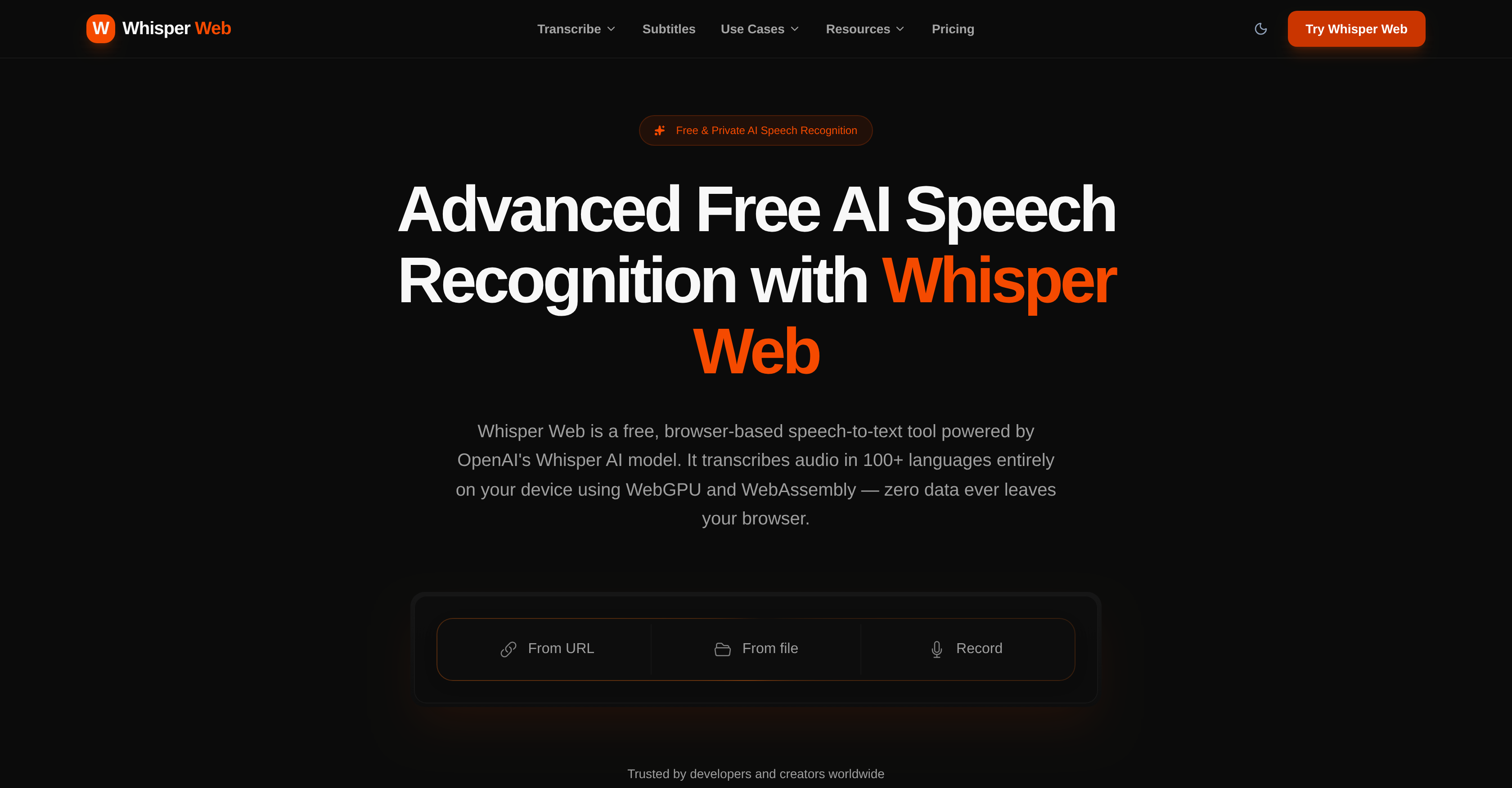
- Keep confidential recordings on your own device: the free mode runs OpenAI's Whisper model locally in the browser through WebGPU and WebAssembly, so your audio never leaves your device.
- Transcribe on flights, in the field, or anywhere without Wi-Fi: once the Whisper model is cached, local speech-to-text works fully offline.
- Start transcribing in seconds with zero setup: there is nothing to install and no account, signup, or API key to create.
- Capture speech however it arrives: record live from your microphone, upload audio or video files, or pull audio from a URL or browser stream.
- Transcribe multilingual interviews and lectures without configuring anything: automatic language detection covers 99 languages.
- Add captions to your videos right away: export video-to-text results as ready-to-use SRT or VTT subtitle files.
- Send transcripts straight into your editing, publishing, or data workflows: download any result as TXT for reading, or as JSON for downstream processing.
- Get faster results on capable hardware: GPU acceleration through WebGPU runs 3–5× faster than CPU-only processing, with automatic WebAssembly fallback on older browsers.
- Re-run podcast and meeting transcriptions as often as you like at no cost: the free plan allows unlimited local transcriptions for files up to 200 MB or 20 minutes.
- Turn full-length recordings and backlogs into text in one pass: the Unlimited cloud plan handles files up to 10 hours or 5 GB, batch uploads of up to 50 files, and priority processing.
- Pick up your transcripts on any device: Unlimited adds cloud storage and cross-device sync, deletes uploaded media after transcription, and keeps your transcripts available after you cancel.
Pros & Cons
From the listing; not yet checked by our editors.
Pros
- WebGPUaccelerated inference
- WebAssembly fallback support
- Zeroinstall, browseronly
- No API key required
- No account needed
- On-device privacy guarantee
- Offline after initial download
- Microphone, file, URL inputs
- Automatic language detection
- 100+ language support
- Video transcription capability
- Subtitle generation (SRT/VTT)
- JSON transcript export
- Multiple optimized model sizes
- GPU acceleration reduces latency
- Cross-platform desktop and mobile
- Batch cloud upload (50 files)
- Priority cloud processing
- Cross-device transcript synchronization
- Cloud storage of transcripts
- Auto-delete uploaded files
- Supports up to 5GB files
- Handles 10hour recordings
- Real-time streaming transcription
- Low-resource WebAssembly mode
- Edge computing on client
- No server latency
- Model cached in browser
- Resource-efficient inference
- WebGPU fallback detection
- Instant start, no setup
- Transparent unlimited pricing
- Fast local processing
- Zero data transmission
- Secure client-side compute
- Supports subtitle formats
- Export plain-text files
- Works without installation
- Runs on WebGPU browsers
- Multiple export formats (SRT/VTT)
- Supports audio and video inputs
- Model download caching per session
- Optimized Whisper models selectable
- No backend infrastructure required
- Batch processing via cloud plan
- Privacy-first free mode
- Cross-browser compatibility (desktop/mobile)
- Supports URL media transcription
- High accuracy state-of-art model
- Instant model download progress bar
Cons
- WebGPU required for speed
- Initial model download heavy
- Browser memory caps large files
- Mobile browsers lack WebGPU
- No speaker diarization
- Cannot finetune model
- Limited export formats
- No realtime streaming
- Paid plan uploads data
- Batch only with subscription
Alternatives to Whisper Web
Tools that share the most tags with Whisper Web.
- Saveto AI | Instagram Transcript Generator
Capture every word from any Instagram Reel, Story, or IGTV with 99.9% accuracy by simply pasting the video URL
Free
Not listed
Not yet checked
- Saveto AI | TikTok Transcript Generator
Boost your content's search visibility by converting TikTok videos into searchable text that drives SEO traffic
Free
Not listed
Not yet checked
- OmniTranscript
Get an accurate, timestamped transcript from any public TikTok video in seconds without signing up or logging in — just paste the TikTok link and the speech engine converts spoken words to text.
Free
Not listed
Not yet checked
- HiTranscript
Turn any Instagram Reel into a searchable, organized transcript you can review, copy, and edit on the spot, using single or batch processing of public reel links or local file uploads
Free trial · from $9.99/unit
$9.99/unit
Not yet checked
- VideoTranscription.AI
Publish blog posts from video content in minutes by uploading a file or pasting a link for instant AI transcription
Free
Not listed
Not yet checked
- ScriptGecko
Turn any public Instagram Reel or video into clean, timestamped text by pasting a URL—no video uploads or Instagram account required, so you skip the friction and get straight to a searchable transcript.
Freemium · from $9.99/month
$9.99/month
Not yet checked
Reviews
Rate this tool
Loading reviews...
Frequently asked questions
What is Whisper Web and how does it actually work?
Whisper Web is a browser‑based speech‑to‑text platform that runs OpenAI's Whisper model inside the user's web browser. On their website they explain that the model is downloaded to the client on first use and inference is performed with WebGPU or, if unavailable, WebAssembly, so the audio is processed locally without a server round‑trip.
Does Whisper Web run entirely in my browser or does it send data to a server?
In Free mode Whisper Web runs entirely in the browser; no audio is uploaded. In the Unlimited (cloud) plan selected files are uploaded to Whisper Web's servers for transcription and are deleted after the job finishes.
Can I use Whisper Web offline after the model is downloaded?
Yes. After the initial model download the Free mode works completely offline; the website states that no internet connection is required for local transcription once the model is cached.
What are the file size and length limits for the free plan?
The Free plan permits files up to 200 MB or 20 minutes per upload. There is no limit on the number of transcriptions as long as each file stays within those bounds.
How many languages does Whisper Web support and does it auto‑detect the language?
Whisper Web supports roughly 100 languages (the site lists 99) and automatically detects the spoken language without user input.
Do I need a GPU or WebGPU‑compatible browser for Whisper Web to work well?
A WebGPU‑compatible browser and GPU acceleration give the best performance, but the site notes a fallback to WebAssembly for devices without WebGPU, allowing the service to work albeit more slowly.
Which browsers and devices are supported for local transcription?
Local transcription works on any desktop or mobile browser that supports WebGPU (e.g., recent Chrome, Edge, and Firefox builds) and will fall back to WebAssembly on browsers lacking WebGPU. Mobile browsers with WebGPU support are also listed as compatible.
Can I transcribe directly from my microphone, or only from uploaded files?
Yes. Users can feed audio via three input methods: microphone capture, file upload, or URL/browser audio streams.