

YouTube Transcript Optimizer
Publish YouTube transcripts you trust without line-by-line cleanup: video-to-text transcription reaches over 98% accuracy on clear audio, beats YouTube's built-in captions, and fixes errors using context.
Listing not yet reviewed by our editors · How we check
Overview
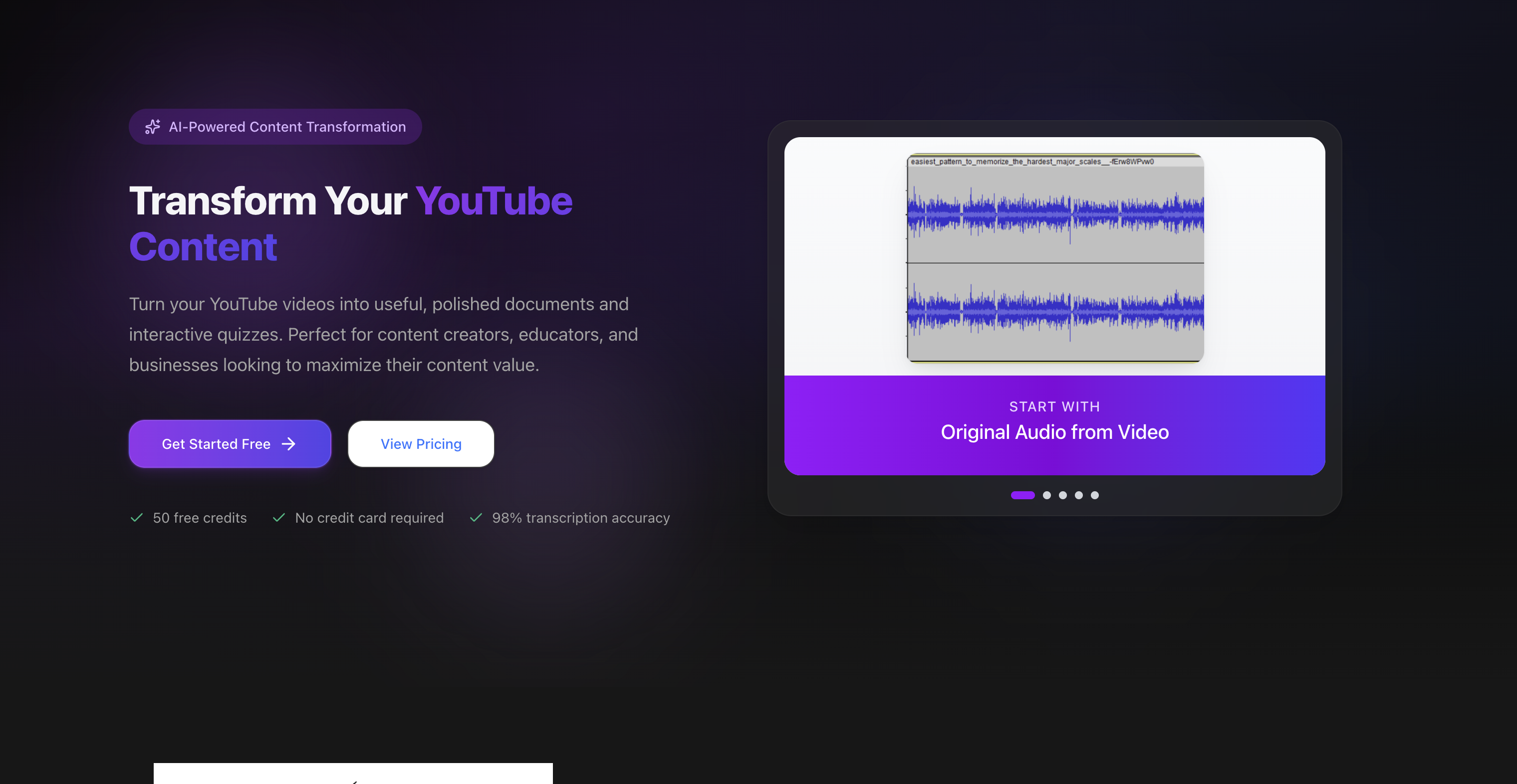
- Publish YouTube transcripts you trust without line-by-line cleanup: video-to-text transcription reaches over 98% accuracy on clear audio, beats YouTube's built-in captions, and fixes errors using context.
- Give your audience readable content instead of raw caption dumps: transcript optimization turns spoken video into polished, well-formatted documents ready to publish.
- Reward Patreon supporters with exclusive bonus material: every video becomes a formatted document or quiz you hand to paying members as a perk.
- Check whether viewers understood your video: automatic quiz generation builds multiple-choice and short-answer questions directly from the video content.
- Give learners instant feedback and skip manual marking: multiple-choice quizzes are graded automatically.
- Deliver content anywhere without separate hosting: each generated document and quiz gets its own hosted, shareable link you can post on any platform.
- Refine transcripts and quizzes without leaving your workspace or losing past versions: the built-in editor records every change in a revision history you can revisit.
- Keep every download current after each edit: PDF and HTML files regenerate automatically, with no manual re-exporting.
- Fit each output to the right destination: export to TXT for plain text, Markdown for blogs and docs, PDF for downloads, or HTML for the web.
- Convert an entire video library, from short clips to full-length uploads: the tool processes videos of any length, and the number of videos you can convert scales with your plan.
Pros & Cons
From the listing; not yet checked by our editors.
Pros
- High accuracy transcriptions
- Raw transcripts polishing
- Automatic quiz generation
- Multiple quiz formats
- Auto grading quizzes
- Document and quiz hosting
- Embeddable shareable link
- In-built editor provision
- Revision history enabled
- Auto updates to PDF/HTML
- Transcript refining possible
- Auto PDF/HTML regeneration
- Multiple output formats
- Diverse video lengths
- Unlimited videos handling
- Optimized content delivery
- Rewards supporters option
- Interactive learning tool
- Engagement and comprehension testing
- Avoids platform switching
- Handles varied content quantity
- Praised by user community
Cons
- Limited to YouTube videos
- No audio file support
- Lacks live transcription feature
- Unlimited usage depends on plan
- No multilingual support mentioned
- Edits not automatically synced
- Quiz features may be restrictive
- Only hosts on its platform
- Markdown might be unfamiliar
- Supports limited document formats
Alternatives to YouTube Transcript Optimizer
Tools that share the most tags with YouTube Transcript Optimizer.
- Saveto AI | Instagram Transcript Generator
Capture every word from any Instagram Reel, Story, or IGTV with 99.9% accuracy by simply pasting the video URL
Free
Not listed
Not yet checked
- Saveto AI | TikTok Transcript Generator
Boost your content's search visibility by converting TikTok videos into searchable text that drives SEO traffic
Free
Not listed
Not yet checked
- OmniTranscript
Get an accurate, timestamped transcript from any public TikTok video in seconds without signing up or logging in — just paste the TikTok link and the speech engine converts spoken words to text.
Free
Not listed
Not yet checked
- HiTranscript
Turn any Instagram Reel into a searchable, organized transcript you can review, copy, and edit on the spot, using single or batch processing of public reel links or local file uploads
Free trial · from $9.99/unit
$9.99/unit
Not yet checked
- VideoTranscription.AI
Publish blog posts from video content in minutes by uploading a file or pasting a link for instant AI transcription
Free
Not listed
Not yet checked
- ScriptGecko
Turn any public Instagram Reel or video into clean, timestamped text by pasting a URL—no video uploads or Instagram account required, so you skip the friction and get straight to a searchable transcript.
Freemium · from $9.99/month
$9.99/month
Not yet checked
Reviews
Rate this tool
Loading reviews...
Frequently asked questions
What is YouTube Transcript Optimizer?
YouTube Transcript Optimizer is an advanced tool integrated with state-of-the-art AI technology to convert YouTube videos into a variety of useful formats. It offers high accuracy transcriptions surpassing the quality of YouTube's own in-built captions. The tool further processes raw transcripts into polished, shareable documents. It also generates quizzes from video content, which can be used for comprehension and engagement purposes.
How accurate are the transcriptions produced by YouTube Transcript Optimizer?
Transcriptions produced by YouTube Transcript Optimizer boast an impressive accuracy rate of over 98% for clear audio. The AI technology used exceeds the accuracy of YouTube's built-in captions and employs context and common sense in subsequent steps of the process to correct potential errors.
Can I edit the generated transcriptions on YouTube Transcript Optimizer?
Yes, the tool allows complete control to users who want to edit and refine the AI-generated transcripts. Once all necessary edits are made, YouTube Transcript Optimizer can automatically regenerate the PDFs and HTML files.
What file formats are supported by YouTube Transcript Optimizer for output?
YouTube Transcript Optimizer supports an extensive variety of output formats including TXT, Markdown, PDF, and HTML to cater to diverse user needs.
Is there any limit on the video length or number of videos I can process using YouTube Transcript Optimizer?
YouTube Transcript Optimizer has been built to handle videos of diverse lengths. However, the quantity of videos that can be processed is influenced by the chosen plan.
How does YouTube Transcript Optimizer convert raw transcripts into polished documents?
Through utilization of advanced AI-powered algorithms, YouTube Transcript Optimizer transforms raw transcripts into polished, well-formatted documents. This process involves content optimization techniques that ensure the resulting document is ready for sharing with audiences or rewarding supporters on platforms like Patreon.
How is the automatic quiz generation feature in YouTube Transcript Optimizer useful?
The automatic quiz generation feature in YouTube Transcript Optimizer serves as an interactive tool to test a user's comprehension of the video content. This especially is useful in boosting engagement by involving the user directly in video content through quizzes.
What types of quizzes can I create with YouTube Transcript Optimizer?
YouTube Transcript Optimizer allows creation of different types of quizzes, including multiple-choice and short-answer quizzes, based on the content of the videos.