

YUHINA
Produce a complete set of teaching and study resources from a single chapter: upload one PDF of up to 60 pages and generate narrated videos, slide decks, podcasts, summaries, mind maps and flash cards from the same source.
Listing not yet reviewed by our editors · How we check
Overview
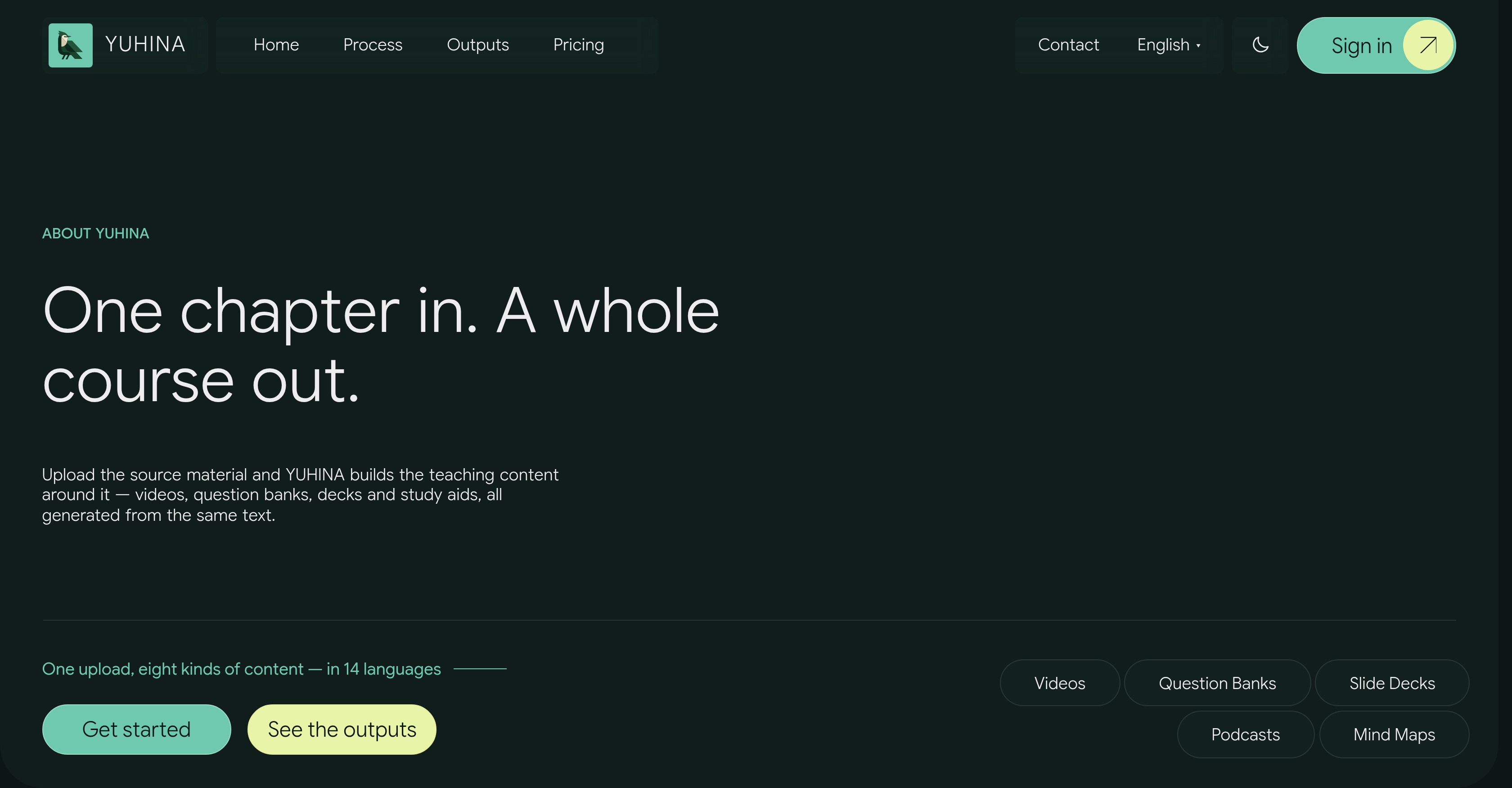
- Produce a complete set of teaching and study resources from a single chapter: upload one PDF of up to 60 pages and generate narrated videos, slide decks, podcasts, summaries, mind maps and flash cards from the same source.
- Keep lessons and assessments consistent: every video, question bank and slide deck is built from one shared chapter, so your explanations and quiz questions stay aligned without briefing separate tools.
- Spend credits only on the formats your course needs: select specific outputs per chapter instead of generating every resource type.
- Pull every question bank in a subject without digging through a course tree: the searchable library files all generated learning materials by content type.
- Deliver multilingual course content: generation runs in 14 languages, with English and Arabic the most tested.
- Start a new course before the material is written: the From a prompt option drafts an editable course outline of 1 to 12 chapters from your description.
- Get sharper lessons from existing documents: digital PDFs with selectable text produce the clearest videos, quizzes and study aids.
- Match costs to your teaching calendar: monthly plans start at $9.99 for about 4 chapters, and pay-as-you-go credit from $5 rolls over and never expires.
- Roll out course creation across a school, training provider or publisher: the enterprise team sets custom pricing and chapter volume for organizations.
- Keep full control of your educational content: export or permanently delete your account and everything in it.
Pros & Cons
From the listing; not yet checked by our editors.
Pros
- One chapter generates coordinated resources
- Shared source keeps outputs aligned
- Choose which outputs to generate
- Eight output types per chapter
- Narrated lesson video generation
- Question-bank generation from chapters
- Slide decks from source text
- Podcasts generated from chapter material
- Mind maps generated from chapters
- Flash cards from source material
- Summaries generated alongside other assets
- Teaching and review formats together
- Searchable library of generated files
- Browse resources by content type
- Collect questions across a subject
- No course-tree navigation required
- 14-language content generation
- English and Arabic most tested
- PDF chapters up to 60 pages
- Selectable-text PDFs yield clearer lessons
- Files organized by content type
- Generation pipeline starts from source material
- Monthly chapter allowances reset
- Pay-as-you-go credits never expire
- Enterprise terms tailored to volume
Cons
- One chapter per PDF upload
- 60-page upload ceiling
- Scans can weaken results
- Generation requires verified email
- Generation needs a plan or pay-as-you-go credit
- App interface is in English for now
- Unused monthly allowance doesn't roll over
- Chapter counts aren't guaranteed
- English and Arabic most tested
Alternatives to YUHINA
Tools that share the most tags with YUHINA.
- CraftedCourses.io
Launch professional courses in minutes instead of weeks with lightning-fast content generation
Paid · from $13.34/month
$13.34/month
Not yet checked
- Vishaya AI
Instantly generate a complete online course from any subject with AI-powered course structuring
Not listed
Not listed
Not yet checked
- Open eLMS Learning Generator
Launch professional eLearning courses in seconds from a simple document or prompt, with AI automating the entire design and content generation process
Freemium · from $59
$59
Not yet checked
- AiCoursify
Transform expertise into comprehensive course content instantly with automated AI content generation and course authoring
Paid · from $49/month
$49/month
Not yet checked
- AI Course Creator
Generate complete mini-courses from simple descriptions with AI-powered title and outline suggestions
Freemium · from $15/month
$15/month
Not yet checked
- Mexty
Save hours each week on course creation with AI-powered content generation that simplifies complex authoring processes
Freemium · from $9.90/month
$9.90/month
Not yet checked
Reviews
Rate this tool
Loading reviews...
Frequently asked questions
How do I upload a chapter to YUHINA and choose which resources to generate?
Upload a chapter, select the outputs you want, and YUHINA generates those resources from the uploaded material.
Can YUHINA create narrated videos, quizzes, slide decks, podcasts, summaries, mind maps, and flash cards from one upload?
Yes. From one upload, YUHINA can generate narrated videos, question banks, slide decks, podcasts, summaries, mind maps, and flash cards.
How does YUHINA keep its videos, questions, and slides aligned with the same source chapter?
YUHINA generates each selected asset from the same uploaded chapter, keeping the videos, questions, and slides grounded in one source.
What file types can I upload to YUHINA, and is there a page limit?
The site describes PDFs: each PDF should be one chapter of up to 60 pages. It does not specify other supported file types.
Why might YUHINA generate weaker results from a scanned or handwritten PDF?
Blurry, dark, skewed, or handwritten scans can make the text harder to read, so they may produce weaker results than digital PDFs with selectable text.
Which languages does YUHINA support, and are some better tested than others?
YUHINA supports 14 languages. English and Arabic are the most tested.
Can I generate only one type of resource with YUHINA, or do I have to create everything?
You can choose the outputs you need; you do not have to generate every type of resource.
How does YUHINA organize generated materials in its searchable library?
YUHINA files generated materials in a searchable library organized by content type, so you can browse resources by format across a subject.