

AddSubtitle
Overview
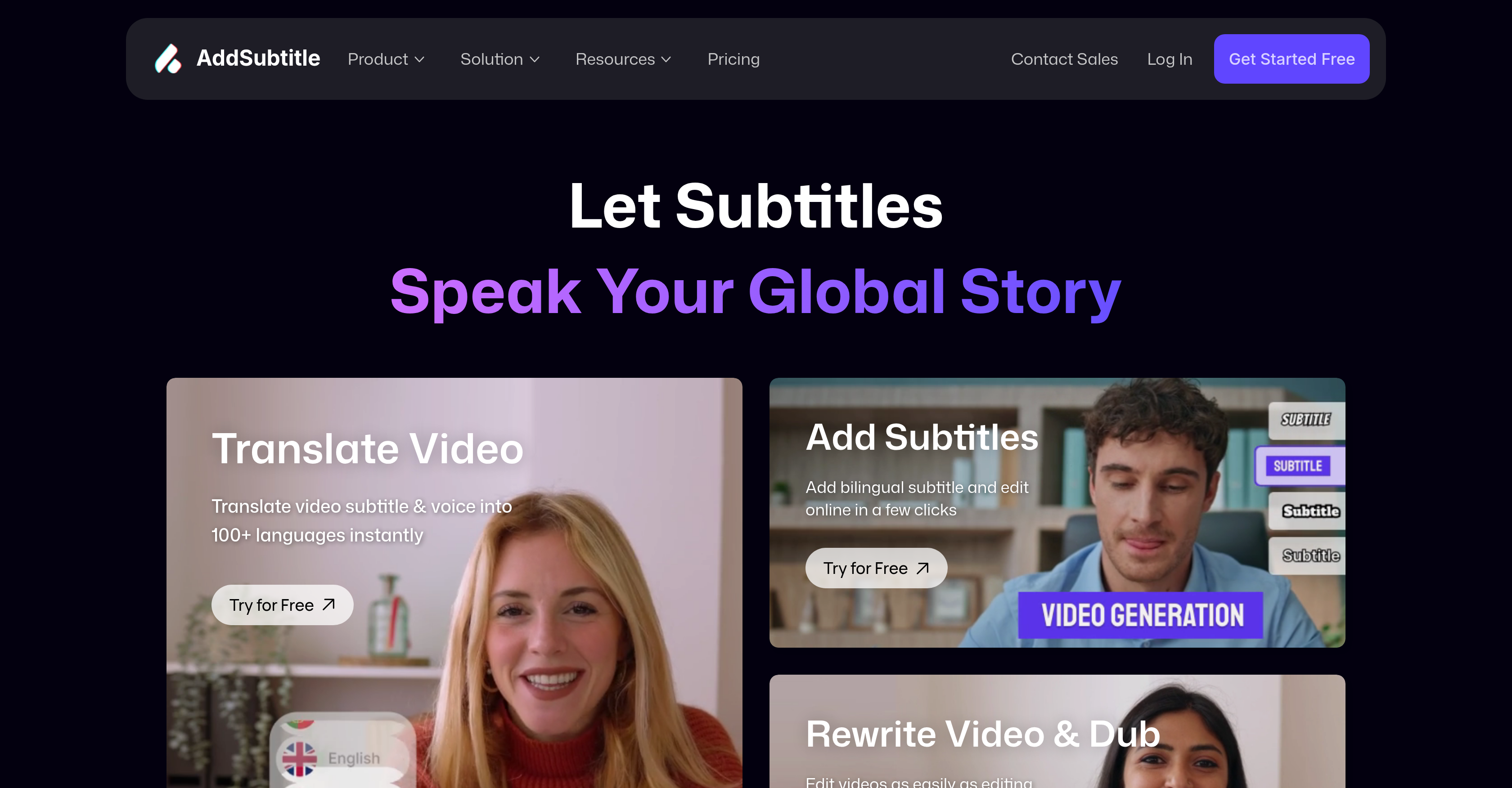
- Break language barriers instantly by translating video subtitles and voices into multiple languages with AI-powered translation
- Create professional multilingual content without reshooting through AI dubbing that automatically syncs voice and lip movements to new scripts
- Design eye-catching captions that match your brand using customizable subtitle styles, fonts, and timing adjustments in the online editor
- Expand your global reach on social media platforms by quickly adding bilingual subtitles to YouTube, TikTok, and Instagram videos
- Transform existing video content into personalized pieces by rewriting scripts while maintaining natural-looking lip synchronization
- Work from any browser without software installation to upload, edit with AI tools, and download localized videos immediately
Pros & Cons
Pros
- Browser-based tool
- Instant subtitle translation
- Supports 100+ languages
- Facilitates global reach
- Subtitle editing feature
- Video dubbing feature
- Allows script rewriting
- Generates multilingual subtitles
- Facilitates bilingual captions
- Customizable subtitle styles
- Broad font selection
- Video rewrite feature
- Automatic voice and lip sync
- Content optimization for global audience
- Supports e-learning content
- Supports social media content
- Useful for language learning
- Applicable to broadcasting
- Supports multimedia
- 99.9% translation accuracy
- Facilitates online courses
- Allows personalized content creation
- User-friendly web application
- Useful for creators and businesses
- Automatic adaptation for worldwide audiences
- Fast and accurate video translation
- Tool trusted by 10,000+ creators and businesses
- Efficient and quick social media editing
- Intuitive edit feature
Cons
- Browser-based only
- No offline access
- Limited custom styling features
- Script editing not intuitive
- Dependent on Internet speed
- Potential sync issues
- Limited voice variants for dubbing
- No API for integration
Reviews
Rate this tool
Loading reviews...
❓ Frequently Asked Questions
AddSubtitle allows you to add, translate, and customize subtitles in over 100 languages, dub videos with AI-generated voiceovers, and rewrite video dialogue with perfect lip sync. It’s an all-in-one solution for video localization and engagement.
Yes! AddSubtitle provides an online editor where you can tweak the generated subtitles, adjust timing, and apply custom styles to match your video’s branding or aesthetic.
Absolutely. You can rewrite scripts and AddSubtitle will dub the video with synchronized voiceovers, making it easy to create multilingual content without reshooting.
Yes. The tool is optimized for creators on platforms like TikTok, YouTube, and Instagram, enabling you to add eye-catching captions, translate videos, and expand to global audiences with minimal effort.
No. AddSubtitle is an online platform, so you can use it directly from your browser without installing any additional software. Just upload your video, edit with AI tools, and download the finished result.
Pricing
Pricing model
Freemium
Paid options from
$15/month
Billing frequency
Monthly
Related Videos
No more cupcut! you need know this! #addsubtitle #ai #foryou #viral #capcut #translate #aitools
Addsubtitle•1.4K views•Aug 1, 2025


