

AI Flow Chat
Launch AI content workflows without writing a line of code: the visual drag-and-drop builder lets writers, marketers, and analysts place steps and AI models exactly where each task needs them.
Listing not yet reviewed by our editors · How we check
Overview
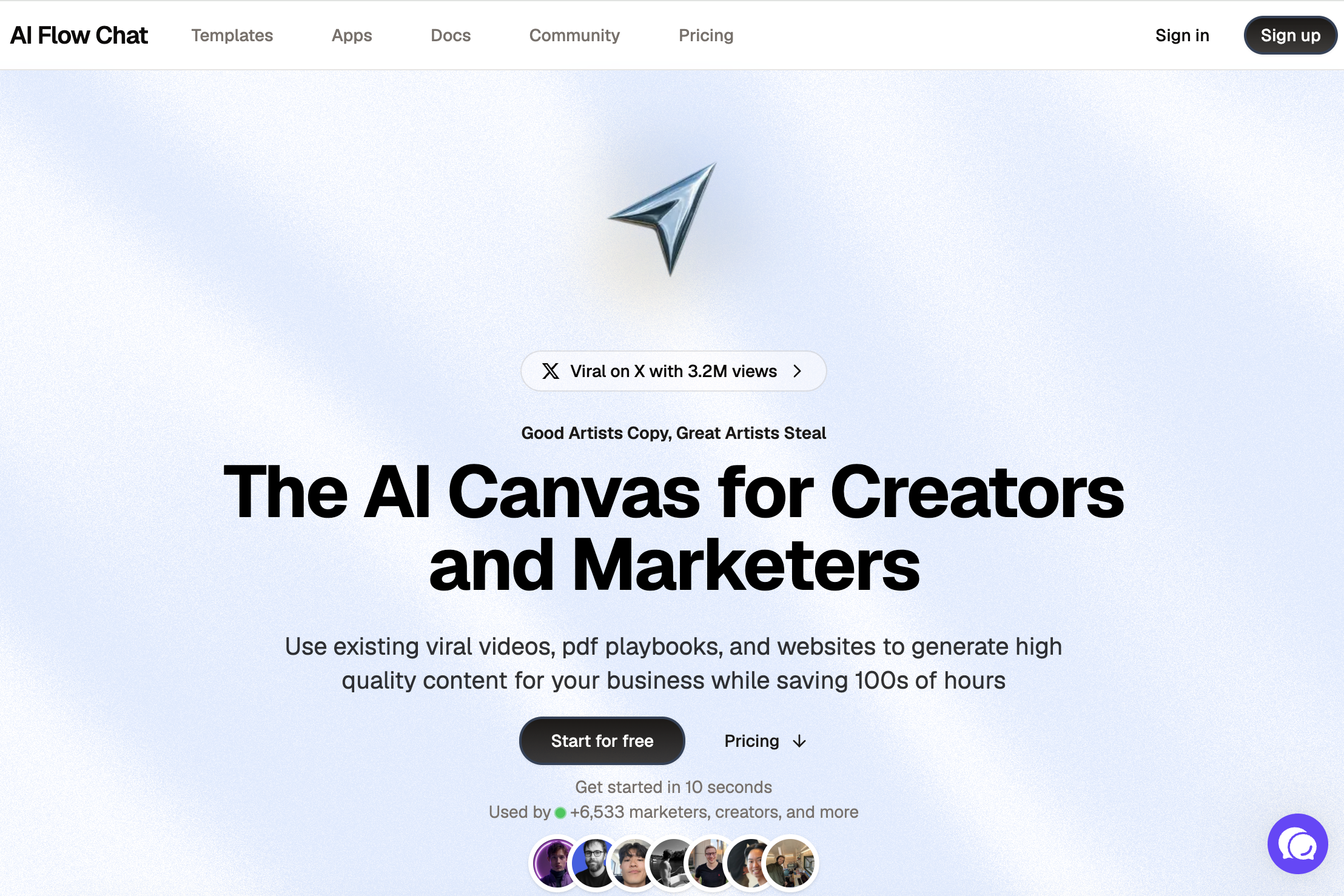
- Launch AI content workflows without writing a line of code: the visual drag-and-drop builder lets writers, marketers, and analysts place steps and AI models exactly where each task needs them.
- Match the right AI model to every task: model flexibility gives you OpenAI, Anthropic, and Gemini in one workflow, with the newest models added continuously.
- Publish SEO-optimized articles at scale: automated workflows handle content ideation, drafting, and keyword optimization, removing manual keyword research.
- Turn videos, websites, and PDFs into fresh content: AI-powered content repurposing extracts key ideas and context, then rewrites them into the formats you choose.
- Feed live research into your content without copy-pasting: pull any webpage directly into an AI workflow and connect your existing workspace with no elaborate setup.
- Stop rebuilding the same process twice: template automation saves any workflow so repeat content tasks run again on demand.
- Capture and qualify leads automatically: build interactive lead funnels, audits, and outreach tools as reusable AI apps.
- Put your workflows in other people's hands: one-click sharing publishes outputs as apps, and the Create AI Apps feature packages workflows into distributable AI apps others can run.
Pros & Cons
From the listing; not yet checked by our editors.
Pros
- No-code tool
- Content ideation and automation
- Intuitive drag-and-drop builder
- One-click sharing of outputs
- Template automation
- Efficiency boost across roles
- Variety of content forms
- SEO article automation
- Lead capture tool creation
- Resource to content conversion
- Seamless workspace integration
- Workflow to App conversion
- Direct workspace connection
- Page pulling into workflow
- Drag-and-drop workflow creation
- Content workflow management
- One-click app sharing
- Automate PDF to content
- Automate video to content
- Automate website to content
- SEO content generation
- Automate Lead capture
- Built-in content forms
- Distributable app packaging
- Instant deployment of apps
- Public and private sharing
- Integrates with Notion
- Handles YouTube, PDF, DOCX inputs
- Supports Reels and TikTok inputs
- Efficient SEO automation
- Interactive lead funnel building
- Personal reusable prompt library
- Community-vetted prompts
- Redirect viral contents
- Automated content generation
- Brand-removable from outputs for Pro users
- Credit rolling for Scale and Pro users
- Free onboarding call availability
- Extra credits purchase option
- Flexible pricing plans
- Supports multiple file formats
- Turns Notion pages into marketing content
Cons
- No multi-language support
- Limited model options
- Branding on embedded apps
- Limited app schedules
- No audit logs
- Paywall for additional credits
- No integration with tools other than Notion
- No offline usage
- Not suitable for large teams
- No mobile application
Alternatives to AI Flow Chat
Tools that share the most tags with AI Flow Chat.
- Creative APIs by Picsart
Automate professional image editing workflows without manual intervention using AI-powered background removal, enhancement, and filter application
Paid · from $10/month
$10/month
Not yet checked
- RightBlogger
Generate complete SEO-friendly blog posts in minutes with the Article Writer, from introduction to conclusion
Freemium · from $24.99/month
$24.99/month
Not yet checked
- Fotor AI Kiss
Create viral social media content instantly by transforming any portrait into engaging kissing videos for platforms like TikTok and Instagram
Freemium · from $3.33/month
$3.33/month
Not yet checked
- Leonardo AI
Generate production-quality assets in seconds instead of hours using AI Art Generator that transforms prompts into unique visual content
Freemium · from $15.99
$15.99
Not yet checked
- ASMR-AI.art
Launch your ASMR channel without expensive mics or a studio by generating professional videos from simple text prompts.
Paid · from $19.90
$19.90
Not yet checked
- Auro: AI Social Post Assistant
Eliminate manual posting across multiple social networks with automated scheduling that handles content distribution for you
Freemium · from $9.99
$9.99
Not yet checked
Reviews
Rate this tool
Loading reviews...
Frequently asked questions
What is AI Flow Chat?
AI Flow Chat is a no-code tool that aids in content ideation and automation. It harnesses AI to efficiently generate vast array of content. It boasts key features like an intuitive drag-and-drop builder for workflow creation, adaptable AI experience through model flexibility, and one-click sharing of outputs as applications. Users can automate a wide range of content forms including SEO optimized articles, lead capture tools, and repurposing of existing resources such as videos, websites, pdfs into high-quality content. This tool allows direct workspace integration and even conversion of workflows into distributable apps. It caters to various professional roles like writers, marketers, analysts, creators and so on, substantially reducing time spent on AI related tasks.
How does the drag-and-drop builder function in AI Flow Chat?
AI Flow Chat's drag-and-drop builder is designed to make workflow creation intuitive. It allows users to visually construct and design their workflow by simply dragging and dropping elements and AI models where they are needed. This eliminates the need for code, lowering the barrier of entry and making it accessible to those without a software development background.
What does 'model flexibility' mean in terms of the AI Flow Chat?
'Model flexibility' in the context of AI Flow Chat refers to its ability to adapt AI experience based on the task at hand. This means that AI Flow Chat is capable of leveraging various AI models depending on the unique requirement of the workflow or task, whether for content generation, ideation, automation or any other purpose. This adaptable nature allows for a more versatile and fitting experience for the users.
How does the one-click sharing feature in AI Flow Chat work?
The one-click sharing feature in AI Flow Chat enables users to swiftly share their outputs as applications. This feature is designed for immediate and effortless distribution of the content generated or the AI workflows created.
How can I use the template automation feature in AI Flow Chat?
Template automation in AI Flow Chat enables users to save and reuse their work. Users can construct a workflow, save it as a template, and then reuse it whenever similar tasks need to be performed. This significantly cuts down time spent on reproducing similar workflows from scratch.
Can AI Flow Chat help in creating search engine optimized articles?
AI Flow Chat can indeed facilitate the creation of search engine optimized articles. It aids the entire process: from ideation, drafting, to optimizing the content in line with SEO best practices. It allows users to automate these tasks, relieving them from manually doing in-depth keyword research and keyword implementation in the content.
How can I use AI Flow Chat to convert existing resources like videos and pdfs into content?
AI Flow Chat allows users to convert existing resources such as videos or pdfs into high-quality content. Users can input these resources into the AI workflows, and the AI does the work of extracting relevant information, ideas or context from these resources and converts them into a range of user-selected content forms.
How does AI Flow Chat integrate with my existing workspace?
AI Flow Chat integrates with a user's existing workspace by directly linking to it. This allows the user to maintain their familiar working environment while benefitting from the AI capabilities of AI Flow Chat. This connection means resources can be pulled swiftly into the AI workflow without the need for elaborate setups or adjustments.