
AI Migos Video
Star in the viral Hotel Lobby trend with a friend who isn't in the same room: upload one clear, front-facing photo of each person, and the photos don't need to be taken together or at the same time.
Listing not yet reviewed by our editors · How we check
Overview
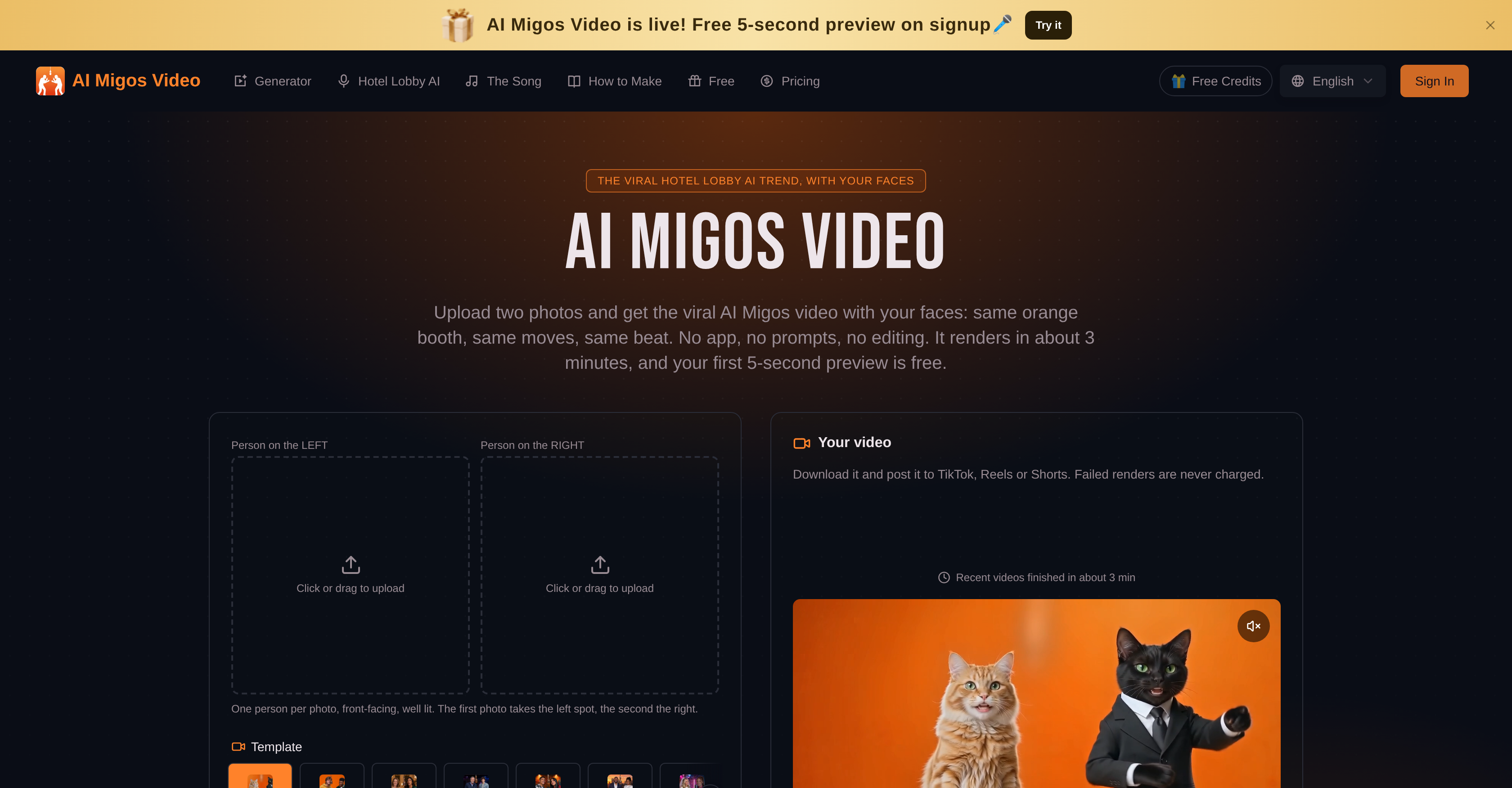
- Star in the viral Hotel Lobby trend with a friend who isn't in the same room: upload one clear, front-facing photo of each person, and the photos don't need to be taken together or at the same time.
- Get a Migos AI video that looks performed, not pasted: the Hotel Lobby AI generator re-renders faces, hair, outfits and hand gestures instead of running a simple face swap.
- Keep both performers sharp and natural in the same frame: the AI Migos video generator is built for two independent performers, the case where general video models often break down.
- Post an instantly recognizable take on the Quavo and Takeoff clip: your version keeps the same orange booth, the same moves and the same beat.
- Check your result before you spend anything: every new account gets a free 5-second Hotel Lobby AI video preview.
- Pay only for videos that finish: credits return to your balance if a render fails, times out or trips a content filter.
- Fit each clip to where you post it: choose 5, 10 or 15 seconds and quality from Lite 480p to Ultra 1080p, ready to share on TikTok, Instagram Reels and YouTube Shorts.
- Go from photos to a finished Migos AI video in minutes with no learning curve: you don't need an app download, prompts or editing skills.
Pros & Cons
From the listing; not yet checked by our editors.
Pros
- Generates personalized trend videos
- Two front-facing photos utilization
- Entire performance re-renders
- Includes profiles, outfits, gestures
- Free 5-second video preview
- Videos ready in about 5 minutes
- Multiple subjects handling
- Decides video quality preference
- Failed render policy
- Allows social media sharing
- Global online trend participation
- Automated video creation
- Retains specific performance details
- Supports two independent performers
- Distinct video format targeting
- Non-facial elements included
- Quick result delivery
- Failed render credit refund
- Sharing on various platforms
- Selectable video quality
- Facilitates viral content creation
- User-input performance rendition
- No developmental or editing skills necessary
- Individual performer interactions
- Multiple usage instances
- Pre-set performance choreography
- Compatible with mobile or desktop
- Unique gesture and action incorporation
- Photos don't need concurrent capture
- Changing scenarios for themes
- No need for external software
- No source video requirement
- Applicable to any duo combination
- Various duration options
- Sound included in output video
- No watermarked output
- Pay per successful render
- Different pricing plans available
- Same performance with changed faces
- Media ready for immediate sharing
- Novel giftable or shareable content
- Option for same person twice
- Specified photo positions maintained
- Effortless user interface
- Guiding instructions available
- Drag and drop photo upload
- Popular culture trend harnessing
- Frequently updated model
- Constant performance variability
- Creates outlandish combinations
- Fixes common motion-transfer issues
Cons
- Specific to one trend
- Requires front-facing photos
- Restricted to two subjects
- Requires registration
- Limited free preview
- Rendering depends on credits
- Credits required for quality
- No in-app editing
Alternatives to AI Migos Video
Tools that share the most tags with AI Migos Video.
- RapVideo.ai
Join the Hotel Lobby trend with just two photos: upload one photo of each person, or one photo of both, and the AI turns them into a rap duo video in the orange booth, with the left person rapping into a hanging mic while the partner hypes.
Paid · from $9.99/unit
$9.99/unit
Not yet checked
- HotelLobbyAI.app
Jump on the viral Hotel Lobby meme in minutes with zero editing skills: upload two photos and the AI handles set framing, staging, and performance automatically, with no prompts to write.
Free trial · from $14.95/month
$14.95/month
Not yet checked
- AIReel | Hotel Lobby
Get a finished rap performance video without editing skills: the preset Hotel Lobby template supplies the orange booth, camera framing, and two-person choreography, so you skip manual face swaps and motion syncing.
Paid · from $13.99/month
$13.99/month
Not yet checked
- EasyVideoAI
Put yourself and a partner into a recognizable two-person performance without filming a single frame. Upload two separate portrait photos in JPEG, PNG, or WebP and the AI face swap places both faces onto the Hotel Lobby performers.
Paid · from $10/unit
$10/unit
Not yet checked
- Mitte AI | Hotel Lobby
Put yourself and a friend into Quavo and Takeoff's COLORS performance: the AI character swap replaces both original performers using just two clear photos, one person per photo.
Paid · from $16/month
$16/month
Not yet checked
- HotelLobbySi.app
Get a finished, share-ready comedy clip from just two photos: the Hotel Lobby AI Video Generator animates static images into a short video with no filming, editing, or footage required.
Free trial · from $24.90/month
$24.90/month
Not yet checked
Reviews
Rate this tool
Loading reviews...
Frequently asked questions
What is the main use of the AI Migos Video tool?
The AI Migos Video tool enables users to generate their personalized versions of the viral Hotel Lobby trend, initially made popular by Quavo and Takeoff from the music group Migos.
How does AI Migos Video work with two different photos?
AI Migos Video integrates two user-uploaded, front-facing photographs into a video, reconstructing a performance in the same setting, actions, and beats as the original Hotel Lobby trend.
Does AI Migos Video simply swap faces in the video?
AI Migos Video does not only swap faces but rather re-renders the entire performance based on the uploaded images. This includes profiles, hand gestures, and outfits.
What kind of performance is recreated by AI Migos Video?
AI Migos Video recreates a performance in the same setting, actions, and beats as the original Hotel Lobby trend performed by Quavo and Takeoff from the Migos music group.
How is the final video quality determined in AI Migos Video?
The final video quality in AI Migos Video is determined by the user's preference. Options range from 480p (Lite) to 1080p (Ultra).
Can I share the videos generated by AI Migos Video on social media?
Yes, users can readily share the videos generated by AI Migos Video on social media platforms such as TikTok, Reels, or Shorts.
Can AI Migos Video handle multiple performers effectively?
Yes, unlike some video models that may struggle with multiple subjects, AI Migos Video is specifically tailored to handle two independent performers excellently.
Is there a preview option available in AI Migos Video?
Yes, after registration, users are provided with a free 5-second preview of the video they create with AI Migos Video.