

AI Video Translator
Reach audiences in Spanish, Hindi, Japanese, Arabic, and 20+ other languages while keeping your original meaning and tone, because context-aware video translation replaces word-for-word output.
Listing not yet reviewed by our editors · How we check
Overview
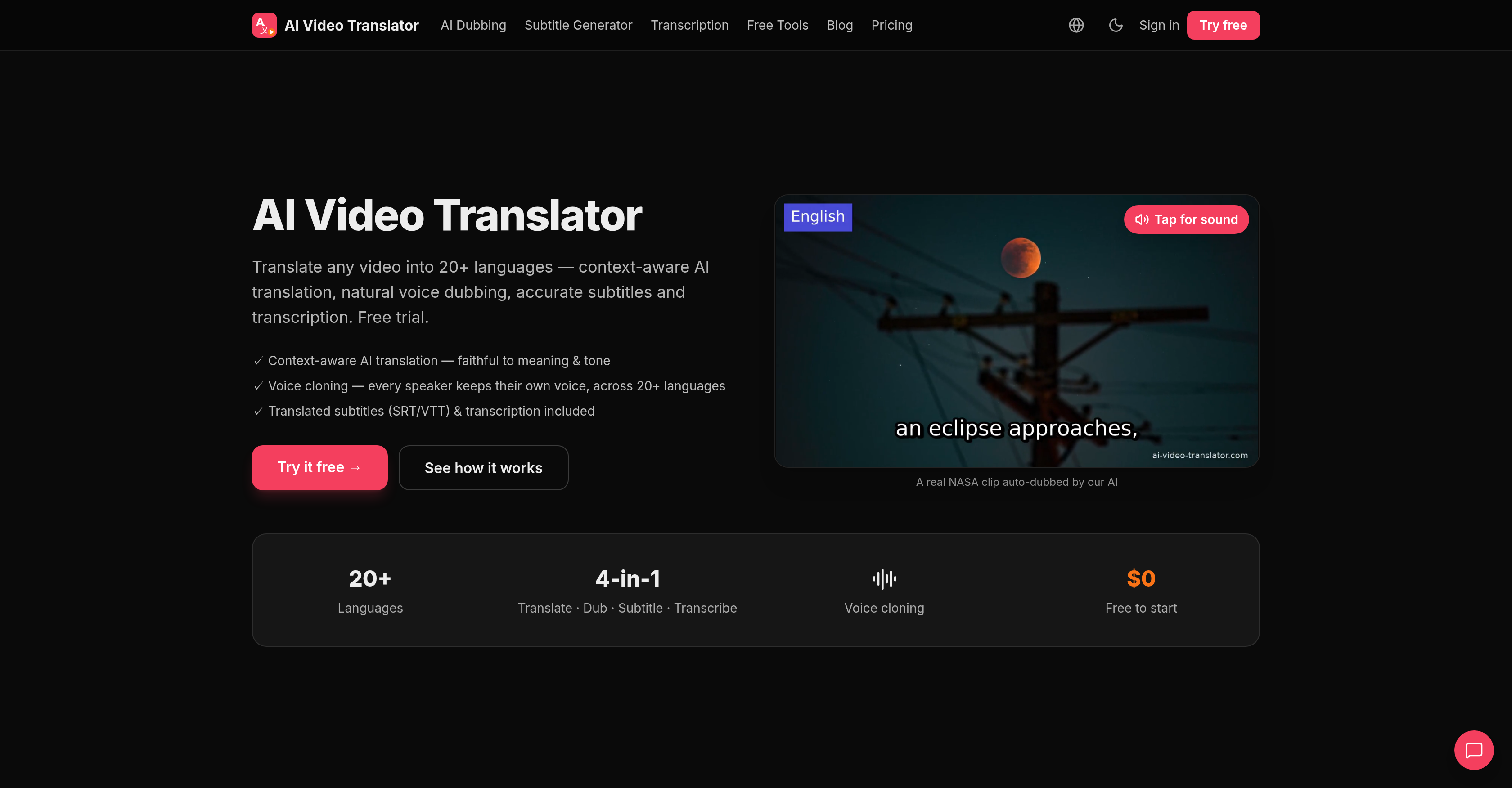
- Reach audiences in Spanish, Hindi, Japanese, Arabic, and 20+ other languages while keeping your original meaning and tone, because context-aware video translation replaces word-for-word output.
- Keep every guest recognizable in translated interviews and podcasts, since automatic speaker detection gives each person a distinct cloned voice in the dubbed video.
- Publish accurate translations by reviewing source and translated lines, correcting wording, adjusting line breaks, and assigning speakers before AI dubbing starts.
- Fix a single mistranslated or mispronounced line in minutes, because only the edited line is re-voiced instead of the entire video, with control over pauses and pronunciation.
- Keep your video's production value in every language, as speech is separated from background music and sound effects, then remixed with the translated voiceover.
- Deliver captions viewers can follow by choosing burned-in subtitles or downloadable SRT and VTT subtitle files, with timing aligned to the video and an SRT file included with every dub.
- Repurpose spoken content into blog posts, course notes, or documentation using editable bilingual transcripts with speaker labels that show who said what.
- Localize existing content without downloading or re-exporting it by pasting a YouTube link or uploading MP4, MOV, or WebM files up to 30 minutes long.
- Replace separate transcription, translation, subtitle, and voiceover tools with one workflow that produces a dubbed video, subtitles, and transcripts from a single upload.
- Test results before spending anything with 5 free previews and no credit card, then pay only for the minutes you translate, from $0.30 per minute and with no subscription.
Pros & Cons
From the listing; not yet checked by our editors.
Pros
- 20+ destination languages
- MP4, MOV, WebM uploads
- YouTube-link video import
- Translation, dubbing, subtitles, transcription
- Context-aware meaning and tone
- Automatic speaker detection
- Distinct cloned voice per speaker
- Preserves speaker voices across languages
- Pre-dubbing transcript review
- Edit translated lines before dubbing
- Adjust subtitle line breaks
- Assign speakers manually
- Edit dubbed lines individually
- Re-voice changed lines only
- Changes billed by speech seconds
- Adjust pauses and pronunciation
- Frame-accurate subtitle timing
- Export SRT and VTT
- Embedded or separate subtitles
- Bilingual source/translation transcripts
- Speaker-labeled transcripts
- Preserve background music and effects
- Separate dubbed and background audio
- Free subtitle-only rerenders
- Free previews without credit card
- First-minute dubbing previews
- Three-minute subtitle previews
- No subscription required
- Pay only for used minutes
- Dubbed video includes separate SRT
- Editable text transcripts
Cons
- 30-minute per-video limit
- No lip-synced mouth movements
- Uploads limited to MP4/MOV/WebM
- Only YouTube links accepted
- Subtitle exports limited to SRT/VTT
- Supports 20+ languages only
- Dub preview limited to one minute
- Subtitle preview limited to three minutes
- Five free previews per account
- Changed lines incur re-voicing charges
Alternatives to AI Video Translator
Tools that share the most tags with AI Video Translator.
- Lyndium
Discover only content that matters to you with a personalized content landscape curated from your demonstrated preferences
Freemium · from $1.28/month
$1.28/month
Not yet checked
- Hei.io
Reach international viewers instantly with automated dubbing and subtitles across 140+ languages including Spanish, French, and German
Paid · from $8/month
$8/month
Not yet checked
- Papercup
Expand your global audience by translating videos into multiple languages with human-quality AI voiceovers that maintain viewer engagement
Not listed
Not listed
Not yet checked
- Vidby
Break language barriers instantly with AI-powered video translation that processes one minute of video in just 1-2 minutes
Freemium · from $28/month
$28/month
Not yet checked
- TranslateVideo
Expand your audience globally by translating videos into 20+ languages including Spanish, French, Chinese, and Hindi with automated translation
Freemium · from $29/month
$29/month
Not yet checked
- VideoDubber
Expand your audience globally by translating videos into 150+ languages with native accent support
Freemium · from $19/month
$19/month
Not yet checked
Reviews
Rate this tool
Loading reviews...
Frequently asked questions
How do I translate a video with AI Video Translator?
Upload an MP4, MOV, or WebM file, or paste a YouTube link. Choose a target language and outputs such as dubbing, subtitles, or a transcript, then preview and download the results. You can review and edit translations before dubbing.
Which video formats can I upload to AI Video Translator?
MP4, MOV, and WebM.
Can I use a YouTube link with AI Video Translator?
Yes. Paste the YouTube link and choose a target language.
Which languages does AI Video Translator support for dubbing?
AI Video Translator supports dubbing in 20+ languages, including Spanish, Portuguese, Hindi, Arabic, Japanese, Chinese, Korean, French, German, Italian, Russian, Indonesian, Turkish, Vietnamese, Polish, Dutch, Greek, Swedish, Danish, Finnish, Norwegian Bokmål, Filipino, and Malay.
Can AI Video Translator translate videos longer than 30 minutes?
No. The stated maximum is 30 minutes per video.
How natural do AI Video Translator’s dubbed voices sound?
The tool describes its dubbed voices as natural-sounding and says they retain each speaker’s tone and emotion. The page does not provide an objective voice-quality measurement.
Does AI Video Translator clone each speaker’s voice in interviews?
Yes. It detects speakers and dubs each in a distinct cloned voice, including in interviews and other multi-person videos.
Can I review and edit translations before dubbing with AI Video Translator?
Yes. Enable “Proofread before dubbing” to review the original and translated lines, edit wording, adjust line breaks, and assign speakers before generating the dub.