
TranslateVideo
Expand your audience globally by translating videos into 20+ languages including Spanish, French, Chinese, and Hindi with automated translation
Overview
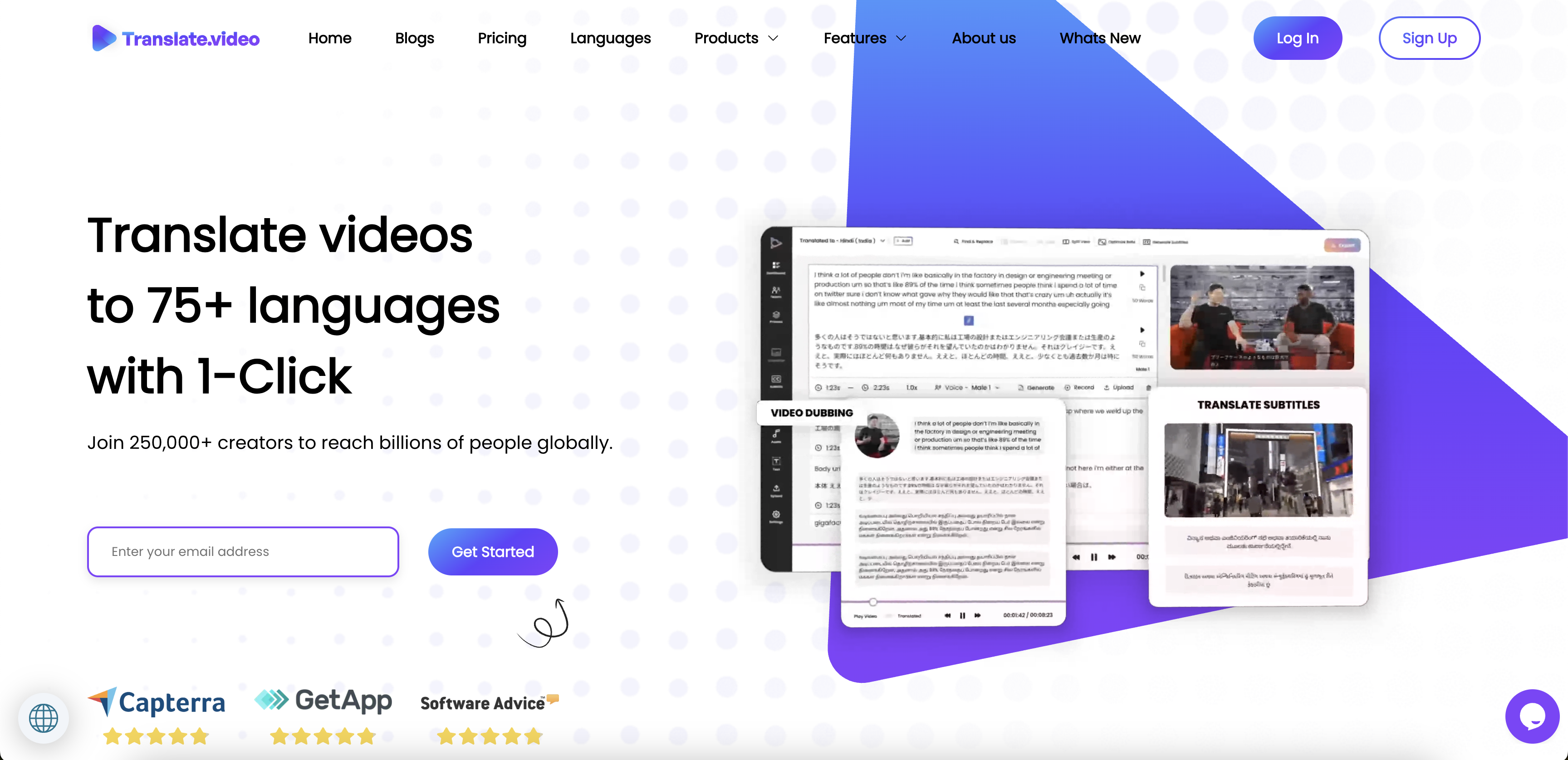
- Expand your audience globally by translating videos into 20+ languages including Spanish, French, Chinese, and Hindi with automated translation
- Save hours of manual work by generating subtitles, captions, and transcripts automatically through AI-powered processing
- Create professional multilingual content with human-like AI voiceovers or record and upload your own custom voiceovers
- Maintain full creative control while customizing video styles and elements with integrated editing tools
- Streamline your workflow with one-click voiceover stitching and automated subtitle generation for faster content production
- Support multiple export formats including SRT, VTT, and MP4 for compatibility across different platforms and devices
Pros & Cons
Pros
- Multilingual video content creation
- Automated captions feature
- Transcription capabilities
- Subtitling feature
- Video dubbing ability
- Voiceover recording capability
- Single app for all functions
- Video editing options
- Customizable styles and elements
- Suitable for influencers and enterprises
- Generates captions
- Translate subtitles
- User voice recording option
- Various output formats (SRT, VTT, MP4)
- 1-click seamless voice-over stitching
- Accelerates video translation and subtitling
- Multiple language support
- All features in one app
Cons
- No desktop version
- No multilingual interface
- No API functionality
- No offline capabilities
- No plug-in for video platforms
- Lacks advanced editing features
- Limited voiceover file formats
- Allows only one user
- No collaborative features
- Not open-source
Reviews
Rate this tool
Loading reviews...
Frequently asked questions
Translate.Video is a tool designed to help users translate video content into multiple languages. It provides automated tools such as captions, transcripts, subtitles, and dubbing, and allows users to record and upload a voiceover. All these features can be accessed through a single app which can be used to manage and customize the video content. It also offers features such as editing styles and elements to further customize the video.
Translate.Video works by using artificial intelligence to generate captions, subtitles, and translations for video content. Users can record and upload voiceovers which can be seamlessly stitched with the video with just a click. There is also an option for AI-generated voiceovers.
Translate.Video can translate into multiple languages, including Arabic, Bengali, Chinese, French, German, Gujarati, Hindi, Italian, Japanese, Kannada, Korean, Malayalam, Marathi, Portuguese, Russian, Spanish, Tamil, Telugu, and Vietnamese.
Translate.Video can be used on any type of video content. There are no explicit restrictions mentioned on their website.
Yes, you can use Translate.Video to add subtitles to your video. It has an instant subtitle feature which can generate and translate subtitles.
Yes, Translate.Video can be used for dubbing. It has a feature that allows users to add human-like voiceovers or you can record or upload your own.
Yes, Translate.Video allows users to record and upload a voiceover. This voiceover can then be seamlessly stitched with the video with just one click.
Translate.Video offers editing tools that allow users to customize styles and elements of their video content.
Pricing
Pricing model
Freemium
Paid options from
$29/month
Billing frequency
Monthly
Refund policy
Users can request refunds within 15 days if less than 25% of credits were used.