
BestPhotoAIv1.2.0
Overview
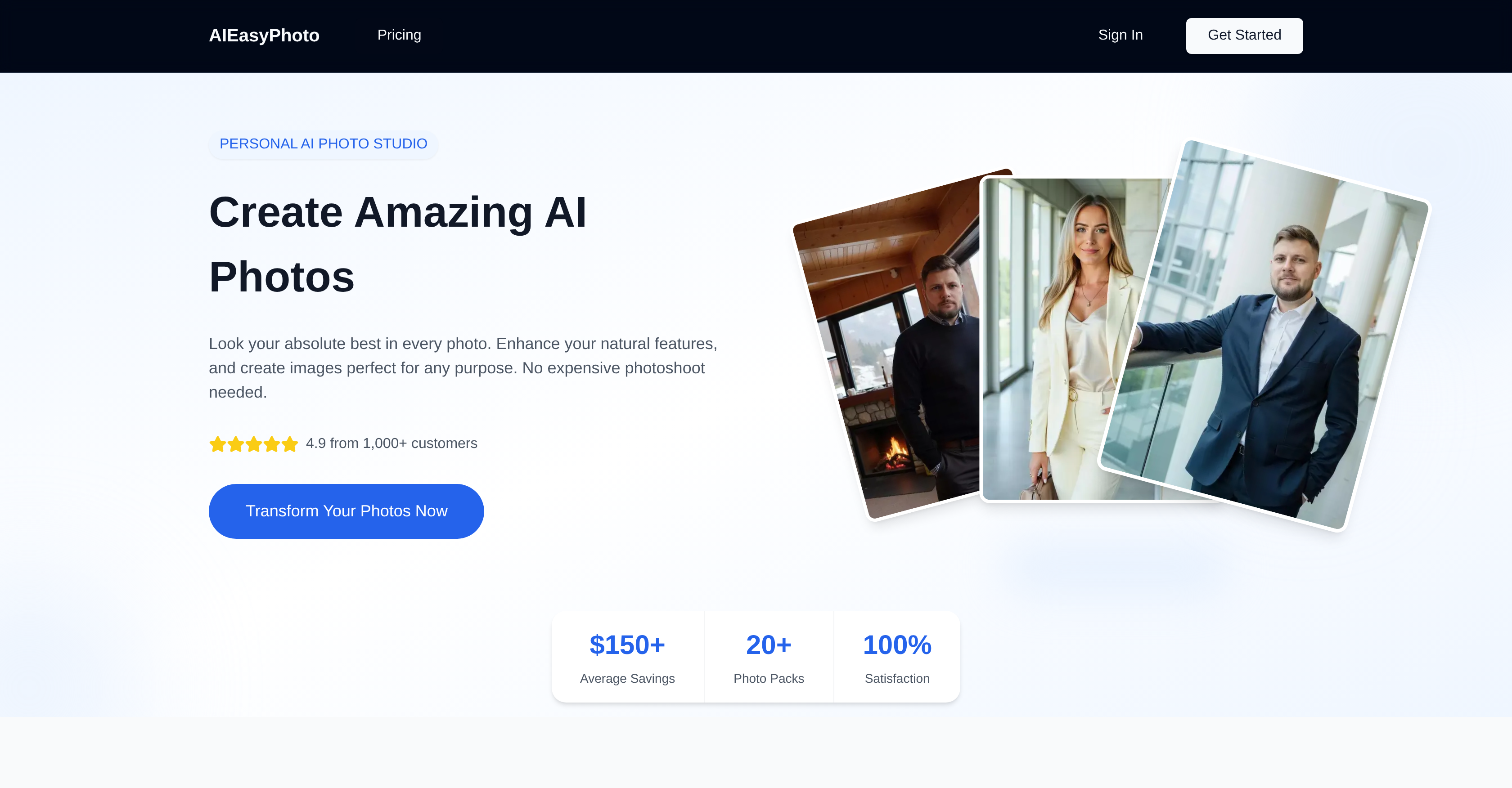
- Get LinkedIn-ready professional headshots from your selfies using AI-powered enhancement
- Enhance dating profile photos to maximize appeal and attract more engagement on any platform
- Create eye-catching social media content for Instagram and TikTok with curated, visually striking images
- Save an average of $150 by replacing expensive professional photoshoots with AI transformation
- Build a consistent, high-quality visual identity across all your online platforms with versatile photo packs
- Upload multiple files at once with a secure, drag-and-drop interface for fast, convenient processing
Pros & Cons
Pros
- Professional headshot creation
- Dating profile image improvement
- Social media content enhancement
- Natural feature enhancement in images
- Cost-saving
- Secure image upload
- Drag and drop functionality
- Supports multiple file types
- Useful for job hunting
- Can be used for dating
- Personal brand building
- Business brand building
- Online visual identity strengthening
- Compatible with multiple platforms
- Diverse service plan options
- LinkedIn photo optimization
- Dating app photo optimization
- Social media photo optimization
- Easy three-step process
- Delivers transformed images in ~30 minutes
- Selection from diverse photo packs
- Eliminates need for expensive photoshoots
- Multiple natural pose creation
- 100% satisfaction guarantee
- Fast image delivery
- Useable anywhere online
- Variety of styles and themes
- High-resolution image download
- Creates images perfect for any purpose
- Saves average of $150
- 20+ photo packs available
- Commercial usage allowed in plans
- No watermark in plans
- Pro, Starter, and Hobby plans
- Priority support in plans
- Train up to 20 models
- Queue up to 20 generations
- Faster generation of images
- Hi-Res generations
- Image upscaling
- Transformed images ready for download
- Simple and transparent pricing
- Pro Tools Image Generator availability
Cons
- Long image processing time
- Limited style packs
- No free trial
- Inconsistent photo enhancement results
- No face swap feature
- Not suitable for commercial usage
- No watermark removal
- Limited model trainings
- High pricing plans
- No priority support in basic plan
Reviews
Rate this tool
Loading reviews...
❓ Frequently Asked Questions
AIEasyPhoto employs artificial intelligence to improve and enhance photos. Users select their desired style or theme from a variety of available photo packs, upload their own photos, and the AI then applies the chosen style to these photos. Natural features within the image are intensified, leading to the enhanced final product.
AIEasyPhoto can improve dating profile images by utilizing artificial intelligence to enrich and optimize the photographs. This includes accentuating natural features within the image to ensure the best representation of the individual in the dating profile. The result is a picture that maximizes appeal and may help to attract more engagement on the dating platform.
AIEasyPhoto operates via a three-step process: firstly, users select their preferred style or theme from a collection of photo packs; secondly, they upload their own photos that they wish to have transformed; and lastly, the AI applies the chosen style to the photos and delivers the transformed images, typically within about 30 minutes.
The theme selection on AIEasyPhoto operates by offering users an array of photo packs from which they can choose. These packs pertain to various styles and themes, allowing users to select one that best matches their desired aesthetic. The photos they upload are then enhanced in accordance with the chosen pack.
Generally, AIEasyPhoto takes approximately 30 minutes to transform an image. After uploading a photo and selecting a style or theme, the AI then applies the chosen style and the transformed image is ready for download typically within this timeframe.
Yes, it is safe to upload images to AIEasyPhoto. The tool provides a secure image upload system to protect the privacy and security of users' files.
Yes, AIEasyPhoto supports multiple file uploads. Users are enabled to upload more than one file at a time for transformation, adding to the tool's convenience and ease of use.
AIEasyPhoto can serve job hunting needs by creating professional headshots from selfies. These headshots, ideal for LinkedIn, can present potential employers with an engaging, professional image of the job seeker, thereby improving their prospects during the job hunting phase.
AIEasyPhoto enhances features in selfies through its AI-powered tech. The tool can transform a simple selfie into a professional headshot suitable for platforms like LinkedIn, thereby serving professional purposes. It does this by enhancing the natural features in the image to produce a high-quality professional image.
AIEasyPhoto produces enhanced and visually striking images for social media. These images are curated to maximize engagement and to make profiles or posts more eye-catching on platforms like Instagram or TikTok, amongst others.
Yes, AIEasyPhoto can be used across multiple platforms. It allows users to strengthen their online visual identity throughout various channels by providing transformed, enhanced images that are consistently high quality.
AIEasyPhoto offers different service plans based on user needs. The options range from Basic at $29/ month to Pro at $189/month, with other tiers in between. The plans include different features, quantities of credits, and levels of service, but all come with the central AI photo creation technology.
Yes, AIEasyPhoto can optimize photos specifically for LinkedIn. It can transform a regular selfie into a LinkedIn-ready professional headshot, making it a valuable tool for job seekers or anyone looking to strengthen their professional image online.
Using AIEasyPhoto to transform photos eliminates the need for costly professional photoshoots, while still delivering professional-grade images. Furthermore, the tool offers versatility in that users can customize images according to their needs and desired styles, making AIEasyPhoto both a cost-effective and flexible alternative to traditional photoshoots.
AIEasyPhoto supports multiple file formats for upload. The nature of these file formats isn't specified on their website, but the description of 'multiple file support' suggests a range of common image file types are likely to be catered for.
By applying AI, AIEasyPhoto can convert selfies into professional headshots. This involves enhancing the natural features in the selfie, applying styles and themes chosen from a variety of photo packs, and generating a high-quality image that is suitable for professional use.
AIEasyPhoto can enhance any profile picture for social media platforms. It accomplishes this by using AI to apply selected styles or themes from various photo packs to the uploaded images, transforming them into visually appealing, engaging photographs.
Users of AIEasyPhoto can experience substantial cost savings. Given the high prices of professional photo shoots, using AIEasyPhoto provides a more affordable way to obtain high-quality enhanced images. It states an average saving of $150 on their website.
Yes, AIEasyPhoto can support the building of personal or business brands. By producing consistently high-quality, professional, and visually engaging images, this tool can help to establish a strong online visual identity. This is beneficial whether it's for personal branding or for enhancing the visual appearance of a business across varied online platforms.
Yes, customer support is available for AIEasyPhoto. Their website claims to offer assistance and contains a section for frequently asked questions. However, the exhaustive details or the means of contacting customer support are not explicitly stated.
Pricing
Pricing model
Freemium
Paid options from
$9.99/month
Billing frequency
Monthly