

ArtAny AI's Image to Video
Overview
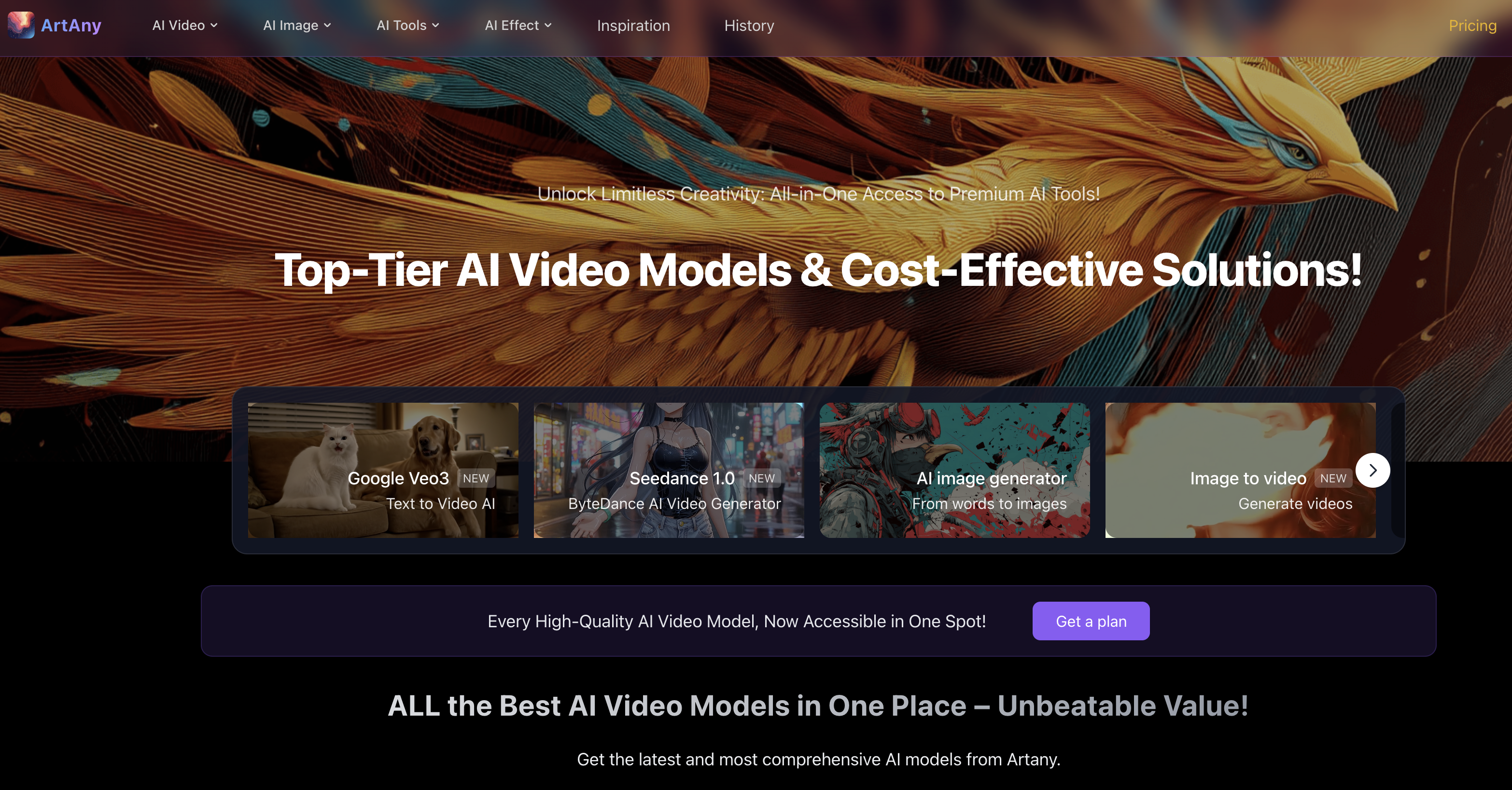
- Transform static photos into dynamic marketing videos that capture attention using AI-powered video generation from images
- Create scroll-stopping social media content in minutes by converting your images directly to video with built-in sharing
- Bring personal photos and artwork to life as animated videos for creative projects using customizable style and mood controls
- Refine every video to match your exact vision with preview and adjustment features before downloading or sharing
- Achieve your desired visual style and emotional atmosphere through detailed prompt guidance that directs the AI animation
Pros & Cons
Pros
- Supports multiple image formats
- Preview before downloading
- Direct social media sharing
- Style definition via prompts
- Emotional atmosphere setting
- Adjustable user prompts
- Versatile usage scenarios
- Optional image switching
- Optimal video quality striving
- Generates dynamic content
- Creates personalized videos
- Beneficial for marketing campaigns
- Useful for education and training
- Fosters individual creativity
- Promotes refined video theme
- Prompt optimization feature
- Dedicated prompt tool support
- Facilitates custom adjustments
- Streamlines video creation
- Transforms static to dynamic
- Variable video theme capability
- Detailed video output control
- Efficient image to video conversion
- User-guided video creation
- Rapid video generation
- Promotes user engagement
- Improves learning experience with video
- Support 8K hyper-realistic detail
- Smart Expansion feature
- Safety Checker option
- Login for personalized experience
- Generates high-quality prompts
- Generates unique creative ideas
- Optimal for social media content
- Prompt-guided theme, style, tone
- Interactive tool tutorials
Cons
- Lacks templates
- No project collaboration features
- Long video generation times
- No video editing options
- Limited to images input
- Doesn't support GIF input
- No multilingual support
- No pre-set themes
Reviews
Rate this tool
Loading reviews...
❓ Frequently Asked Questions
ArtAny AI's Image to Video tool is a video generation utility which employs advanced artificial intelligence to transform static images into dynamic visual content. It caters to a variety of applications such as marketing campaigns, social media content creation, personalized video production, education, training, and individual creative projects.
The tool uses advanced artificial intelligence and prompts supplied by users to steer its creation of videos. The AI takes these user prompts and uses them to formulate the overall style, emotional atmosphere, and visual theme of the resulting video. Users can substitute or adjust the images or prompts based on the outcomes that are generated. This allows the AI to convert static images into dynamic video content.
ArtAny AI's Image to Video tool services a spectrum of applications. These include marketing campaigns, social media content creation, personalized video production, educational purposes, training and individual creative projects.
To define the style, emotional atmosphere, and visual theme of the video, the tool utilizes prompts provided by users. This guidance helps the AI understand the user's requirements, which it then uses to shape the overall aesthetic and emotional tone of the final video.
Yes, users are allowed to adjust the prompts which guide the tool's video creation process. This flexibility enables the fine-tuning of various aspects of the final output, including style, mood, and visual theme, enabling optimal video quality.
Yes, users have the capability to replace images based on the results generated by the tool. This allows for optimal video quality as users can choose the images that best fit the mood, style, and theme they wish to represent in their video.
ArtAny AI's Image to Video tool can handle multiple image formats, offering flexibility for users in terms of the types of images they can input into the system.
Yes, one key feature of ArtAny AI's Image to Video tool is that it allows users to preview and adjust their video prior to downloading or sharing it onto their social media platforms. This gives users the opportunity to make any necessary adjustments to ensure the final output meets their expectations.
The tool simplifies the creation of video content by utilizing AI technology to generate dynamic visual content from static images based on user input. It provides features like preview and adjustment options, user-prompt guidance, and support for a variety of image formats which aid in the ease of creating engaging and high-quality video content.
Yes, ArtAny AI's Image to Video tool is suitable for use in marketing campaigns. It can effectively be used to create personalized product promotion videos, hence enhancing brand appeal.
ArtAny AI's Image to Video tool is indeed suitable for personal projects. It allows users to convert a variety of images, such as travel photos or artwork, into dynamic videos, thereby aiding in the sharing of unique creative ideas.
The user-prompt guidance feature helps the AI understand the customization required by the user. The AI uses the information from the prompts to define the overall style, emotional atmosphere, and visual theme of the final video.
The AI utilises user-available prompts to convert a static image into a dynamic video. This involves interpreting the users' directive via the prompts, and using this to develop a video with style, emotional atmosphere and visual themes that align to the prompts.
Yes, users have the option to share their video directly to their social media channels through the tool. This streamlines the process of creating social media content as users can generate, preview, adjust and share content from the same platform.
Yes, tutorials for using prompts effectively to guide the AI are available. These tutorial resources can be used to learn more about using prompts and optimizing video results.
To optimize video results with prompts, users must input detailed and specific keywords or phrases that are relevant to the image and desired style or theme. The more precise the prompts are, the more accurately the AI will interpret them and create videos that align with the user's vision.
The core features of ArtAny AI's Image to Video Tool include Image-to-Video Generation, Prompt Optimization, Prompt Tool Support, and Custom Adjustments. These features offer flexibility and control over the generation process, allowing users to guide the AI in creating videos that match their desired style and content.
To create high-quality prompts, users must clearly outline their desired style and theme. If they're not familiar with using prompts, they can watch the provided demo to learn how to better optimize video results with prompts.
The Prompt Optimization feature assists users in honing the prompts they use to guide the AI in video creation. Through this feature, users can refine and adjust their prompts to improve the final video's accuracy in representing their desired style and content.
Yes. Users can replace images based on the generated results to optimize video quality. This feature allows for customization of the final output, enabling users to make adjustments until they achieve the optimal video quality that aligns with their vision and goals.
Pricing
Pricing model
Paid
Paid options from
$19.90/month
Billing frequency
Monthly
Refund policy
Users can request a refund within 3 days of purchase if fewer than 100 credits have been used.










