

Text to Speech Reader by Audeus
Retain more of what you read: every word highlights as it is spoken, so you see and hear the text at the same time.
Listing not yet reviewed by our editors · How we check
Overview
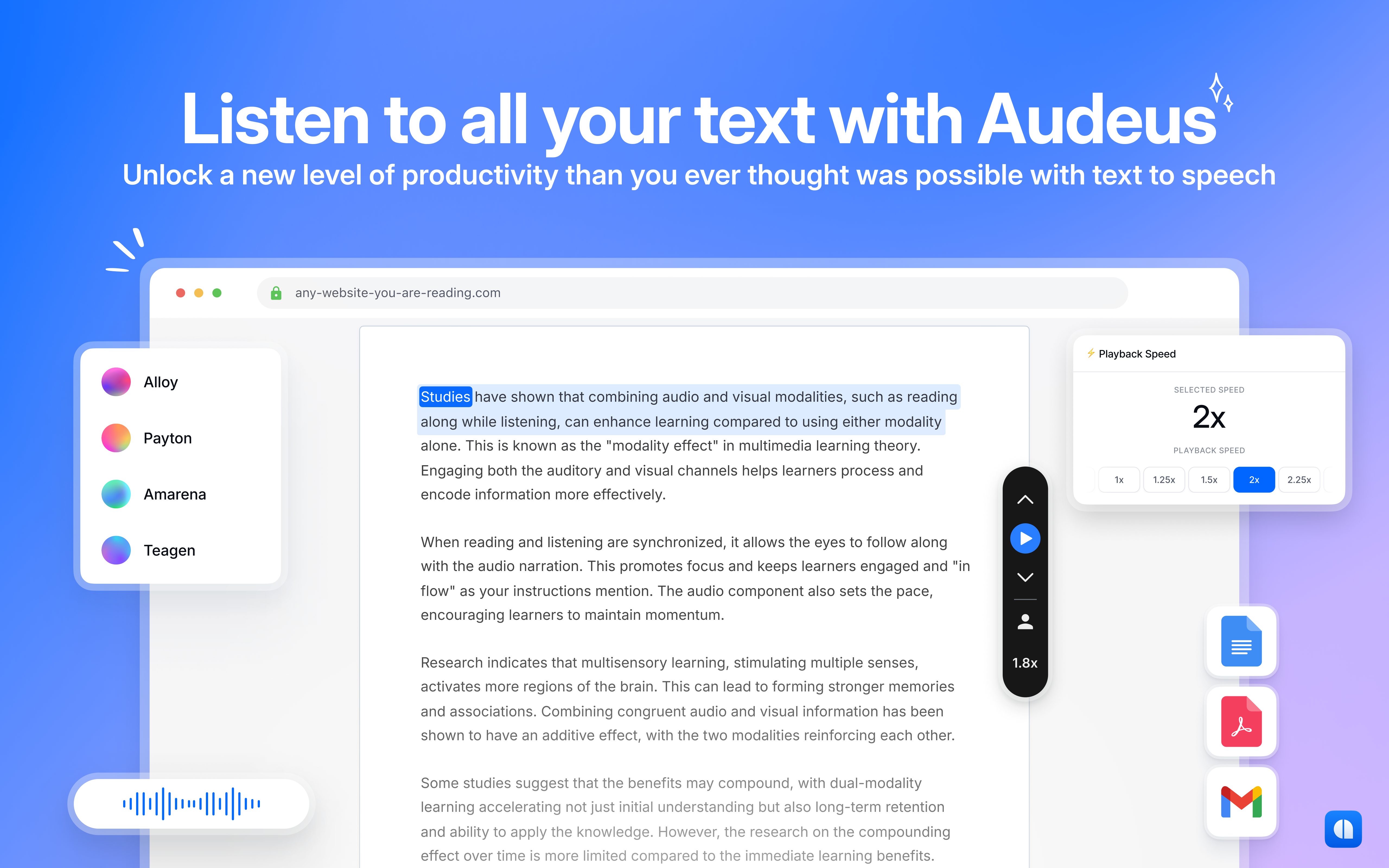
- Retain more of what you read: every word highlights as it is spoken, so you see and hear the text at the same time.
- Keep every document in one read-aloud app: upload PDFs, Word docs, or EPUB files, or paste your own notes and drafts to hear them in audio.
- Listen to web articles without copying and pasting: the text to speech Chrome extension reads webpages aloud right where you browse.
- Move through reports and study material while doing other tasks: the text to speech app for iPhone lets you listen to documents wherever you go.
- Set the speed that suits each document: speed up playback to clear long reports, or slow it down for dense chapters that need close attention.
- Hear jargon-heavy papers and manuals clearly: technical terms and specialized vocabulary are pronounced smoothly, without stumbling.
- Read with ADHD or dyslexia more comfortably: choose from customizable, lifelike voices that hold your attention and suit your listening preferences.
- Start listening in under a minute: create an account, upload a file or paste text, pick a voice, and press play.
Pros & Cons
From the listing; not yet checked by our editors.
Pros
- Supports multiple document types
- Simultaneously highlights spoken text
- Increases comprehension
- Customizable voice options
- Converts technical words smoothly
- Quick and user-friendly setup
- Adjustable reading speed
- Trusted by diverse users
- All-in-one reading solution
- Facilitates rapid work progress
- Flexible account creation
- Supports auditory learning pathways
- Immersive audio quality
- Personalized reading experience
- Boosts focus during reading
- Facilitates increased reading speed
- Supports documents and online text
- Minimizes manual document reading
- Enhanced document accessibility
- Platform independent web app
- Drag and drop document upload
- Streamlined document listening
- Natural voice simulations
- Dual sensory engagement
- Engaging, lifelike voices
- Reduced eye strain
- Highlights for better focus
- Supports PDF, Word docs, EPUB
- Saves reading progress
- Reading time estimates
- No software installation required
- Free trial available
- Easy plan cancellation
- Multiple payment options
- Volume-based pricing available
- Seamless multi-device support
- Active customer support
- Preserves files and preferences
Cons
- No mobile app
- No offline mode
- No DRM EPUB support
- Requires internet connection
- Can't import from cloud storage
- No multi-language support
- Account creation required
- No pitch adjustment
- No voice variety
- Possible privacy concerns
Alternatives to Text to Speech Reader by Audeus
Tools that share the most tags with Text to Speech Reader by Audeus.
- Speechma
Generate professional voiceovers for social media and presentations instantly with 400+ premium AI voices featuring unique personalities and accents
Freemium · from $9/month
$9/month
Not yet checked
- Revoicer
Create human-sounding voiceovers that capture attention using emotional tones like friendly, cheerful, or excited for more engaging content
Paid · from $47
$47
Not yet checked
- WooTechy VoxDo
Generate realistic voiceovers instantly with AI text-to-speech conversion across 100+ languages and global accents
Free trial · from $15.95/month
$15.95/month
Not yet checked
- Speechactors
Produce studio-quality voiceovers instantly with an online AI voice generator that converts your text into natural, engaging speech
Freemium · from $23/month
$23/month
Not yet checked
- Resemble.ai
Clone your exact voice instantly using just a short audio sample, eliminating the need for lengthy recording sessions
Free trial · from $29/month
$29/month
Not yet checked
- Speechify Studio
Produce studio-quality voiceovers instantly with 200+ natural AI voices across 60+ languages and accents
Freemium · from $7.99
$7.99
Not yet checked
Reviews
Rate this tool
Loading reviews...
Frequently asked questions
What file types does Audeus support?
team 🛠️ 1 tool wrote:Audeus is a versatile text to speech reader app that supports multiple document types. Whether you need a PDF audio reader to read PDFs aloud, a tool to read EPUBs aloud, or a text to speech Chrome extension, Audeus can handle it all. It supports formats like PDFs, Word documents, EPUB files, and even lets you paste text to read aloud. This makes Audeus an ideal choice for anyone needing a flexible text to speech reader.
How can Audeus PDF to Audio Reader enhance comprehension?
team 🛠️ 1 tool wrote:Audeus helps users comprehend content better by reading text out loud and visually highlighting the text as it is spoken. This dual sensory approach, combining auditory and visual cues, is particularly effective for individuals with ADHD or dyslexia. Audeus works seamlessly as a text to speech Chrome extension, a standalone reader, or a text to speech app for iPhone, making it easy to enhance understanding and retention of the material being read aloud.
Can Audeus Text to Speech (TTS) convert technical words smoothly?
team 🛠️ 1 tool wrote:Yes, Audeus is designed to smoothly read even complex technical terms aloud. Whether you need a PDF audio reader or a text to speech Chrome extension, Audeus maintains clarity and precision when converting technical text to speech. This makes it an effective tool for professionals, students, and anyone needing a reliable text to speech reader that handles specialized language.
Does Audeus offer customizable voice options?
team 🛠️ 1 tool wrote:Audeus offers customizable voice options to create a more personalized and engaging text to speech experience. Users can choose from different natural-sounding voices, which helps make the reading process enjoyable, whether you are using Audeus as a PDF audio reader, an EPUB reader, or a text to speech app for iPhone. The ability to choose a voice style also enhances accessibility for users with ADHD or dyslexia, providing a comfortable listening experience.
What are the steps to start using Audeus?
team 🛠️ 1 tool wrote:To start using Audeus, simply create an account, upload your document—whether it's a PDF, Word doc, EPUB, or even pasted text—choose a voice, and begin listening. Whether you use Audeus as a text to speech Chrome extension or a text to speech reader app, the setup is quick and user-friendly, and you'll be able to have your documents read aloud in under a minute.
Can the reading speed be adjusted in Audeus?
team 🛠️ 1 tool wrote:Yes, Audeus allows you to adjust the reading speed to suit your preferences. Whether you need a faster reading pace for productivity or a slower one for better comprehension, Audeus can adapt. This is particularly useful for users with ADHD or dyslexia, as customizing the reading pace can help maintain focus and understanding while listening to documents read aloud.
Can Audeus read my documents from online sources?
team 🛠️ 1 tool wrote:Yes, Audeus can read articles aloud from online sources. Whether you're using the text to speech Chrome extension or uploading a webpage to read aloud, Audeus makes it easy to listen to any web content. This feature is great for those who need a text to speech article reader to stay productive or comprehend online material more effectively.
What does 'dual sensory engagement' mean in the context of Audeus?
team 🛠️ 1 tool wrote:'Dual sensory engagement' means that Audeus allows users to both see and hear the content being read. By reading text aloud while highlighting it visually, Audeus creates a multi-sensory experience. This approach is particularly helpful for those with ADHD or dyslexia, as it engages both auditory and visual senses, enhancing focus and retention.