

Autoblocks
Catch regressions before your users do: prototype and backtest LLM pipeline changes with snapshot testing and continuous evaluations, then deploy to production after the changes have been tested.
Listing not yet reviewed by our editors · How we check
Overview
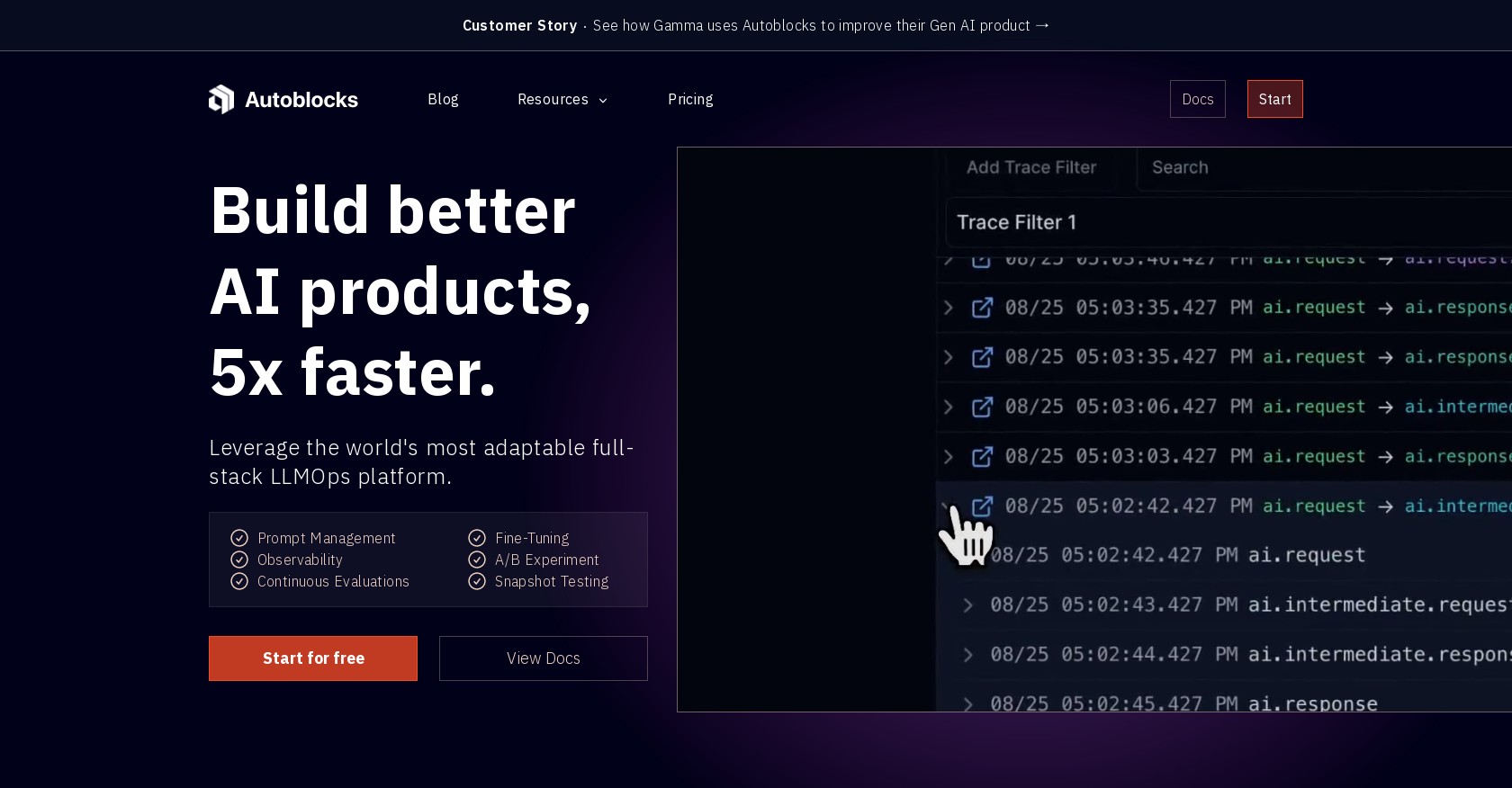
- Catch regressions before your users do: prototype and backtest LLM pipeline changes with snapshot testing and continuous evaluations, then deploy to production after the changes have been tested.
- Pinpoint exactly where an AI conversation breaks down: trace entire user interactions and see how each orchestration step affects user experience with built-in LLM observability and debugging.
- Pick winning prompts and configurations based on data: run A/B experiments and read the results in visual dashboards that show how each variant performs.
- Keep prompt engineering organized across your whole team: centralized prompt management and shared collaboration features let developers and reviewers debug and iterate on prompts together.
- Reproduce production issues in minutes: pipeline replay and smart replay insights let you rerun real traffic to investigate failures and verify fixes.
- Hear about quality drops right away: custom alerts flag problems in your AI product monitoring so your team responds fast.
- Tailor model behavior to your exact use case: fine-tuning workflows sit in the same LLMOps stack as your evaluations and testing.
- Adopt LLMOps without rewriting your application: Autoblocks integrates with any codebase or tech stack, so you can add monitoring and testing to an existing AI product.
- Search high-volume AI event data at enterprise scale: scalable data ingestion and search keep every logged interaction queryable as usage grows.
- Pass enterprise security reviews: data encryption, single sign-on (SSO), continuous security monitoring, and compliance auditing protect sensitive user data.
- Get expert answers while you ship: a team of AI experts and shared Slack channel support help resolve production questions quickly.
- Start with free observability and upgrade when you need more: the free plan covers essential LLM monitoring, the Builder plan gets AI products into production, and the Growth plan unlocks the full LLMOps stack.
Alternatives to Autoblocks
Tools that share the most tags with Autoblocks.
- Explain by Whybug
Understand complex error messages instantly with AI analysis trained on StackExchange data
Free
Not listed
Not yet checked
- Multiplayer.app
Eliminate guesswork in bug reports by capturing the entire application stack—frontend screens, backend traces, logs, and API calls—all correlated in a single replay.
Free trial · from $20/month
$20/month
Not yet checked
- Anycode AI
Fix 6x more code vulnerabilities within the same timeframe through automated detection and rapid remediation
Not listed
Not listed
Not yet checked
- Raygun
Fix software errors in minutes instead of hours with AI-powered error resolution that analyzes patterns and recommends specific solutions
Free trial · from $40/year
$40/year
Not yet checked
- Grit.io
Complete code migrations 10x faster than manual efforts with automated pull request generation for technical debt cleanup
Freemium · from $39/month
$39/month
Not yet checked
- DevLensPro
Fix UI bugs instantly by clicking problematic elements, with real-time WebSocket delivery to Claude Code for immediate AI analysis and correction
Freemium · from $11.95/month
$11.95/month
Not yet checked
Reviews
Rate this tool
Loading reviews...