

Overview
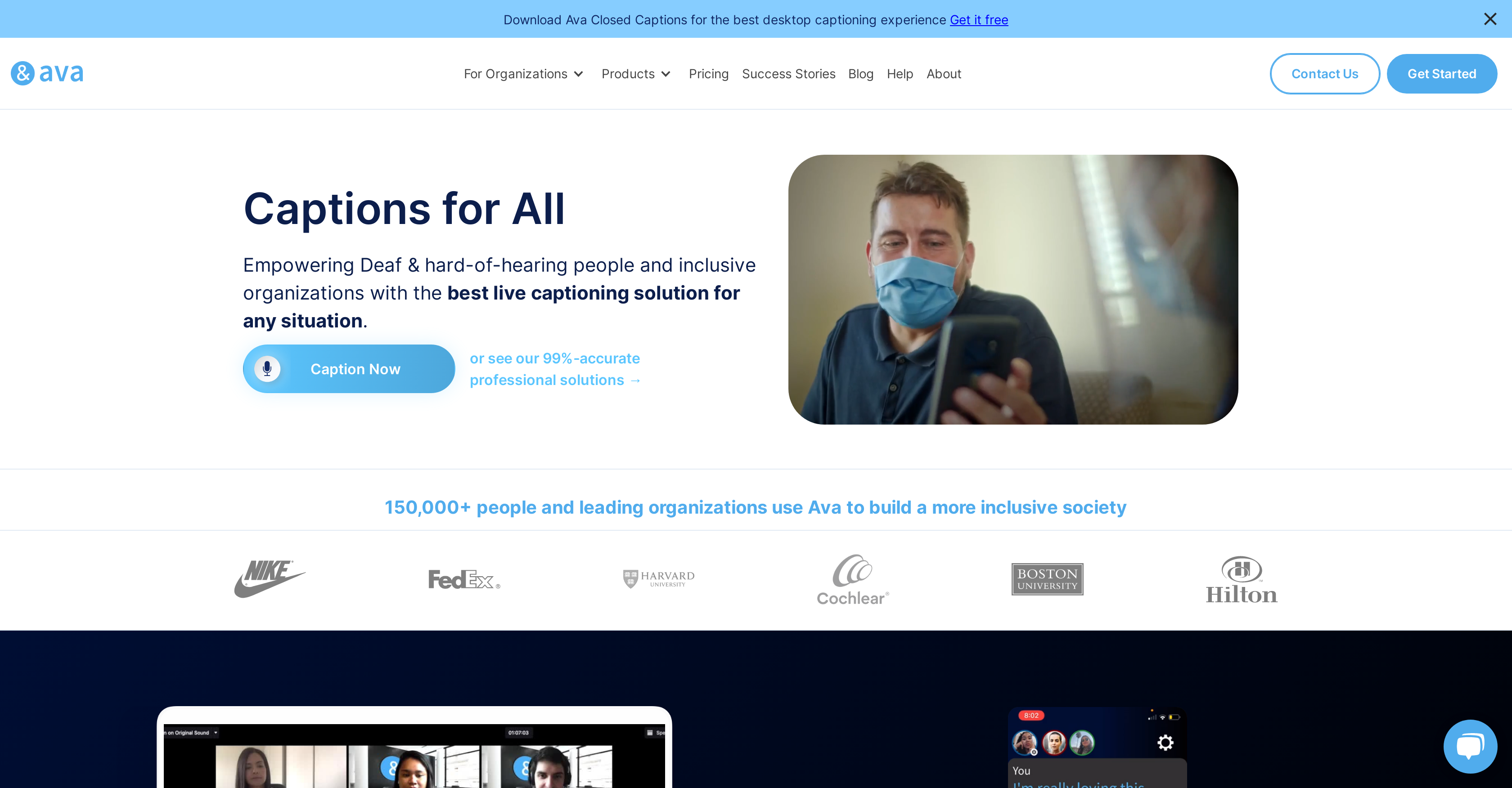
- Follow every conversation effortlessly with live captions that display in real-time during video calls and in-person meetings
- Maintain complete ADA compliance for workplace and educational settings through certified professional captioning services
- Keep permanent records of important discussions with automatically saved transcripts that capture every detail
- Create quick reference documents from lengthy meetings with AI-generated conversation summaries that highlight key points
- Eliminate communication barriers across business sectors with seamless integration into any video conferencing platform
Related Articles
Pros & Cons
Pros
- One-click captioning
- 24/7 communication access
- Real-time transcription
- Provides color-coded captions
- Offers professional scribe services
- ADA-compliant technology
- HIPAA-compliant tool
- Transcript saving for later review
- Captioning for virtual and physical meetings
- Multiple sectors application
- Availability of multiple products
- Integration with video conferencing platforms
- Conversation summaries
- Adaptable for professional and personal use
- Ava Scribe for higher-quality captioning
- Ava Connect for seamless integrations
- Stores transcripts and generates summaries
- Closed captioning for diverse situations
- Desktop and Mobile Applications
- Helps create inclusive environments
Cons
- Lacks multi-language support
- No offline functionality
- May require professional scribes
- Less accurate without scribes
- Dependent on quality microphones
- Potential for delayed captions
- Lack of privacy for conversations
- Requires high-speed internet
- No integration with all platforms
- Limited customization options
Reviews
Rate this tool
Loading reviews...
Pricing
Pricing model
Free Trial
Paid options from
$14.99/month
Billing frequency
Monthly


