
Overview
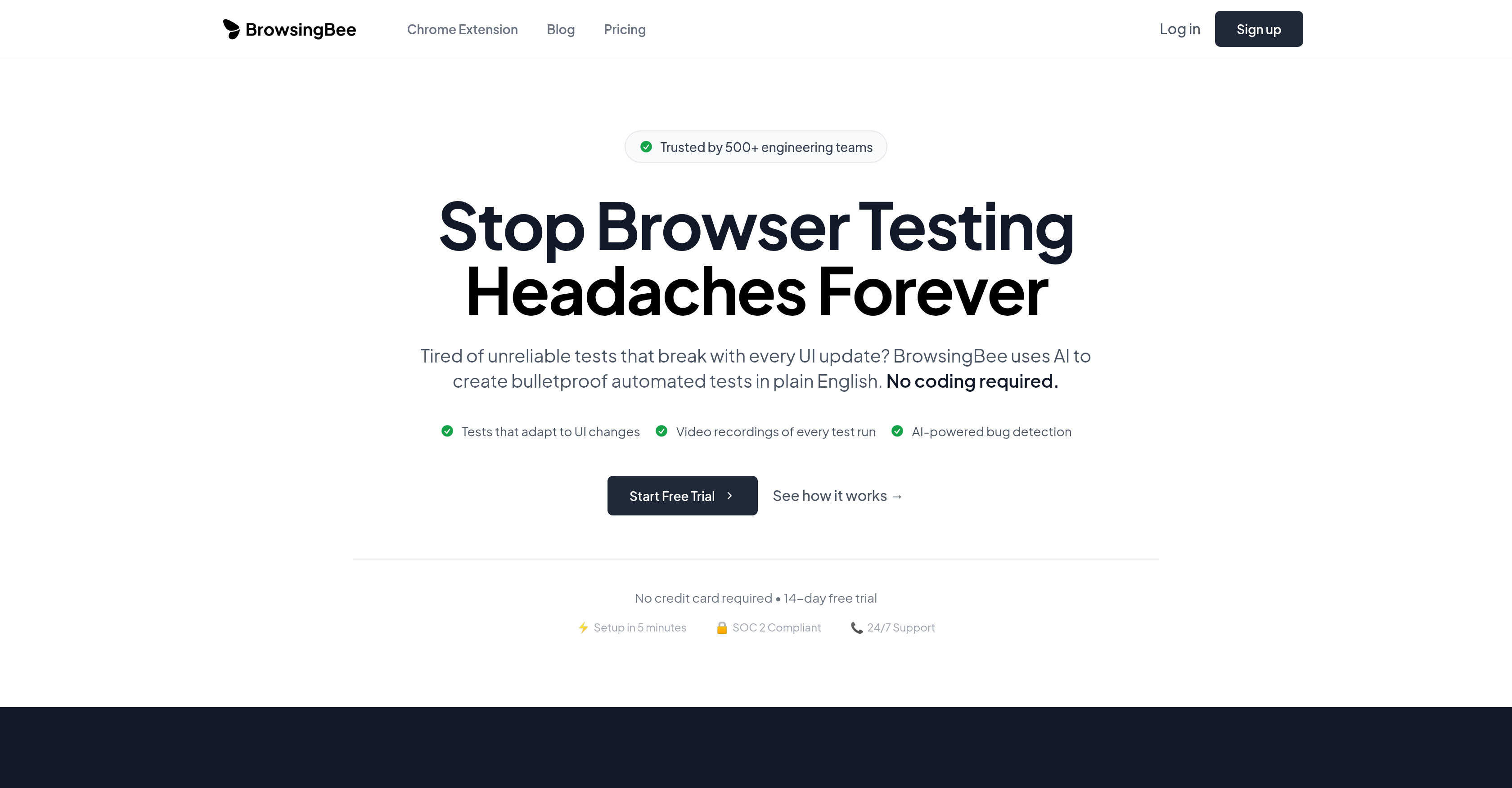
- Eliminate test maintenance with self-healing tests that automatically adapt to UI changes in real-time
- Create automated tests instantly using plain English commands without any coding knowledge
- Catch bugs before users do through AI pattern recognition that proactively predicts potential failures
- Debug efficiently with video recordings of every test run showing exactly what happened
- Ensure consistent user experience across Chrome, Firefox, Safari, and Edge with comprehensive cross-browser testing
- Maintain enterprise-grade security with SOC 2 compliance and role-based access control
- Receive instant alerts when tests fail through smart notifications via Slack, email, or webhook
- Test complete user workflows from sign-up to purchase with comprehensive user journey testing
Pros & Cons
Pros
- Automated tests in English
- No coding knowledge needed
- Self-healing tests
- Adapts to UI changes
- Minimized test maintenance
- Video recordings for debugging
- Predictive bug identification
- Regression Testing
- User Journey Testing
- Cross-Browser Testing
- Performance Testing
- Scheduled Monitoring
- E-Commerce application testing
- SaaS application testing
- Multiplatform application testing
- Finance application testing
- Healthcare application testing
- Easy setup process
- Minimal maintenance required
- SOC 2 Compliance
- Role-based access control
- Intensive analytics
- Smart notifications
- Audit logs
- Maintenance time reduction
- Tests creation in English
- Chrome extension
- Free trial available
- 14-day free trial
- No credit card required
- Detailed test reports
- 95% time saved in setup
- Immediate notifications on issues
- Slack, email, and webhook alerts
- Enterprise Security
- Automated tests creation
- Security and Compliance Testing
- Monitoring scheduled
- Monitor page load times
- API response monitoring
- User experience metrics
- No-Code Test Creation
- 99.9% Uptime SLA
- 24/7 Support
- 10x Faster Test Creation
- 95% Reduction in Test Maintenance
Cons
- Lacks multi-language support
- No mobile testing
- Limited by plain English
- No option for coding tests
- Potential over-reliance on 'self-healing tests'
- No API testing
- Lacks integrated code editor
- No local testing capabilities
- No free tier pricing
Reviews
Rate this tool
Loading reviews...
❓ Frequently Asked Questions
BrowsingBee is an AI-supported Browser Testing tool. It offers support to engineering teams to create automated tests in plain English. The AI feature of BrowsingBee enables 'self-healing tests' which adapt in real-time to UI changes. It also records every test run for enhanced debugging and proactively predicts potential software bugs. BrowsingBee serves a range of testing needs, from Regression Testing to Scheduled Monitoring, and caters to different industry applications. It also secures SOC 2 compliance, offering robust security.
BrowsingBee's AI support feature utilizes artificial intelligence to offer 'self-healing tests'. These tests adapt in real-time to changes in software's user interface. The AI-enabled system is also capable of identifying patterns in the testing process and proactively predicting potential bugs.
'Self-healing tests' in BrowsingBee are tests that adapt to software's UI changes in real-time. Leveraging AI, these tests are capable of healing themselves by adjusting to the UI changes, eliminating the need for extensive test maintenance.
Yes, BrowsingBee can predict bugs before they reach the users. This is done by identifying patterns in the test to proactively predict potential bugs. This AI-enabled prediction helps to ensure product quality and user experience.
BrowsingBee supports a wide range of testing needs. It includes Regression Testing, User Journey Testing, Cross-Browser Testing, Performance Testing, and Scheduled Monitoring.
BrowsingBee improves your debugging process by offering video recordings of every test run. This allows you to understand what happened during a test and effectively debug the software.
BrowsingBee can be used across various industries. It caters to applications ranging from E-Commerce and SaaS to Multi-Platform, Financial, and Healthcare apps.
No, there are no prerequisites to use BrowsingBee. The tool is designed to create automated tests in plain English without any prerequisite coding knowledge required.
Despite its advanced capabilities, BrowsingBee requires minimal maintenance. Its self-healing tests feature minimizes the need for test maintenance by adapting to changes in real time.
SOC 2 compliance in BrowsingBee refers to its adherence to the standards for managing customer data based on five 'trust service principles'—security, availability, processing integrity, confidentiality and privacy. It provides reliable assurance on the controls related to security, confidentially, and privacy of customer's data.
BrowsingBee’s security features include SOC 2 compliance and role-based access control. These features ensure that the platform is secure and that access to data and features is controlled and regulated based on assigned roles.
BrowsingBee’s analytics offer intensive insight into the testing process. It produces detailed reports on test coverage, success rates, and performance trends, providing the users with a comprehensive understanding of the software testing.
BrowsingBee provides smart notifications. Users receive alerts via Slack, email, or webhook when tests fail ensuring they are aware of any issues as soon as they occur.
Yes, BrowsingBee can be used for performance testing. It monitors page load times, API response times, and user experience metrics in its performance testing process.
Yes, BrowsingBee is suitable for cross-browser testing. It runs tests across Chrome, Firefox, Safari, and Edge to guarantee a consistent user experience across different browsers.
Yes, BrowsingBee does offer user journey testing. It is capable of testing complete user workflows, from sign-up to purchase, ensuring critical processes work flawlessly.
The setup process for BrowsingBee is simple. It is designed to have an easy setup process and takes minimal time to get started with the testing process.
Yes, BrowsingBee can be used for regression testing. With every deployment, it's able to automatically test your entire application, detecting any potentially harmful alterations.
Yes, BrowsingBee does have an audit logs feature. This helps to keep track of all activities performed during the testing process.
BrowsingBee uses AI to actualize 'self-healing tests'. These tests adapt in real-time to changes in the software's UI, reducing test maintenance time significantly. Additionally, the AI identifies patterns in the tests and predicts potential bugs, further aiding test maintenance.
Pricing
Pricing model
Free Trial
Paid options from
$24.20/month
Billing frequency
Monthly
Related Videos
PPTs Made Easy - No-Code Testing with BrowsingBee
BrowsingBee•3 views•Aug 21, 2025